Best Incident Reporting Software in 2026 (Top-Rated Tools Reviewed)
This is a subtitle for the blogpost

Choosing the best incident reporting software in 2026 means looking past the capture form to what happens after an incident is logged.
This guide reviews ten incident reporting tools across workplace safety, IT, and compliance. We compare how each one captures reports, routes them, resolves the follow-up work across your systems, and holds up under audit.
Key Takeaways (TL;DR)
The best overall incident reporting software: Noxus is the strongest choice for regulated and enterprise teams, because it does not stop at logging an incident; it resolves the follow-up work end-to-end across the systems you already run, with a full audit trail. Your business rules govern every decision, so incident handling stays consistent and provable.
Why you need it: Incident reporting software turns scattered reports from email, paper, and forms into one tracked record, so nothing slips and patterns surface before they become costly.
Who it's for: Health and safety managers, IT and service desk leaders, and compliance officers who need to capture incidents, act on them fast, and prove they were handled correctly.
How to choose the right one: Match the tool to your incident type, check it connects to the systems you already use, and confirm it gives you a complete, auditable trail. Resolution depth and pricing model then separate the field.
Expected price: Most incident reporting tools charge per user per month. Entry paid plans run from about $19 to $24 (roughly £15 to £19; pound figures are approximate, at about $1.27 to the pound), with free tiers for small teams and EHS or enterprise tools quoted on request. Noxus runs on a consumption-based monthly licence, custom per client, that scales with incident volume rather than headcount.
Table of Contents
Top Incident Reporting Software in 2026: At a Glance
← scroll to see all columns →
| Company | Best For | Key Features | Pricing |
|---|---|---|---|
| Noxus | Regulated and enterprise teams resolving incidents across legacy systems | End-to-end resolution400+ connectorsRule-based decisionsFull audit trailFlexible deployment | Custom, consumption-based |
| SafetyCulture | Frontline workplace safety reporting | Mobile capturePhoto and videoTemplatesAction tracking | Free Paid from ~$24/user/mo |
| Intelex EHSQ | Enterprise EHS and quality compliance | Centralised data hubBody mappingRoot cause analysis | Custom |
| Velocity EHS | Mid-market EHS programmes | 25+ templatesOffline mobileCustom dashboards | Custom |
| Notify Technology | UK safety and near-miss reporting | Offline mobile appGPS mappingSpeech-to-textInvestigations | Custom |
| PagerDuty | IT operations and on-call response | Alert routingOn-call schedulingPostmortems | Free Paid from ~$21/user/mo |
| Xurrent | AI-assisted ITSM incident management | Service managementAI triageSOC 2 and ISO certified | Custom, quote-based |
| Freshservice | IT service desk incident management | Multi-channel ticketsSLA trackingKnowledge base | From ~$19/user/mo |
| ServiceNow | Large-enterprise ITSM and risk | Incident workflowsCMDBBroad automation | Custom |
| Jira Service Management | Developer and Atlassian-native teams | Incident queuesAlertingNative Atlassian links | Free (up to 3 agents) From ~$22/agent/mo |
What Is Incident Reporting Software?
Incident reporting software is a tool that records, tracks, and manages incidents, from a workplace injury or near-miss to an IT outage or a compliance breach.
An incident reporting system replaces paper forms, spreadsheets, and email chains with one record that captures what happened, routes it to the right people, and tracks it to resolution. Most products add mobile capture, photo and document attachments, automated alerts, and dashboards that turn raw reports into trends.
The market splits into two camps. Workplace safety and EHS tools focus on frontline capture and regulatory logs such as RIDDOR. IT incident management tools focus on outages, alerting, on-call response, and service restoration.
Both camps share the same weakness. They are strong at capturing and routing a report, but the actual resolution still depends on people working across other systems by hand.
That gap is where incident handling stalls, and it often spills into broader operational work that overlaps with workflow automation software.
Why Do You Need Incident Reporting Software?
Unreported and slow-moving incidents cost money, time, and trust. In Great Britain alone, workplace injuries and ill health cost an estimated £22.9 billion a year, according to the Health and Safety Executive.
When incidents live in inboxes and spreadsheets, three problems follow. Reports go missing, so root causes never get fixed. Handling differs by person, shift, and site, which creates inconsistent outcomes. And when a regulator or auditor asks for proof, no one can show a clean trail.
The best incident reporting tools fix the first mile by giving everyone one way to log an incident. Good ones also speed up the response, so injuries get investigated and outages get resolved before they spread.
The harder problem is the last mile. After an incident is logged, someone still has to update the case in your core systems, notify the right teams, and close the loop with a record that stands up later. Software that captures a report but leaves that work manual only moves the bottleneck. The outcome you actually want is fewer repeat incidents, faster resolution, and a record you can defend.
Who Needs Incident Reporting Software?
Incident reporting software fits any organisation that has to capture, act on, and account for things going wrong. The detail below maps the roles that rely on it most and the problems each one is trying to solve.
Health, Safety and EHS Managers
Health and safety managers own injury, near-miss, and hazard reporting across sites and shifts. They struggle with under-reporting, slow investigations, and manual RIDDOR or regulatory logs.
They need mobile capture that frontline staff actually use, plus action tracking that proves each incident was investigated and closed.
IT and Service Desk Leaders
IT and service desk leaders handle outages, security events, and service requests, often under tight SLAs. Alert noise, slow triage, and fragmented on-call processes drive up downtime and burn out responders.
They need fast routing, clear on-call ownership, and postmortems that cut repeat incidents.
Compliance, Risk and Quality Officers
Compliance and risk officers carry the regulatory weight of every incident, from data breaches under GDPR to operational resilience under DORA and NIS2. Their problem is proof, because inconsistent handling and missing audit trails turn a single incident into a finding.
They need rule-based handling and a complete, replayable record of who did what and why.
Operations Directors and Shared-Services Leaders
Operations directors run high volumes of incidents across multiple legacy systems, where each case touches three to seven tools. Manual swivel-chair work between those systems slows resolution and adds errors.
They need software that connects to the systems they already run and resolves the follow-up work, not only the intake.
Mid-Market Operations Owners
Mid-market operations owners often combine the safety, IT, and compliance roles in one person. They want fast results without a long IT project or a large team to run the tool.
They need quick deployment, a clear price, and measurable impact in the first quarter.
Best Incident Reporting Software: In-Depth Reviews & Comparison
Here is a closer look at each tool, what it does well, where it falls short, and who it suits. We start with Noxus, then work through nine alternatives across safety, IT, and compliance.
1. Noxus
Overview
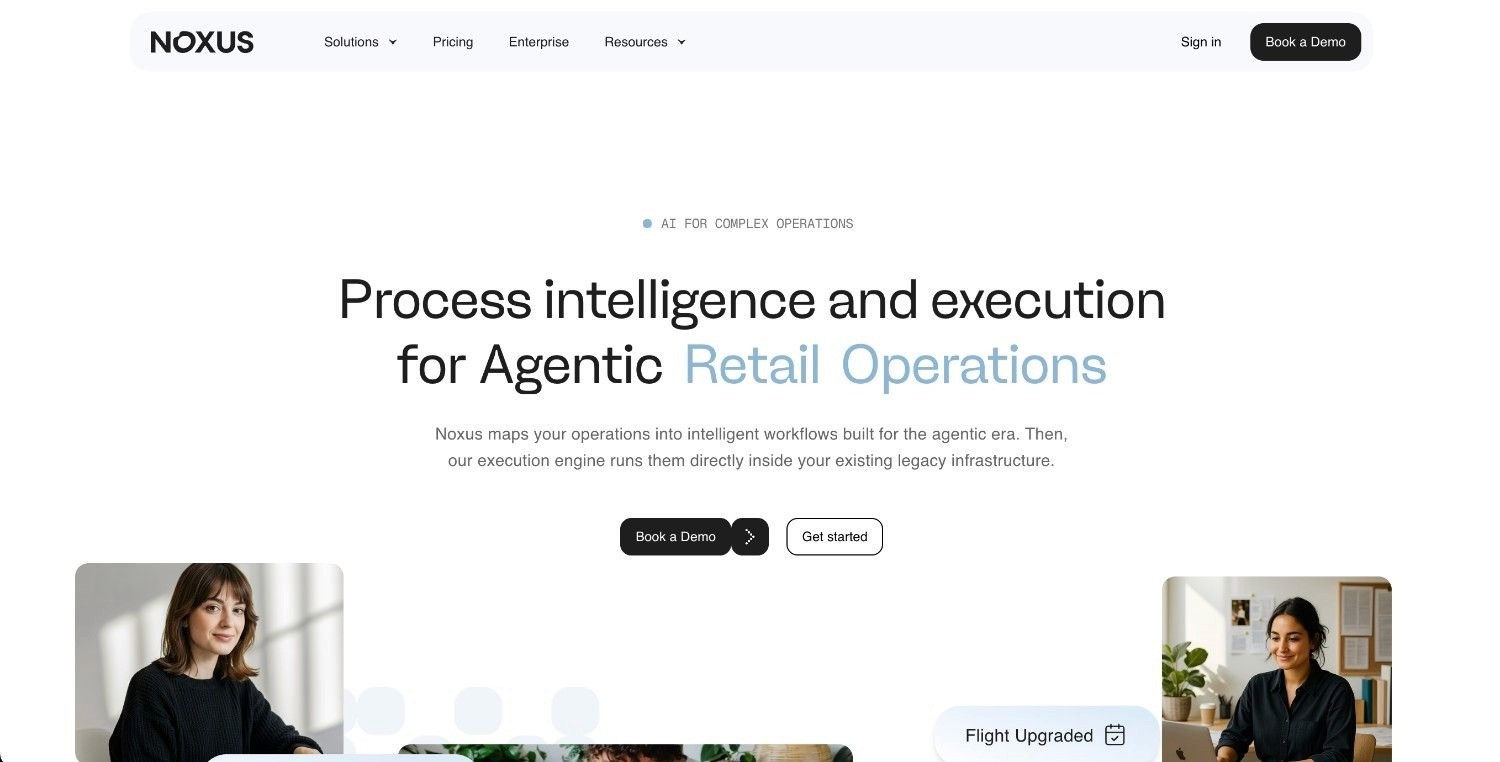
Noxus is a process intelligence layer that runs enterprise operations end-to-end across complex, legacy-heavy systems. In incident reporting, it works where most tools stop, carrying an incident from intake through to a resolved outcome across the systems you already run.
It tackles the failure most incident reporting tools share. They capture and route a report, but a person still has to resolve it by hand across SAP, ServiceNow, Oracle, and in-house systems. Noxus reads the unstructured intake, an email, a scanned form, a portal submission, applies your hard-coded business rules, executes the actions, and writes the outcome back to your systems of record with a complete audit trail.
Deployed clients include a Tier 1 European bank, a major healthcare group, and a large retailer, with production deployments in 45 to 80 days and documented ROI of 3 to 5x. Noxus is built for European regulation and runs within GDPR, the EU AI Act, DORA, and NIS2.
Ideal For
Operations teams resolving high volumes of incidents across multiple legacy systems
IT and service teams routing and closing incidents inside ServiceNow, Jira, and Outlook
Compliance officers who need structural GDPR, SOC 2 Type II, ISO 27001, and HIPAA adherence
Digital and AI leaders moving incident automation from pilot to production
Mid-market operations owners who want fast, measurable results with little IT overhead
Top Features
End-to-end resolution: Noxus gathers data, applies policy rules, executes actions, and writes outcomes back to source systems, so incidents close without manual handoffs.
Rule-based decisions: Hard-coded business logic, mapped from your own procedures, governs every regulated action, which removes guesswork from consequential outcomes.
Full audit trail: Every run produces a replayable record of what happened and why, which compliance teams use to prove governance after an incident.
Legacy system interaction: It navigates interfaces and runs multi-step lookups directly inside SAP ECC, Guidewire, ServiceNow, and Oracle, with no API layer or middleware project required.
400+ native connectors: Pre-built links across CRM, ERP, ITSM, communications, identity, and payments connect incident handling to the rest of your stack.
Flexible deployment: Run it as managed software, in your own cloud, or fully air-gapped on-premises, with an open-core guarantee that you keep the code if the relationship ends.
Why Noxus Stands Out
Noxus separates AI interpretation from rule execution at the architecture level. No language model decides whether to escalate a breach, approve a claim, or close a regulated incident. Your rules do.
That design removes AI guesswork from the decisions that carry consequences, while the AI still handles the messy, unstructured intake. The result is incident handling that is consistent across all sites, shifts, and regions.
It needs no infrastructure overhaul to start. If your team can operate the system today, Noxus can be configured to operate it too, with a first workflow typically live within 30 days. Noxus is certified against SOC 2 Type II, ISO 27001, GDPR Article 28, and HIPAA, with zero client churn to date.
Pros
Resolves incidents end-to-end instead of stopping at capture and routing
Runs on legacy systems with no modern APIs or middleware project required
Rule-based decisions keep regulated incident handling consistent and provable
Complete, replayable audit trail on every action
Air-gapped, on-premises, and private-cloud options for strict data residency
Zero client churn, with documented three to five times ROI
Cons
Not built for small businesses with simple software stacks
Not a mobile-first capture app for frontline safety photos and checklists
Requires upfront mapping of your incident-handling rules and policies
Pricing
Noxus runs on a monthly licence with included operations volume. There is no per-seat, per-token, or outcome-based billing, so costs stay predictable and scale with incident volume, not headcount. Deployment architecture and scale set the price, and every engagement comes with a clear ROI case before work begins.
Final Verdict
Noxus is the best incident reporting software for regulated and enterprise teams that need incidents resolved, not only logged, across legacy systems. By enforcing your rules and keeping data in your control, it closes the audit and consistency gaps that follow most incident handling at scale.
2. SafetyCulture
Overview
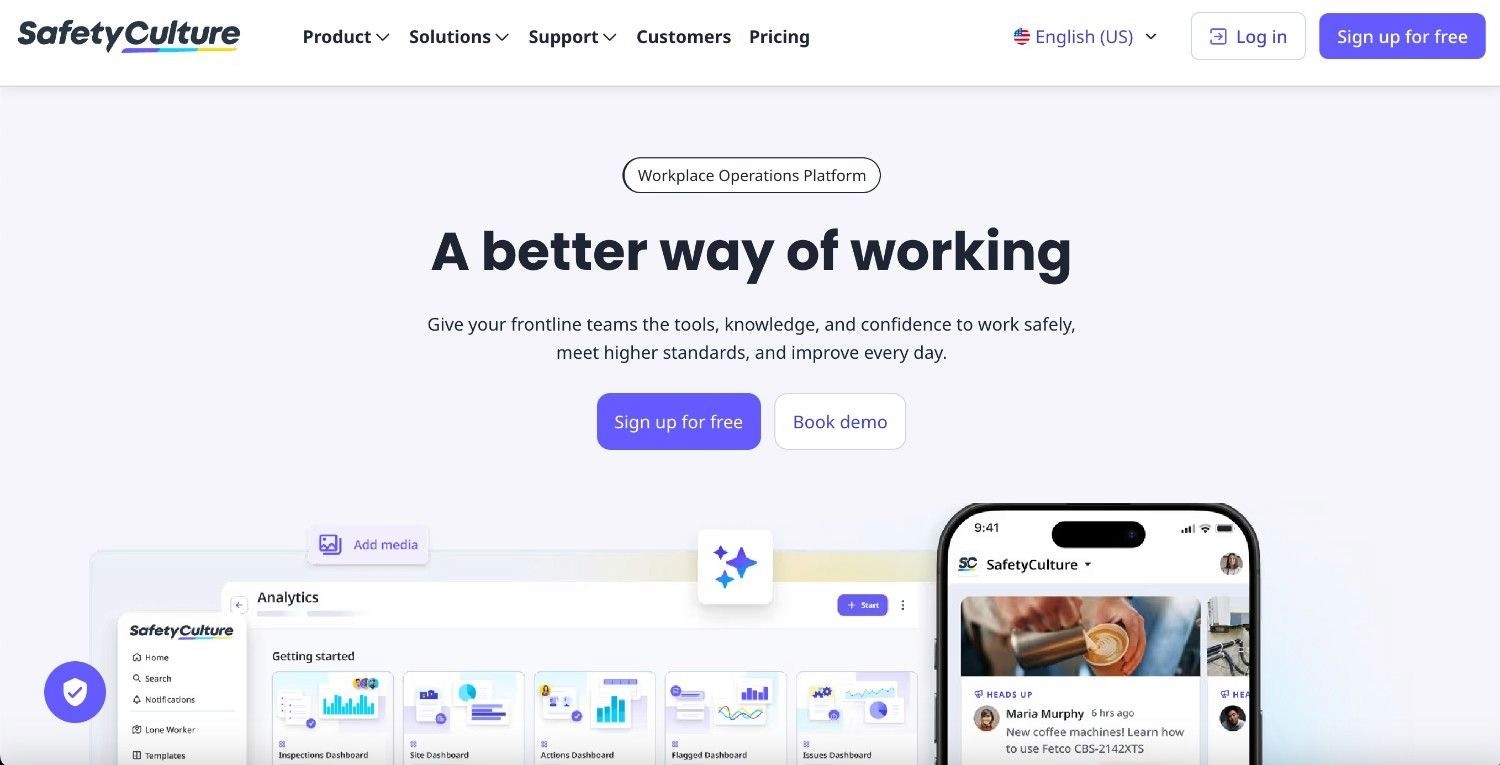
SafetyCulture, formerly iAuditor, is workplace safety software built for frontline incident and inspection reporting from a phone.
It solves the under-reporting problem by making capture fast, so staff log incidents with photos, videos, and signatures using pre-made templates, then trigger actions and alerts. It suits organisations where the priority is getting the report in from the field.
Ideal For
Frontline teams in construction, manufacturing, retail, and hospitality
Health and safety managers standardising incident and inspection capture
Organisations that need offline mobile reporting across many sites
Top Features
Mobile incident capture: Pre-built templates let staff report incidents with photos, videos, and signatures from any device.
Action tracking: Assign, track, and close corrective actions so each incident has an owner.
Training modules: Built-in courses help teams reinforce safe behaviour after an incident.
Why They Stand Out
SafetyCulture is one of the smarter choices for frontline capture because the mobile app is genuinely easy to use, which lifts reporting rates. Its template library and action tracking cover the core safety reporting loop without a heavy rollout.
Pros
Fast, intuitive mobile capture that frontline staff adopt
Large template library for incidents and inspections
Free tier for small teams, with action tracking built in
Cons
Focused on safety and inspections, not IT or operational incidents
Limited resolution depth beyond corrective actions
Deeper analytics and integrations sit behind higher tiers
Pricing
SafetyCulture offers a free plan, with paid tiers from about $24 per user per month (about £19) and custom enterprise pricing.
Final Verdict
SafetyCulture works well for organisations that mainly need frontline safety capture and corrective actions. Teams that need to resolve incidents across IT or back-office systems will find its scope too narrow.
3. Intelex EHSQ
Overview
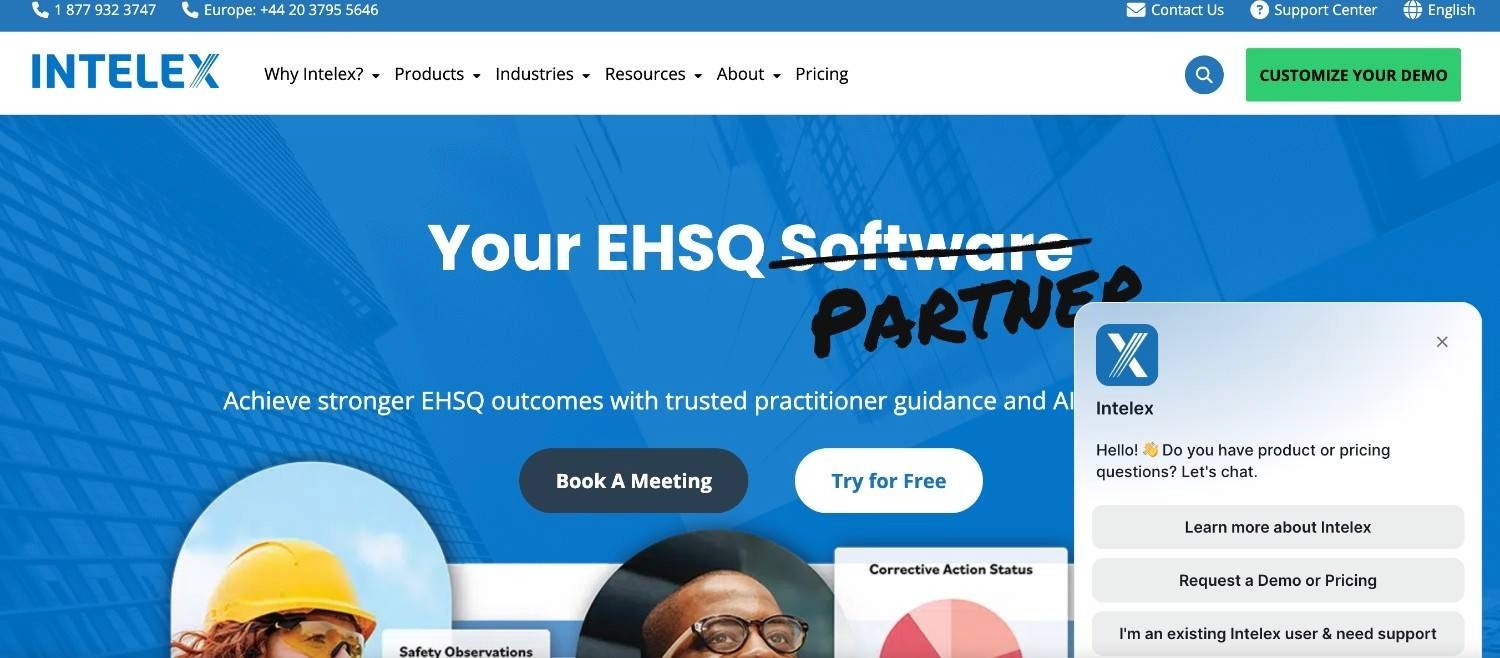
Intelex is enterprise EHSQ software that centralises environmental, health, safety, and quality data, including incident reporting.
It targets large, regulated organisations that need one record across many sites and strict compliance reporting. Incident management sits alongside audits, inspections, and corrective actions in a single data hub.
Ideal For
Large industrial and manufacturing organisations
EHS and quality teams managing multi-site compliance
Companies standardising incident data across regions
Top Features
Centralised data hub: One record for incidents, audits, and corrective actions across sites.
Body mapping: Pinpoints injury locations for faster, clearer incident records.
Root cause analysis: Built-in tools link incidents to underlying causes for prevention.
Why They Stand Out
Intelex is one of the strongest options for enterprise EHSQ depth. Its configurable modules and reporting suit organisations that treat incident data as part of a wider compliance programme rather than a standalone log.
Pros
Deep EHSQ functionality across safety and quality
Strong reporting and analytics for compliance
Configurable to complex, multi-site requirements
Cons
Configuration and rollout can be slow and resource-heavy
Interface feels dated compared with mobile-first rivals
Priced for large enterprises, with custom quotes only
Pricing
Intelex uses custom enterprise pricing based on modules and user count, quoted on request.
Final Verdict
Intelex suits large enterprises that need EHSQ depth and compliance reporting in one place. Smaller teams, or those after fast frontline capture, will find it heavier than they need.
4. Velocity EHS
Overview
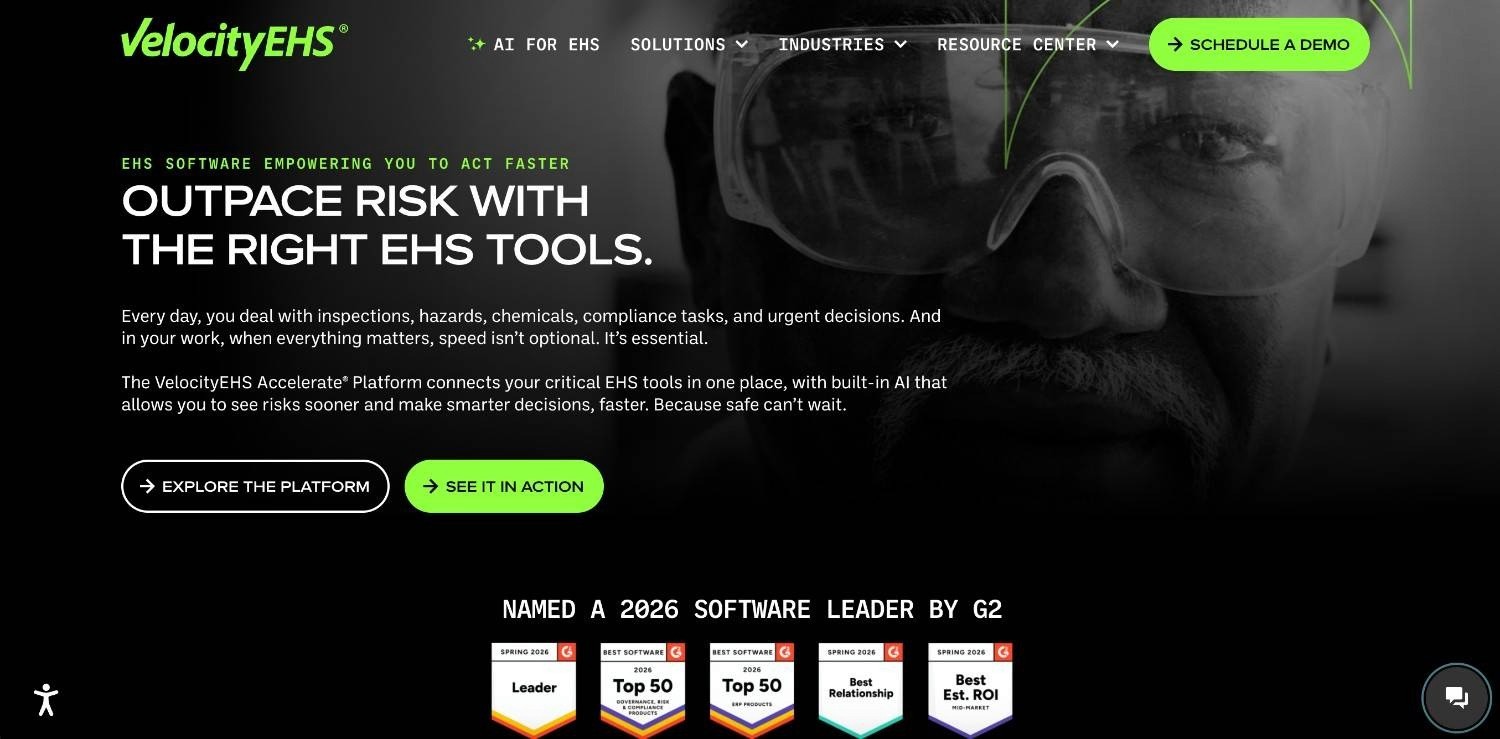
Velocity EHS is cloud EHS software that covers incident reporting alongside chemical, ergonomics, and compliance management.
It aims at mid-market and enterprise EHS teams that want pre-built content and templates to launch quickly. Incident reporting comes with dashboards and offline mobile access for field teams.
Ideal For
Mid-market EHS teams wanting fast setup
Safety managers who need ready-made templates
Field teams reporting from areas with poor connectivity
Top Features
25+ pre-built templates: Launch incident reporting without building forms from scratch.
Offline mobile access: Capture incidents in the field and sync when back online.
Custom dashboards: Track incident trends and corrective actions in one view.
Why They Stand Out
Velocity EHS is a sensible pick for teams that want EHS breadth without long configuration. Its template content and dashboards get a programme running quickly across common safety needs.
Pros
Quick to deploy with ready-made content
Broad EHS coverage beyond incidents
Reliable offline mobile capture
Cons
Scope is EHS only, not IT or operational incidents
Some modules feel less deep than specialist tools
Pricing is custom and can climb with added modules
Pricing
Velocity EHS uses custom pricing based on modules and organisation size, quoted on request.
Final Verdict
Velocity EHS fits mid-market EHS teams that value speed and breadth. Organisations needing incident handling beyond safety, or deep configuration, should look elsewhere.
5. Notify Technology
Overview
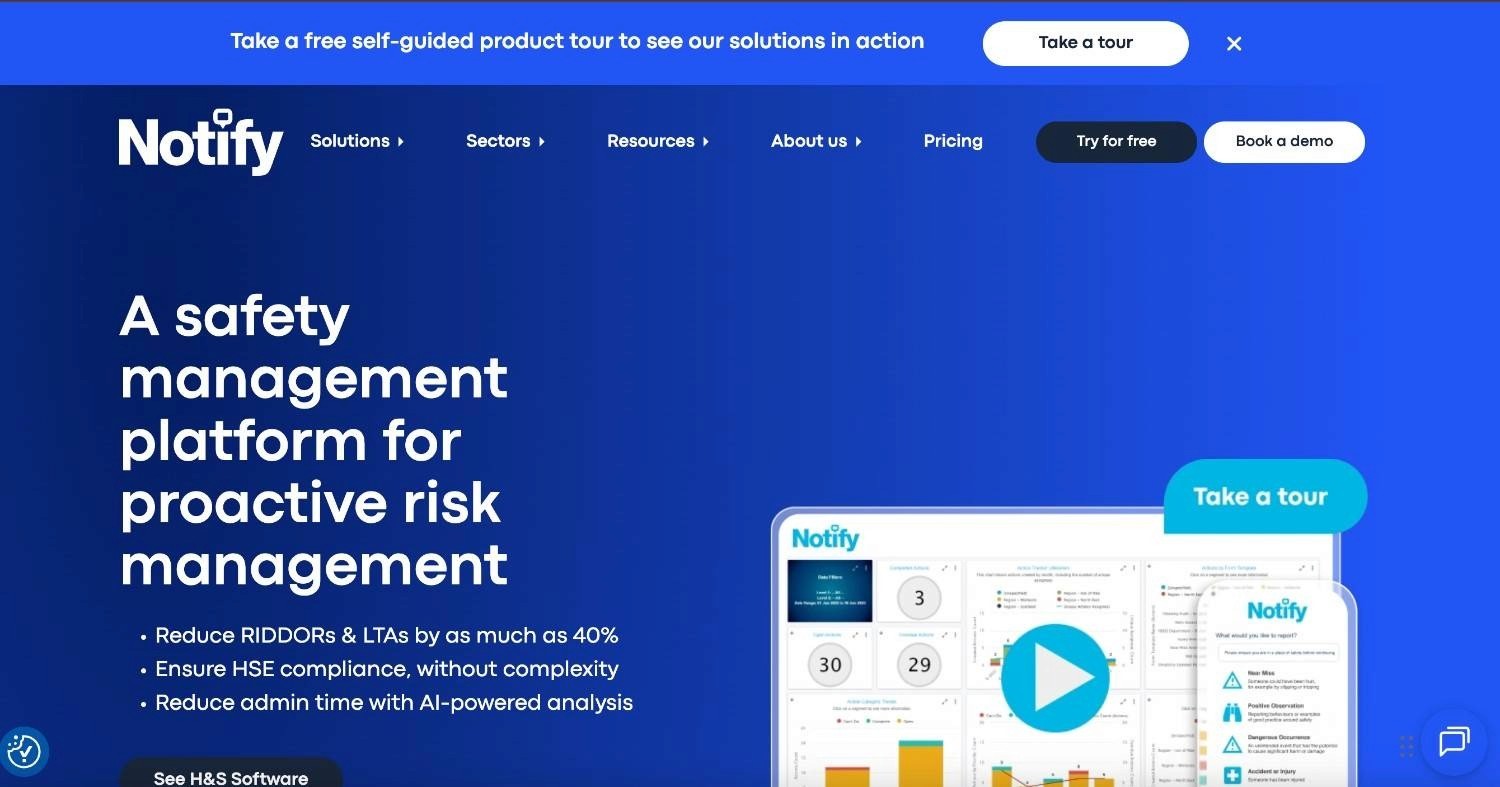
Notify Technology is UK-based EHS software focused on safety, near-miss, and incident reporting with a strong mobile app.
It helps safety teams lift reporting rates with offline capture, GPS mapping, and speech-to-text, then tracks investigations through to closure. It suits UK organisations that want capture and follow-up in one tool.
Ideal For
UK organisations managing safety and near-miss reporting
Frontline teams needing offline, location-tagged capture
Safety managers tracking multi-stage investigations
Top Features
Offline mobile app: Report incidents anywhere, with sync when connectivity returns.
GPS and photo evidence: Tag incident location and attach photographic proof.
Investigation tracking: Manage multi-stage investigations from report to closure.
Why They Stand Out
Notify Technology earns strong user ratings for its mobile app and support, which makes it one of the smarter UK safety picks. Speech-to-text and GPS mapping cut the effort of reporting from the field.
Pros
High user-rated mobile app with offline capture
GPS and speech-to-text speed up frontline reporting
Strong customer support and onboarding
Cons
Centred on EHS, not IT or operational incidents
Less suited to very large multi-region rollouts
Custom pricing with limited public detail
Pricing
Notify Technology uses custom pricing based on size and requirements, quoted on request.
Final Verdict
Notify Technology is a strong fit for UK safety teams that want high-adoption mobile capture and investigation tracking. It is less suited to organisations needing IT or cross-system incident resolution.
6. PagerDuty
Overview
PagerDuty is IT incident response software that detects, routes, and coordinates the response to outages and operational events.
It addresses downtime by turning alerts into structured response, with on-call scheduling, escalation, and postmortems. It suits engineering and operations teams that run always-on services.
Ideal For
DevOps and SRE teams managing live services
IT operations teams coordinating on-call response
Organisations reducing downtime and alert noise
Top Features
Alert routing: Smart on-call routing gets each incident to the right responder fast.
On-call scheduling: Manage rotations, escalations, and overrides in one place.
Postmortems: Structured reviews help cut repeat incidents.
Why They Stand Out
PagerDuty is one of the strongest tools for IT incident response, with deep integrations across monitoring and collaboration tools. Its on-call and escalation features are mature and widely adopted.
Pros
Mature on-call and escalation management
Large integration library across the IT stack
Strong postmortem and analytics tooling
Cons
Built for IT incidents, not safety or compliance reporting
Per-user pricing climbs quickly at scale
Coordinates response but does not resolve back-office work
Pricing
PagerDuty has a free tier, with paid plans from about $21 per user per month (about £17) and enterprise pricing on request.
Final Verdict
PagerDuty suits engineering teams that need fast, structured response to IT incidents. It is not designed for workplace safety reporting or cross-system resolution outside IT operations.
7. Xurrent
Overview
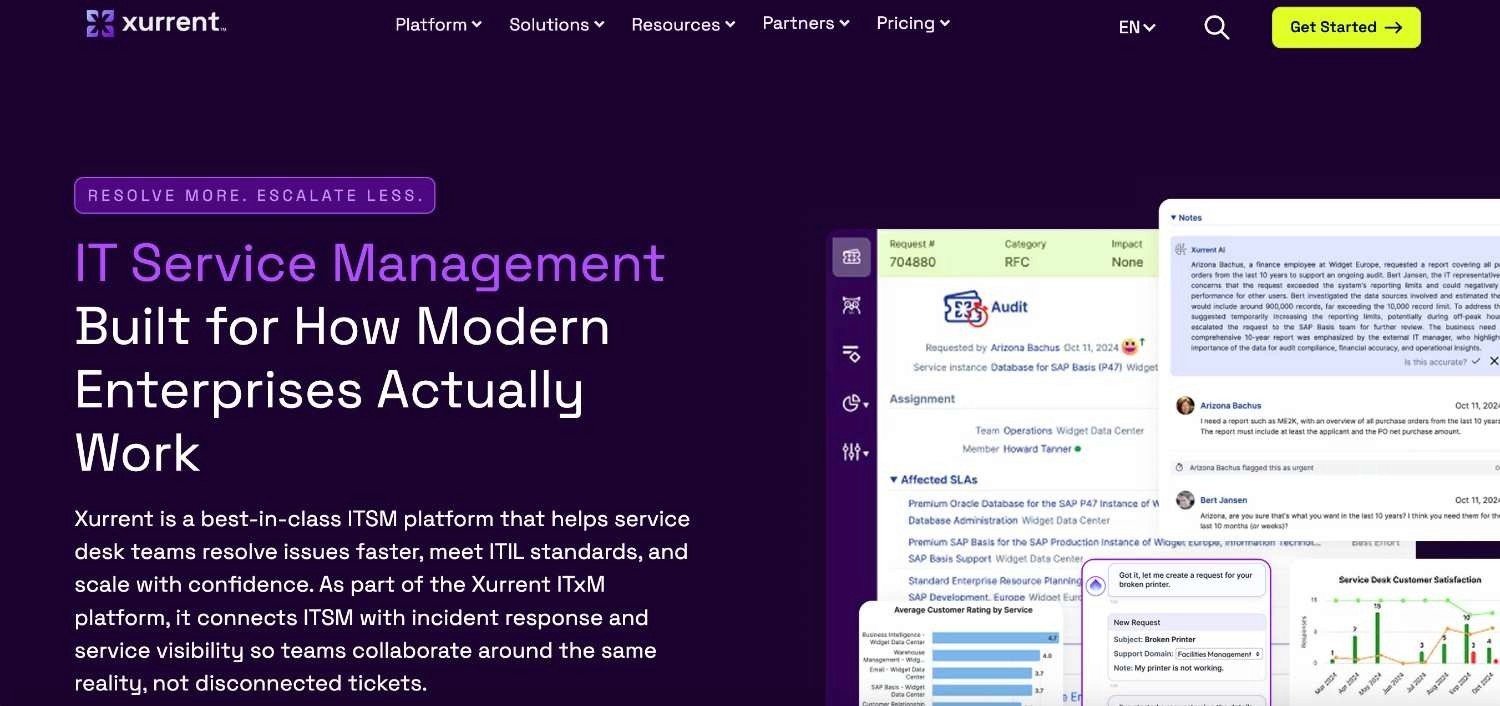
Xurrent is IT service management software with AI-assisted incident management for SRE, DevOps, and service teams.
It handles incidents inside a wider service management tool, with AI triage, routing, and integrations across the IT stack. It targets teams that want incident management as part of ITSM, not a standalone alerting tool.
Ideal For
SRE and DevOps teams wanting AI-assisted triage
IT teams consolidating incident and service management
Organisations after enterprise security certifications
Top Features
AI triage: Suggests routing and context to speed up first response.
Service management: Links incidents to problems, changes, and assets.
Certified security: SOC 2 and ISO certification support regulated environments.
Why They Stand Out
Xurrent is one of the smarter choices for teams that want modern ITSM with AI support built in. Its service management depth connects incidents to the wider IT lifecycle.
Pros
Guided proof-of-concept and sandbox for evaluation
AI-assisted triage and routing
Enterprise security certifications
Cons
Scope is IT service management, not safety or EHS
Newer than some incumbent ITSM tools
Advanced features need configuration to set up
Pricing
Xurrent does not publish list pricing; plans are quoted per organisation. There is no free tier, though a guided proof-of-concept and sandbox are available for evaluation.
Final Verdict
Xurrent fits IT teams that want AI-assisted incident management inside a modern ITSM tool. It is not aimed at workplace safety or compliance incident reporting.
8. Freshservice
Overview
Freshservice is cloud ITSM software that handles IT incidents, service requests, and changes from one help desk.
It tackles slow, fragmented IT support with multi-channel intake, SLA tracking, and a knowledge base. It suits IT teams that want straightforward incident and service management without heavy setup.
Ideal For
IT help desks managing incidents and requests
Mid-market teams wanting quick ITSM setup
Organisations standardising IT support channels
Top Features
Multi-channel intake: Capture incidents from email, portal, chat, and phone.
SLA tracking: Prioritise and escalate incidents against service targets.
Knowledge base: Publish fixes to deflect repeat tickets.
Why They Stand Out
Freshservice is a strong pick for teams that want approachable ITSM with fast onboarding. Its clean interface and SLA tools cover core IT incident management without a long rollout.
Pros
Easy to set up and use
Good value across mid-market IT teams
Solid SLA and knowledge base tools
Cons
Focused on IT, not safety or operational incidents
Deeper automation needs higher tiers
Reporting is lighter than enterprise ITSM suites
Pricing
Freshservice charges from about $19 per user per month (about £15), with higher tiers for more automation and analytics.
Final Verdict
Freshservice suits IT teams that want clean, quick incident and service management. It is not built for workplace safety reporting or cross-system resolution beyond IT.
9. ServiceNow
Overview
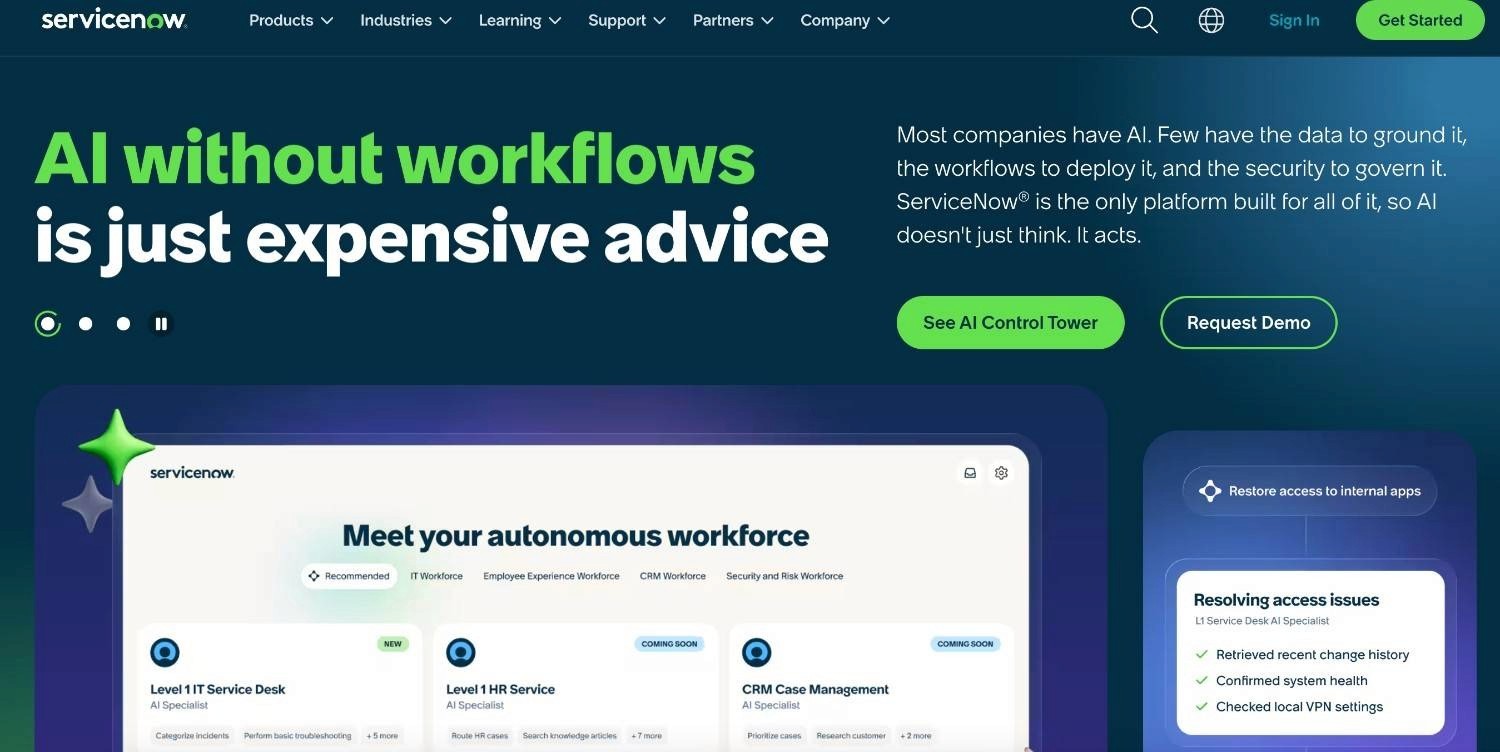
ServiceNow is enterprise software for IT service management, operations, and governance, with incident management at its core.
It targets large organisations that want incidents handled inside one connected system spanning IT, risk, and operations. Its breadth and automation suit complex, multi-team environments.
Ideal For
Large enterprises standardising ITSM at scale
Teams linking incidents to risk and governance
Organisations with the resources to run a broad system
Top Features
Incident workflows: Structured routing, escalation, and resolution at scale.
CMDB: A configuration database links incidents to affected services.
Broad automation: Workflow tools extend incident handling across teams.
Why They Stand Out
ServiceNow is one of the strongest enterprise choices for connecting incident management to the wider IT and risk estate. Its depth and automation suit organisations that need everything in one system.
Pros
Deep, configurable incident and service management
Strong governance and risk integration
Extensive automation and integration options
Cons
Costly and complex to implement and maintain
Needs specialist administrators
Heavier than most teams require for incident reporting alone
Pricing
ServiceNow uses custom enterprise pricing based on modules and users, quoted on request.
Final Verdict
ServiceNow fits large enterprises that want incident management inside a connected IT and risk system. Smaller teams, or those after a focused incident tool, will find it heavy and expensive.
10. Jira Service Management
Overview
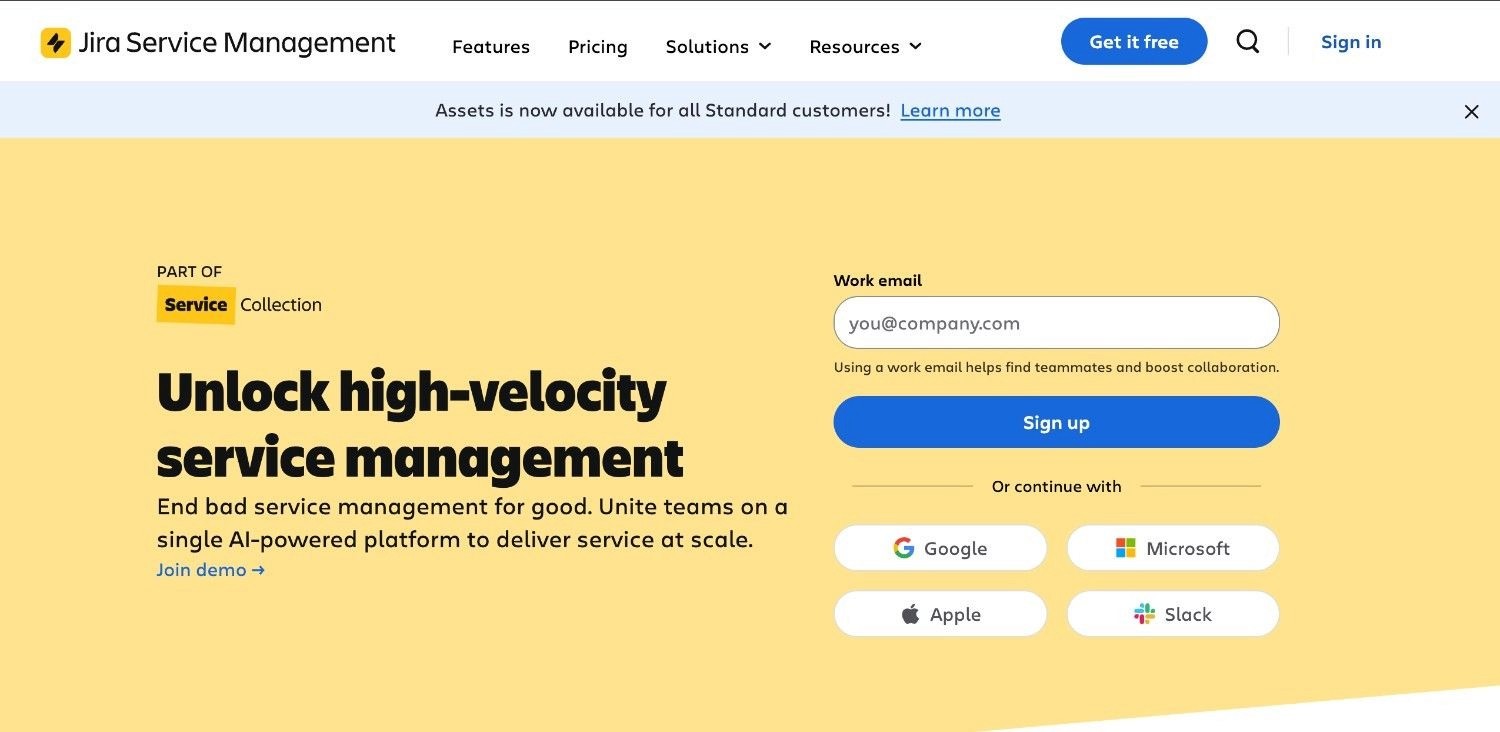
Jira Service Management is Atlassian's ITSM tool, with incident management built for teams already in the Atlassian stack.
It connects incidents to development work in Jira, with alerting, on-call, and queues. It suits engineering-led teams that want incident handling close to their code and projects.
Ideal For
Development and DevOps teams on Atlassian
IT teams wanting incidents linked to Jira issues
Organisations standardising on Atlassian tools
Top Features
Incident queues: Triage and assign incidents alongside development work.
Alerting and on-call: Built-in on-call and escalation from the former Opsgenie tools.
Atlassian integration: Native links to Jira, Confluence, and Bitbucket.
Why They Stand Out
Jira Service Management is one of the smarter choices for teams already invested in Atlassian. Linking incidents directly to development work shortens the path from report to fix.
Pros
Tight integration with the Atlassian stack
Combined ITSM and on-call in one tool
Free tier for small teams
Cons
Best value only inside the Atlassian stack
Focused on IT, not safety or compliance incidents
Setup grows complex as needs expand
Pricing
Jira Service Management has a free tier for up to three agents, with the Standard plan from about $22 per agent per month (about £17).
Final Verdict
Jira Service Management suits Atlassian-native teams that want incidents tied to development work. It is less suited to safety reporting or cross-system resolution outside IT.
How to Choose the Best Incident Reporting Software
Knowing the tools is only half the job. This section turns the comparison into a short checklist you can apply to your own incidents, so you pick software that fits how your organisation actually works.
1. Match the Tool to Your Incident Type
Start with what you report most. Safety and near-miss incidents need mobile capture and regulatory logs; IT incidents need alerting and on-call; compliance incidents need rule-based handling and proof. A tool built for one camp rarely covers the others well, so map your incident mix before you shortlist.
2. Check Integration With Your Systems
The best incident reporting software is useless if it cannot reach the systems where work gets done. Confirm whether the tool needs modern APIs or can work with legacy systems as they are. Avoid anything that demands a long integration project before it delivers value.
3. Demand Resolution, Not Only Capture
Many tools log and route an incident, then hand the real work back to people. Ask how much of the follow-up the software resolves on its own, and how much stays manual across other systems. The further it carries the incident, the more time and error you remove.
4. Require Explainability and a Full Audit Trail
In a regulated setting, you have to show how each incident was handled. Look for software that keeps decisions rule-based and produces a complete, replayable record. That trail is what protects you when an auditor or regulator asks.
5. Verify Data Residency and Security
Check where the tool stores and processes your incident data, especially for health, financial, or personal records. Confirm deployment options that fit your risk profile, from managed cloud to air-gapped on-premises, and look for SOC 2, ISO 27001, and GDPR alignment.
6. Weigh the Total Cost of Ownership
Look past the sticker price to setup, admin time, and how pricing scales. Per-user models get expensive as teams grow, while consumption-based pricing tracks actual incident volume. Pick the model that stays predictable as you scale.
Everything You Need to Know About Incident Reporting Software
This table sums up the trade-offs across every tool reviewed, with the top strengths and weaknesses for each and a rating from one to five stars on the factors that matter most.
← scroll to see all columns →
| Company | Pros | Cons | Ease of Use | Integrations | Support | Affordability | Auditability |
|---|---|---|---|---|---|---|---|
| Noxus | End-to-end resolution; legacy system reach; full audit trail | Needs rule mapping; not for small or simple stacks | ⭐⭐⭐⭐⭐ | ⭐⭐⭐⭐⭐ | ⭐⭐⭐⭐⭐ | ⭐⭐⭐⭐⭐ | ⭐⭐⭐⭐⭐ |
| SafetyCulture | Easy mobile capture; big template library; free tier | Safety only; limited resolution depth | ⭐⭐⭐⭐⭐ | ⭐⭐⭐⭐⭐ | ⭐⭐⭐⭐⭐ | ⭐⭐⭐⭐⭐ | ⭐⭐⭐⭐⭐ |
| Intelex EHSQ | Deep EHSQ; strong reporting; configurable | Slow rollout; dated interface; enterprise priced | ⭐⭐⭐⭐⭐ | ⭐⭐⭐⭐⭐ | ⭐⭐⭐⭐⭐ | ⭐⭐⭐⭐⭐ | ⭐⭐⭐⭐⭐ |
| Velocity EHS | Fast setup; broad EHS; offline mobile | EHS only; custom pricing climbs | ⭐⭐⭐⭐⭐ | ⭐⭐⭐⭐⭐ | ⭐⭐⭐⭐⭐ | ⭐⭐⭐⭐⭐ | ⭐⭐⭐⭐⭐ |
| Notify Technology | High-rated app; GPS capture; strong support | EHS only; less for large rollouts | ⭐⭐⭐⭐⭐ | ⭐⭐⭐⭐⭐ | ⭐⭐⭐⭐⭐ | ⭐⭐⭐⭐⭐ | ⭐⭐⭐⭐⭐ |
| PagerDuty | Mature on-call; big integration library; postmortems | IT only; pricing climbs at scale | ⭐⭐⭐⭐⭐ | ⭐⭐⭐⭐⭐ | ⭐⭐⭐⭐⭐ | ⭐⭐⭐⭐⭐ | ⭐⭐⭐⭐⭐ |
| Xurrent | AI triage; SOC 2 and ISO certified; service management | Custom pricing; complex for small teams | ⭐⭐⭐⭐⭐ | ⭐⭐⭐⭐⭐ | ⭐⭐⭐⭐⭐ | ⭐⭐⭐⭐⭐ | ⭐⭐⭐⭐⭐ |
| Freshservice | Multi-channel; SLA tracking; accessible pricing | Limited for enterprise complexity; integration depth varies | ⭐⭐⭐⭐⭐ | ⭐⭐⭐⭐⭐ | ⭐⭐⭐⭐⭐ | ⭐⭐⭐⭐⭐ | ⭐⭐⭐⭐⭐ |
| ServiceNow | Full enterprise ITSM; CMDB; broad automation | Very high cost; complex implementation | ⭐⭐⭐⭐⭐ | ⭐⭐⭐⭐⭐ | ⭐⭐⭐⭐⭐ | ⭐⭐⭐⭐⭐ | ⭐⭐⭐⭐⭐ |
| Jira Service Management | Atlassian-native; dev-friendly; free tier | Developer-centric; limited non-IT ITSM depth | ⭐⭐⭐⭐⭐ | ⭐⭐⭐⭐⭐ | ⭐⭐⭐⭐⭐ | ⭐⭐⭐⭐⭐ | ⭐⭐⭐⭐⭐ |
Automate Incident Reporting with Noxus
Most incident reporting tools stop where the hard work starts. They capture and route the report, then hand the resolution back to your team to finish by hand across other systems.
Noxus closes that gap. It resolves incidents end-to-end on the legacy systems you already run, applies your business rules to every regulated decision, and writes the outcome back with a complete, replayable audit trail. The AI reads the messy intake; your rules decide what happens next.
Clients move from contract to a first workflow live in about 30 days, with documented ROI of three to five times across banking, healthcare, and retail, and zero churn to date.
Book a scoping consultation and bring your highest-friction incident workflow to see it run on a process like your own.
FAQs About Incident Reporting Software
What is the best incident reporting software in 2026?
The best incident reporting software in 2026 is Noxus for regulated and enterprise teams, because it resolves incidents end-to-end across legacy systems rather than stopping at capture. It applies your business rules to every decision and records a full audit trail, with production deployments in 45 to 80 days and three to five times ROI. SafetyCulture leads for frontline safety capture, while PagerDuty and ServiceNow lead for IT incident management. The right pick depends on your incident type and systems.
What should I consider when choosing an incident reporting system?
When choosing an incident reporting system, match the tool to your incident type first, then check integration, resolution depth, audit trail, security, and pricing. Safety incidents need mobile capture, IT incidents need alerting and on-call, and compliance incidents need rule-based handling with a replayable record. Confirm the tool connects to your existing systems without a long integration project. Then weigh per-user against consumption-based pricing to see which stays predictable as you grow.
How does Noxus differ from other incident reporting tools?
Noxus differs from other incident reporting tools because it resolves the incident end-to-end, not merely logs and routes it. Hard-coded business rules govern every regulated decision while AI handles only the unstructured intake, which removes guesswork from consequential outcomes. It runs directly on legacy systems such as SAP and ServiceNow without modern APIs. It also keeps data in your control through on-premises and air-gapped options, certified against SOC 2 Type II, ISO 27001, GDPR Article 28, and HIPAA.
How do I get started with Noxus?
Getting started with Noxus begins with a consultation to map your highest-friction incident workflow and compliance rules. The deployment team configures Noxus to work with your existing systems and business logic, with an initial workflow often live in around 30 days and full production deployment in 45 to 80 days. The work focuses on mapping your rules, not rebuilding your technology.
How easy is it to switch to Noxus?
Switching to Noxus does not require a middleware project or an infrastructure overhaul. If your team can operate your existing legacy systems today, Noxus can be configured to operate them the same way. The setup maps your incident-handling rules rather than replacing your stack, and an open-core guarantee means you keep the code if the relationship ends. Most first workflows go live within 30 days.
Is incident reporting software worth it for small teams?
Incident reporting software is worth it for small teams when reporting volume or compliance pressure outgrows spreadsheets and email. Tools like SafetyCulture, Freshservice, and Jira Service Management offer free tiers or low per-user pricing that suit smaller operations. Noxus is built for regulated and enterprise scale, so very small teams with simple systems usually do not need it yet. Start with a focused tool that matches your main incident type, then move up as volume grows.
What is the difference between incident reporting and incident management software?
Incident reporting software focuses on capturing and logging incidents, while incident management software focuses on tracking, responding to, and resolving them. In practice, most tools do both, but safety tools lean toward reporting, and IT tools lean toward management and response. The bigger difference is resolution, because capture and routing still leave manual work, while software like Noxus carries the incident through to a written-back outcome. Choose based on whether your gap is reporting, response, or full resolution.






