Best Workflow Automation Software in 2026 (Top-Rated Solutions Reviewed & Compared)

Key Takeaways (TL;DR)
The Best Overall Workflow Automation Software: Noxus is the top choice for enterprises that need to automate complex, multi-system operations - especially in regulated industries running legacy infrastructure. It executes work end-to-end under governance, not just drafts or suggests.
Why Do You Need It: Manual handoffs between disconnected systems slow down operations, introduce errors, and prevent teams from scaling. Workflow automation software removes those bottlenecks by executing processes automatically across every tool in your stack.
Who It's For: Operations leaders, IT architects, and digital transformation leads in financial services, healthcare, insurance, retail, and logistics - particularly those running SAP, Guidewire, Oracle, or other legacy platforms.
How to Choose the Right One: Prioritise integration depth with your existing systems, governance and audit trail quality, and deployment flexibility (cloud, VPC, or on-premises). Ease of setup matters at the start, but long-term maintainability matters more.
Expected Price: Noxus operates on a consumption-based model via a monthly platform license with included AI operations volume. This ensures costs are predictable and scale with usage rather than headcount. Across the broader market, pricing ranges from free tiers (Zapier, n8n) up to fully custom enterprise contracts exceeding €100,000 per year.
Table of Contents
Top Workflow Automation Software Options in 2026: at a Glance
← scroll to see all columns →
| Company | Best For | Key Features | Pricing |
|---|---|---|---|
| Noxus | Enterprise operations automation on legacy systems |
AI Co-workers
400+ native connectors
BYOK routing
Air-gapped deployment
|
Custom enterprise |
| Zapier | SMB app-to-app automation |
7,000+ connectors
Zap templates
No-code triggers
|
Free / Paid from ~£19/mo |
| Make | Visual multi-step automation builders |
Drag-and-drop canvas
HTTP modules
Data transformation
|
Free / Paid from ~£9/mo |
| n8n | Developer-controlled open-source automation |
Self-hostable
400+ integrations
Custom JS nodes
|
Cloud from ~£20/mo |
| Power Automate | Microsoft 365 ecosystem |
Copilot flows
RPA desktop bots
Teams triggers
|
From ~£12/user/mo |
| UiPath | Enterprise RPA + AI document processing |
Process mining
Unattended bots
AI Centre
|
Entry from ~£18/mo |
| Monday.com | Work management with built-in automation |
Board triggers
No-code automations
200+ integrations
|
Paid from ~£9/seat/mo |
| ClickUp | Project management scaling workflows |
Automation templates
Custom Fields
Sprint automation
|
Paid from ~£7/user/mo |
| Kissflow | Mid-market process management |
Case management
Low-code forms
Workflow analytics
|
From ~£1,500/mo |
| Pipefy | Customer-facing process management |
SLA tracking
Request portals
Process templates
|
Paid from ~£20/user/mo |
What Is Workflow Automation?
Workflow automation is the practice of replacing manual, repetitive steps in a business process with automated logic - so tasks move between systems, teams, or tools without someone doing it by hand.
At its core, every workflow automation tool does the same thing: it listens for a trigger (a new email, a form submission, a database update), runs a set of configured actions in response, and passes the result to the next step.
The difference between tools is how complex those workflows can get, how many systems they can reach, and what happens when an exception occurs.
The Four Categories of Workflow Automation Software
Not all workflow automation tools are the same. The market breaks down into four distinct categories, each designed for a different level of process complexity:
Simple app connectors (Zapier, Make) link cloud apps together. They are fast to set up and work well for predictable, two-step automations - "when this happens in App A, do that in App B."
Process management platforms (Kissflow, Pipefy, Monday.com) focus on structured business processes - approvals, onboarding, requests - with built-in forms, task routing, and dashboards.
Robotic Process Automation (RPA) tools (UiPath, Blue Prism) automate desktop tasks and legacy interfaces by mimicking user actions on screen. Powerful for structured processes, fragile when UIs change.
Agentic AI workflow platforms (Noxus) go further. They interpret unstructured inputs, apply business rules, interact with multiple systems autonomously, and write outcomes back with a full audit trail - without requiring modern APIs or a re-architected tech stack.
Why Do You Need Workflow Automation Tools?
Most operations teams are solving a problem that looks like a staffing issue but is actually a systems problem.
Work arrives in unstructured forms - emails, PDFs, portal submissions, phone calls. Someone then logs into three or four different systems, copies data across, applies a rule, updates a record, and sends a reply.
That process takes 8-20 minutes per case. At 500 cases a day, that is an entire team doing nothing but bridging gaps that software should handle.
According to McKinsey Global Institute's November 2025 report Agents, Robots, and Us, current technologies could already automate activities accounting for roughly 57% of US work hours - and by 2030, organisations that redesign workflows around people and AI together could unlock approximately $2.9 trillion in annual economic value. At scale, that gap between what is automated and what remains manual translates directly into avoidable labour cost, error exposure, and compliance risk.
The right AI workflow automation platform removes that gap entirely. It reads the incoming request, validates it against policy, takes the required action across relevant systems, and logs everything - in seconds rather than minutes.
Three outcomes matter most:
Cost reduction without headcount cuts. Automation handles volume growth without a proportional increase in staff. Teams get redeployed to higher-value work rather than being replaced.
Consistent, auditable outcomes. Automated workflows apply the same rule every time, to every case - eliminating the quality variance that comes from manual processing across shifts, regions, and skill levels.
Scalability on demand. Volume spikes during peak periods no longer require emergency hiring. The workflow absorbs the load automatically.
Who Needs Workflow Automation Software?
Workflow automation software is relevant across virtually every industry - but the depth of the solution required varies significantly by role and operational context.
The five audiences below represent the roles most directly affected by manual process inefficiency: operations leaders accountable for throughput and cost, IT gatekeepers who control what gets deployed, transformation leads who own the AI roadmap, finance decision-makers who approve the budget, and mid-market owners who carry all of those responsibilities at once.
1. Operations Directors and Heads of Shared Services
Operations leaders own the SLAs, the headcount budget, and the backlog.
They need automation that handles volume - not just simple tasks, but full case resolution across multiple systems. A single case often moves through four or five platforms before it's closed, with staff manually bridging every handoff.
The metric they care about is cost per transaction. Not ease of use for developers, not vendor brand recognition - concrete reduction in what it costs to process a claim, resolve a dispute, or update a record.
For this audience, the right workflow automation tool replaces the swivel-chair work their teams do daily. It handles the intake, the lookups, the rule application, and the write-back - without requiring a human to coordinate each step.
2. IT and Enterprise Architecture Teams
IT leaders are the technical gatekeepers for any automation deployment.
They evaluate integration depth, security posture, data residency, and long-term maintainability.
Their primary concern is not buying a tool that creates more work than it saves - through broken integrations, UI-dependent screen scrapers, or rigid APIs that fail when source systems update.
They need to know exactly where their data goes, who can access it, and what happens when the vendor's infrastructure has an outage. For most regulated enterprises, the only deployments that pass IT review are those that offer genuine private cloud or on-premises options - not just contractual data processing agreements.
Certifications matter here: SOC 2 Type II, ISO 27001, GDPR Article 28, and HIPAA are baseline qualifiers, not differentiators.
3. Digital Transformation and AI Leaders
CDOs and Heads of AI are accountable for moving AI from pilot to production.
Most have managed three to five simultaneous AI initiatives. Most have seen the majority of them stall before going live - not because the technology failed, but because the infrastructure required to connect it to real operational systems was never built.
They do not need another sandbox environment or a proof-of-concept platform.
They need a partner with verified production credentials - real deployments at comparable organisations, running on real data, with documented ROI they can bring to board-level review. The question they are trying to answer is: which vendor can actually get this into production without requiring my team to build the entire integration layer from scratch?
4. Chief Financial Officers
CFOs hold final sign-off on automation investments above a certain threshold - typically anything above €100,000 in annual contract value.
They need a clear business case with a verifiable payback period.
Aspirational projections do not close deals at CFO level. What closes deals is concrete metrics: cost per case before and after, processing time reduction, error rate improvement, and a pricing model that does not create unpredictable cost exposure as usage grows.
Per-seat and per-transaction pricing models are particularly problematic for CFOs, because they make total cost of ownership impossible to model accurately in a board-level approval submission.
5. Mid-Market Operations Owners
In companies with 200–2,000 employees, the COO or Managing Director typically combines the roles of champion, technical evaluator, and budget holder.
There is no multi-stakeholder committee. One conversation, one decision.
This audience needs fast time-to-value - a working deployment in weeks, not a 12-month IT project. They respond to speed-to-production guarantees, clear scope, and pricing structures that allow them to start small and scale based on results.
The buying trigger for this group is usually growth pressure: transaction volume outpacing headcount, BPO costs becoming unsustainable, or a board mandate to demonstrate AI progress within a defined timeframe.
Best Workflow Automation Software: In-Depth Feature & Pricing Review
1. Noxus
Overview
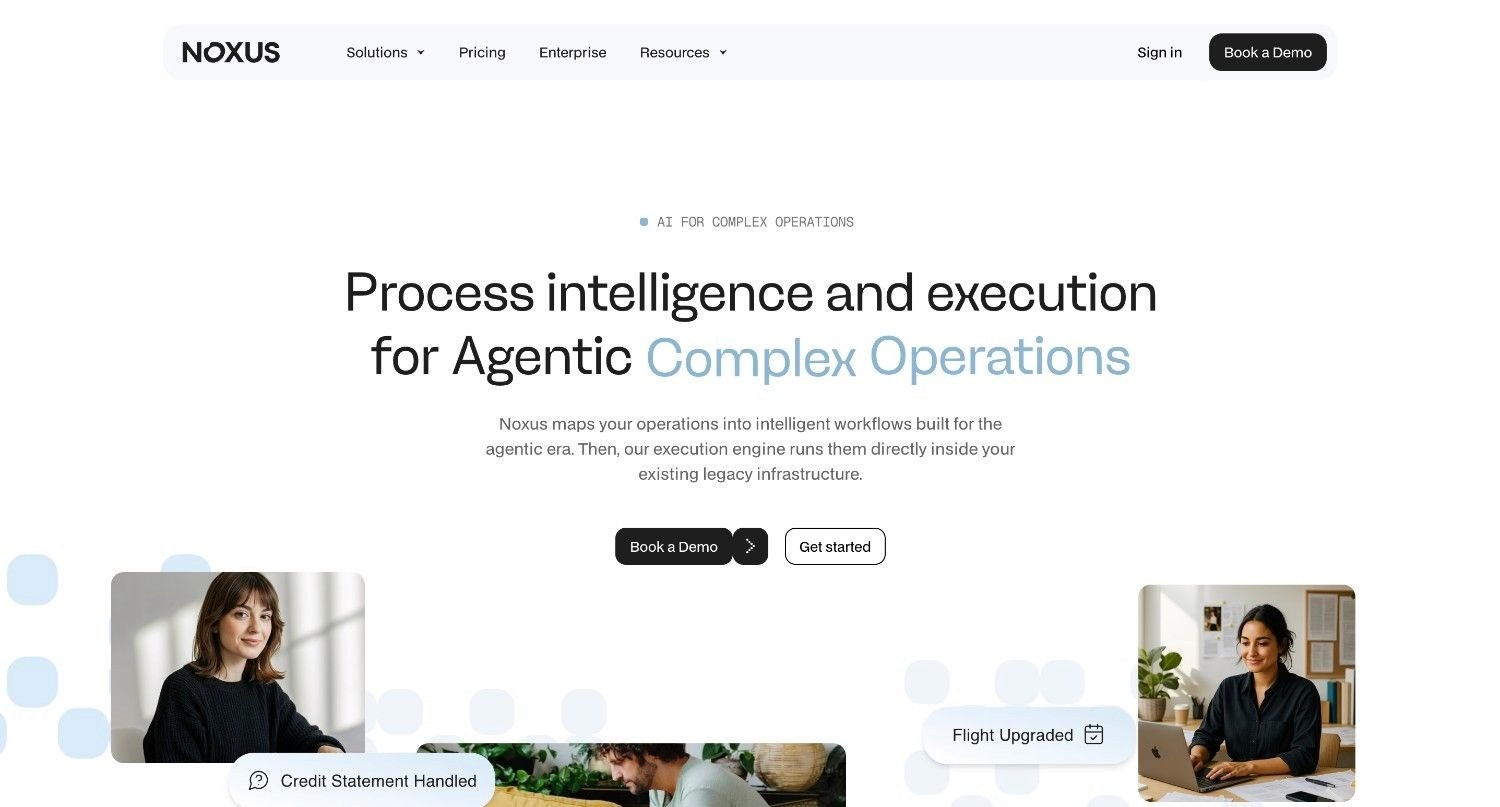
Noxus is an agentic operations platform that deploys AI Co-workers to execute complex, multi-system workflows inside legacy enterprise environments.
Founded in 2023, it was built to solve the single biggest failure mode in enterprise AI: tools that suggest or draft but never actually resolve work - and that collapse when they hit real operational systems.
Where standard workflow tools require modern APIs and clean data, Noxus operates natively inside SAP ECC, Guidewire, Oracle, ServiceNow, and proprietary in-house platforms - the same systems that have been running European enterprises for decades. No middleware project required. No re-architecture as a prerequisite.
Production deployments across banking, healthcare, and retail have delivered 3-5x ROI in 45-80 days, with zero client churn to date.
Ideal For
Enterprise operations teams processing claims, billing disputes, and account changes across multiple legacy systems
IT departments managing complex environments without the budget or appetite for infrastructure overhaul
Compliance officers in financial services, insurance, and healthcare requiring structural GDPR, EU AI Act, and SOC 2 adherence
Digital transformation leaders who need a platform already proven in production - not another pilot
Mid-market COOs (€50M–€500M revenue) who need measurable impact in the first 90 days
Top Features
AI Co-worker runtime: Executes work end-to-end - reading unstructured inputs, applying business rules, performing multi-step system interactions, and writing outcomes back to source systems under full governance. This is not a summariser or assistant; it resolves cases.
Legacy system interaction without APIs: AI Co-workers navigate interfaces, perform lookups, and handle exceptions inside SAP ECC, Guidewire, Oracle, COBOL-era cores, and proprietary platforms - the same way your operations staff do today.
400+ native connectors: Pre-built integrations across CRM (Salesforce, HubSpot), ERP (SAP, Oracle), ITSM (ServiceNow, Jira), communication (Outlook, Teams, Gmail), identity (Azure AD), payments (Stripe), and 380+ additional systems.
BYOK model routing: Clients bring their own AI provider keys (Azure AI Foundry, AWS Bedrock, Google Vertex AI) - maintaining full data sovereignty and reducing inference cost.
Confidence-based human escalation: When AI confidence drops below a configurable threshold, the workflow escalates to a human with full context assembled - rather than guessing or failing silently.
Flexible deployment: Fully managed SaaS, self-managed VPC on client cloud, or fully air-gapped on-premises. An open-core guarantee means clients retain all code and binaries if the relationship ends.
Why We Stand Out
Noxus separates AI interpretation from business rule execution at the architecture level.
No language model within the platform decides whether to approve a claim, process a refund, or update a regulated record. Hard-coded business logic - mapped directly from the client's own SOPs - governs every consequential decision. The AI handles unstructured interpretation. Your rules handle what happens next.
This is the distinction that matters in regulated industries. Every process run generates a replayable trace. Compliance teams can see exactly what happened and why. IT teams can debug specific steps. Operations leaders can improve workflows based on actual execution data.
First production workflow: typically live within 30 days. Full multi-workflow deployment: 45–80 days.
Certified against SOC 2 Type II, ISO 27001, GDPR Article 28, and HIPAA.
Pros
Executes inside legacy systems without requiring modern APIs or infrastructure modernisation
Eliminates AI hallucinations from governed decisions through hard-coded business logic
Air-gapped, on-premises, and VPC deployment options for strict data sovereignty
Full step-by-step visibility into every executed action with complete replayability
BYOK routing gives clients control over inference costs and data residency
Open-core guarantee - clients retain all code and binaries at contract end
Zero client churn across all live deployments; documented 3–5x ROI
Cons
Not designed for small businesses or startups with simple, modern SaaS stacks
Requires initial mapping of internal business rules and SOPs before deployment
Specialised use case - not suited to creative content generation or consumer-facing apps
Pricing
Noxus operates on a monthly platform license that includes a set volume of AI operations, moving away from restrictive per-seat or unpredictable per-token billing. This consumption-based model ensures costs are predictable and scale directly with your usage rather than your headcount.
Because Noxus provides a tailored experience for each client, pricing is custom-calculated based on your specific operational volume and deployment requirements.
This model provides full access to the platform’s enterprise capabilities, including over 400 native connectors to ERP, CRM, and legacy systems, alongside comprehensive audit and analytics dashboards.
For high-volume enterprise deployments, the pricing includes a dedicated implementation team, unlimited AI Co-workers, and advanced security features such as SCIM/SAML access controls and EU/UK data residency.
Whether you are running a single Co-worker or orchestrating a global operation, the cost remains tied to work performed, with flexible deployment options including VPC and air-gapped on-premises environments.
Final Verdict
Noxus is the strongest choice for regulated European enterprises that need to automate operations end-to-end across legacy systems. It is the only platform reviewed here that can enter a SAP ECC environment, apply business rules deterministically, write outcomes back to source systems, and produce a complete audit trail - without requiring an API layer or infrastructure project as a prerequisite.
2. Zapier
Overview
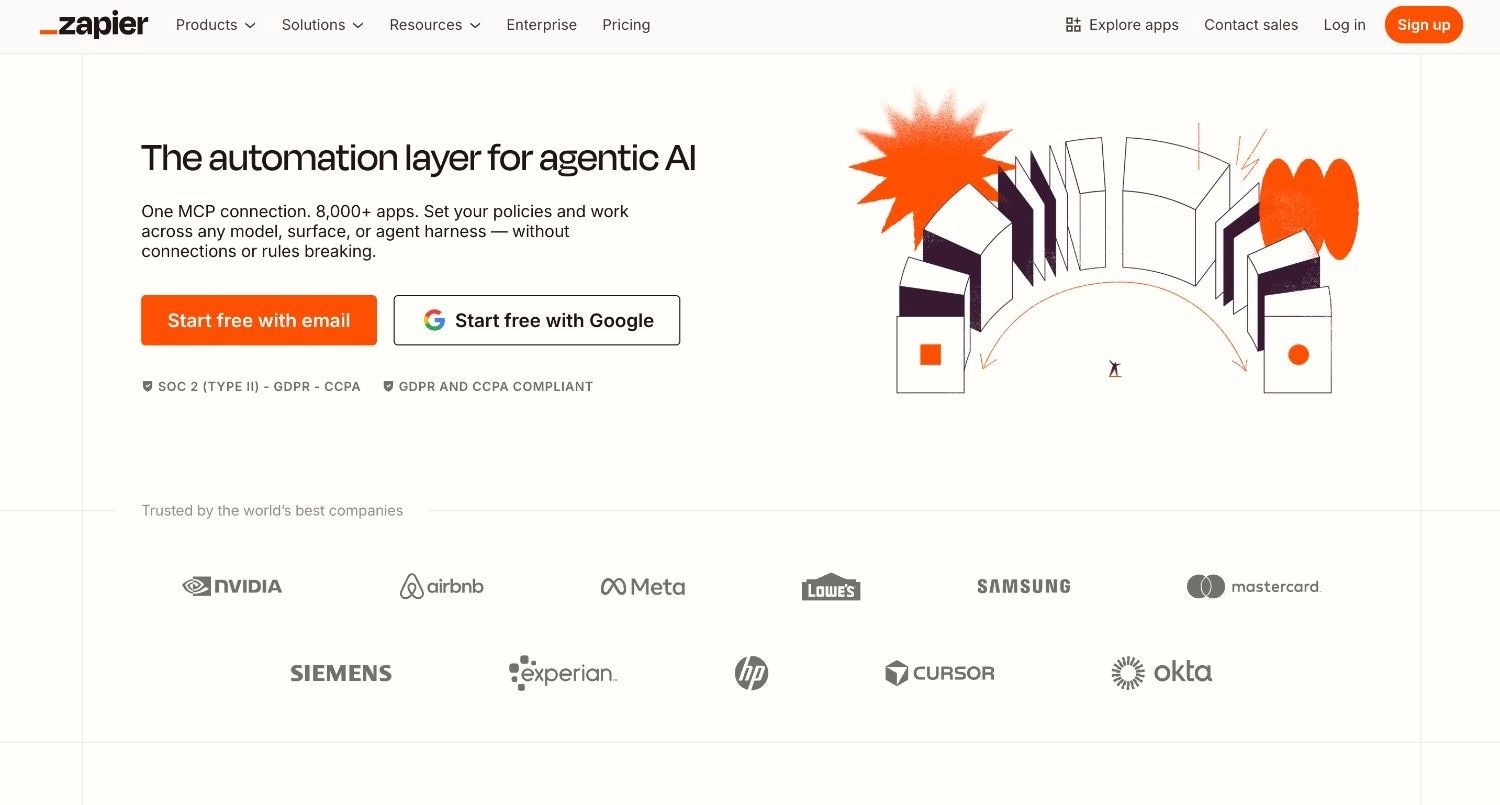
Zapier is the most widely used app-to-app automation tool on the market, connecting over 7,000 cloud applications through a no-code interface.
Its core product - "Zaps" - links a trigger in one app to an action in another. A new lead in HubSpot automatically creates a task in Asana. A Stripe payment triggers a Slack notification.
That model has made Zapier the default starting point for SMBs and fast-growing startups.
Ideal For
Small and mid-sized businesses automating marketing, sales, and support tasks
Non-technical teams that need to connect cloud apps without developer involvement
Early-stage companies building lightweight internal workflows before investing in more complex tooling
Top Features
7,000+ app integrations: The largest connector library in the market for cloud-native applications.
Multi-step Zaps: Chain multiple actions in a single workflow, with filters and conditional logic.
Zap templates: Pre-built workflow recipes for common use cases across popular app pairs.
Why They Stand Out
Zapier's speed of setup is unmatched in the market. A two-step automation between popular cloud apps can be live in under five minutes. Their breadth of integrations means most cloud tools your team uses are already supported, removing the need for custom development in most SMB contexts.
Pros
Fastest setup in the market for simple cloud-to-cloud automations
Widest connector library - 7,000+ apps, covering nearly any SaaS tool
Genuinely accessible to non-technical users with no training required
Cons
Task-based pricing becomes expensive at high volumes - costs escalate quickly as automation usage grows
Cannot interact with legacy on-premises systems, SAP, Guidewire, or non-API platforms
Not suitable for complex, multi-step enterprise workflows requiring governance or audit trails
Pricing
Free plan available (100 tasks/month). Paid plans start at approximately £19/month for individuals, scaling up based on task volume and feature access. Enterprise plans are available with custom pricing.
Final Verdict
Zapier is a sound starting point for SMBs connecting cloud apps. It is not appropriate for enterprise operations teams that need governance, legacy integration, or high-volume processing at predictable cost.
3. Make
Overview
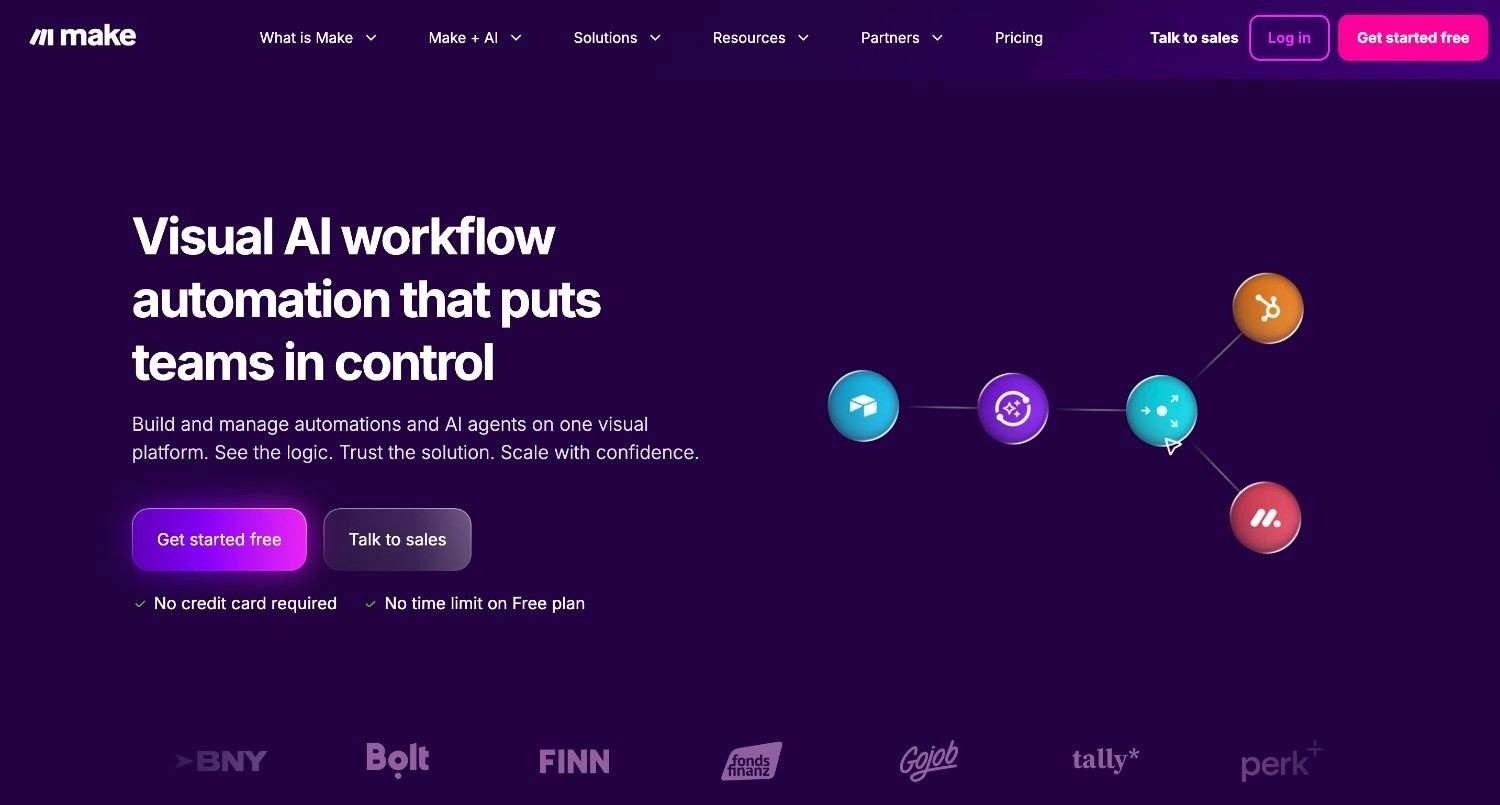
Make is a visual workflow automation builder that uses a drag-and-drop canvas to construct multi-step automations. More technically capable than Zapier, Make attracts operations teams and developers who need data transformation, branching logic, and HTTP modules for custom API calls - without writing full code.
Ideal For
Marketing operations and RevOps teams building multi-step data pipelines
Agencies managing workflows across multiple client tools
Technical non-developers who need more control than Zapier allows
Top Features
Visual scenario builder: A canvas-based interface where connections between app modules are drawn directly, making complex flows easy to visualise.
Data transformation tools: Built-in functions for manipulating strings, arrays, and date formats across workflow steps.
HTTP/Webhook modules: Make custom API calls to any service, extending beyond native integrations.
Why They Stand Out
Make is one of the strongest choices for teams that need visual workflow design with real technical depth. The scenario canvas makes it possible to see the entire automation at a glance - a significant advantage when debugging or iterating on complex multi-step workflows.
Pros
Visual builder makes complex automations easier to map and maintain
Significantly more affordable than Zapier at high operation volumes
Strong data transformation capabilities built into the core product
Cons
Steeper learning curve than Zapier - the canvas can overwhelm new users
No native support for legacy enterprise systems or on-premises environments
Support quality varies significantly between free and paid tiers
Pricing
Free plan available (1,000 operations/month). Paid plans start at approximately £9/month, scaling with operation volume. Team and enterprise plans include additional users and priority support.
Final Verdict
Make is well-suited to technically confident teams building moderately complex cloud automations at reasonable cost. It does not address enterprise-grade governance, legacy system integration, or regulated-industry compliance requirements.
4. n8n
Overview
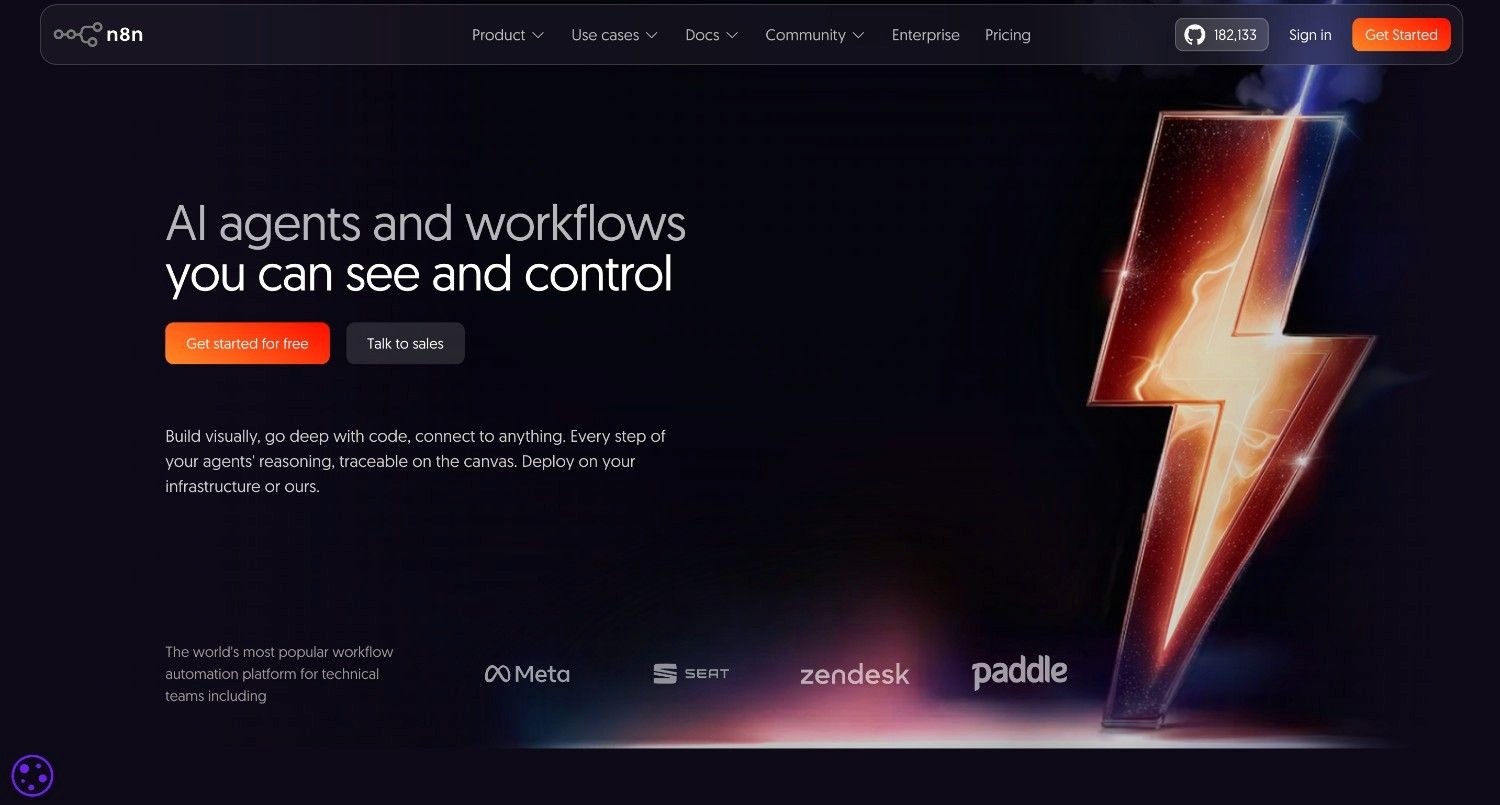
n8n is an open-source workflow automation platform built for developers and technical teams who want full control over their automation infrastructure.
Self-hostable on your own servers, n8n allows teams to keep data entirely within their own environment - a significant advantage for privacy-conscious or regulated organisations that need modern workflow tooling without cloud data processing.
Ideal For
Engineering and DevOps teams building internal automation tooling
Companies with strict data residency requirements that still want modern workflow tooling
Technical teams that want to extend automations with custom JavaScript nodes
Top Features
Self-hosted deployment: Run n8n entirely on your own infrastructure with no data leaving your environment.
400+ built-in integrations: A wide connector library covering most popular SaaS and developer tools.
Custom JavaScript nodes: Write arbitrary code inside workflow steps - essential for complex logic that no-code tools cannot handle.
Why They Stand Out
n8n is one of the smartest choices for technical teams that want the flexibility of custom code alongside a growing library of pre-built integrations, all deployed within their own infrastructure. The open-source model also means no vendor lock-in - teams can modify the platform or migrate their workflow logic without restriction.
Pros
Full self-hosting keeps data within your own infrastructure
Open-source - no proprietary lock-in, full access to source code
JavaScript nodes provide genuine extensibility for complex logic
Cons
Requires engineering resources to deploy, maintain, and update the platform
No out-of-the-box enterprise support, governance dashboards, or compliance certifications
Not accessible to non-technical business users without significant configuration
Pricing
Free for self-hosted deployment. Cloud-hosted plans start at approximately £20/month with custom pricing for enterprise scale.
Final Verdict
n8n is a strong choice for developer teams that need self-hosted automation with extensibility. It is not suitable for business users, compliance-heavy environments, or teams without dedicated engineering capacity.
5. Microsoft Power Automate
Overview
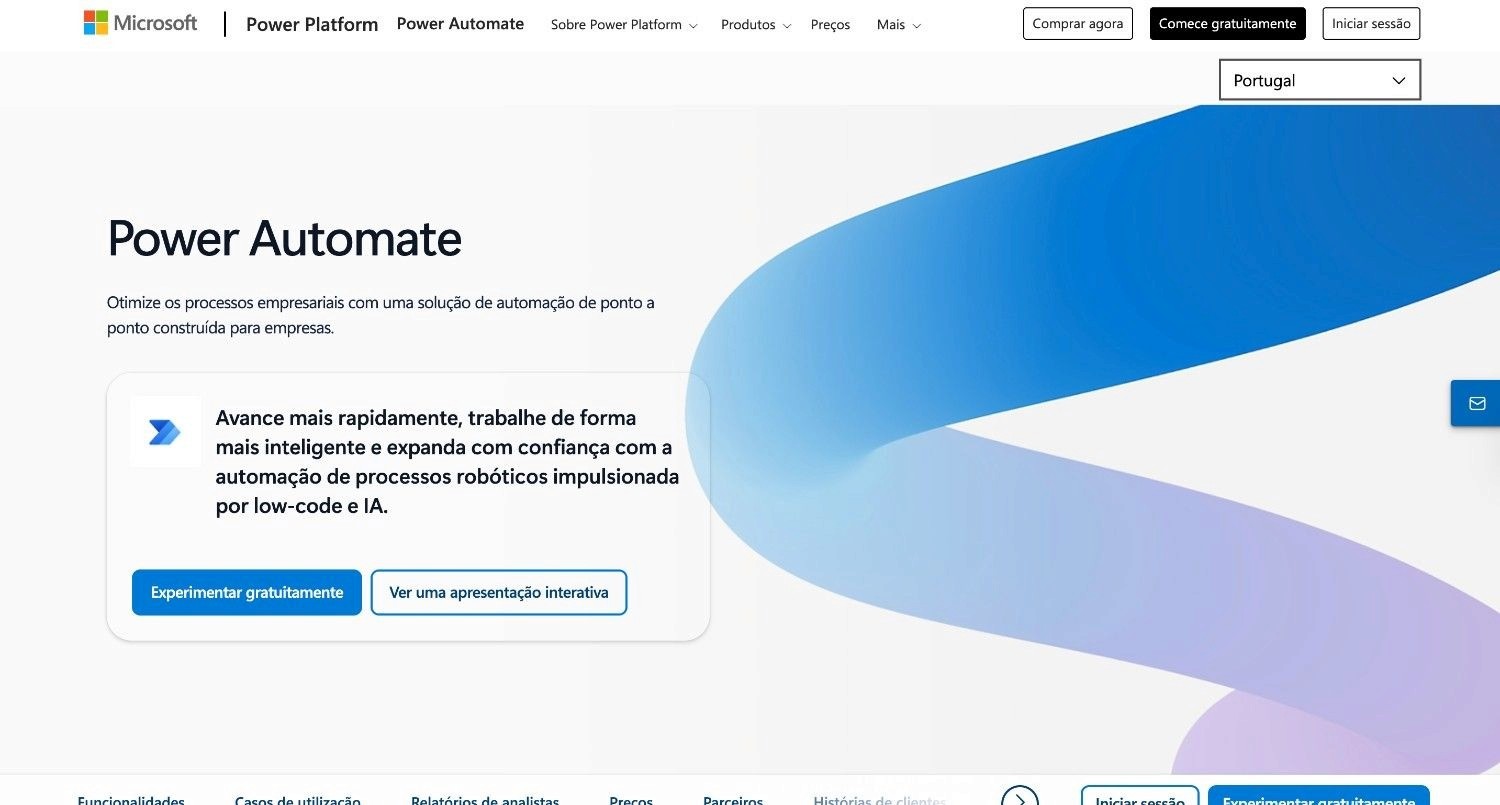
Power Automate is Microsoft's workflow automation tool, deeply integrated across Microsoft 365 and the Power Platform.
It lets teams build flows triggered by Teams messages, SharePoint updates, Outlook emails, or Dynamics 365 records - without writing code.
A desktop RPA component (Power Automate Desktop) extends this to legacy desktop applications.
Ideal For
Organisations running primarily on Microsoft 365 that want to automate internal processes
IT and operations teams managing SharePoint, Teams, and Outlook-based workflows
Finance departments automating approval routing and document generation within the Microsoft ecosystem
Top Features
Copilot-assisted flow creation: Describe an automation in natural language and let Copilot generate the flow structure.
Power Automate Desktop: RPA capabilities for automating legacy desktop applications without APIs.
Pre-built connectors: Deep native integration with SharePoint, Teams, Outlook, Dynamics 365, and hundreds of third-party apps.
Why They Stand Out
Power Automate is one of the strongest choices for organisations already standardised on Microsoft 365. The product is embedded into tools staff use daily, reducing adoption friction. Licensing is often included within existing M365 agreements, making the cost argument straightforward.
Pros
Native to Microsoft 365 - lowest adoption friction for Microsoft-heavy organisations
Copilot integration accelerates flow creation for non-technical users
Desktop RPA extends automation to applications without APIs
Cons
Desktop RPA flows are brittle - they break when application interfaces update
Performance degrades significantly with complex, high-volume process orchestration
Limited capability outside the Microsoft ecosystem; poor fit for SAP or Salesforce-first environments
Pricing
Included with some Microsoft 365 licences; premium connectors and full RPA features require additional licensing from approximately £12/user/month.
Final Verdict
Power Automate makes sense for Microsoft-centric organisations wanting to automate straightforward internal processes. For complex enterprise operations across multiple legacy systems, its limitations become significant quickly.
6. UiPath
Overview
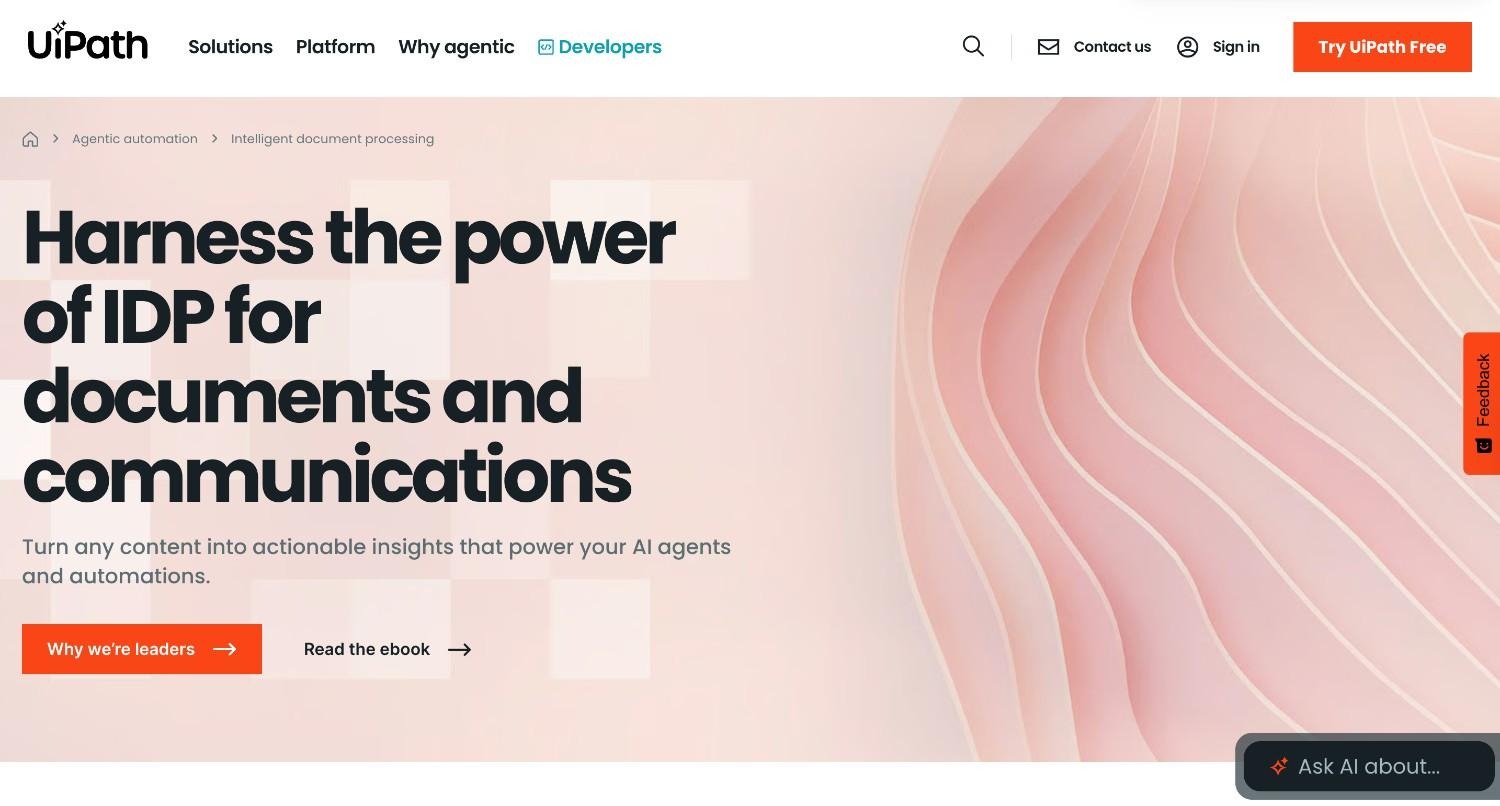
UiPath is the market-leading robotic process automation vendor, with a substantial installed base across global enterprises.
The platform has evolved from screen-scraping bots toward a broader automation suite that includes AI document processing, process mining, and - more recently - agentic AI capabilities.
It solves the problem of repetitive, structured digital tasks that do not require human judgment but currently rely on staff to execute manually.
Ideal For
Large enterprises with dedicated automation development teams
Finance and shared services teams processing high volumes of structured documents
Organisations with existing RPA investments looking to add AI document extraction
Top Features
Process mining: AI-driven analysis of system logs and user behaviour to identify automation opportunities.
AI Centre: Document understanding and computer vision capabilities for processing invoices, forms, and contracts.
Attended and unattended bots: Automations that run alongside human workers or fully autonomously in the background.
Why They Stand Out
UiPath has one of the deepest track records in enterprise RPA and the most mature governance and orchestration capabilities of any tool in this category. For organisations with structured, repetitive processes that involve a defined set of screens and data formats, UiPath delivers at scale.
Pros
Market-leading RPA track record with extensive enterprise deployment history
Strong process discovery tools to identify where automation adds the most value
Comprehensive orchestration and monitoring for large bot fleets
Cons
Screen-scraping bots break when ERP interfaces update - high maintenance cost
Cannot handle unstructured inputs without AI add-ons that increase cost significantly
Total cost of ownership is high; certified developers are required for complex automations
Pricing
Custom enterprise pricing based on bot count, developer licences, and AI services. Developer and small team plans start at approximately £18/month. Enterprise deployments routinely exceed €100,000 per year.
Final Verdict
UiPath is appropriate for large enterprises with structured automation needs and dedicated RPA development capacity. The high maintenance cost and brittleness of screen-based automation make it a poor fit for exception-heavy or unstructured processes.
7. Monday
Overview
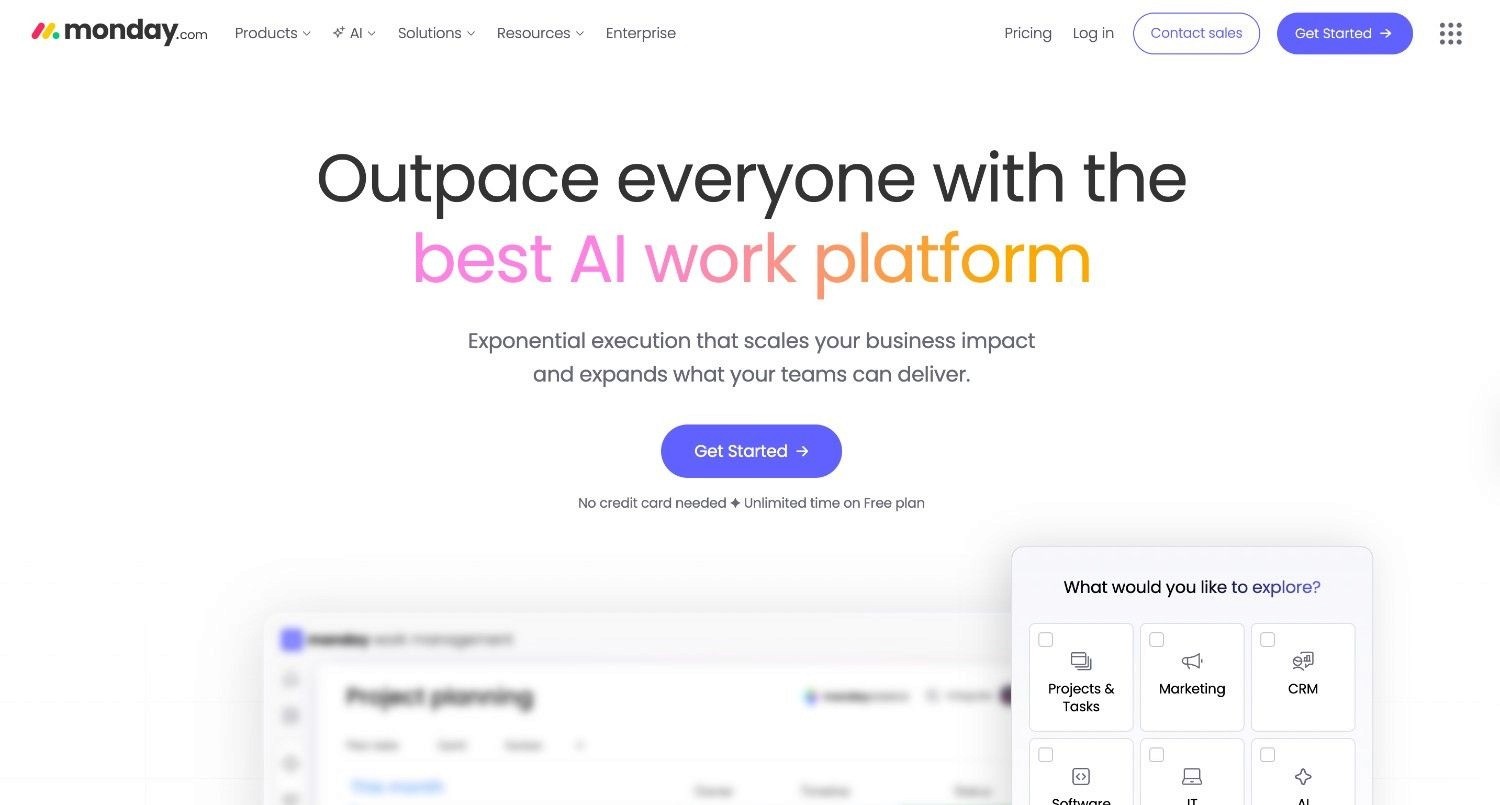
Monday.com is a Work OS - a visual project management platform that added workflow automation as a built-in feature.
Its automations are designed for team coordination tasks: assigning items when a status changes, notifying someone when a deadline passes, or moving a card to a new board when approved.
The automation experience is tightly coupled with Monday's own data model.
Ideal For
Marketing and creative teams managing campaign workflows and content approvals
Operations teams tracking project progress with automated status updates
Mid-sized organisations wanting project management and basic process automation in one tool
Top Features
No-code automation builder: Trigger-action rules built into the Monday interface - no separate tool required.
200+ integrations: Connect Monday boards to Slack, Gmail, Salesforce, Jira, and other common tools.
Dashboards and reporting: Real-time visibility into workflow status across teams and projects.
Why They Stand Out
Monday.com's automation capability is deeply embedded in its project management interface, making it accessible to teams that already use the platform daily. The setup experience is one of the most intuitive in the market - no technical training required to build basic automations.
Pros
Lowest setup barrier for teams already using Monday for project management
Clean, visual interface makes automations easy to understand and modify
Solid template library for common team processes
Cons
Automation logic is limited to Monday's own data model - cannot orchestrate across external enterprise systems
Not suitable for complex, multi-step operational workflows with exception handling
Scales poorly for high-volume process automation outside project management contexts
Pricing
Free plan for up to 2 users. Paid plans from approximately £9/seat/month (Basic), scaling up to custom Enterprise pricing with advanced security and governance features.
Final Verdict
Monday.com is a practical choice for teams already using it for project management who want to add lightweight process automation. It is not suited to enterprise-grade operations automation or anything requiring deep system integration.
8. ClickUp
Overview
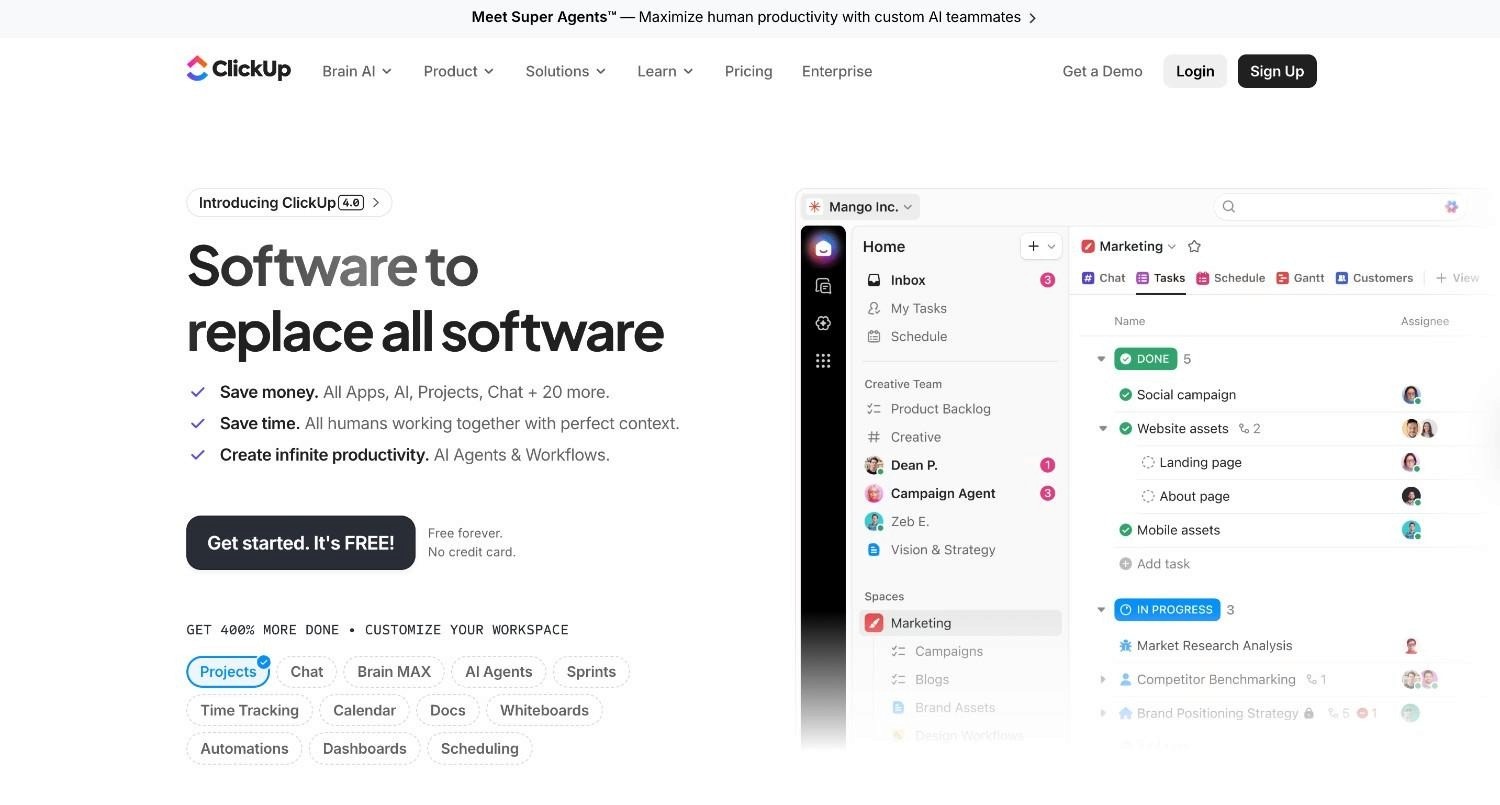
ClickUp is a project management and productivity platform that has expanded into workflow automation through its built-in Automations feature.
Teams can set up rule-based triggers - changing task status, assigning team members, sending emails - within ClickUp's workspace.
It appeals to teams that want a single tool covering tasks, docs, goals, and basic workflow automation.
Ideal For
Software and product teams automating sprint management and task routing
Small operations teams managing internal processes inside ClickUp
Growing companies looking for an all-in-one productivity tool with automation baked in
Top Features
Automation templates: Pre-built automation recipes for project management workflows - status changes, priority assignments, due date updates.
Custom Fields: Trigger automations based on any data field, enabling more context-aware routing.
ClickUp Brain (AI): AI assistant that can draft content, summarise threads, and suggest next steps within the platform.
Why They Stand Out
ClickUp's automation sits inside a comprehensive productivity platform, meaning teams can manage projects, documentation, and process automation without switching between tools. For growing teams standardising on one work management tool, this integrated approach reduces context switching.
Pros
All-in-one platform reduces tool sprawl for teams managing projects and basic workflows together
Generous free tier makes it accessible without upfront investment
Frequent product updates and an active development roadmap
Cons
Automation capabilities are significantly limited compared to dedicated workflow tools
Can feel overwhelming - the platform has an unusually large number of features
Integration depth outside the ClickUp ecosystem is shallow
Pricing
Free plan available with basic automation. Paid plans from approximately £7/user/month (Unlimited) up to custom Business Plus and Enterprise plans.
Final Verdict
ClickUp is well-suited to teams wanting to consolidate project management and lightweight automation in one tool. It is not a substitute for dedicated workflow automation software in complex enterprise environments.
9. Kissflow
Overview
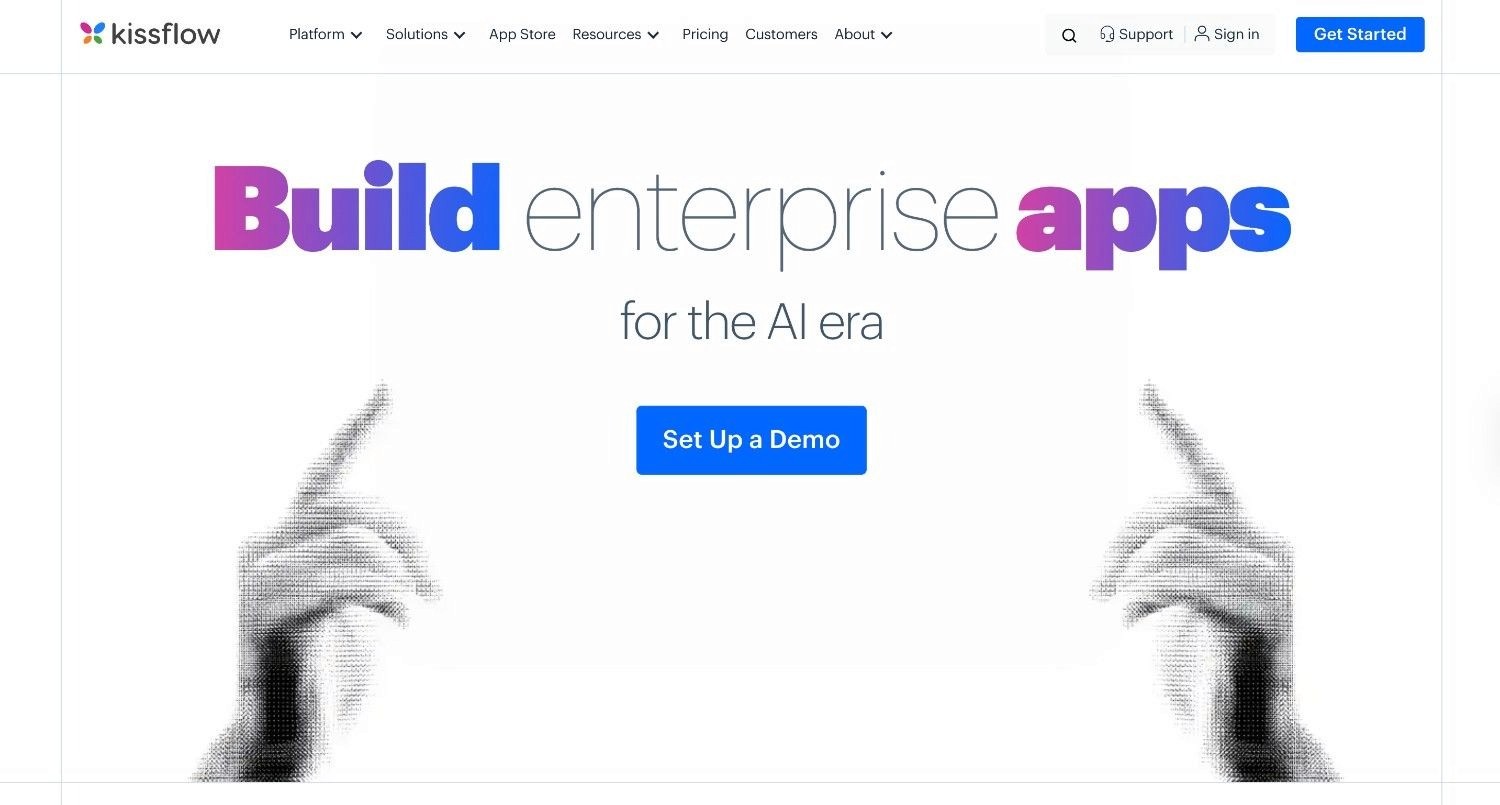
Kissflow is a process automation and digital workplace platform targeting mid-market and enterprise teams.
It provides low-code tools for building case management workflows, approval processes, and intake forms - without requiring developer involvement.
Kissflow positions itself as a governance-first alternative to pure app-connector tools, focusing on business process management as a category.
Ideal For
Mid-market HR and finance teams managing approval-heavy internal processes
Operations teams building structured case management workflows
Organisations migrating away from paper-based or email-driven processes
Top Features
Case management: Structured workflows for complex, multi-stage processes with exception routing and SLA tracking.
Low-code form builder: Drag-and-drop intake forms that feed directly into process workflows.
Process analytics: Dashboards tracking cycle times, bottlenecks, and approval completion rates.
Why They Stand Out
Kissflow is one of the stronger options for organisations that need process governance without a dedicated IT team. Its low-code approach allows business analysts to own workflow design and iteration independently - reducing the backlog of build requests that typically falls on engineering.
Pros
Business users can build and modify workflows without developer involvement
Built-in governance and audit trails for approval processes
Strong case management capabilities for exception-heavy processes
Cons
Integration depth with legacy enterprise systems is limited
Per-user pricing becomes expensive as adoption grows across large organisations
Not suitable for AI-driven, unstructured input processing
Pricing
Team plans start at approximately £1,500/month. Enterprise pricing is custom, based on user count and process volume.
Final Verdict
Kissflow is a sensible choice for mid-market organisations modernising structured internal approval processes. It lacks the depth needed for multi-system legacy integration or high-volume operations automation.
10. Pipefy
Overview
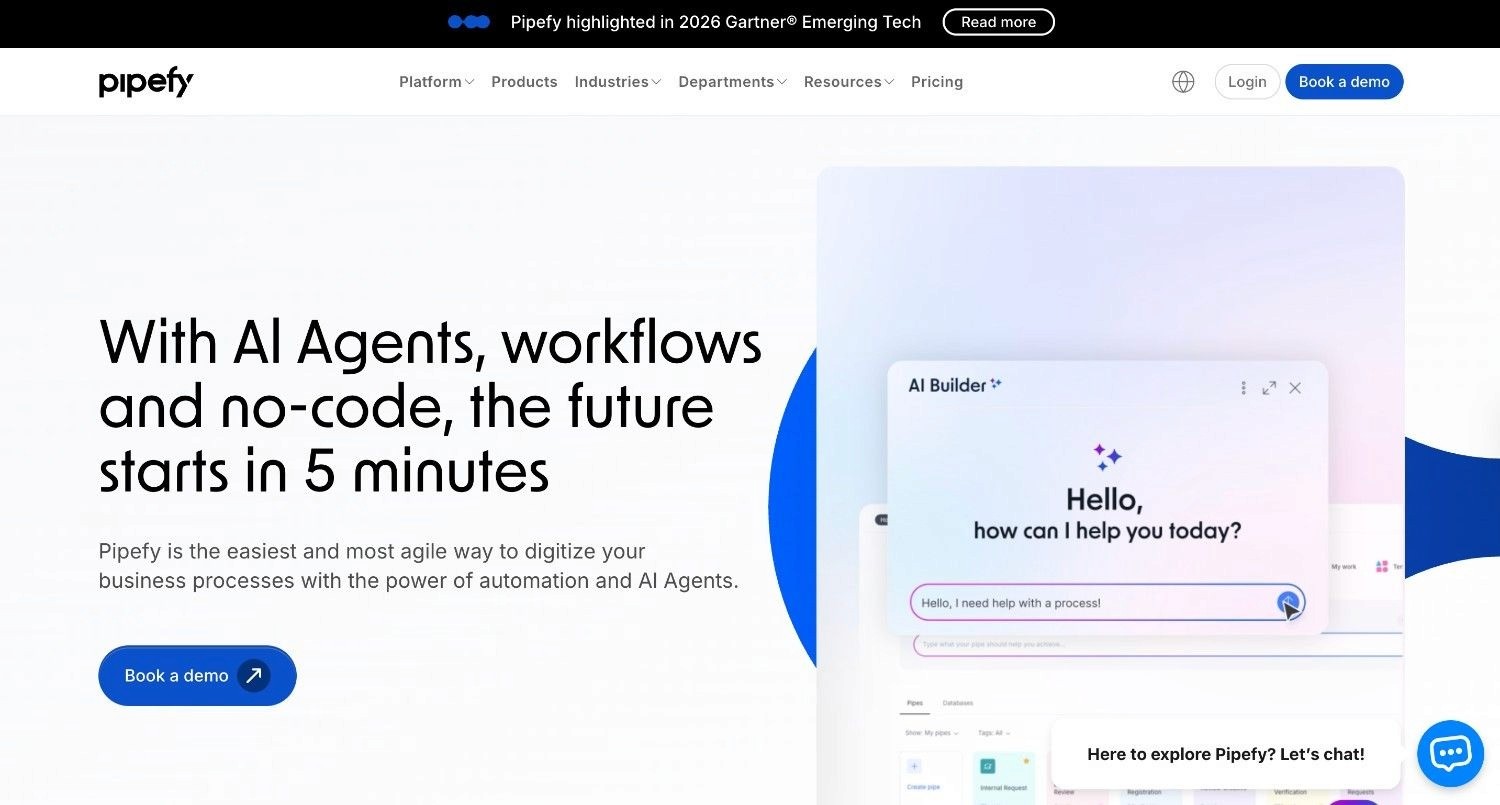
Pipefy is a process management platform designed to bring structure and consistency to customer-facing and internal request workflows - HR onboarding, procurement approvals, customer support, and IT service management.
It provides no-code tools for building process templates, intake portals, and SLA tracking without engineering involvement.
Ideal For
HR teams managing onboarding and offboarding workflows
Procurement teams tracking purchase request and approval cycles
Customer success teams managing structured client request processes
Top Features
No-code process templates: Pre-built workflow structures for common processes, customisable without code.
Request portals: External-facing intake pages for customers, vendors, or employees to submit structured requests.
SLA tracking: Built-in monitoring of process cycle times against defined service targets.
Why They Stand Out
Pipefy's request portal capability is a practical differentiator - it lets operations teams present external stakeholders with a clean, branded intake form without building a custom web application. Combined with structured internal workflows, this makes Pipefy one of the more complete end-to-end tools for customer-facing process management.
Pros
External request portals reduce unstructured email intake for common processes
Clean interface with low setup overhead for straightforward workflows
Native SLA tracking provides immediate visibility into process health
Cons
Integration depth is limited - primarily designed for native Pipefy data, not external system write-back
Cannot handle unstructured inputs or multi-system orchestration at enterprise scale
Advanced reporting requires integration with BI tools
Pricing
Free plan available for up to 5 users. Paid plans from approximately £20/user/month. Enterprise pricing is custom.
Final Verdict
Pipefy works well for teams managing structured, request-driven processes - particularly where external intake is a requirement. It is not built for complex enterprise operations automation across legacy systems.
How to Choose the Best Workflow Automation Software (What To Consider)
Selecting the right workflow management system depends on your operational reality, not a feature checklist.
Here are the five decisions that matter most:
1. Map Your Process Complexity First
Not all automation is the same. A two-step "new lead → create task" automation is a very different problem from a multi-step claims resolution workflow that spans five systems, requires policy lookups, and needs a complete audit trail.
Before evaluating tools, map the three or four processes that cost the most staff time. Categorise them: are they structured (same steps every time), semi-structured (mostly predictable with occasional exceptions), or unstructured (highly variable inputs, judgment required)?
This single exercise will eliminate most of the market immediately.
2. Evaluate Integration Depth, Not Just Connector Count
A library of 7,000 integrations is only valuable if those integrations reach the systems your process actually touches.
If your operations team works in SAP ECC, Guidewire, a COBOL-era core, or a proprietary in-house platform, a tool with 7,000 Salesforce-and-Slack-style connectors is effectively useless.
Ask vendors to demonstrate interaction with your specific systems - not generic cloud apps. If they cannot, the integration gap will surface as a multi-month IT project before you see any automation value.
3. Assess Governance and Auditability
In regulated industries, "it worked" is not sufficient. You need to know what happened, in what order, based on what inputs, according to which rules - and you need to be able to demonstrate this to a regulator.
Look for workflow tools that provide a complete, replayable execution trace - not a high-level summary, but a step-by-step record of every system interaction, rule evaluation, and output.
This is the difference between a compliance-ready workflow and a black box.
4. Understand the Deployment Architecture
Where does your data go? Who can access it? What happens if the vendor's infrastructure goes down?
The answer to these questions determines whether a tool is deployable in your environment at all. For many regulated industries - banking, insurance, healthcare - the only acceptable deployment model is one where data never leaves your own infrastructure.
This means looking beyond SaaS-only vendors to platforms that offer private VPC, on-premises, or air-gapped deployment as genuine (not hypothetical) options.
5. Calculate Total Cost of Ownership, Not Licence Price
The licence fee is rarely the largest cost. Factor in:
Implementation: How much IT time does setup require? Does the vendor provide deployment engineering?
Maintenance: How often do integrations break? How much engineering effort does ongoing maintenance require?
Scaling costs: Does the pricing model (per user, per task, per transaction) create a cliff edge as adoption grows?
Exit cost: If you need to switch platforms, what is the migration burden? Does the vendor retain your logic and data, or do you?
A tool that is cheap to start can become the most expensive option once maintenance and scaling costs are included.
Everything You Need to Know About Workflow Automation Tools
← scroll to see all columns →
| Company | Pros | Cons | Ease of Use | Integrations | Support | Affordability | Governance |
|---|---|---|---|---|---|---|---|
| Noxus | Legacy execution, zero churn, full audit trail | Needs rule mapping, specialist use case | ⭐⭐⭐⭐⭐ | ⭐⭐⭐⭐⭐ | ⭐⭐⭐⭐⭐ | ⭐⭐⭐⭐⭐ | ⭐⭐⭐⭐⭐ |
| Zapier | Huge connector library, fast setup, accessible | Task pricing escalates, no legacy support | ⭐⭐⭐⭐⭐ | ⭐⭐⭐⭐⭐ | ⭐⭐⭐⭐⭐ | ⭐⭐⭐⭐⭐ | ⭐⭐⭐⭐⭐ |
| Make | Visual canvas, affordable at scale, data transforms | Learning curve, no enterprise governance | ⭐⭐⭐⭐⭐ | ⭐⭐⭐⭐⭐ | ⭐⭐⭐⭐⭐ | ⭐⭐⭐⭐⭐ | ⭐⭐⭐⭐⭐ |
| n8n | Self-hosted, open-source, extensible | Requires engineering resource, no compliance layer | ⭐⭐⭐⭐⭐ | ⭐⭐⭐⭐⭐ | ⭐⭐⭐⭐⭐ | ⭐⭐⭐⭐⭐ | ⭐⭐⭐⭐⭐ |
| Power Automate | Microsoft-native, Copilot integration, RPA desktop | Fragile desktop bots, weak outside M365 | ⭐⭐⭐⭐⭐ | ⭐⭐⭐⭐⭐ | ⭐⭐⭐⭐⭐ | ⭐⭐⭐⭐⭐ | ⭐⭐⭐⭐⭐ |
| UiPath | RPA track record, process mining, AI docs | Expensive, brittle bots, developer-dependent | ⭐⭐⭐⭐⭐ | ⭐⭐⭐⭐⭐ | ⭐⭐⭐⭐⭐ | ⭐⭐⭐⭐⭐ | ⭐⭐⭐⭐⭐ |
| Monday.com | Easy setup, clean UI, good templates | Shallow integrations, limited logic depth | ⭐⭐⭐⭐⭐ | ⭐⭐⭐⭐⭐ | ⭐⭐⭐⭐⭐ | ⭐⭐⭐⭐⭐ | ⭐⭐⭐⭐⭐ |
| ClickUp | All-in-one, generous free tier, frequent updates | Feature overload, shallow automation depth | ⭐⭐⭐⭐⭐ | ⭐⭐⭐⭐⭐ | ⭐⭐⭐⭐⭐ | ⭐⭐⭐⭐⭐ | ⭐⭐⭐⭐⭐ |
| Kissflow | Low-code forms, case management, business-user owned | Expensive at scale, limited legacy integration | ⭐⭐⭐⭐⭐ | ⭐⭐⭐⭐⭐ | ⭐⭐⭐⭐⭐ | ⭐⭐⭐⭐⭐ | ⭐⭐⭐⭐⭐ |
| Pipefy | Request portals, SLA tracking, clean UX | Limited write-back, not for high-volume ops | ⭐⭐⭐⭐⭐ | ⭐⭐⭐⭐⭐ | ⭐⭐⭐⭐⭐ | ⭐⭐⭐⭐⭐ | ⭐⭐⭐⭐⭐ |
Automate Your Operations with Noxus
Most workflow automation software promises to reduce manual work. Few actually deliver that promise inside the environments where it matters most - legacy-heavy, regulated enterprises running SAP, Guidewire, and systems that were never designed to talk to each other.
Noxus AI Co-workers do the work your teams currently do manually, across the systems they already use, under governance your compliance team can audit.
Not a pilot. Not a proof of concept. Production deployments at Santander, CUF, and Jerónimo Martins - live in 45 to 80 days, with documented ROI of three to five times.
If your operations team is growing headcount to absorb volume that automation should handle, or if your AI initiatives are stuck in sandbox environments, that is exactly the problem Noxus was built to solve.
Explore enterprise AI agents purpose-built for regulated European organisations - or see how other businesses have applied them across AI agents use cases in banking, healthcare, and retail.
FAQs About Workflow Automation Software
What is a workflow automation software?
A workflow automation software is a tool that replaces manual, repetitive process steps with automated logic - moving data between systems, triggering actions based on events, and routing tasks without human intervention. The category ranges from simple app connectors (Zapier, Make) to enterprise-grade agentic platforms (Noxus) that execute complex multi-system operations end-to-end under governance.
What are the best workflow automation software options in 2026?
The best workflow automation software option for regulated enterprises requiring end-to-end execution across legacy systems is Noxus, with documented 3-5x ROI in 45-80 days.
What should I consider when choosing the right workflow management system for me?
When choosing the right workflow management system, start by mapping your process complexity - structured tasks need different tools than exception-heavy, multi-system operations. Evaluate integration depth with your actual systems, not just connector count. Confirm the vendor can meet your data residency and governance requirements, particularly if you operate in a regulated industry. Calculate total cost of ownership including implementation, maintenance, and scaling costs - not just the monthly licence fee. Most organisations that move too quickly on a tool selection end up with a system that handles 20% of their automation needs and creates a new integration problem for the other 80%.
How does Noxus differ from similar workflow automation tools?
Noxus differs from similar workflow automation tools in three specific ways. First, it operates inside legacy systems - SAP ECC, Guidewire, Oracle, COBOL-era cores - without requiring modern APIs or middleware, which no comparable tool reviewed here can claim. Second, it separates AI interpretation from business rule execution at the architecture level: your hard-coded SOPs govern every consequential decision, eliminating AI hallucination risk from regulated processes. Third, it offers genuine on-premises and air-gapped deployment, making it structurally compatible with GDPR Article 28, SOC 2 Type II, ISO 27001, and HIPAA - certifications that are architecturally enforced, not contractually claimed.
How do I get started with Noxus?
Getting started with Noxus begins with a scoping consultation to identify the highest-friction operational workflows in your environment. The Noxus deployment team then maps your business rules and configures AI Co-workers to interact with your existing systems. A first production workflow - running on your actual systems with live data - typically goes live within 30 days. Full multi-workflow deployments follow in 45 to 80 days. No infrastructure modernisation is required before deployment begins.
How easy is it to switch to Noxus?
Switching to Noxus does not require rebuilding your technology stack or running a parallel migration project. The platform interacts with legacy systems the way your current operations staff do - navigating interfaces, performing lookups, and writing results back. Implementation focuses on mapping your business rules and SOPs, not re-architecting your infrastructure. Clients who switch from RPA tools or manual processes typically see a first production workflow within 30 days.