Best AI Platforms for Enterprise in 2026 (Top-Rated Solutions Reviewed & Compared)

Finding the best enterprise AI platform in 2026 means looking past demos and into what actually runs in production.
This guide reviews seven leading enterprise AI companies, comparing integration depth, deployment models, governance controls, and real-world results across regulated industries.
Key Takeaways (TL;DR)
The Best Overall Enterprise AI Platform: Noxus is the top choice for European enterprises, operating within legacy systems while keeping decision-making tied strictly to your hard-coded business rules.
Why You Need It: Enterprise AI software cuts manual data processing and closes the gap between unstructured requests and rigid back-office operations.
Who It's For: Operations directors, IT leaders, and compliance officers who need to grow automation without giving up security, governance, or data residency.
How to Choose: Prioritise tools that connect to your existing technology stack, explain every action clearly, and offer flexible deployment options.
Price: Noxus operates on a monthly platform license with included AI operations volume. Pricing is consumption-based and custom per client: no per-seat licensing, no per-token billing, no outcome-based pricing. Costs are predictable and scale with operational usage, not headcount.
Table of Contents
Best Enterprise AI Platforms in 2026 at a Glance
← scroll to see all columns →
| Company | Best For | Key Features | Pricing |
|---|---|---|---|
| Noxus | Regulated European enterprises with legacy systems |
AI Co-workers
Legacy system execution
400+ native connectors
Full auditability
BYOK model routing
|
Custom, consumption-based |
| Kore.ai | Customer and employee experience workflows |
Multi-agent orchestration
No-code builder
250+ integrations
|
Session or per-seat based |
| UiPath | Robotic process automation with AI |
Agentic automation
Process mining
Low-code studio
|
From £18/month |
| Microsoft Copilot Studio | Custom agent development inside the Microsoft environment |
Low-code agent builder
Microsoft Graph integration
Multi-channel deployment
|
From £175/month per tenant |
| Google Workspace Gemini | Google environment collaboration |
Gmail/Docs integration
AI meeting notes
Drive search
|
Custom enterprise pricing |
| Dify | AI application and LLM workflow development |
Visual workflow builder
RAG pipelines
Multi-model support
|
Free open-source Cloud from ~£47/month |
| n8n | Workflow automation with AI capabilities |
Self-hostable
Code-when-needed
AI agent nodes
|
Free self-hosted Cloud from ~£16/month |
What Are Enterprise AI Platforms?
An enterprise AI platform is a software foundation that lets large organisations build, deploy, manage, and scale artificial intelligence across their business operations.
Unlike consumer-facing AI tools that act as simple chat assistants, enterprise AI software provides the infrastructure to connect complex business systems securely. These products connect directly to databases, legacy software, and modern applications to interpret unstructured data and execute multi-step workflows.
Over the past two years, the focus has shifted beyond standalone predictive models and isolated chatbots toward more sophisticated agentic AI systems. Top enterprise AI tools now act as intelligent co-workers: they understand context, retrieve specific policies, and take action within established operational guardrails.
A well-built enterprise AI platform standardises how AI connects to your systems, manages security risks, and tracks performance, letting operations teams deploy automation safely across multiple departments.
Why Do You Need Enterprise AI Software?
Organisations struggle to grow their operations because workers spend countless hours bridging the gap between unstructured inputs, such as emails, PDFs, and chat messages, and the structured record systems that run the business. Operations teams face growing backlogs. Compliance teams cannot keep up with manual decision audits. IT departments are overwhelmed by requests to build custom integrations for every new tool added to the stack.
Enterprise AI solutions fill this gap.
By deploying the best enterprise AI platform, organisations automate the messy, unstructured parts of the business. AI in the enterprise is no longer a future goal for most organisations: according to recent McKinsey data, 88% of organisations use AI in some capacity. Those that scale it effectively across operations report significant financial returns.
Enterprise AI software processes thousands of requests without human error. These tools read incoming documents, validate them against your policies, and update legacy core systems directly. The result is a workforce that spends less time on repetitive data entry and more time on exception handling and strategic relationship management.
AI for enterprise works only when it connects to the real systems your business runs on. That is the distinction this guide is built around.
Who Needs Enterprise AI Solutions?
Enterprise AI tools are designed for two main organisational sizes.
Large enterprises, with over €500M in annual revenue, typically need multi-stakeholder governance, complex legacy system integration, and multi-region deployment. Mid-market companies, with revenues between €50M and €500M, face similar structural problems on a smaller scale but have faster buying cycles and fewer approval layers.
To understand the real value of AI enterprise products, it helps to examine the specific roles that use them and the departmental challenges they are built to address.
1. Operations Directors
Operations directors oversee daily processing of claims, applications, and customer requests. They fight backlogs, high error rates, and the cost of adding headcount to meet seasonal demand.
These leaders need enterprise AI platforms to automate document processing and data entry across legacy systems. By implementing AI co-workers, they achieve faster turnaround times, lower processing costs, and consistent output quality regardless of volume.
2. Chief Compliance Officers
Compliance officers manage regulatory risk, data privacy, and process governance. They deal with manual audits, inconsistent policy application, and the opacity of standard machine learning models.
A strong enterprise AI platform gives them complete visibility. They need systems where AI only interprets data while hard-coded business logic governs the actual decisions. This ensures every action is traceable, replayable, and fully compliant with rules like the EU AI Act and GDPR.
3. Digital and AI Transformation Leaders
Chief Digital Officers, Heads of AI, and innovation leads are accountable for moving AI from pilot to production. They typically manage three to five simultaneous AI initiatives and watch most of them stall before reaching live operations.
These leaders do not need another sandbox environment. They need a partner with verified production credentials across comparable enterprises and a clear path from promising pilot to running workflow.
4. IT and Systems Architects
IT leaders carry the technical burden of maintaining complex, ageing technology stacks. They are frequently asked to modernise infrastructure or build expensive API layers to connect new automation tools.
These professionals need enterprise artificial intelligence that interacts with legacy systems, such as SAP ECC or COBOL-era cores, precisely as human operators do. This removes the need for large middleware projects and lets them deploy automation within their existing architecture.
5. Customer Experience Leaders
Customer experience (CX) teams want to resolve client inquiries instantly and accurately across multiple channels. They struggle with high ticket volumes and slow information retrieval from fragmented knowledge bases.
CX leaders need enterprise AI tools to read customer intent, retrieve the correct policy information, and execute the necessary system updates, such as processing a refund or updating an address, without human intervention on routine tasks.
6. Chief Financial Officers (CFOs)
Financial leaders focus on return on investment, operational output, and predictable cost control. They find it difficult to justify expanding headcount for administrative work.
CFOs need enterprise AI to separate business growth from operational cost increases. They look for products that provide clear productivity data, lower processing costs, and predictable billing.
Best AI Platforms for Enterprise: In-Depth Review
1. Noxus
Overview
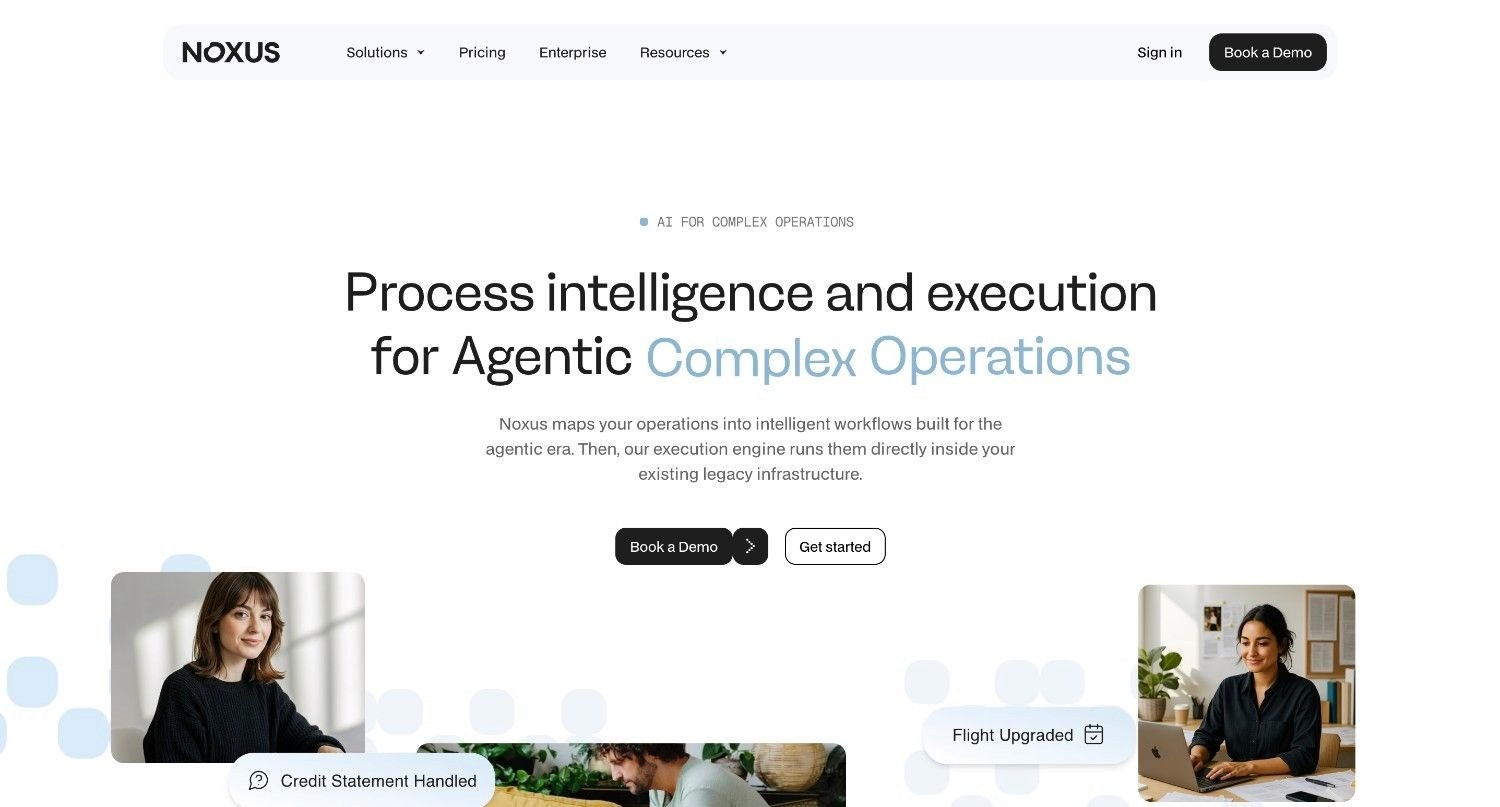
Noxus is an agentic operations platform that builds and deploys AI Co-workers to execute complex, multi-system workflows end-to-end across legacy enterprise environments.
It addresses the core failure of most enterprise AI initiatives: tools that draft or suggest but never resolve, and that break down when they meet the layered, interdependent systems that regulated industries actually run on.
Noxus AI Co-workers process unstructured inputs, including emails, scanned documents, and portal submissions, apply hard-coded business rules, and write outcomes back into source systems with a complete audit trail.
Deployed clients include a Tier 1 European bank, a major healthcare group, and a large retail group, with production deployments completed in 45 to 80 days and documented ROI of three to five times the initial investment.
Noxus is built for the European regulatory environment and operates within GDPR, the EU AI Act, DORA, and NIS2 requirements.
Ideal For
Operations teams processing high volumes of claims, billing disputes, and account changes across multiple legacy systems
IT departments managing complex environments, including SAP ECC, Guidewire, and COBOL-era cores, without the budget for infrastructure overhauls
Compliance officers requiring structural adherence to GDPR, the EU AI Act, SOC 2 Type II, ISO 27001, and HIPAA
Digital and AI transformation leaders who need to move AI initiatives from pilot to production without building infrastructure from scratch
Mid-market operations owners (€50M to €500M revenue) who need fast, measurable results with minimal IT overhead
Top Features
AI Co-worker runtime: The execution engine that resolves work end-to-end, gathering data, applying policy rules, executing actions, and writing outcomes back into source systems under full governance. Not a summariser or drafting assistant.
Legacy system interaction: AI Co-workers navigate interfaces, run multi-step lookups, and handle exceptions directly inside SAP ECC, Guidewire, ServiceNow, Oracle, and proprietary platforms. No API layer or middleware project required.
400+ native connectors: Pre-built integration across CRM (Salesforce, HubSpot), ERP (SAP, Oracle), ITSM (ServiceNow, Jira), communications (Outlook, Teams, Gmail), identity (Azure AD), payments (Stripe), and 380+ additional systems.
BYOK model routing: Clients bring their own AI provider keys across Azure AI Foundry, AWS Bedrock, and Google Vertex AI, maintaining full data sovereignty and reducing per-operation inference costs. Noxus-managed inference is also available for simpler procurement.
Explainable traces and confidence-based escalation: Every process run generates a replayable trace. When AI confidence falls below a configurable threshold, the workflow escalates to a human with full context already assembled, rather than guessing.
Flexible deployment: Fully managed SaaS, self-managed VPC on client cloud, or fully air-gapped on-premises. Open-core guarantee: clients retain all code and binaries if the commercial relationship ends.
Why Noxus Stands Out
Noxus separates AI interpretation from business rule execution at the architecture level. No language model within the product decides whether to approve a financial claim, process a refund, or update a regulated record.
Hard-coded business logic governs every decision the moment a governed action is required, mapped directly from the client's own standard operating procedures. This removes AI hallucination from consequential outcomes entirely.
The product needs no middleware project and no infrastructure work as a prerequisite. If an operations team member can navigate the system today, Noxus can be configured to operate it, typically with a first production workflow live within 30 days and full deployment within 45 to 80 days.
Noxus is certified against SOC 2 Type II, ISO 27001, GDPR Article 28, and HIPAA, and has zero client churn across all deployments to date.
Pros
Operates natively on legacy systems without requiring modern APIs or infrastructure work
Removes AI hallucinations from governed decisions through hard-coded business logic
Air-gapped, on-premises, and VPC deployment options for strict data sovereignty
Complete, step-by-step visibility into every executed action with full replayability
BYOK model routing gives clients control over AI inference costs and data residency
Open-core guarantee: clients retain all code and binaries if the commercial relationship ends
Zero client churn across all live deployments, with documented 3 to 5x ROI
Cons
Not designed for small businesses or startups with simple software stacks
Not suited to creative content generation or marketing copywriting
Requires initial mapping of your internal business policies and rules
Pricing
Noxus operates on a monthly platform license with included AI operations volume. There is no per-seat licensing, no per-token billing, and no outcome-based pricing. Costs are predictable and scale with operational volume rather than headcount.
Deployment architecture and operational scale determine pricing. First engagements typically include deployment engineering alongside the platform license. Subsequent use cases on the same infrastructure run at substantially higher margin.
Custom pricing comes with a clear ROI demonstration before implementation begins. Contact Noxus to scope your first use case.
Final Verdict
Noxus is the best enterprise AI platform for regulated European businesses that need to automate operations across legacy software. By strictly enforcing your business logic and guaranteeing data residency, it removes the compliance risks that follow most AI deployments in the enterprise.
2. Kore AI
Overview
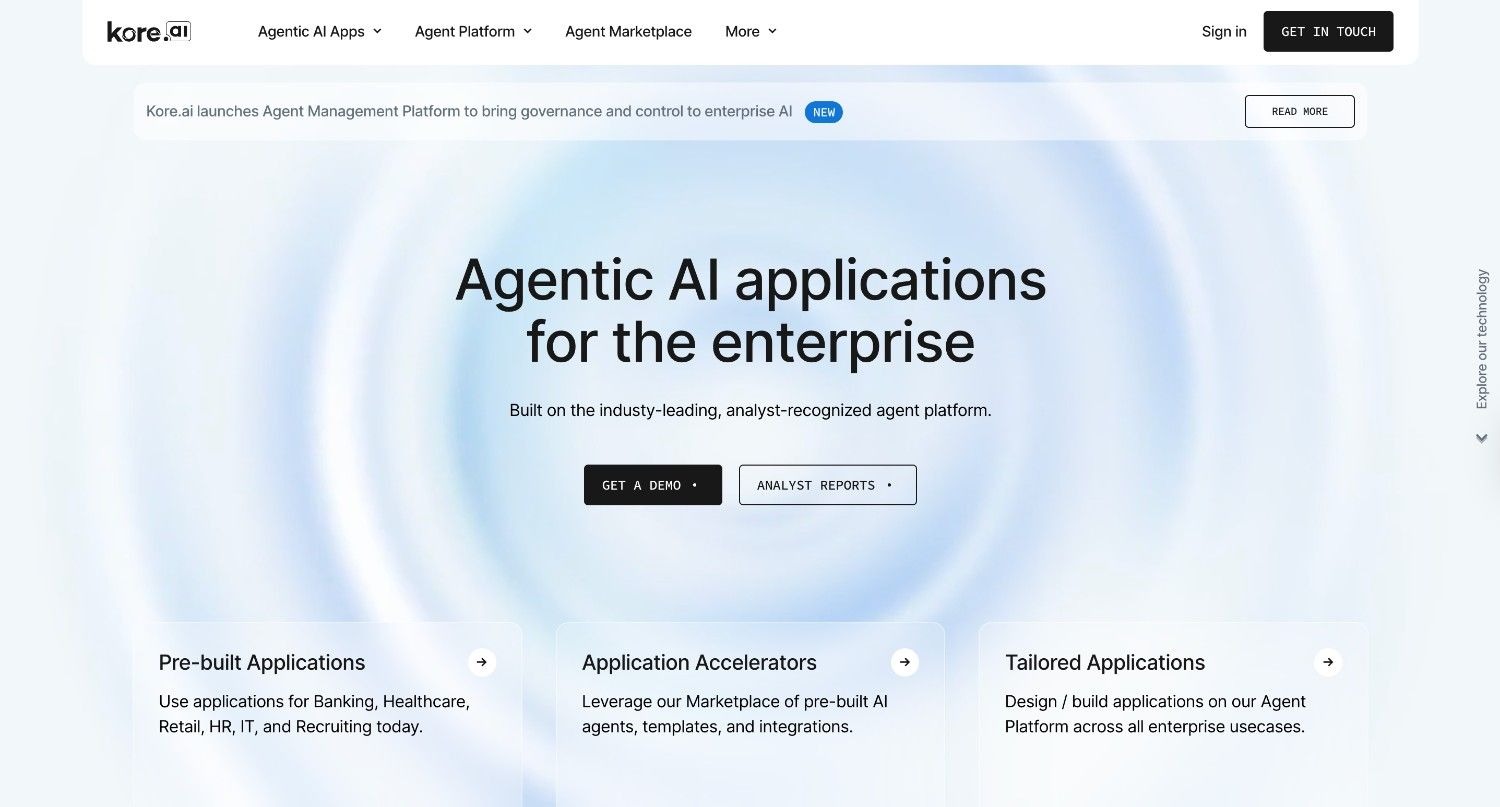
Kore.ai is an advanced enterprise AI platform focused on putting AI agents to work across customer experience (CX) and employee experience (EX) operations.
It addresses the problem of disconnected workflows by providing a multi-agent orchestration engine that lets different AI models collaborate, hand off context, and execute tasks. Kore.ai positions itself as a control layer for enterprise interactions.
Ideal For
Customer service departments managing omnichannel support
Human resources and IT teams automating internal employee requests
Enterprises that need both no-code and pro-code development options
Top Features
Multi-Agent Orchestration: Lets different specialised AI agents collaborate on complex tasks and hand off work between them.
Extensive Integrations: Over 250 pre-built connectors for major CRM, ERP, and ITSM products.
Pre-Built Marketplace: More than 300 pre-built agent templates to cut initial deployment time.
Why They Stand Out
Kore.ai is a strong choice for businesses that want a model-agnostic architecture. Organisations can bring their own language models and switch between cloud providers without rebuilding their setup. Detailed governance dashboards give clear oversight into agent behaviour and performance at scale.
Pros
Broad template library cuts initial setup time
Model-agnostic infrastructure avoids vendor lock-in
Strong role-based access controls and AI governance
Cons
The full product suite can overwhelm teams without a structured implementation plan
Documentation for newer connectors sometimes lags behind updates
Finding the right template takes time given the volume of options available
Pricing
Kore.ai offers flexible pricing, including session-based, usage-based, and per-seat options, with volume pricing for large deployments.
Final Verdict
Kore.ai is a strong choice for large organisations that need a multi-channel platform to manage both customer and employee interactions. Its complexity makes it unsuitable for smaller teams looking for a simple, out-of-the-box chat tool.
3. UiPath
Overview
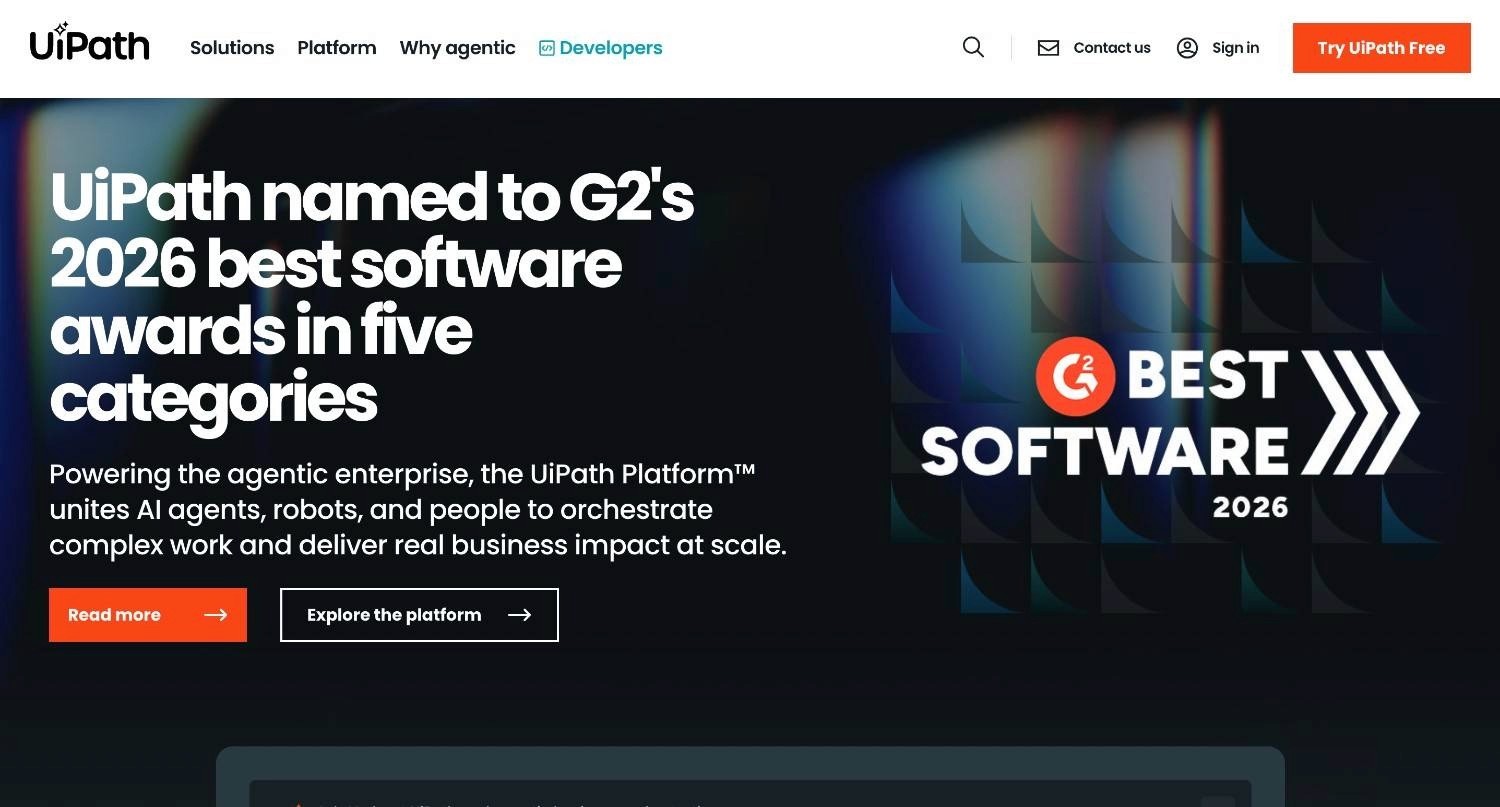
UiPath is a global leader in robotic process automation (RPA) that has added artificial intelligence to create a broader enterprise AI platform.
The product addresses repetitive, manual computer tasks by combining software robots with AI models that can read screens, extract document data, and execute rule-based workflows across departments.
Ideal For
Finance departments processing high volumes of invoices and receipts
Operations teams with clearly defined, repetitive digital tasks
IT departments looking to identify and automate inefficient internal processes
Top Features
Process Mining: Uses AI to analyse system logs and desktop activity to identify the best candidates for automation.
Agentic Automation: Pairs traditional RPA bots with generative AI to handle unstructured data extraction.
Low-Code Studio: A visual workflow designer that lets business analysts build automations without deep coding knowledge.
Why They Stand Out
UiPath has a strong track record in process automation. By layering AI on top of its RPA foundation, it lets organisations automate processes that involve both structured database work and unstructured document reading, such as understanding a poorly formatted invoice.
Pros
Strong capabilities for handling repetitive, structured tasks at volume
Solid enterprise governance, access controls, and orchestration management
Large partner network and extensive training resources
Cons
Can be expensive to scale across a full organisation
Heavy reliance on screen-scraping means bots can break when software interfaces update
Complex automations often require dedicated, certified developers to build and maintain
Pricing
UiPath offers custom enterprise pricing based on the number of automation developers, running bots, and integrated AI services. Basic plans start at £18 per month.
Final Verdict
UiPath works well for enterprises invested in traditional process automation that want to add AI data extraction. The high total cost of ownership makes it a significant commitment requiring dedicated developer resources.
4. Microsoft Copilot Studio
Overview
Microsoft Copilot Studio is Microsoft's low-code product for building, deploying, and managing custom AI agents across enterprise environments.
Unlike Microsoft 365 Copilot, which is a productivity assistant embedded in Office apps, Copilot Studio gives organisations the tools to design their own AI agents, connect them to business data, and deploy them across channels including Teams, websites, and custom applications. It targets the challenge of building AI-native experiences without requiring deep software engineering expertise.
Ideal For
IT and digital transformation teams building internal AI agents and assistants
Organisations already deeply embedded in the Microsoft technology environment
Customer service teams deploying AI across Microsoft-native and third-party channels
Top Features
Low-Code Agent Builder: A drag-and-drop interface for designing conversational AI agents with branching logic and topic management, with minimal coding required.
Microsoft Graph Integration: Grounds agents in your organisation's data, including emails, calendars, SharePoint files, and Teams chats, for contextual responses.
Multi-Channel Deployment: Deploy agents across Microsoft Teams, web chat, mobile apps, and external products from a single configuration.
Why They Stand Out
Copilot Studio works best for organisations running on Microsoft infrastructure. Its connection to Azure Active Directory, Power Platform, and Microsoft 365 means agents can be secured, provisioned, and monitored within existing IT governance structures. The connector library also extends agent capabilities to hundreds of third-party services via Power Automate.
Pros
Native to the Microsoft environment, making adoption straightforward for Microsoft shops
Low barrier to entry for non-technical staff building basic conversational agents
Compliance and tenant-level data boundaries are inherited from Azure
Cons
Agents handle conversation and task delegation, not end-to-end autonomous execution on legacy back-office systems
Performance drops significantly outside the Microsoft environment
Complex multi-system orchestration across non-Microsoft products requires substantial additional configuration
Pricing
Microsoft Copilot Studio starts at approximately £175 per month per tenant for 25,000 messages. Additional capacity is billed per message at scale. Enterprise licensing may bundle it with existing Microsoft agreements.
Final Verdict
Microsoft Copilot Studio is a strong choice for teams wanting to build custom AI agents within the Microsoft environment with minimal developer overhead. It is not a substitute for a dedicated operational automation platform capable of executing complex, multi-system back-office processes on legacy infrastructure.
5. Google Workspace Gemini
Overview
Google Workspace Gemini embeds AI throughout Google's productivity suite, including Docs, Gmail, Drive, and Meet.
It addresses the friction of day-to-day content creation and communication, letting users draft emails, produce reports, and find documents quickly using natural language prompts.
Ideal For
Businesses of any size operating entirely on Google Workspace
Marketing and content teams that need fast drafting support
Remote teams relying on video meetings and shared documents
Top Features
Gemini in Docs and Gmail: Drafts, rewrites, and summarises text based on short prompts.
Gemini in Meet: Real-time translated captions, automatic meeting notes, and action item capture.
Enterprise Search: Searches Google Drive files to answer questions and retrieve past project context.
Why They Stand Out
Google Workspace Gemini is quick to adopt because the AI sits inside the tools employees already use. Multiple users can work with AI-generated content at the same time in a Google Doc or Sheet, which supports real-time collaboration.
Pros
Zero integration work for existing Google Workspace customers
Strong real-time collaboration and drafting tools
Strict data privacy guarantees for enterprise users
Cons
Does not execute workflows in third-party business applications
Lacks multi-agent orchestration for back-office automation
Requires well-organised internal folders to retrieve information accurately
Pricing
Gemini is typically bundled with or added to Google Workspace plans, generally costing between £15 and £25 per user per month depending on the tier. Enterprise plans are quoted on custom terms.
Final Verdict
Google Workspace Gemini is a productive tool for teams living in the Google environment. Like Microsoft Copilot Studio, it assists knowledge workers rather than running business processes from start to finish.
6. Dify
Overview
Dify is an open-source LLM application development product that lets technical and semi-technical teams build, test, and deploy AI workflows and agent pipelines on top of multiple foundation models.
It addresses the complexity of connecting language models to enterprise data sources, APIs, and logic by providing a visual builder alongside a backend runtime. Dify sits between raw API access and full enterprise platforms, offering flexibility without requiring teams to build infrastructure from scratch.
Ideal For
Engineering and product teams building custom AI applications and internal tools
Data teams prototyping retrieval-augmented generation (RAG) pipelines
Organisations that want to self-host AI tooling and keep control over their environment
Top Features
Visual Workflow Builder: Design multi-step AI pipelines, including branching logic, tool calls, and model routing, through a drag-and-drop canvas without writing boilerplate code.
RAG Pipeline Support: Built-in document indexing, chunking, and vector retrieval make it straightforward to ground AI responses in your internal knowledge base.
Multi-Model Support: Switch between OpenAI, Anthropic, Google, Mistral, and open-source models such as Llama and Qwen without rewriting application logic, which helps control cost and quality across use cases.
Why They Stand Out
Dify's open-source foundation is its main differentiator. Organisations with the technical capacity to self-host get a full LLM operations environment with no vendor dependency and no data leaving their own infrastructure. For teams already comfortable with Docker and cloud deployments, Dify cuts the time from idea to working AI application considerably.
Pros
Open-source and self-hostable, giving full data sovereignty with no vendor dependency
Broad model support avoids lock-in to any single AI provider
Active open-source community with frequent releases and community plugins
Cons
Requires engineering expertise to deploy, maintain, and extend. Not suited to non-technical operations teams.
No native capability to interact with legacy enterprise systems such as SAP ECC or COBOL-era cores
Enterprise-grade governance, audit trails, and access controls require additional configuration compared to dedicated enterprise platforms
Pricing
Dify is free and open-source for self-hosted deployments. The cloud-hosted version starts at approximately £47 per month for teams, with enterprise plans on custom terms.
Final Verdict
Dify is a strong choice for engineering teams that need a fast, flexible environment to build and iterate on AI-powered applications. It is not suited to operations teams looking for governed, auditable automation on regulated legacy systems without significant custom engineering work.
7. N8n
Overview
n8n is an open-source workflow automation product that has added native AI agent capabilities, letting technical teams connect APIs, databases, and AI models in sophisticated automation pipelines.
It addresses the need for flexible automation without the cost and rigidity of enterprise-tier tools. With its self-hostable architecture and code-when-needed approach, n8n sits at the intersection of developer tooling and business process automation.
Ideal For
Technical teams and developers building bespoke automation workflows across internal tools and APIs
Organisations that want self-hosted automation infrastructure without per-seat or per-task pricing
Teams connecting AI models to existing operational workflows through a low-overhead product
Top Features
AI Agent Nodes: Native support for building LLM-powered agents within workflows, including tool calling, memory management, and multi-step reasoning, directly inside n8n's automation canvas.
Code-When-Needed Approach: Provides a visual builder for most tasks while letting developers inject custom JavaScript or Python nodes wherever the business logic requires it. This removes the ceiling on what can be automated.
Self-Hostable Architecture: Deploy entirely within your own infrastructure, via Docker, Kubernetes, or bare-metal, with no data leaving your environment. The source code is available for audit and modification.
Why They Stand Out
n8n's key advantage is the combination of depth and flexibility. Unlike many visual automation tools that hit a wall when logic gets complex, n8n lets developers write code directly within the same workflow. This means it handles edge cases and non-standard integrations without requiring a separate engineering project.
Pros
Self-hostable with full source code access, giving strong data sovereignty
No per-task or per-workflow pricing in self-hosted mode, making it cost-efficient at volume
A growing library of native integrations (400+) plus the ability to call any API via HTTP nodes
Cons
Requires technical expertise to install, maintain, and troubleshoot. Not accessible to non-technical operations staff.
Enterprise-grade governance features, including audit logs, role-based access controls, and compliance reporting, need extra configuration out of the box
Does not natively interact with legacy interfaces such as desktop ERP systems or COBOL-era platforms the way a purpose-built operational AI platform does
Pricing
n8n is free for self-hosted deployments under its fair-code licence. The cloud-hosted version starts at approximately £16 per month for small teams, with enterprise plans on custom terms.
Final Verdict
n8n is a cost-effective automation product for developer-led teams that need flexible, self-hosted workflow automation with AI built in. Organisations that need governed, auditable automation on regulated legacy systems will require significant custom engineering before n8n meets enterprise requirements.
How to Choose the Best Enterprise AI Platform
Choosing the best enterprise AI platform requires a clear-eyed look at your operational reality, not what looks impressive in a demo.
1. Assess Your Workflow and Use Case Requirements
Identify exactly what you need to automate.
If the goal is helping staff write emails faster, a copilot-style tool is enough. If you need to process hundreds of financial claims daily and update records across several software systems, you need agentic workflow orchestration that takes autonomous action.
2. Evaluate Integration with Existing Systems
The best enterprise AI platform is useless if it cannot connect to your technology stack.
Check whether the product requires modern APIs to function or if it can navigate legacy systems, mainframes, and proprietary software. Avoid tools that require a multi-year infrastructure overhaul before delivering any value.
3. Demand Explainability and Governance
In a regulated enterprise, opaque decision-making is not acceptable. You need to explain why an AI tool made a specific choice.
Look for products that separate AI interpretation from business logic and that provide complete audit trails and replayable process records for compliance reviews.
4. Verify Data Residency and Security
Review where the product processes and stores your data.
Make sure the vendor offers deployment models that fit your risk profile, such as fully managed SaaS, private cloud, or air-gapped on-premises installations. Confirm structural compliance with GDPR, SOC 2 Type II, and relevant industry rules like HIPAA.
5. Analyse the Total Cost of Ownership
Look beyond the initial software cost.
Factor in implementation, the developer time required to maintain integrations, and the pricing structure, whether per user, per session, or consumption-based. Choose a product that shows a clear, predictable return on investment within your current budget.
Top Enterprise AI Software: Final Complete Comparison
← scroll to see all columns →
| Company | Pros | Cons | Ease of Use | Integrations | Support | Affordability | Data Residency Control |
|---|---|---|---|---|---|---|---|
| Noxus | Rule-based execution, legacy system capability, full transparency | Requires logic mapping upfront, not for small business or simple stacks | ⭐⭐⭐⭐⭐ | ⭐⭐⭐⭐⭐ | ⭐⭐⭐⭐⭐ | ⭐⭐⭐⭐⭐ | ⭐⭐⭐⭐⭐ |
| Kore.ai | Multi-agent setups, large template library, model agnostic | Overwhelming interface, complex deployment, documentation gaps | ⭐⭐⭐⭐⭐ | ⭐⭐⭐⭐⭐ | ⭐⭐⭐⭐⭐ | ⭐⭐⭐⭐⭐ | ⭐⭐⭐⭐⭐ |
| UiPath | Handles repetitive tasks at volume, strong governance | Expensive to scale, breaks on UI changes, needs developers | ⭐⭐⭐⭐⭐ | ⭐⭐⭐⭐⭐ | ⭐⭐⭐⭐⭐ | ⭐⭐⭐⭐⭐ | ⭐⭐⭐⭐⭐ |
| Microsoft Copilot Studio | Easy agent building, Microsoft native, multi-channel support | Microsoft-environment dependent, no legacy system execution | ⭐⭐⭐⭐⭐ | ⭐⭐⭐⭐⭐ | ⭐⭐⭐⭐⭐ | ⭐⭐⭐⭐⭐ | ⭐⭐⭐⭐⭐ |
| Google Workspace Gemini | Clean UX, collaborative, fast drafting | Limited to basic tasks, requires G-Suite, no legacy connection | ⭐⭐⭐⭐⭐ | ⭐⭐⭐⭐⭐ | ⭐⭐⭐⭐⭐ | ⭐⭐⭐⭐⭐ | ⭐⭐⭐⭐⭐ |
| Dify | Open-source, multi-model, RAG support | Developer only, no legacy integration, limited enterprise governance | ⭐⭐⭐⭐⭐ | ⭐⭐⭐⭐⭐ | ⭐⭐⭐⭐⭐ | ⭐⭐⭐⭐⭐ | ⭐⭐⭐⭐⭐ |
Transform Your Operations with Noxus
Most enterprise AI tools fail European organisations for the same three reasons: they require modern APIs that do not exist, they use opaque AI decision-making that fails compliance audits, and they process your operational data in shared cloud environments outside your control.
Noxus AI Co-workers work differently. They execute real operations work end-to-end: claims, billing disputes, account changes, document processing, all on the legacy systems your teams use today. No middleware project required. No infrastructure overhaul as a prerequisite. Your business rules govern every decision. The AI handles the unstructured interpretation. Every action is traceable, replayable, and compliant by design.
Clients move from contract to first production workflow in 30 days, with documented ROI of three to five times across banking, healthcare, and retail deployments. Zero churn across all live clients to date.
FAQs About Enterprise AI Platforms
What is the best enterprise AI solution in 2026?
The best enterprise AI platform in 2026 is Noxus, particularly for regulated businesses using legacy systems. Its architecture delivers production deployment within 30 days, documented ROI of three to five times, and zero client churn through traceable and compliant automated workflows.
What should I consider when choosing enterprise AI software?
When choosing enterprise AI software, evaluate data security first, then system integration depth and deployment flexibility. Confirm the product provides full auditability so you can explain exactly how decisions are made. Also check whether the pricing model fits your projected usage and return on investment targets.
How does Noxus differ from other options?
Noxus keeps hard-coded business rules in control of process execution while AI handles only the interpretation of unstructured inputs. It operates directly inside legacy systems like SAP ECC and Guidewire without requiring modern APIs. It also guarantees data residency through on-premises and air-gapped deployment options built for European regulatory requirements.
How do I get started with Noxus?
Start with a consultation to map your highest-friction workflows and compliance requirements. The deployment team configures AI Co-workers to work with your existing systems and business logic. A first production workflow on your actual systems with live data typically goes live within 30 days. Full multi-workflow deployments follow in 45 to 80 days. Implementation focuses on mapping your business rules, not rebuilding your technology stack.
How easy is it to switch to Noxus?
Switching to Noxus does not require a middleware project or infrastructure overhaul. If your current operations team can navigate your existing legacy systems, Noxus can be configured to operate them the same way. Implementation focuses on mapping your business logic rather than rebuilding your stack.
Does enterprise AI pose a compliance risk?
Enterprise AI does not pose a compliance risk when built on explainability and strict data governance. Products like Noxus separate language model interpretation from rule-based execution, removing unpredictable AI decision-making from regulated processes. Compliance is structural, achieved through air-gapped or on-premises deployment, BYOK model routing, and complete audit trails on every action. Noxus is certified against SOC 2 Type II, ISO 27001, GDPR Article 28, and HIPAA, covering the governance requirements of financial services, insurance, and healthcare organisations.
What are enterprise AI platforms?
An enterprise AI platform is a software foundation that lets large organisations build, deploy, manage, and scale artificial intelligence across their business operations. Unlike consumer-facing AI tools that act as simple chat assistants, enterprise AI software provides the infrastructure to connect complex business systems securely, integrating with databases, legacy software, and modern applications to interpret unstructured data and execute multi-step workflows.
Who needs enterprise AI solutions?
Enterprise AI tools are designed for large enterprises with over €500M in annual revenue that need multi-stakeholder governance and complex legacy system integration, and for mid-market companies with revenues between €50M and €500M. Key users include Operations Directors, Chief Compliance Officers, Digital and AI Transformation Leaders, IT and Systems Architects, Customer Experience Leaders, and CFOs.
How much does enterprise AI software cost?
Enterprise AI software pricing varies widely by product and model. Noxus uses a consumption-based monthly platform license that scales with operational volume: no per-seat, no per-token, no outcome-based fees. Pricing is custom per client.
What is agentic AI in an enterprise context?
Agentic AI in an enterprise context refers to AI systems that plan and execute multi-step workflows across business systems on their own, rather than generating text or answering questions. These systems understand context, retrieve relevant policies, take actions in connected software, and handle exceptions. They complete end-to-end operational tasks under defined governance rules, acting more like a co-worker than a chatbot.