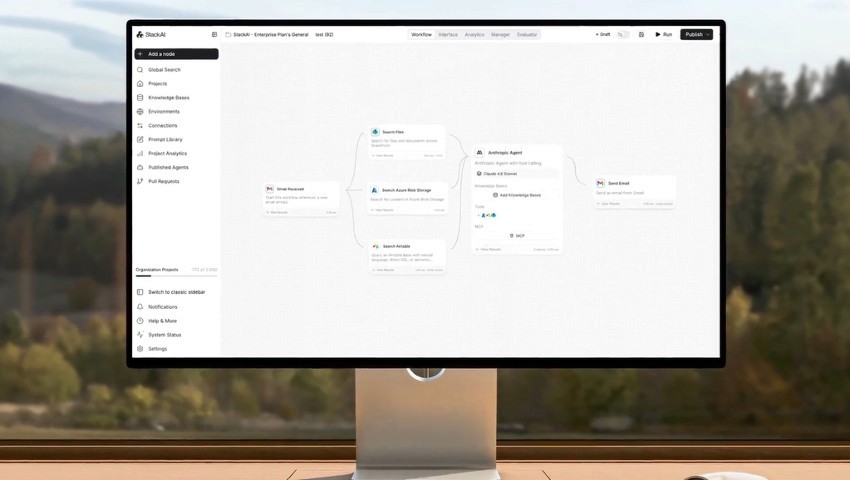
Best Finance Automation Software in 2026 (Reviewed & Comparison)

Finding the best finance automation software in 2026 means asking a harder question than most guides do; what kind of finance automation do you actually need?
There's a big difference between automating your accounting close and automating your financial operations. The first covers bank reconciliation, journal entries, and shortening month-end cycles. The second covers claims processing, billing dispute resolution, vendor invoice reconciliation, and compliance validation running across SAP, Guidewire, Oracle, and legacy ERP environments simultaneously. Same keyword, completely different category of problem.
This guide reviews ten tools, and explains which problem each one is built for, and is direct about where each fits and where it doesn't. If you're in financial services and your challenge is operational automation on legacy infrastructure, the right answer here is different from what most roundups will tell you.
Key Takeaways (TL;DR)
The Best Finance Automation Software for Financial Services Operations: Noxus is the top choice for regulated financial services and insurance organisations that need to automate operational workflows, specifically claims, billing disputes, back-office reconciliation, and compliance validation, across legacy systems, including SAP, Guidewire, and Oracle, without infrastructure modernisation.
Why You Need It: Financial services operations teams lose thousands of hours annually to manual work across three to seven systems per case. That's where errors accumulate, compliance risk builds, and BPO costs compound.
Who It's For: Operations Leaders, CFOs, and IT teams at European mid-market and enterprise financial services, insurance, and banking organisations (€50M+ revenue) with complex legacy environments and regulatory compliance requirements.
How to Choose: Figure out which problem you're solving first; is it accounting close automation, or operational workflow automation? Then check whether the tools you're considering can connect to your actual systems without a modernisation project, enforce your business rules deterministically, and keep regulated data inside your infrastructure.
Expected Price: Noxus operates on a monthly platform licence with included AI operations volume. Pricing is custom and consumption-based, with no per-seat, no per-token, and no outcome-based fees.
Table of Contents
Top Finance Automation Software in 2026 at a Glance
← scroll to see all columns →
| Company | Best For | Key Features | Pricing |
|---|---|---|---|
| Noxus | Financial services operations automation on legacy systems (claims, disputes, back-office reconciliation) |
End-to-end legacy execution
400+ native connectors
Full audit trail
BYOK model routing
GDPR Article 28
|
Custom, consumption-based |
| UiPath | RPA-based finance process automation |
Process mining
Agentic automation
Low-code studio
|
From £20/month Enterprise: contact sales |
| Microsoft Copilot Studio | Finance workflows inside Microsoft products |
Low-code agent builder
Power Automate integration
Multi-channel
|
From £158/month per tenant 25,000 Copilot Credits |
| Celonis | Process mining and finance process intelligence |
Process mining
ERP integration
Execution management
|
Custom enterprise pricing |
| Rillet | AI-native accounting for multi-entity businesses |
GL automation
Revenue recognition
Bank reconciliation
|
Custom pricing |
| NetSuite | Cloud ERP with integrated accounting automation |
AP/AR automation
General ledger
Multi-entity reporting
|
Custom enterprise pricing |
| Sage Intacct | Mid-market cloud accounting and close management |
AI-enhanced GL
Snap-and-post receipts
Real-time reporting
|
Custom pricing |
| Zapier | Connecting modern finance SaaS tools via workflow automation |
8,000+ app integrations
No-code triggers
AI-powered Zaps
|
Free tier available From £16/month (Professional) |
| n8n | Developer-led finance workflow automation |
Self-hostable
400+ integrations
AI agent nodes
|
Free self-hosted From £17/month (Starter) |
| Dify | LLM workflow development for finance teams |
Visual workflow builder
RAG pipelines
Multi-model support
|
Free open-source From £47/month (Professional) |
What Is Finance Automation Software?
The best finance automation software removes the manual work from financial processes by moving data between systems, processing documents, enforcing business rules, and producing audit-ready outputs without someone doing it by hand.
The category is wide, and the tools within it are solving meaningfully different problems, so it's worth being clear about the split before you evaluate anything.
Accounting automation targets your finance function's internal workflows: bank reconciliation, journal entries, invoice categorisation, GL management, and the monthly close. Tools like Rillet, Sage Intacct, and NetSuite sit here. Their primary buyer is the Controller or Finance Director, trying to shorten close cycles and cut manual GL work.
Financial operations automation targets the high-volume workflows that financial services organisations run across multiple systems. Claims processing, billing dispute resolution, vendor invoice reconciliation across SAP and Oracle, compliance document validation, and customer account mutations are all examples. This is where workflow automation products like Noxus operate.
The gap between those two categories matters. A tool that automates journal entries in QuickBooks doesn't address the problem facing a European insurer whose claims operations span Guidewire, SAP ECC, a COBOL-era core, and a regional CRM. Getting clear on which one you actually need is the first decision this guide helps you make.
Tasks commonly automated across both categories include:
Vendor invoice matching and accounts payable reconciliation
Billing dispute resolution across CRM and ERP
Compliance document validation and audit trail generation
Bank reconciliation and transaction categorisation
Financial reporting and month-end close workflows
Claims processing and policy validation across insurance systems
Multi-system data extraction and write-back
Why Do You Need Finance Automation Software?
Finance and operations teams grow by adding people. Every 20% increase in transaction volume requires roughly 20% more headcount unless something structural changes, and the cost curve is linear while board pressure on margins is not.
Manual error rates in complex financial operations typically run 3 to 8 percent. At 10,000 cases per month, that's 300 to 800 transactions requiring rework, escalation, or remediation. The direct cost is staff time, and the indirect cost is regulatory exposure, customer dissatisfaction, and management attention pulled away from higher-value work.
According to KPMG, nearly 72% of businesses are already piloting or using AI in financial reporting, with adoption expected to reach 99% within three years. The organisations building the right automation infrastructure now will have structurally lower operational costs than those that don't.
The specific problems the best finance automation software tools eliminates are:
Staff manually navigating between SAP, Oracle, CRM, and email to resolve a single case or transaction
Inconsistent outcomes across teams, shifts, and geographies, creating audit and compliance risk
BPO contracts with annual escalation clauses eroding savings over time
Failed RPA deployments that broke when ERP interfaces updated, burning budget and credibility
Ungoverned shadow AI adoption, where staff paste financial data into ChatGPT with no audit trail
Month-end close cycles stretching to 20 to 30 days due to manual reconciliation bottlenecks
The best finance automation tools change the structure of the work itself, rather than just saving time on individual tasks. A team of 150 people manually bridging five systems per case becomes a team focused on exceptions and judgement calls, while routine cases resolve without them.
Who Needs Finance Automation Tools?
The right finance automation tool depends on which problem you're sitting closest to, and who else in your organisation needs to sign off on solving it.
Here's where different roles tend to land:
CFOs and Finance Directors
You're watching operational costs grow as a percentage of revenue despite years of technology investment, and BPO contracts are eroding the savings you thought you'd locked in.
What you need when looking for the best finance automation software tool is a clear, defensible business case with measurable cost reduction, predictable pricing, and proof from comparable organisations. Vague claims about potential savings won't get past your scrutiny. Documented ROI from production deployments will.
Operations Leaders in Financial Services
Your team is logging into three to seven systems per transaction, copying and pasting data between screens, and managing exceptions by email. You need automation that works on your actual systems today, without a replacement ERP, a middleware project, or a six-month integration engagement before anything moves.
Speed to production and proof on real data are what you're evaluating for.
IT and Architecture Leaders in Regulated Industries
You have veto power over any new automation purchase, and you'll use it.
What you need to know is whether the tool requires exposing SAP ECC to a cloud service, whether it complies with GDPR Article 28 and DORA, whether it can run in a private VPC or on-premises, and what the audit trail looks like for every AI decision. If a vendor can't answer those questions clearly, the conversation ends there.
Controllers and Accounting Teams
If your challenge is accounting close management, GL automation, or multi-entity reporting, the tools in this section aren't your best starting point.
Rillet or Sage Intacct are reviewed below and are a better fit for what you're looking for.
Digital and AI Programme Leaders
You're running three to five AI pilots simultaneously with none in production, and you need something that moves from pilot to production in weeks, not months. You've seen enough demos.
What you're actually evaluating is whether a vendor has done this before in a regulated environment at scale, and whether they can show you the evidence.
Best Finance Automation Software in 2026: In-Depth Review
1. Noxus
Overview
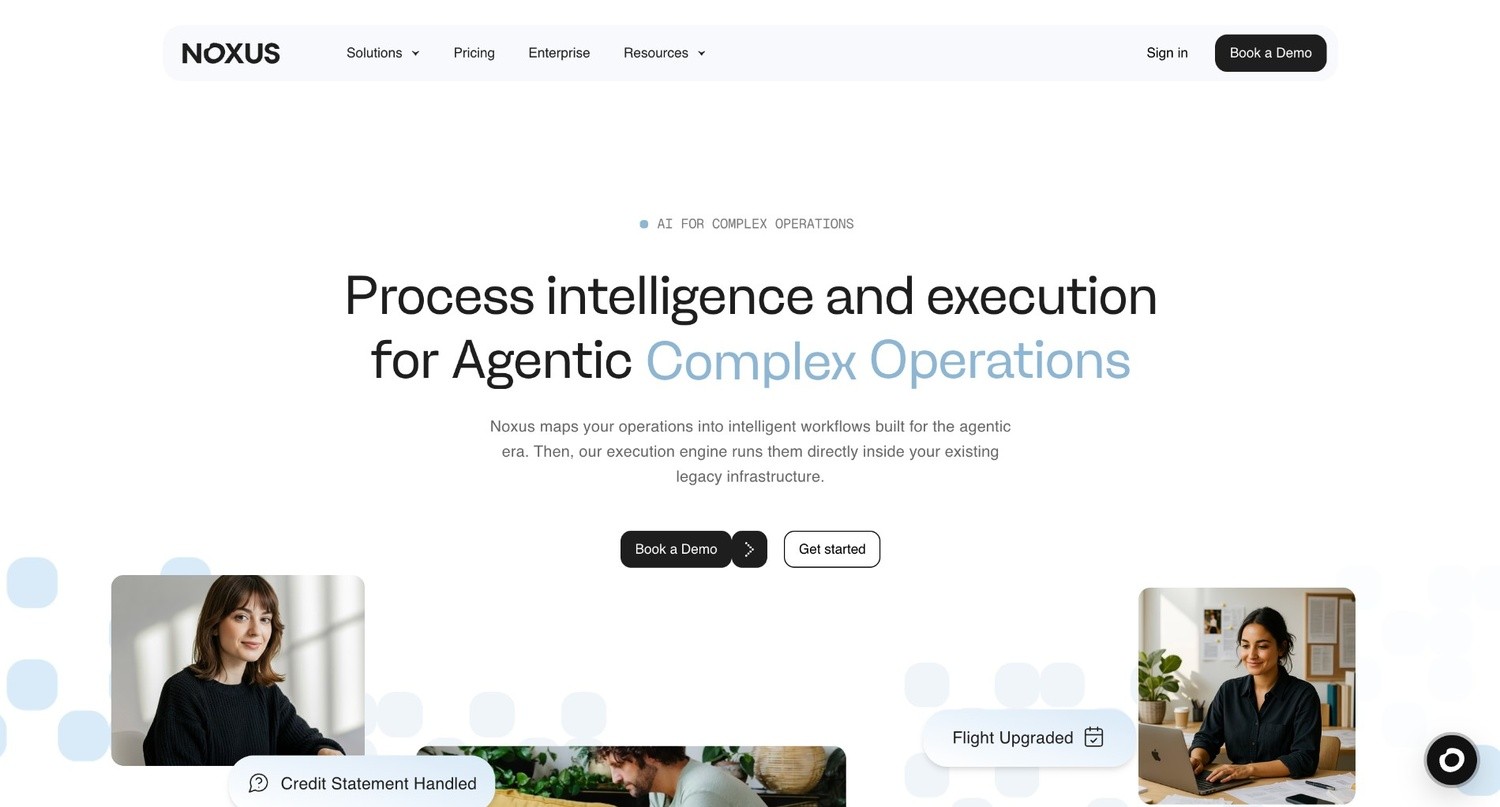
Noxus is the process intelligence layer: execution infrastructure that runs complex financial services and back-office workflows end-to-end across legacy enterprise environments. It’s also one of the best workflow automation software solutions in 2026.
Rather than managing your general ledger, handling payroll, or running your month-end close, Noxus automates the operational workflows that financial services, banking, and insurance organisations run at volume across multiple legacy systems. Claims processing, billing dispute resolution, vendor invoice reconciliation across SAP and Oracle, compliance document validation, and customer account mutations are all in scope.
Where most finance automation software stops at the boundary between systems and routes a notification or drafts an output for a human to review, Noxus executes the full process. It reads unstructured inputs such as emails, scanned documents, and portal submissions, applies hard-coded business rules, writes results back into SAP, Guidewire, or Oracle, and generates a complete, replayable audit trail.
Deployed clients include Santander (Tier 1 European bank) and Fidelidade (insurance), with first production deployments in 45 to 80 days and documented ROI of 3 to 5 times the initial investment.
Ideal For
Operations teams at banks, insurers, and financial services organisations processing high volumes of claims, billing disputes, and back-office cases across multiple legacy systems
CFOs and Finance Directors at regulated European enterprises (€50M+ revenue) who need governed, auditable financial operations automation that meets GDPR, DORA, and EU AI Act requirements
IT departments managing SAP ECC, Guidewire, Oracle EBS, and COBOL-era core systems without the budget or appetite for infrastructure overhaul.
Head of Claims, Head of Back-Office, and VP Operations roles in financial services, whose teams manually bridge three to seven systems per case, with no single system of record
Mid-market financial services operations owners who need fast, measurable results with minimal IT overhead
Top Features
Execution Runtime: The engine that resolves financial operations end-to-end. It reads incoming documents, applies business rules, posts results to source systems, and closes cases without drafting anything for a human to review. This is a tool that operates, not one that assists
Legacy System Integration Without APIs: The execution runtime interacts with SAP ECC, Guidewire, Oracle EBS, COBOL-era cores, and proprietary products the way your operations team does today, navigating interfaces, performing multi-step lookups, and writing back results, without API modernisation or a middleware project.
Deterministic Policy Enforcement: AI handles unstructured inputs, and your business rules govern every decision. No language model decides whether to approve a claim or flag a compliance exception. Rules are mapped directly from your SOPs, and every decision is traceable and replayable.
400+ Native Connectors: Pre-built integration across SAP, Oracle, Guidewire, Salesforce, ServiceNow, Stripe, Outlook, SharePoint, Azure AD, and 380+ additional systems, covering the full stack of financial services operations without a bespoke integration project for each connection.
BYOK Model Routing: Clients bring their own AI provider keys across Azure AI Foundry, AWS Bedrock, and Google Vertex AI, maintaining full data sovereignty and keeping inference costs predictable. Noxus-managed inference is available if you'd prefer simpler procurement.
Deployment Sovereignty: Fully managed SaaS, self-managed VPC on client cloud, or fully air-gapped on-premises. Your financial data stays in your infrastructure unless you choose otherwise. GDPR Article 28 compliance is structural, not contractual. Certified SOC 2 Type II, ISO 27001, GDPR Article 28, and HIPAA.
Why Noxus Stands Out
Most finance automation tools were built for environments with modern APIs. Noxus was built for the financial services infrastructure that has no API layer and no modernisation roadmap on the horizon, including SAP ECC instances deployed in 2008, Guidewire products processing millions of claims annually, and COBOL-era cores that no one's replacing in the next five years.
The key architectural decision is keeping what AI does and what your rules do in separate lanes. The language model reads your vendor invoice or claims document, and your rules decide what happens next. With no hallucinated business logic and no unpredictable decisions on governed processes, it's deployable inside a regulated European bank or insurer rather than stuck in a sandbox.
Clients are typically in production within 45 to 80 days of signing. Second and third workflows on the same account are cheaper to deploy because the infrastructure, integrations, and governance layer are already running.
Pros
Executes end-to-end financial operations workflows on legacy systems without requiring modern APIs
No AI hallucination on governed financial decisions; hard-coded business logic takes over when it matters.
Air-gapped, on-premises, and VPC deployment for strict data sovereignty
Complete, replayable trace of every action, fully auditable for compliance reviews
BYOK model routing keeps inference costs and data residency under your control
Zero client churn across all live deployments; documented 3 to 5 times ROI
Cons
Covers operational workflow automation, not accounting close management, general ledger, or payroll
Requires initial mapping of business rules and SOPs before deployment begins
Mid-market entry requires a minimum monthly commitment; pricing scales with operational volume.
Pricing
Noxus operates on a monthly platform licence with included AI operations volume. No per-seat, no per-token, no outcome-based fees. Pricing is custom per client and scales with operational volume. First engagements typically include deployment engineering, and subsequent workflows on the same infrastructure run at a higher margin because the integrations and governance layer are already running.
Final Verdict
Noxus is the right choice for financial services and insurance organisations automating operational workflows across legacy infrastructure. If your teams are manually bridging SAP, Guidewire, and a COBOL-era core to process claims or resolve billing disputes, this product was built for exactly that environment.
2. UiPath
Overview
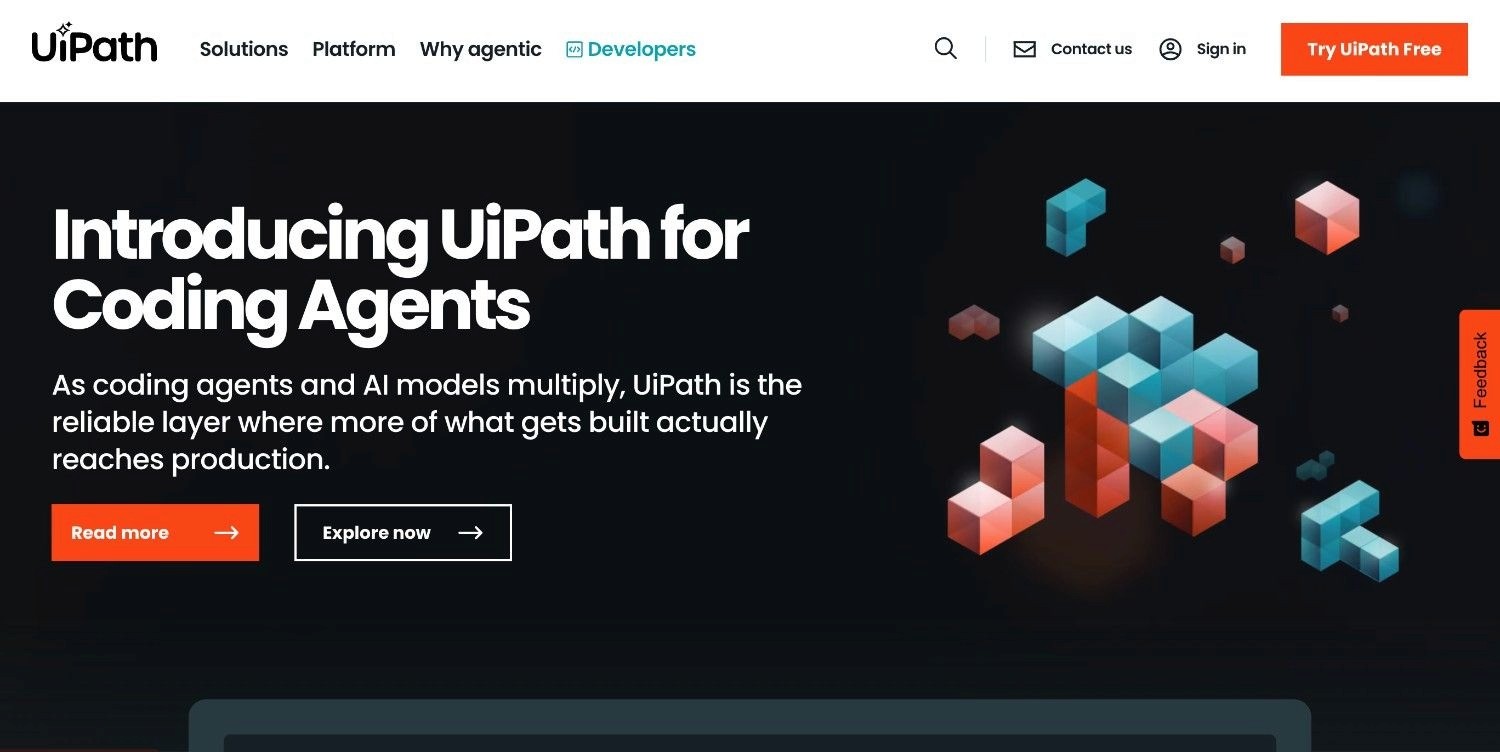
UiPath is a widely deployed robotic process automation vendor that has expanded into agentic AI, combining software robots with AI models to automate financial workflows across enterprise environments.
It handles repetitive, rule-based financial tasks, including invoice processing, accounts payable, and data extraction, by deploying bots that navigate interfaces and execute defined steps. It's built for organisations that want to add AI to an existing RPA foundation rather than start fresh.
Ideal For
Finance teams with clearly defined, high-volume, rule-based tasks such as invoice processing and AP/AR that follow stable process logic
IT departments already running UiPath bots that want to extend automation into AI-assisted document processing.
Large enterprises with dedicated RPA development teams and a budget for ongoing maintenance
Top Features
Process Mining: Analyses system logs and desktop activity to identify automation candidates across finance workflows, giving teams a data-driven basis for building an automation roadmap before committing to build anything.
Agentic Automation: Pairs traditional bots with generative AI for unstructured document handling, reading invoices, and extracting fields from non-standard formats, extending coverage beyond the structured tasks bots handle well.
Low-Code Studio: Visual workflow designer for building finance automations without deep coding knowledge, reducing dependency on specialist developers for standard tasks.
Why They Stand Out
UiPath has a large installed base and deep enterprise buyer trust built over a decade. For organisations already running UiPath bots, adding agentic AI to the same orchestration layer is a natural extension. Process mining gives finance teams a structured way to find where automation creates the most value before they build anything.
Pros
Large installed base; procurement is straightforward for existing UiPath clients
Process mining provides a data-driven way to identify automation opportunities.
Strong enterprise governance, access controls, and orchestration management
Cons
Core RPA architecture is brittle; bots break when ERP interfaces update, which is a recurring problem for SAP and Oracle clients.
Per-bot licensing compounds at scale, making the total cost of ownership hard to predict
The agentic AI layer sits on top of legacy bot infrastructure, adding complexity for multi-system financial workflows.
Pricing
Custom enterprise pricing based on the number of automation developers, running bots, and integrated AI services. The Basic plan starts at £20/month (~$25/month); Standard and Enterprise tiers require contacting sales.
Final Verdict
UiPath is a reasonable choice for finance teams already invested in RPA who want to add AI-assisted document processing incrementally. The brittle UI-dependency is a known failure mode that organisations with SAP and Oracle environments run into directly. For complex, multi-system financial operations on legacy infrastructure, UiPath's architecture inherits the fragility of its RPA foundation.
3. Microsoft Copilot Studio
Overview
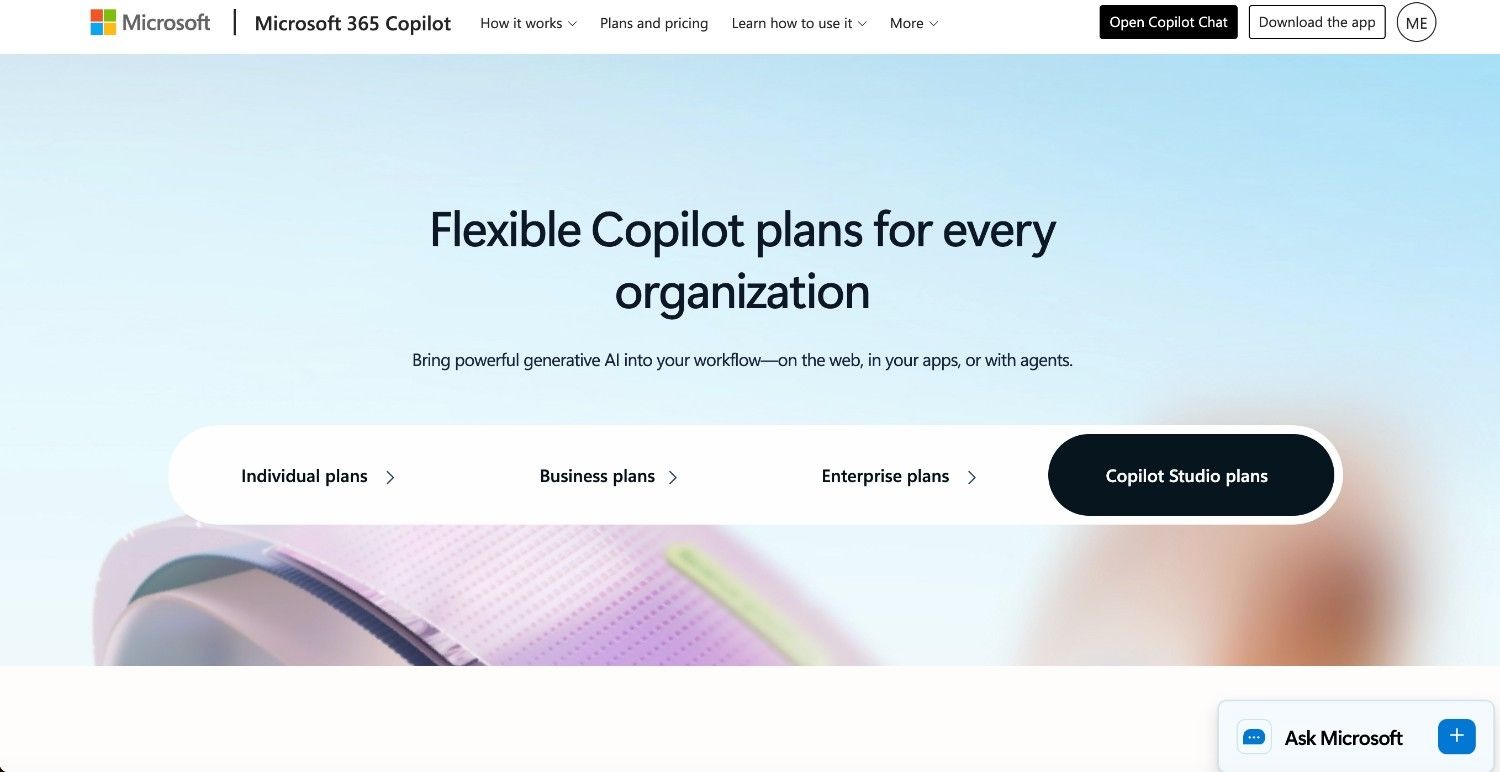
Microsoft Copilot Studio is Microsoft's low-code tool for building custom AI agents within Dynamics 365, SharePoint, and Microsoft 365. For finance teams, it produces custom assistants that answer questions, route approvals, and trigger Power Automate workflows, all within the boundaries of those Microsoft products.
As an agent-building product, it works best for organisations whose financial workflows live primarily inside the Microsoft stack rather than across legacy ERP environments.
Ideal For
Finance teams whose operations run entirely on Dynamics 365, SharePoint, and Microsoft 365
IT departments building basic approval workflows and document routing within existing Microsoft licences
Organisations wanting to demonstrate AI adoption at a low incremental cost within their existing Microsoft contract.
Top Features
Power Automate Integration: Triggers workflows across Microsoft and connected apps based on agent outputs, covering invoice approval routing, spend alerts, and document management within Dynamics 365 and SharePoint.
Microsoft Graph Grounding: Agents access emails, SharePoint files, and calendar data for contextual responses, which is useful if your documents and communications already live inside Microsoft 365.
Multi-Channel Deployment: Deploy finance agents across Teams, web chat, and SharePoint from a single configuration, without rebuilding for each channel separately.
Why They Stand Out
Copilot Studio doesn't require new procurement for most Microsoft enterprise clients. The governance built into Azure Active Directory, Purview, and Sentinel extends to any agents you build within the product. For organisations running Dynamics 365 Finance, the native integration removes the overhead that an external product would introduce.
Pros
No additional vendor evaluation needed for existing Microsoft enterprise clients
Native governance through Azure Active Directory, Purview, and Microsoft Sentinel
Broad connector library through Power Automate
Cons
Can't operate on SAP ECC, Guidewire, COBOL-era cores, or legacy systems outside the Microsoft stack
No deterministic process execution; agents use generative orchestration, which doesn't guarantee consistent rule application for governed financial decisions
No air-gapped on-premises deployment for regulated clients with strict data residency requirements
Pricing
Microsoft Copilot Studio is priced at the tenant level. A prepaid pack of 25,000 Copilot Credits costs £158/month (~$200/month). Pay-as-you-go billing is also available via Azure at $0.01 per credit. Enterprise capacity may be bundled with existing M365 agreements.
Final Verdict
Copilot Studio works well for finance teams building lightweight assistants and document routing within Microsoft products. For financial workflows spanning SAP, Oracle, or legacy ERPs outside Microsoft's stack, it falls short as a substitute for an operational automation product. Most European financial services organisations will find the data sovereignty and legacy integration gaps disqualifying.
4. Celonis
Overview
Celonis is a process mining and execution management product that gives finance teams visibility into how their financial processes actually run, along with tools to act on what they find.
Its primary strength is analysis rather than execution, making it most useful in the diagnostic stage, when you need to understand where vendor invoices are stalling, where approval queues are creating bottlenecks, and where rework is consuming capacity before you decide what to automate.
Ideal For
Finance project teams that need a data-driven baseline before deciding where to automate
Large enterprises running SAP S/4HANA looking to identify and quantify finance process bottlenecks.
CFOs who need board-level visibility into process throughput across AP, AR, and order-to-cash
Top Features
Process Mining Engine: Reconstructs the actual path of every transaction through your systems using event logs, surfacing deviations, bottlenecks, and compliance gaps in AP, AR, and financial close that are invisible in any dashboard.
SAP Integration Depth: Native connectors to SAP S/4HANA, SAP ECC, and SAP Concur provide near-native visibility into how transactions move through the ERP, without custom instrumentation.
Execution Management: Beyond mining, Celonis offers action flows and automation that can trigger corrections or escalations based on process deviations, moving from diagnosis toward operational intervention.
Why They Stand Out
Celonis has the most mature process mining capability in the enterprise market. If you don't know where your highest-impact automation opportunities are, Celonis gives you the analytical foundation before you commit to building anything. Nothing else in this roundup diagnoses process bottlenecks at this depth.
Pros
Strongest process mining and analytical depth across financial workflows
Deep SAP integration with native event log extraction
Quantifies actual process waste in pounds and hours, which makes the business case for automation concrete
Cons
Primarily analytical; it doesn't execute financial operations end-to-end
High implementation complexity and cost; typically requires a consulting engagement to get full value
Less relevant if you already know what you want to automate and just need it running
Pricing
Custom enterprise pricing. Celonis doesn't publish list prices; implementations typically involve significant professional services investment alongside licensing.
Final Verdict
Celonis is one of the strongest products in the market for understanding financial process bottlenecks at scale. If you need operational automation running in production now, it's the wrong starting point. Use Celonis to discover and quantify; use a product like Noxus to execute.
5. Rillet
Overview
Rillet is an AI-native accounting product built to automate core financial operations for multi-entity businesses, covering bookkeeping, reconciliation, revenue recognition, and the monthly close.
It replaces or supplements legacy accounting software such as NetSuite or QuickBooks with a product where AI agents handle journal entries, bank reconciliation, and accruals, cutting the time your finance team spends on manual close tasks.
Ideal For
Finance teams at growing businesses that need to move from 20-day to near-zero close cycles
Controllers and accountants managing multi-entity, multi-currency reporting
SaaS and technology companies with complex revenue recognition requirements
Top Features
Automated General Ledger: Automatically generates journal entries from contracts, invoices, and bills, cutting manual entry volume and compressing the close cycle without a Controller reviewing every line.
AI-Assisted Bank Reconciliation: Automatically matches incoming bank transactions against invoices and bills at a reported 97 to 99 percent match rate, so teams review exceptions rather than processing every transaction manually.
Aura AI Agent: Natural language financial query engine that lets finance teams ask questions like "why was ARR lower this quarter?" and get data-backed answers directly from the general ledger.
Why They Stand Out
Rillet is built for the finance team that wants to close the books faster without expanding headcount. Automation is built into the core product rather than added on top, and the close management features target a specific, measurable result, getting the days-to-close metric down.
Pros
Reduces close cycles from 20 to 30 days to near-zero for clients on the full product
Strong multi-entity and multi-currency support for businesses with complex legal structures
Clean, modern interface that's noticeably easier to work with than legacy ERP accounting modules
Cons
Doesn't handle operations automation outside the accounting function; no claims processing, dispute resolution, or cross-system back-office workflows.
Best suited to tech-forward mid-market businesses; less suited to heavily regulated European enterprises with deep legacy ERP dependencies
Limited legacy system integration depth compared to products built for operational automation
Pricing
Custom pricing based on features used and organisational complexity. No per-seat fees. Contact Rillet for a quote.
Final Verdict
Rillet is a strong choice for finance teams that want to modernise their accounting close and cut manual GL work. For enterprises whose challenge is operational back-office automation across legacy enterprise infrastructure, it's outside Rillet's scope.
6. NetSuite

Overview
NetSuite is Oracle's cloud ERP product, providing integrated accounting automation across general ledger, AP/AR, inventory, and financial reporting for mid-market and enterprise businesses.
It automates core accounting functions within a centralised ERP environment, removing the need for separate accounting tools and consolidating financial data into a single system of record.
Ideal For
Mid-market businesses (£10M to £500M revenue) that have outgrown QuickBooks or Sage
Finance teams that want AP/AR automation, payroll integration, and financial reporting in one product
Companies with project-based billing or milestone tracking requirements
Top Features
Automated AP/AR: Processes invoices, manages payment schedules, and tracks receivables with rules-based automation, cutting the manual volume in accounts payable without a separate tool.
Multi-Entity Reporting: Consolidates financials across multiple legal entities and currencies for group-level reporting, removing the manual consolidation work that multi-entity businesses typically do in spreadsheets.
Automated Forecasting: Rolling budget forecasting based on current performance, cutting the manual effort of quarterly reforecast cycles.
Why They Stand Out
NetSuite is one of the most widely deployed mid-market ERPs globally. As a single system of record for finance, it removes many of the manual handoffs that happen when businesses run separate accounting, CRM, and inventory tools. The Oracle backing provides long-term vendor stability.
Pros
Comprehensive ERP automation covering AP, AR, GL, inventory, and payroll in one product
Wide implementation partner network for deployment support
Solid compliance and audit capabilities for standard financial reporting requirements
Cons
Implementation is significant; it typically requires 6 to 12 months and a specialist partner.
Module-based pricing can become expensive as your needs grow
Not designed for operational automation outside the ERP; won't address multi-system workflows on legacy infrastructure
Pricing
Custom enterprise pricing. Implementation costs typically add significantly to the licensing spend.
Final Verdict
NetSuite is a well-established mid-market ERP with strong accounting automation within its own environment. For businesses that have outgrown simpler accounting tools and need an integrated system of record, it's a credible choice. The product isn't designed to automate operations spanning legacy systems outside the Oracle stack.
7. Sage Intacct
Overview
Sage Intacct is a cloud-based accounting product designed for mid-market businesses that need more sophisticated financial automation than QuickBooks or Xero, without the implementation complexity of a full ERP.
It automates the financial close, handles AP/AR, and provides real-time multi-dimensional financial reporting with an AI-enhanced general ledger.
Ideal For
Finance teams moving from QuickBooks or Xero that need multi-entity and dimensional reporting
Non-profit, professional services, and healthcare organisations with complex fund accounting needs
Controllers who want to accelerate the close without a major ERP project
Top Features
AI-Enhanced General Ledger: Automates journal entries and cuts manual reconciliation steps to accelerate the monthly close, which is the core reason most mid-market Controllers evaluate Sage Intacct.
Sage Copilot: AI-driven insights that surface trends and anomalies in financial data without manual report generation, so your team sees what changed without having to build a report first.
Snap-and-Post Receipts: Mobile receipt capture with automatic expense categorisation, cutting AP processing time for distributed teams.
Why They Stand Out
Sage Intacct has a strong reputation among mid-market CFOs for being implementable in weeks rather than months. Its dimensional chart of accounts lets finance teams analyse data by department, project, fund, or entity without building separate reports for each view.
Pros
Faster to implement than full ERPs like NetSuite or SAP
Strong multi-entity and multi-dimensional reporting for complex organisational structures
Good fit for regulated industries with fund accounting requirements, such as non-profit and healthcare
Cons
Limited operational automation outside the accounting function
Not suited to enterprises with deep legacy system dependencies, such as SAP ECC or COBOL-era cores
Some advanced capabilities require additional module purchases
Pricing
Custom pricing based on organisation size and required modules. Contact Sage for a quote.
Final Verdict
Sage Intacct is a solid mid-market accounting automation product for organisations ready to upgrade from entry-level software. It automates the accounting close well, though it doesn't address the operational automation challenge of enterprises processing financial workflows across multiple disconnected legacy systems.
8. Zapier
Overview
Zapier is a no-code workflow automation product that connects over 8,000 apps, letting finance teams automate repetitive tasks by building triggered workflows that move data between applications.
It handles the friction of manual data transfer between finance tools, including copying invoice data from email into a spreadsheet, updating a CRM when a payment is received, and sending a Slack notification when an expense exceeds budget.
Ideal For
Small finance teams that want to cut manual data entry between cloud-based tools such as Gmail, Google Sheets, QuickBooks, and Stripe
Operations staff building lightweight automation workflows without IT involvement
Businesses at the early stage of automating finance admin tasks across modern SaaS tools
Top Features
8,000+ App Integrations: The broadest connector library in workflow automation. If your finance stack is built on modern SaaS tools, Zapier almost certainly connects them, which means setup is measured in hours rather than months.
No-Code Workflow Builder: Finance team members with no coding experience can build multi-step automation workflows in minutes, without IT involvement.
AI-Powered Zaps: Recent additions allow Zaps to process unstructured inputs and make basic decisions using AI, extending beyond pure data transfer.
Why They Stand Out
Zapier's core strength is accessibility, with finance teams able to start automating in hours without a vendor evaluation. For businesses running entirely on modern cloud tools, it removes the most common source of manual work: copying data between applications.
Pros
Fastest time-to-first-automation in the market; no technical setup required
Broadest app connector library; covers virtually any modern SaaS finance tool.
Low entry cost makes it accessible for small teams and initial automation experiments.
Cons
Not designed for legacy enterprise systems; no native integration with SAP ECC, Guidewire, or on-premises ERPs
Limited governance and audit capability for regulated financial operations
Suited to data transfer and basic triggers; not for end-to-end operational execution across multiple enterprise systems
Pricing
Free tier available with limited Zaps. The Professional plan starts at £16/month (~$19.99/month, billed annually) or £24/month (~$29.99/month, billed monthly). The Team plan starts at £54/month (~$69/month, billed annually). Enterprise pricing is available on request.
Final Verdict
Zapier is a practical entry point for finance automation in small teams using modern SaaS tools. For regulated enterprises whose financial operations run on legacy infrastructure and require governed, auditable execution, it falls well short of what's needed.
9. n8n
Overview
n8n is an open-source workflow automation product with native AI agent capabilities, letting technical teams build sophisticated financial automation pipelines across APIs, databases, and AI models.
It combines the flexibility of self-hosted infrastructure with a growing library of AI agent nodes, making it a strong option for engineering-led finance teams that want custom automation without per-task pricing.
Ideal For
Engineering and technical teams building custom financial automation workflows
Organisations that want self-hosted automation infrastructure with full source code access
Finance teams connecting AI models to existing operational workflows at low ongoing cost.
Top Features
AI Agent Nodes: Native LLM integration within workflows, covering document processing, classification, and multi-step reasoning directly inside automation pipelines.
Self-Hosted Architecture: Full deployment on your own infrastructure, with no data leaving your environment. Source code is available for audit and modification.
Code-When-Needed Approach: Visual builder for standard tasks with the option to inject custom JavaScript or Python nodes for complex business logic, removing the ceiling on what can be automated.
Why They Stand Out
n8n's combination of depth and flexibility is its main differentiator. Unlike visual automation tools that hit a ceiling when logic gets complex, n8n lets developers write code within the same workflow, handling edge cases that no-code tools can't reach.
Pros
Self-hostable with full source code access; strong data sovereignty for sensitive financial data
No per-task pricing in self-hosted mode, making it cost-effective at volume
Growing integration library, plus the ability to call any API via HTTP nodes
Cons
Requires engineering expertise to install, maintain, and troubleshoot; not accessible to non-technical finance teams
Enterprise-grade governance features, such as audit logs, RBAC, and compliance reporting, need additional configuration out of the box.
Doesn't natively interact with legacy enterprise interfaces such as SAP ECC or COBOL-era systems without custom development
Pricing
Free for self-hosted deployments under the fair-code licence. Cloud-hosted plans start at £17/month (~€20/month) for the Starter plan, billed annually. Pro is £42/month (~€50/month) and Business is £556/month (~€667/month). Enterprise plans are available on request.
Final Verdict
n8n is a cost-effective finance automation option for developer-led teams that need flexible, self-hosted workflows with AI built in. Enterprises that need governed, auditable financial operations automation on regulated legacy systems will need significant custom engineering to reach production readiness.
10. Dify
Overview
Dify is an open-source LLM application development product that lets technical teams build, test, and deploy AI-powered workflows on top of multiple foundation models, including finance-specific applications such as document extraction, contract analysis, and financial Q&A.
It sits between raw API access and full enterprise products, offering flexibility for engineering teams that want to build custom AI finance tools without constructing infrastructure from scratch.
Ideal For
Engineering and product teams building custom AI applications for finance document workflows
Data teams building retrieval-augmented generation pipelines for financial policy and contract analysis
Organisations that want to self-host AI tooling and maintain full control over financial data
Top Features
Visual Workflow Builder: Multi-step AI pipelines including branching logic, tool calls, and model routing through a drag-and-drop canvas, without writing boilerplate code.
RAG Pipeline Support: Built-in document indexing, chunking, and vector retrieval, useful for grounding AI responses in financial policies, contracts, and regulatory documentation.
Multi-Model Support: Switch between OpenAI, Anthropic, Google, Mistral, and open-source models without rewriting application logic, keeping inference costs controllable as your requirements change.
Why They Stand Out
Dify's open-source foundation gives technically capable organisations a full LLM operations environment with no vendor dependency. For teams already comfortable with Docker and cloud deployments, it cuts the time from idea to working AI application considerably.
Pros
Open-source and self-hostable; full data sovereignty with no vendor dependency
Broad model support avoids lock-in to a single AI provider
Active open-source community with frequent releases
Cons
Requires engineering expertise to deploy, maintain, and extend; not suited to non-technical finance teams.
No native capability to interact with legacy enterprise systems such as SAP ECC or COBOL-era cores
Enterprise governance, audit trails, and RBAC require additional configuration compared to purpose-built products.
Pricing
Free and open-source for self-hosted deployments. Cloud-hosted plans start at £47/month (~$59/month) for the Professional plan, billed annually. The Team plan is £126/month (~$159/month, billed annually). Enterprise plans are available on request.
Final Verdict
Dify is a strong choice for engineering teams that need a fast, flexible environment for building AI-powered finance applications. For operations teams looking for governed, auditable automation on regulated legacy systems, it requires substantial custom engineering before it's production-ready.
How to Choose the Best Finance Automation Software
Most finance automation evaluations go wrong before a single vendor is contacted, because the buying team hasn't agreed on what problem they're actually solving.
The five criteria below are the ones that separate tools worth shortlisting from tools that look good in a demo and break in production.
1. Identify Which Problem You're Actually Solving
The best finance automation software addresses two distinct problems, but they require different tools.
Accounting automation targets GL management, bank reconciliation, invoice categorisation, and close management.
Financial operations automation targets multi-system workflows covering claims, disputes, reconciliation across SAP and legacy ERP, and compliance validation.
They need different tools, and getting clear on which one applies to your organisation before you evaluate anything will save months of wasted time.
2. Audit Your System Landscape
The most important question isn't what a tool does; it's whether it works with what you already have. Map every system a transaction touches, not just your accounting software, but every ERP, CRM, and legacy product involved. Then check whether the tool you're considering requires modern APIs or can interact with your actual systems.
A finance automation tool that needs an infrastructure overhaul before it delivers value is an infrastructure project, not an automation tool.
3. Demand Full Auditability
In regulated financial operations, every automated decision needs an explanation.
Before signing with any vendor, ask whether your compliance team can see a complete, replayable trace of every action, whether AI makes business decisions or hard-coded rules govern process execution, and which certifications the product holds. SOC 2 Type II, ISO 27001, and GDPR Article 28 are the baseline, and governance in finance is a primary consideration, not a secondary one.
4. Verify Data Residency and Deployment Options
Where does your financial data go when the automation runs? European financial services organisations face specific data residency requirements under GDPR, DORA, and national banking regulations.
Confirm the vendor offers deployment options that fit your risk profile, whether fully managed SaaS, private VPC on your cloud, or fully air-gapped on-premises. Any product that only offers shared cloud infrastructure should be off your list if you're processing regulated financial data.
5. Demand Predictable, Consumption-Based Pricing
Most automation vendors price per seat, per bot, or per transaction. Those models look affordable at pilot scale and compound unpredictably at production volume, making it impossible to model the total cost of ownership before you sign. Ask any vendor to show you exactly what the bill looks like at two times your current case volume, then at five times.
If the answer involves per-transaction or per-seat escalation, that cost will erode the operational savings you're trying to capture.
Everything You Need to Know About Finance Automation Software
← scroll to see all columns →
| Company | Pros | Cons | Ease of Use | Integrations | Support | Affordability | Data Residency Control |
|---|---|---|---|---|---|---|---|
| Noxus | Legacy system depth, deterministic execution, full auditability | Covers operational automation, not accounting close; rules mapping required upfront | ⭐⭐⭐⭐⭐ | ⭐⭐⭐⭐⭐ | ⭐⭐⭐⭐⭐ | ⭐⭐⭐⭐⭐ | ⭐⭐⭐⭐⭐ |
| UiPath | Large installed base, process mining, strong governance | Brittle on UI changes, expensive to scale, needs developers | ⭐⭐⭐⭐⭐ | ⭐⭐⭐⭐⭐ | ⭐⭐⭐⭐⭐ | ⭐⭐⭐⭐⭐ | ⭐⭐⭐⭐⭐ |
| Microsoft Copilot Studio | Microsoft-native, low barrier, multi-channel | No legacy system execution, Microsoft-only stack | ⭐⭐⭐⭐⭐ | ⭐⭐⭐⭐⭐ | ⭐⭐⭐⭐⭐ | ⭐⭐⭐⭐⭐ | ⭐⭐⭐⭐⭐ |
| Celonis | Strongest process mining, SAP depth, analytical power | Diagnostic only; high implementation cost | ⭐⭐⭐⭐⭐ | ⭐⭐⭐⭐⭐ | ⭐⭐⭐⭐⭐ | ⭐⭐⭐⭐⭐ | ⭐⭐⭐⭐⭐ |
| Rillet | Fast close cycles, AI-native GL, clean interface | Accounting-only scope; not for legacy operational automation | ⭐⭐⭐⭐⭐ | ⭐⭐⭐⭐⭐ | ⭐⭐⭐⭐⭐ | ⭐⭐⭐⭐⭐ | ⭐⭐⭐⭐⭐ |
| NetSuite | Comprehensive ERP automation, wide partner network | Long implementation, expensive modules, Oracle stack only | ⭐⭐⭐⭐⭐ | ⭐⭐⭐⭐⭐ | ⭐⭐⭐⭐⭐ | ⭐⭐⭐⭐⭐ | ⭐⭐⭐⭐⭐ |
| Sage Intacct | Fast implementation, strong multi-entity reporting | Limited operational automation outside accounting | ⭐⭐⭐⭐⭐ | ⭐⭐⭐⭐⭐ | ⭐⭐⭐⭐⭐ | ⭐⭐⭐⭐⭐ | ⭐⭐⭐⭐⭐ |
| Zapier | Broadest connector library, no-code, fast to start | No legacy system support, limited governance | ⭐⭐⭐⭐⭐ | ⭐⭐⭐⭐⭐ | ⭐⭐⭐⭐⭐ | ⭐⭐⭐⭐⭐ | ⭐⭐⭐⭐⭐ |
| n8n | Flexible, self-hostable, cost-effective at volume | Technical setup required, limited enterprise governance out of the box | ⭐⭐⭐⭐⭐ | ⭐⭐⭐⭐⭐ | ⭐⭐⭐⭐⭐ | ⭐⭐⭐⭐⭐ | ⭐⭐⭐⭐⭐ |
| Dify | Open-source, multi-model, RAG support | Developer-only; no legacy integration; governance needs configuration | ⭐⭐⭐⭐⭐ | ⭐⭐⭐⭐⭐ | ⭐⭐⭐⭐⭐ | ⭐⭐⭐⭐⭐ | ⭐⭐⭐⭐⭐ |
Automate Your Financial Services Operations with Noxus
Most finance automation software was built for the accounting function. Noxus was built for the operational function, for the teams at banks, insurers, and financial services organisations that process thousands of cases a month across SAP, Guidewire, Oracle EBS, and legacy cores that no one's replacing anytime soon.
Noxus executes real financial operations work end-to-end - covering claims processing, billing dispute resolution, compliance document validation, and account mutations - on the exact legacy systems your operations teams use today. No middleware project. No infrastructure overhaul. Your business rules govern every decision, and every action is traceable, replayable, and compliant by design.
Santander and Fidelidade are among the regulated institutions running Noxus in production, with documented ROI of 3 to 5 times the initial investment and zero client churn across all live deployments.
FAQs About Finance Automation Software
What is the best finance automation software in 2026?
For financial services and insurance organisations automating operational workflows across legacy systems, including claims, disputes, and back-office reconciliation, Noxus is the strongest choice, with documented 3 to 5 times ROI and production deployments in 45 to 80 days.
What should I consider when choosing the right finance automation software?
Start by separating accounting automation from operational workflow automation, as they require different tools. Map every system your financial workflows touch and confirm whether the tool you're evaluating can connect to them without a modernisation project. Check auditability, data residency, and compliance certifications, and build a total cost of ownership model that includes implementation and integration alongside the licence fee.
How does Noxus differ from similar alternatives?
Noxus focuses on operational automation rather than accounting close management, which sets it apart from NetSuite, Sage, or Rillet. It runs financial operations workflows end-to-end on legacy systems, including SAP ECC, Guidewire, and Oracle, without requiring modern APIs, keeps AI interpretation separate from your business rule execution so no language model makes a governed financial decision, and offers air-gapped and private VPC deployment for regulated environments. It's built specifically for the European regulatory landscape, covering GDPR, EU AI Act, DORA, and NIS2.
How do I get started with Noxus?
Book a scoping call to map your highest-friction financial operations workflow and your system landscape. The deployment engineering team configures the execution runtime to work within your existing infrastructure and business rules, with no rebuild required. A first production workflow typically goes live within 45 days, with full multi-workflow deployments in 45 to 80 days from contract signature.
How easy is it to switch to Noxus?
If your operations team can navigate your current SAP, Guidewire, or legacy ERP today, Noxus can be configured to operate those same systems without replacing them or running a middleware project. The open-core guarantee means you retain all code and binaries if the relationship ends, removing vendor lock-in risk. Implementation focuses on mapping your business rules, not rebuilding your technology stack.
What financial operations tasks can Noxus specifically automate?
Claims processing and policy validation across Guidewire and ERP, billing dispute resolution pulling data from CRM and core banking, vendor invoice reconciliation across SAP and Oracle, compliance document validation with full audit trail generation, and customer account mutations with multi-system write-back. These are operational execution tasks, distinct from accounting close management or GL automation.
Is finance automation software safe for regulated industries?
Finance automation is safe for regulated industries when explainability and data sovereignty are built into the architecture rather than added as contractual commitments. The requirements are deterministic policy enforcement so AI interprets, but rules execute, a complete replayable audit trail, deployment options that keep regulated data inside your infrastructure, and certifications including SOC 2 Type II, ISO 27001, GDPR Article 28, and HIPAA. Any product offering only shared cloud deployment without an on-premises or VPC option should come off your shortlist.