Best Dify AI Alternatives in 2026 (Feature & Pricing Comparison)
Key Takeaways (TL;DR)
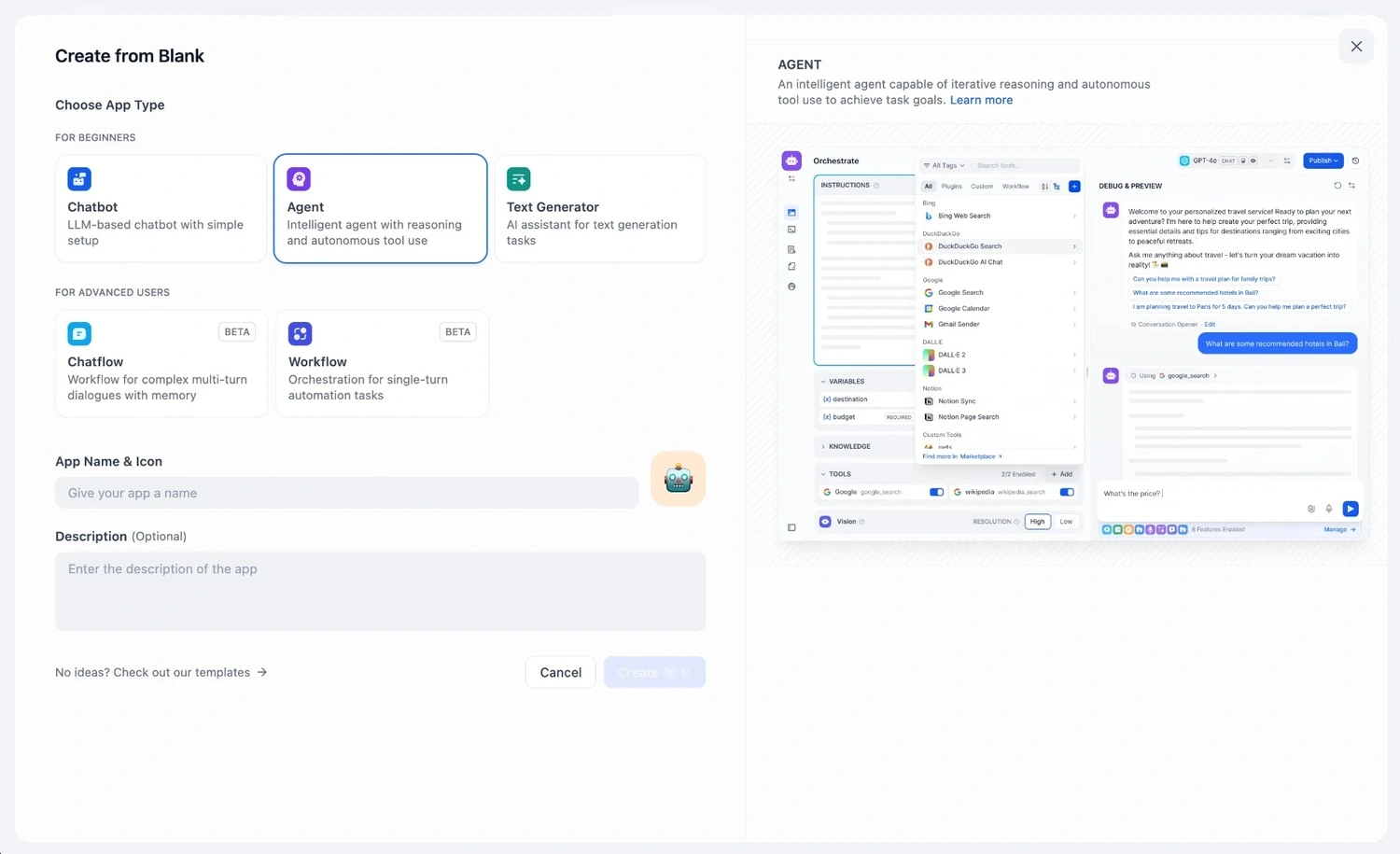
Who Dify Is For: Developer and product teams building LLM applications with RAG pipelines, visual workflow builders, and self-hosted deployment, primarily in prototype-to-production environments.
Why Seek a Dify AI Alternative: Dify is a developer tool at its core. It requires technical setup, offers limited native connectors to legacy enterprise systems, and produces outputs that still need humans to act on them. It doesn't execute end-to-end operational work. For transformation leaders running multiple AI pilots that never reach production, Dify is often where promising workflows go to stall.
Best Overall Alternative: Noxus, purpose-built for enterprise operations execution across legacy systems, with full audit trails, regulatory compliance, and zero requirement to modernize your stack first.
What Sets Noxus Apart: Noxus is the only platform on this list that deploys AI Co-workers capable of resolving full operational cases inside complex, legacy-heavy enterprise environments - writing outcomes back to source systems, under governance, from day one.
How to Choose: Identify your primary use case (developer tooling vs. general automation vs. enterprise operations execution), your system landscape (modern SaaS vs. legacy ERP), and your compliance requirements.
Table of Contents
Top Dify AI Alternatives in 2026 at a Glance
← scroll to see all columns →
| Tool | Best For | Key Features | Pros | Cons | Pricing Starts |
|---|---|---|---|---|---|
| Noxus | Enterprise AI operations execution across legacy systems |
End-to-end legacy execution
Full audit trail
BYOK
Air-gapped deployment
|
Executes end-to-end on legacy systems; full compliance architecture; 45-day production | Not a developer tooling platform; not suited for prototype or PoC work | Usage-based; custom per deployment |
| Gumloop | No-code AI automation for business teams |
Visual builder
200+ integrations
AI steps
|
Easy to use, fast to deploy | Limited for complex enterprise systems | $37/month |
| n8n | Developer-friendly open-source automation |
Self-host option
400+ integrations
Code nodes
|
Flexible, affordable, self-hosted option | Requires technical setup; no legacy system depth | Free (self-hosted) €20/month (cloud) |
| Flowise | Developers building LLM apps and RAG chains |
LangChain visual builder
Self-hosted
Open-source
|
Free, open-source, fast PoC | Technical setup required; not enterprise-ready out of the box | Free $35/month (Starter) |
| Zapier | Non-technical teams automating simple workflows |
7,000+ app integrations
Easy triggers/actions
|
Huge integration library, easy to use | Limited AI logic; not suited for complex multi-step operations | Free $29.99/month |
| Make | Visual automation for mid-complexity workflows |
Credit-based execution
Visual scenario builder
|
Affordable, visual, flexible | Logic complexity hits limits quickly | Free $9/month |
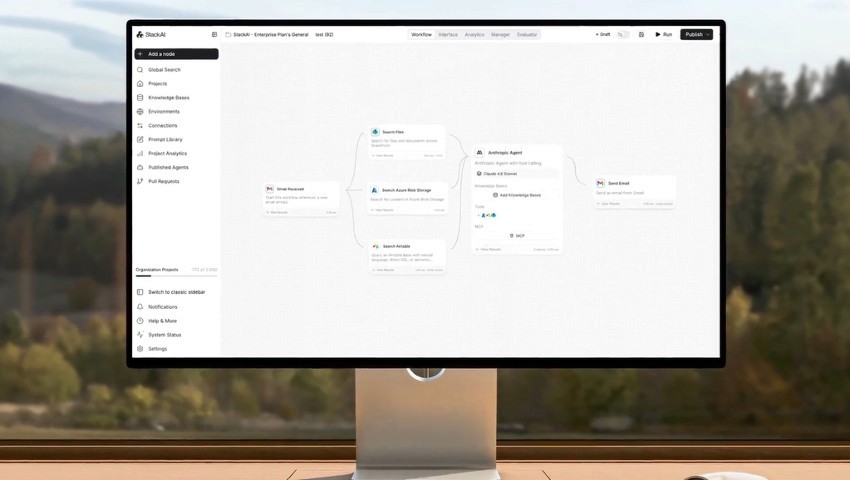
| StackAI | Enterprise AI workflow automation |
SOC 2 compliant
Enterprise connectors
No-code builder
|
Enterprise-ready, compliance features | Limited deployment flexibility; custom pricing | Custom pricing |
| Dynamiq | AI agent orchestration for technical enterprise teams |
Multi-agent support
RAG
Observability
Guardrails
|
Strong AI governance; flexible | Custom pricing; requires technical resources | Custom pricing |
| Nexus | AI agent deployment for business teams |
Per-agent pricing
Multi-agent orchestration
|
Value-based pricing model | Smaller ecosystem; newer platform | Per-agent (value-based) |
| Retool | Internal tool builders and operations apps |
Drag-and-drop UI builder
Database connectors
Workflows
|
Fast internal app development | Not an AI-first platform; limited agentic depth | Free Custom (Team/Business) |
Why Consider Dify AI Alternatives?
What Dify Does Well?
Dify is a well-designed open-source platform that brought LLM application development closer to non-engineers. Its visual workflow builder, built-in RAG dataset management, and support for multiple model providers - OpenAI, Claude, Gemini, Mistral, and others - make it genuinely useful for product and engineering teams building AI-powered applications.
The platform handles prompt engineering, knowledge base management, agent orchestration, and basic observability in one place. Self-hosting via Docker makes it attractive for teams with data residency requirements. Its open-source MIT license means there are no licensing costs, and its GitHub community is active and growing.
For teams moving from prototype to production on modern, API-accessible systems, Dify reduces the amount of custom infrastructure they need to build. It's one of the more complete open-source LLM frameworks available.
Where Dify Falls Short?
Dify was built for developers building AI applications. That has real limitations when teams need production-grade operations automation rather than AI application development, some of which are as follows:
Requires technical implementation: Dify is not a tool that operations teams can deploy and configure independently. It needs engineers for setup, workflow configuration, and ongoing maintenance. Teams without dedicated technical resources often stall before reaching production.
No native legacy system integration: Dify assumes modern, API-accessible systems. It has no native connectors for SAP ECC, Guidewire, COBOL-era banking cores, or most legacy enterprise platforms. For the majority of European enterprises, the systems that handle core operations are exactly the ones Dify can't reach.
Produces outputs, not resolutions: Dify agents generate responses, summaries, and structured outputs. They don't execute end-to-end operational processes: writing back to source systems, updating ERP records, closing cases under audit. A human still has to act on what Dify produces.
Limited enterprise compliance architecture: Dify offers self-hosting, but it lacks the built-in governance, RBAC, audit trails, and compliance certifications (SOC 2, ISO 27001, HIPAA, GDPR Article 28) that regulated industries require before any AI system handles sensitive operational data.
No deployment engineering support: Dify is a platform you configure yourself. There is no deployment engineering team that helps you get your first workflow into production. For organizations without a strong AI engineering function, this creates months of delay.
Best Dify AI Alternatives: In-Depth Review & Comparison
1. Noxus
Overview
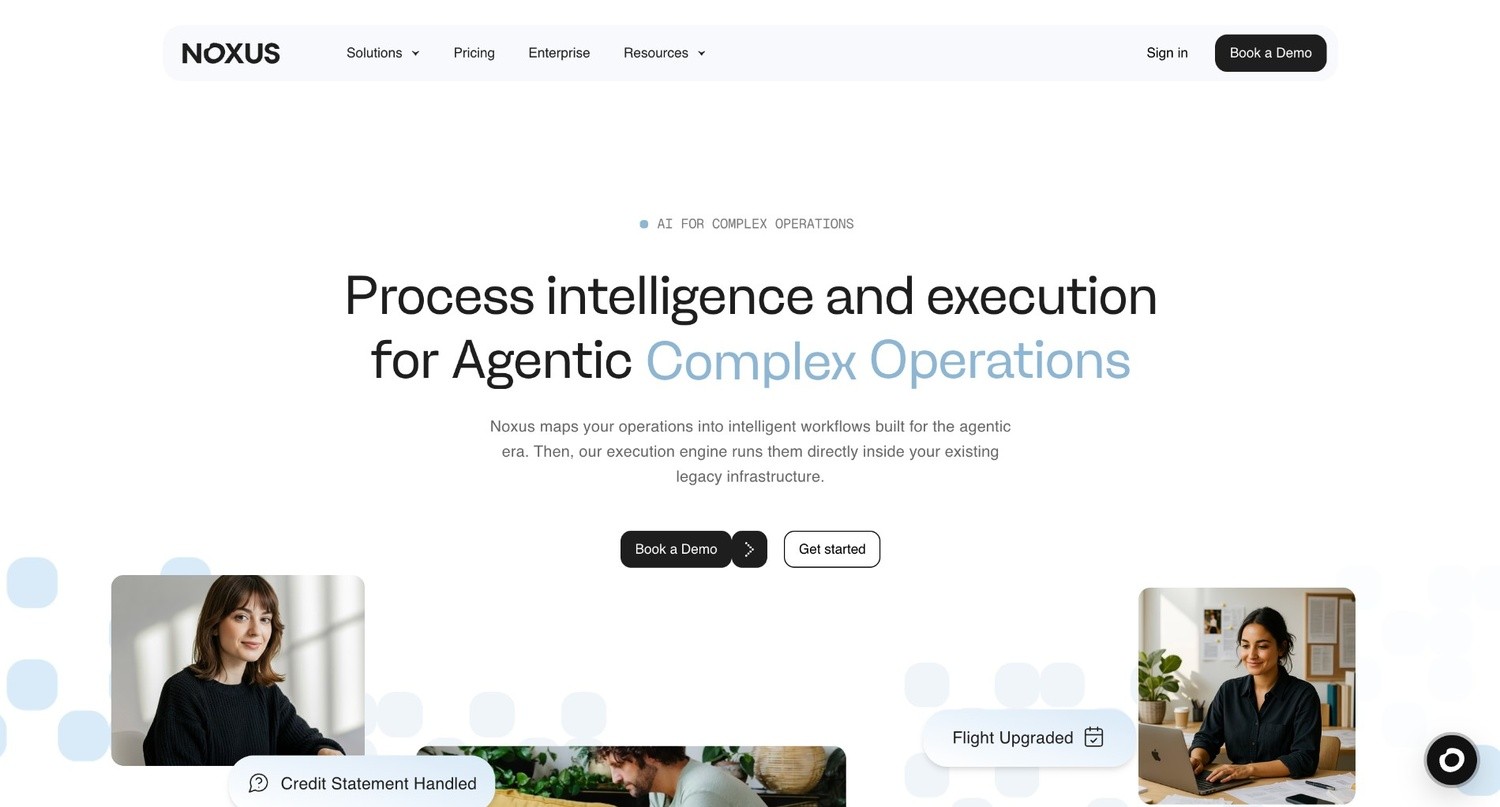
Noxus is the process intelligence layer: execution infrastructure that runs complex, multi-system work end to end in legacy enterprises. We believe enterprise agentic AI is 90% an infrastructure problem and 10% an AI problem.
Unlike Dify, which helps developers build LLM applications, we give operations teams AI co-workers that actually execute work such as claims processing, billing disputes, compliance document handling, and product catalog classification.
The execution runtime works across the systems enterprises already use, including SAP ECC, Guidewire, COBOL-era cores, ServiceNow, Oracle, and proprietary platforms - with no API modernization or infrastructure migration required.
Our platform has three layers: a visual workflow layer for building multi-step, multi-system workflows without code; an integration and orchestration layer that connects to enterprise systems; and an execution runtime that runs in production with audit trails, RBAC, and confidence-based human escalation
Named clients include: Santander, Fidelidade, Jerónimo Martins, CUF/José de Mello, and Sky/Comcast. Zero churn across deployments, with 3-5x ROI in documented case studies, and coverage from Tech.eu, EU-Startups, Observador, and Expresso.
Ideal For
Enterprise operations teams at organizations with €500M+ revenue running legacy-heavy system environments who need AI agents that execute work, not draft summaries
Financial services and insurance operations handling high-volume, multi-system case resolution: claims, billing disputes, account changes, compliance documents
Healthcare organizations processing patient and administrative communications at scale under GDPR Article 9 requirements
Retail and FMCG operations teams managing product catalog classification, enrichment, and PIM write-back at thousands of listings per day
Digital transformation and AI leaders who have run pilots but not reached production, and need proven production credentials to make the internal case for operations deployment.
Top Features
End-to-end execution runtime: The execution runtime doesn't draft or suggest; it runs full operational workflows, performing multi-system lookups, applying business rules, writing outcomes back to source systems, and closing cases under audit.
Legacy system integration without APIs: Noxus connects to SAP ECC, Guidewire, ServiceNow, Oracle, COBOL-era cores, and proprietary platforms the way your operations teams do today: navigating interfaces, performing lookups, writing back results. No API layer required, no middleware project.
Full audit trail and governance: Every agent decision, action, and output is logged, traceable, and replayable. Business rules - not AI models - determine regulated outcomes. Confidence-based escalation routes edge cases to humans with full context assembled. Certified: SOC 2 Type II, ISO 27001, GDPR Article 28, HIPAA.
Flexible deployment with data sovereignty: Three deployment options - fully managed SaaS, self-managed VPC, or on-premises/air-gapped, ensure data never leaves client control unless they choose otherwise. BYOK model routing across Azure AI Foundry, AWS Bedrock, and Google Vertex AI.
Deployment engineering included: The first engagement includes deployment engineering alongside the platform license. First workflows go live in approximately 45 days on the client's actual systems with live data. Subsequent use cases deploy at 85-90% platform margin because the infrastructure is already operational.
Why We're the Best Dify AI Alternative?
Dify helps technical teams build LLM applications. Noxus runs production operations for enterprises. That gap is where most AI programs fail.
Teams may build something useful in Dify, such as a RAG pipeline, agent workflow, or LLM app, but then struggle to connect it to real systems, business rules, compliance needs, and operational users. Dify stops at the output; we start there and resolve the case.
We deploy into the enterprise’s real system landscape, not a sandbox. The execution runtime does work that usually takes three to seven people moving between systems. Our audit trail supports compliance, our air-gapped deployment option supports IT security, and we can get the first use case live in 45 days.
We do not require Dify’s setup, we do not leave outputs for humans to finish, and we do not break when legacy UIs change. For enterprise operations, that difference is critical.
Pros
Executes end-to-end operational work across legacy systems, writing outcomes back to source systems under governance
45-day production deployment on real client systems with live data - not a sandbox
Full compliance architecture: SOC 2 Type II, ISO 27001, GDPR Article 28, HIPAA - structural, not contractual
Deployment engineering included in first engagement; no internal AI team required
Zero churn across all clients with 3-5x ROI documented across case studies
Cons
Not suited for developers building LLM applications or RAG pipelines in a self-service environment
Not designed for simple, low-complexity automations that Zapier or Make handle at a fraction of the cost
Purpose-built for enterprise operations teams, not for individual developers, small teams, or low-complexity automations where lighter tools are faster and cheaper.
Pricing
We operate on a monthly platform license with consumption-based pricing; you pay for the operations completed, not for seats or tokens. Pricing scales with operational volume and deployment complexity.
The economics improve structurally with each additional workflow deployed on the same infrastructure, as the integration layer is already operational for subsequent use cases.
Contact our team directly for pricing aligned to your use case and scale.
Final Verdict
Noxus is the right Dify AI alternative for any enterprise that needs AI to execute operations work, not assist with it.
If the goal is moving operations off headcount and onto AI co-workers that run in production, on legacy systems, under audit, within 45 days, no other platform on this list delivers that combination.
2. Gumloop
Overview
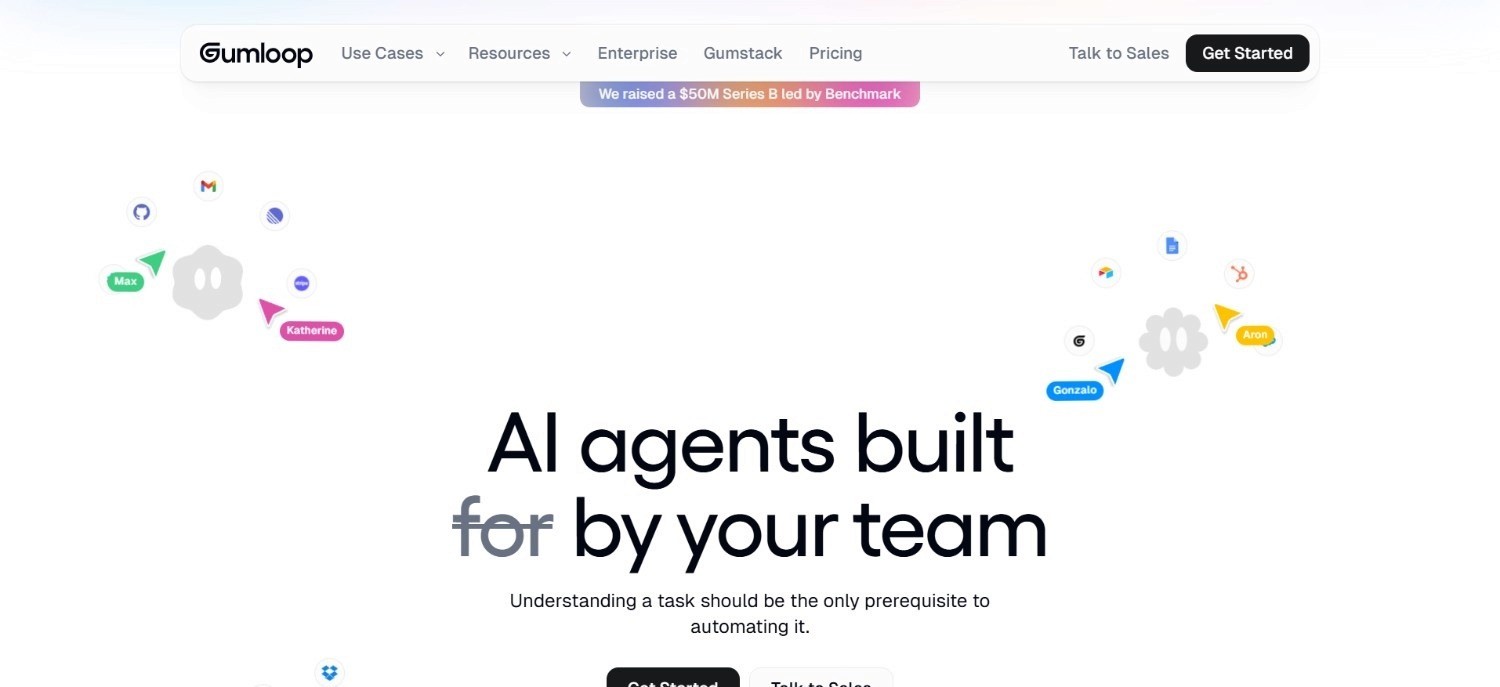
Gumloop is a no-code AI automation builder designed for business and operations teams who want to automate workflows using AI without writing code. It targets the growing segment of teams that understand what AI should do but don't have developers to build the implementation layer.
The platform provides a visual workflow builder, 200+ pre-built integrations, and AI-powered steps - including model calls, document processing, web scraping, and data transformation - that can be chained into multi-step automations. Gumloop is cloud-based with a growing library of pre-built templates that let teams copy and deploy workflows immediately.
It's positioned as a faster, more accessible alternative to developer-focused platforms like Dify, without sacrificing the ability to build meaningful automations. Its user base includes marketing teams, sales operations, revenue operations, and small to mid-market operations teams.
Ideal For
Business and operations teams that need AI automation without engineering support
Marketing and revenue operations teams automating research, outreach, data enrichment, and reporting workflows
SMBs and mid-market teams that need fast deployment without a technical implementation project
Teams using modern SaaS stacks: HubSpot, Salesforce, Slack, Google Workspace; where Gumloop's integrations cover most needs
Top Features
Visual no-code builder: Drag-and-drop workflow construction with AI steps lets business users build and modify automations without writing code, reducing dependency on engineering resources.
AI-native steps: Native support for model calls, document parsing, text classification, web search, and structured data extraction - the AI capabilities most business workflows actually need.
Pre-built templates: A library of ready-made automations for common use cases (lead enrichment, competitive research, document processing) that teams can deploy in minutes.
200+ integrations: Connections to most major SaaS tools that business teams already use, with webhook support for systems not natively covered.
Why It’s a Strong Dify AI Alternative?
Gumloop is one of the stronger Dify AI alternatives for non-technical teams that need a faster path to AI automation without the setup overhead Dify requires. Dify demands technical configuration, while Gumloop is deployable by business users in hours.
It's one of the more practical choices for teams running on modern SaaS stacks who need AI-powered automation without a development cycle.
Pros
No-code setup accessible to business users without engineering support
Fast deployment with pre-built templates for common workflows
Clean, modern interface with strong usability
Growing integration library covers most SaaS environments
Cons
Limited depth for complex, multi-system operations involving legacy enterprise platforms
Not designed for regulated industries requiring air-gapped deployment, RBAC, or full audit trails
Less suited for high-volume, high-complexity enterprise operations that require end-to-end execution under governance
Pricing
Gumloop starts at $37/month. Higher tiers are available for larger usage volumes and team collaboration features. A free trial is available, while enterprise plans require contacting Gumloop directly.
Final Verdict
Gumloop is a strong recommendation for business teams running on modern SaaS stacks who need no-code AI automation without Dify's technical overhead.
It's not a fit for enterprise operations in legacy-heavy environments, regulated industries with strict compliance requirements, or teams needing AI agents that execute end-to-end work inside core systems.
3. n8n
Overview
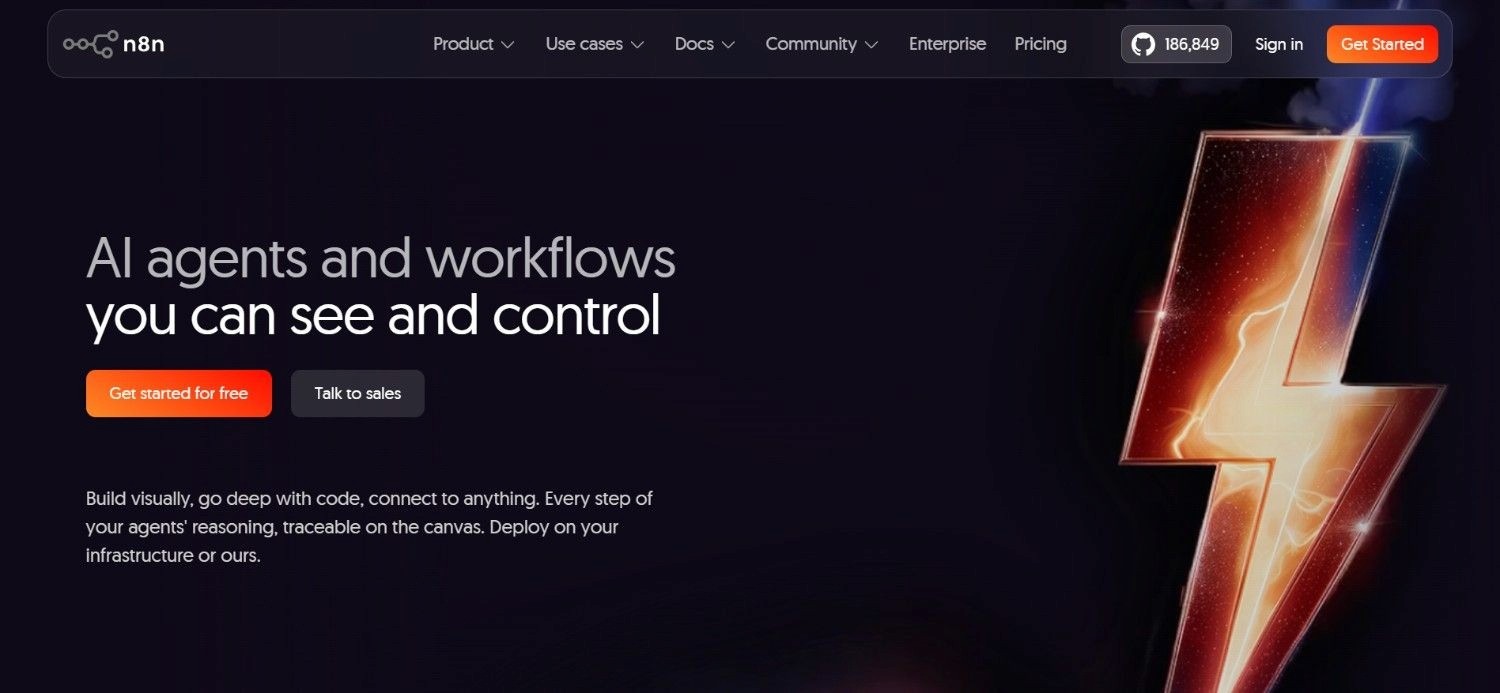
n8n is an open-source workflow automation tool that gives technical teams full flexibility to build automated workflows with code, visual nodes, or a combination of both. With 400+ built-in integrations, self-hosting support, and an active open-source community, n8n has become one of the most widely adopted developer-friendly automation platforms.
Its open-source license means technical teams can inspect, modify, and deploy n8n on their own infrastructure without licensing constraints. The cloud version adds managed hosting, team collaboration, and higher execution limits for teams that prefer not to manage their own infrastructure.
n8n occupies a position between simple no-code automation tools (Zapier, Make) and developer frameworks (LangChain, LlamaIndex) - providing a visual interface that accelerates development while still allowing full code access when needed.
Ideal For
Developer and technical teams that want maximum flexibility in workflow automation without building from scratch
Organizations with data sovereignty requirements that need self-hosted automation infrastructure
Teams building complex integrations across APIs, databases, and services that simpler tools can't handle
Engineering teams that want to automate internal workflows without paying per-task pricing at scale
Top Features
Self-hosted deployment: Full control over infrastructure with Docker or npm deployment; keeps data within the organization's environment without cloud dependency.
Code nodes alongside visual nodes: Combine drag-and-drop workflow building with JavaScript/Python code blocks for logic that visual nodes can't handle, giving developers full flexibility without abandoning the visual interface.
400+ integrations: Wide coverage across APIs, databases, communication tools, and business systems, with webhooks and custom HTTP requests for anything not natively covered.
AI agent nodes: Native LLM integration with support for tool calling, memory, and multi-step reasoning in agentic workflows - bringing AI capabilities into automation pipelines without separate tooling.
Why It’s a Strong Dify AI Alternative?
n8n is one of the strongest Dify AI alternatives for developer and technical teams that need broad workflow automation flexibility with self-hosting options.
While Dify is focused on LLM application development, n8n covers a wider range of automation types and is often faster to set up for technical teams already familiar with automation tooling.
Pros
Open-source with full self-hosting control
Wide integration coverage across 400+ connectors
Flexible hybrid of visual and code-based workflow building
Affordable entry point; it is available for free for self-hosted deployments
Cons
Requires technical setup and ongoing infrastructure maintenance for self-hosted deployments
AI agent capabilities are functional but less mature than dedicated LLM platforms
Not suited for regulated enterprise operations requiring end-to-end execution under governance and audit
Pricing
n8n offers a free self-hosted option. Cloud pricing starts at €20/month. Higher plans add more executions, security controls, and enterprise features.
Designed to scale from individual users to larger teams with heavier automation needs.
Final Verdict
n8n is recommended for technical teams that need flexible, self-hostable workflow automation at an affordable price. It covers a wider automation scope than Dify and is easier to set up for teams already thinking in terms of workflow nodes.
Not a fit for non-technical teams, enterprise operations requiring legacy system depth, or regulated industries needing compliance-grade AI deployment.
4. Flowise
Overview
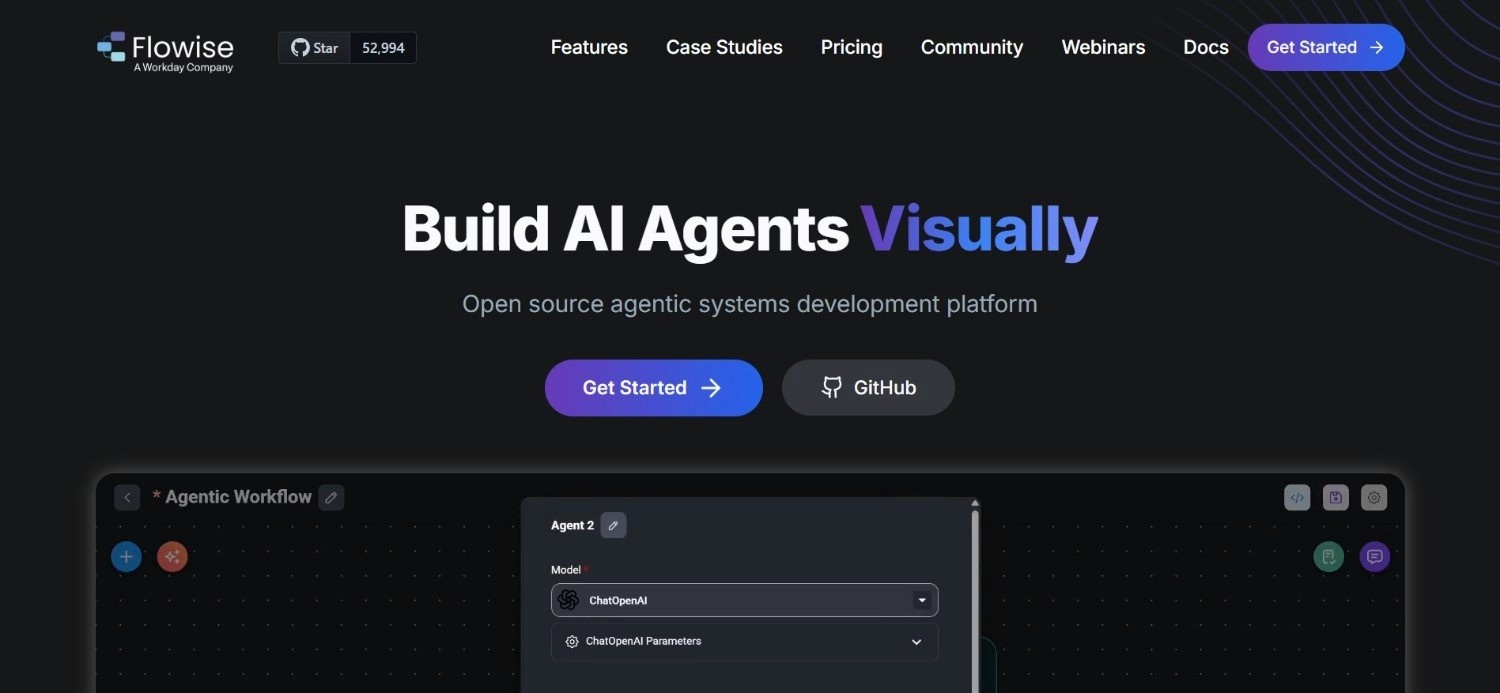
Flowise is an open-source, low-code tool for building LLM-powered applications using a visual drag-and-drop interface. Built on top of LangChain, it lets developers connect language models, vector stores, document loaders, and tools into agentic chains and workflows without writing LangChain boilerplate from scratch.
It's primarily used for prototyping and building AI applications: chatbots, RAG systems, document Q&A tools, and simple agent workflows - with self-hosting as a core feature. Flowise runs via Docker or Node.js and can be deployed on most cloud or on-premises environments.
For developers familiar with LangChain concepts, Flowise significantly reduces the time required to go from idea to working demo. Its visual interface exposes LangChain's building blocks in a way that makes experimentation faster and more accessible.
Ideal For
Developers and AI engineers building LangChain-based LLM applications without writing raw boilerplate code
Technical teams prototyping RAG systems, chatbots, and agent workflows before committing to a production architecture
Organizations with self-hosting requirements that want an open-source, cost-free LLM application builder
Small technical teams or individual developers building AI tools without enterprise procurement cycles
Top Features
Visual LangChain builder: Drag-and-drop interface for connecting LangChain components: LLMs, chains, agents, tools, memory, and retrievers - into functional workflows without writing code.
RAG pipeline support: Built-in support for document loading, text splitting, embedding, and vector store integration, enabling knowledge-base-augmented agents without custom retrieval infrastructure.
Agentflow builder: A separate multi-step agent workflow builder for constructing more complex agentic tasks beyond simple chain execution.
Self-hosted, open-source: MIT license with Docker deployment means teams can run Flowise entirely within their own infrastructure at no software cost.
Why It’s a Strong Dify AI Alternative?
Flowise is one of the most direct Dify AI alternatives for developers who want an open-source, visual LLM application builder with self-hosting.
While Dify has a broader feature set including a cloud offering and built-in observability, Flowise is simpler and faster to get running for developers already working in the LangChain ecosystem.
Pros
Free and open-source with self-hosting via Docker
Visual interface significantly speeds up LangChain-based development
Good RAG pipeline support for knowledge-base-augmented applications
Active community and growing template library
Cons
Technical knowledge of LangChain concepts is still required to use effectively
Not enterprise-ready out of the box - limited RBAC, audit trail, and governance features
Not suited for legacy enterprise system integration or end-to-end operational execution under compliance
Pricing
Flowise has a free plan. The ‘Starter’ plan is priced at $35/month, while the ‘Enterprise’ plan is $65/month. For larger deployments, enterprise pricing is available on request.
Final Verdict
Flowise is a strong recommendation for developers and AI engineers building LangChain-based applications who want an open-source, self-hosted alternative to Dify with a similar visual approach.
It's not designed for production operations in enterprise environments, non-technical teams, or teams needing compliance-grade deployment.
5. Zapier
Overview
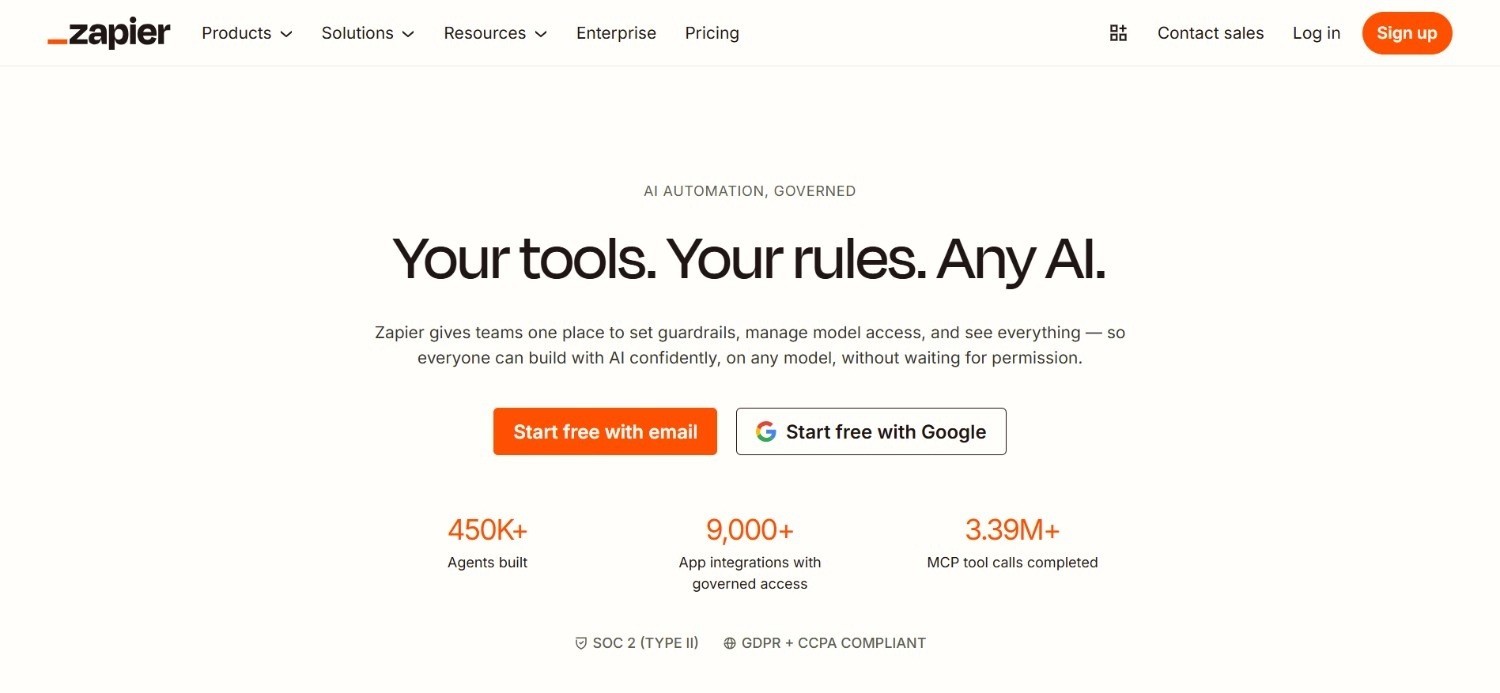
Zapier is one of the most widely used automation platforms available. With over 7,000 app integrations, a simple trigger-action model, and a no-code interface that requires no technical background, it has made basic workflow automation accessible to millions of business users since its founding in 2011.
Zapier sits at the accessible end of the automation spectrum. It's built for connecting apps and automating repetitive tasks: moving data between systems, triggering notifications, syncing records - rather than building complex agentic workflows. Its AI features have expanded in recent years, including AI steps, a chatbot builder, and Canvas for visual workflow building.
For non-technical teams automating straightforward tasks across common SaaS tools, Zapier remains one of the fastest paths from "I want to automate this" to "it's running."
Ideal For
Non-technical business users who need to automate repetitive tasks between SaaS applications without writing code
Small to mid-market teams running on common SaaS stacks who need quick integrations without development cycles
Operations and admin teams handling data entry, notifications, approvals, and cross-app record syncing
Teams starting with automation who need fast setup and a broad integration library before investing in more complex tooling
Top Features
7,000+ app integrations: The widest integration library in consumer automation, covering virtually every SaaS tool a business team uses.
Simple trigger-action model: Each Zap follows a clear "when this happens, do this" structure that non-technical users can build and modify without training.
AI steps and Canvas: Native AI capabilities for text generation, classification, and summarization within automations, plus a visual workflow editor for multi-step scenarios.
Instant publishing: New automations go live immediately without testing or deployment steps, making iteration fast for simple use cases.
Why It’s a Strong Dify AI Alternative?
Zapier is one of the strongest Dify AI alternatives for non-technical teams running simple to moderate automations across modern SaaS tools. While Dify requires technical configuration and developer involvement, Zapier is deployable by any business user in minutes.
For the large segment of teams that need task automation rather than agentic AI, Zapier covers the use case faster and more cheaply.
Pros
Widest integration library available: 7,000+ apps
No-code setup accessible to any business user
Fast deployment; new automations go live immediately
Well-established with strong documentation and community support
Cons
Limited AI logic depth for complex, multi-step agentic workflows
Task-based pricing becomes expensive at high volume
Not suitable for legacy enterprise systems, regulated industries, or end-to-end operational execution
Pricing
Zapier has a free plan for simple automations with limited monthly tasks. Paid plans begin at $29.99/month for more advanced use.
Pricing increases with more tasks and collaboration features. Enterprise customers get custom quotes.
Final Verdict
Zapier is recommended for non-technical teams automating straightforward tasks across common SaaS tools. It's the fastest path to basic automation for most business users.
It's not a fit for complex agentic workflows, AI-heavy operations, or enterprise environments requiring legacy system depth or compliance architecture.
6. Make
Overview
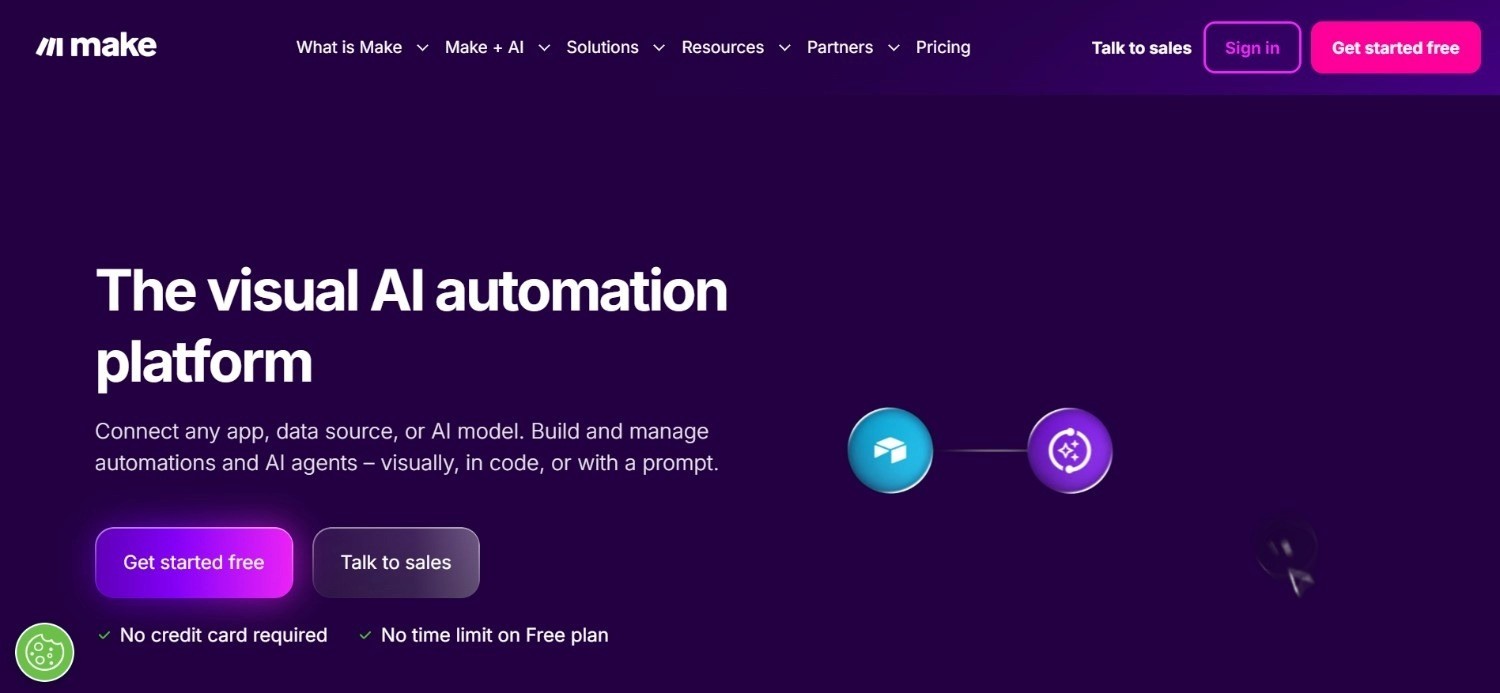
Make (formerly Integromat) is a visual automation platform that occupies the space between Zapier's simplicity and n8n's flexibility. Its credit-based execution model and visual scenario builder make it accessible to non-technical users while supporting more complex multi-step logic than Zapier's linear trigger-action format allows.
Make's visual interface represents workflows as connected modules on a canvas, making branching logic, error handling, and data transformation more intuitive for users who've outgrown Zapier but don't need full developer tooling.
It has a strong following among operations professionals who need moderate automation complexity at an affordable price.
Ideal For
Operations and business teams that need more logic and branching than Zapier provides but don't want developer tooling
Mid-market teams building moderate-complexity automations across SaaS applications with structured data
Teams with budget constraints who need more automation power than free tools provide without enterprise pricing
Agencies and freelancers building automation workflows for clients across multiple tools
Top Features
Visual canvas-based scenario builder: Modules connect visually with routing, branching, error handling, and data mapping - more expressive than linear trigger-action formats.
Credit-based execution model: Operations are priced per execution credit rather than per task, making cost more predictable for variable-volume workflows.
Data transformation tools: Built-in functions for mapping, filtering, aggregating, and transforming structured data between systems without code.
Extensive integration library: Covers most major SaaS tools with good depth on API customization for less common connections.
Why It’s a Strong Dify AI Alternative?
Make is one of the more practical Dify AI alternatives for business and operations teams that need more workflow logic depth than Zapier provides but don't need developer-level flexibility.
For teams running moderate-complexity automations on SaaS-heavy stacks without AI agent requirements, Make delivers good value at an accessible price point.
Pros
More expressive workflow logic than Zapier at a lower cost than developer platforms
Credit-based pricing gives better cost visibility for variable workloads
Strong data transformation capabilities for structured data workflows
Accessible to non-technical users with moderate complexity tolerance
Cons
Logic complexity hits limits in genuinely complex multi-system workflows
AI agent support is limited compared to dedicated LLM platforms
Not suitable for legacy enterprise system integration or compliance-grade AI deployment
Pricing
Make uses a credit-based pricing model. The free plan includes 1,000 credits/month. The ‘Make’ plan starts at $9/month. Higher tiers add more credits and collaboration or security features.
Final Verdict
Make is recommended for business and operations teams that need more automation flexibility than Zapier at a lower price than enterprise tools.
It's not suitable for complex agentic AI workflows, legacy system integration, or regulated enterprise operations requiring governance and audit trails.
7. StackAI
Overview
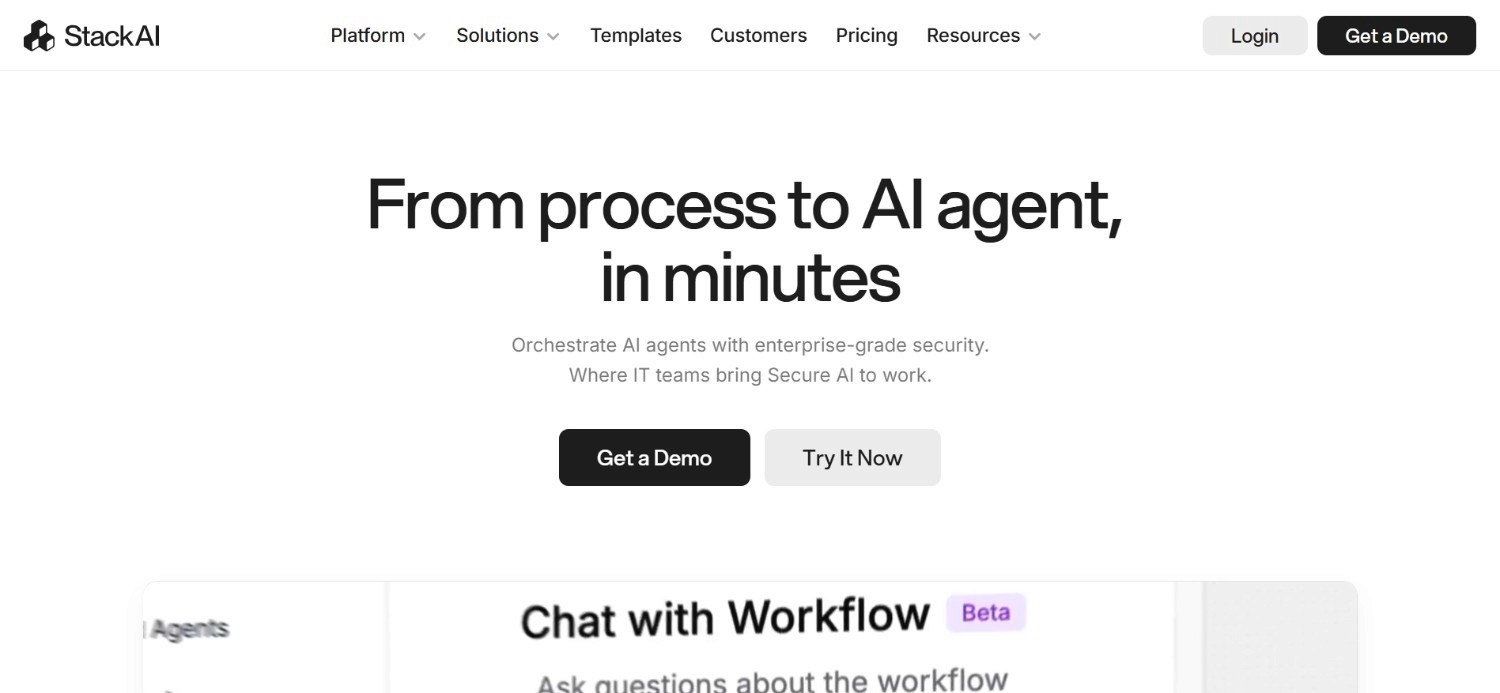
StackAI is an enterprise AI workflow automation platform that provides a no-code interface for building, deploying, and managing AI agents and workflows. It targets enterprise teams that need AI automation with compliance requirements - including SOC 2 certification, HIPAA, GDPR, and role-based access controls, without deep technical implementation cycles.
StackAI supports connections to enterprise systems including Salesforce, SharePoint, Confluence, databases, and APIs, and provides a model-agnostic approach allowing teams to use OpenAI, Claude, or other providers.
Its positioning bridges the gap between simple no-code AI builders and full developer frameworks, focusing on enterprise-grade security alongside accessibility.
Ideal For
Enterprise teams that need AI workflow automation with compliance certifications and access controls
Operations and knowledge teams building AI-powered internal processes with document retrieval and data lookup
Organizations in regulated sectors (healthcare, financial services) that need compliant AI deployment without custom infrastructure
Non-technical enterprise users who need AI automation without developer dependency
Top Features
No-code enterprise AI builder: Build AI workflows and agents through a visual interface with enterprise security controls, without writing code or managing model infrastructure.
Compliance architecture: SOC 2, HIPAA, and GDPR compliance with RBAC and audit logging built in, giving regulated teams a deployable option without building compliance infrastructure themselves.
Enterprise connectors: Native connections to Salesforce, SharePoint, Confluence, and other enterprise systems that most no-code tools don't support.
Model-agnostic: Teams can use any major AI provider without platform lock-in, keeping AI costs and provider relationships under control.
Why It’s a Strong Dify AI Alternative?
StackAI is one of the stronger Dify AI alternatives for enterprise teams that need compliance-grade AI workflow automation without developer-heavy setup.
While Dify provides flexibility for technical teams, StackAI provides accessibility for enterprise operations teams that need AI automation to meet compliance requirements while avoiding lengthy technical implementation projects.
Pros
No-code interface accessible to enterprise operations teams without developer support
Enterprise compliance architecture: SOC 2, HIPAA, GDPR, built in
Strong enterprise system connectors beyond typical SaaS coverage
Model-agnostic approach avoids AI provider lock-in
Cons
Less depth on legacy system integration (SAP, Guidewire, COBOL-era cores) compared to purpose-built enterprise platforms
Custom pricing with no public starting rate makes cost comparison difficult
Not designed for end-to-end operational execution with system write-back under governance
Pricing
StackAI has a free plan to get started. For production deployments, custom pricing applies. Contact the sales team directly for a quote based on usage and deployment requirements.
Final Verdict
StackAI is recommended for enterprise teams in regulated sectors that need accessible, compliant AI workflow automation without a developer-heavy implementation cycle.
It's not a fit for organizations needing deep legacy system integration, end-to-end operational execution across complex multi-system environments, or air-gapped deployment for the most sensitive data contexts.
8. Dynamiq
Overview
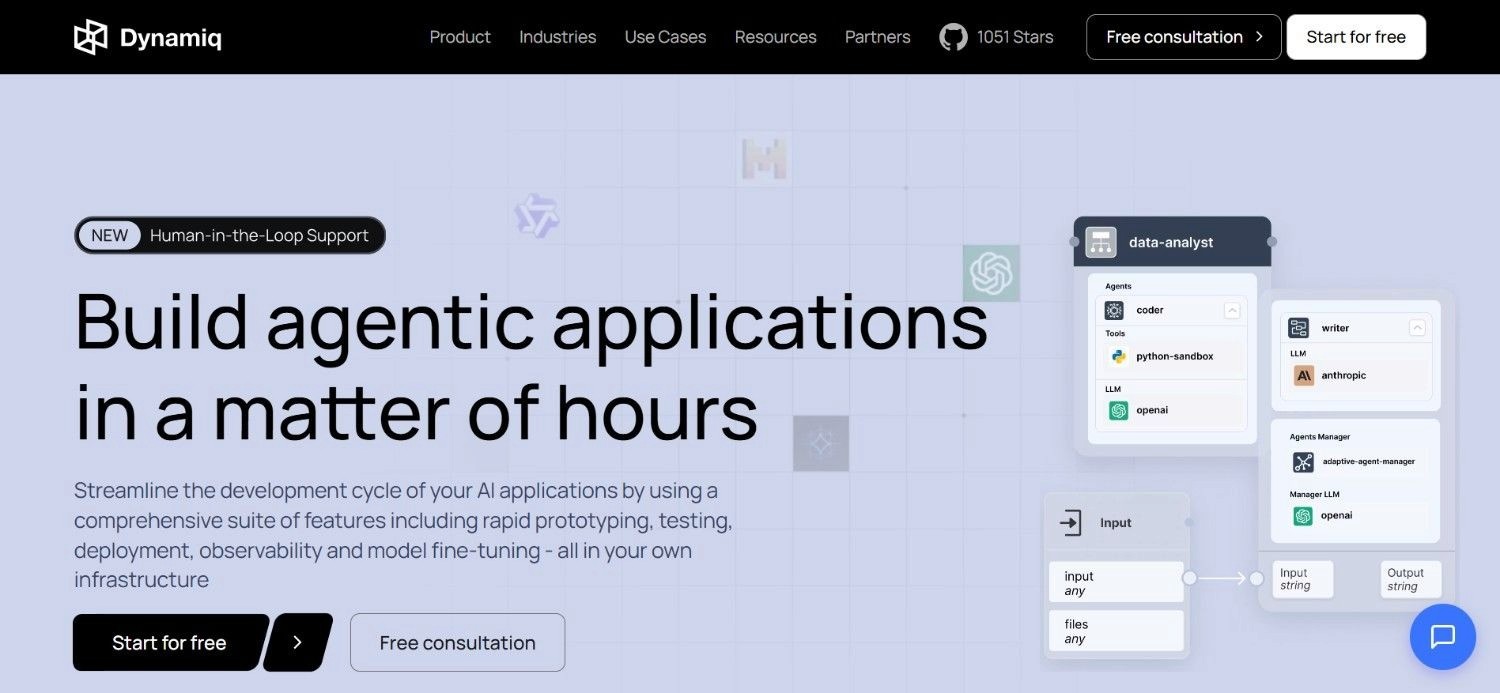
Dynamiq is an enterprise-grade AI agent orchestration platform designed for technical teams building production AI applications.
It provides multi-agent support, RAG pipeline management, evaluations, guardrails, fine-tuning, and observability in a single platform - covering the full lifecycle of enterprise AI application development from prototype to production.
Dynamiq targets AI and engineering teams at enterprise organizations that need more governance, observability, and deployment flexibility than Dify provides. Dynamiq positions itself as a more enterprise-ready alternative for teams that are serious about moving AI from experimentation to production.
The platform is open-core with an active GitHub community alongside the commercial offering.
Ideal For
AI and engineering teams at enterprise organizations building complex, multi-agent AI applications in production
Organizations in regulated sectors needing AI governance, observability, guardrails, and compliant deployment
Technical teams that want more enterprise structure than Dify provides without building infrastructure from scratch
Teams managing multiple AI agents across complex workflows with evaluation and fine-tuning requirements
Top Features
Multi-agent orchestration: Design and deploy workflows involving multiple AI agents with structured communication, tool use, memory, and step-by-step reasoning.
Built-in observability and cost tracking: Monitor agent performance, trace execution paths, track model costs, and identify failure points across production deployments.
Guardrails: Define and enforce content policies, safety rules, and behavioral constraints on AI agent outputs before they reach users or downstream systems.
RAG and knowledge management: Connect and manage knowledge bases, vector stores, and document retrieval pipelines with governance controls over what data agents can access.
Evaluations: Built-in evaluation framework for testing and benchmarking AI agent outputs against defined quality criteria.
Why It’s a Strong Dify AI Alternative?
Dynamiq is one of the stronger Dify AI alternatives for technical enterprise teams that need a more governed, production-ready AI agent framework.
Dify is accessible for prototyping and early production, in contrast, Dynamiq adds evaluations, guardrails, fine-tuning, and observability that teams typically need as AI agents handle more consequential production workflows.
Pros
Strong multi-agent orchestration with governance and guardrails
Built-in observability and cost tracking for production deployments
Evaluation framework for systematic agent quality management
Regulated industry focus with IBM partnership for enterprise credibility
Cons
Custom pricing with no public starting rate
Requires technical resources for implementation and ongoing management
Not designed for legacy system integration without APIs or air-gapped enterprise deployment
Pricing
Dynamiq offers custom pricing. Book a demo with their team for a custom quote based on requirements.
Final Verdict
Dynamiq is recommended for technical enterprise teams building complex, multi-agent AI applications who need more governance and production readiness than Dify provides.
Not a fit for non-technical teams, organizations needing legacy system depth without APIs, or teams looking for operational execution with end-to-end system write-back.
9. Nexus
Overview
Nexus is an AI agent deployment platform focused on making it practical for business teams to build and run AI agents that complete real tasks. It uses a per-agent pricing model built around value delivered rather than user headcount - a meaningful differentiation from platforms that charge per seat regardless of agent utilization.
The platform supports multi-agent orchestration, allowing teams to deploy networks of agents that collaborate on complex tasks. It targets the growing segment of business and operations teams that want agent-based automation without managing infrastructure or LLM provider relationships directly.
Nexus positions itself as an accessible, outcome-aligned alternative to both developer-heavy platforms and simple no-code tools, sitting in the space between maximum flexibility and maximum ease of use.
Ideal For
Business and operations teams that want agent-based automation with outcome-aligned pricing
Mid-market organizations deploying multiple AI agents across different functions simultaneously
Teams running modern SaaS stacks who need multi-agent automation without infrastructure management
Organizations evaluating agent ROI who want pricing that aligns with value generated rather than seats purchased
Top Features
Per-agent, value-based pricing: Costs are tied to the agents deployed and the value they deliver, not to the number of users accessing the platform.
Multi-agent orchestration: Build and deploy networks of agents that collaborate on complex tasks, with coordination logic managed by the platform.
Business-accessible deployment: The platform is designed for business teams, not just developers, lowering the technical barrier to deploying agents in production.
Flexible agent configuration: Define agent roles, tools, knowledge sources, and behavior without writing code, supporting a range of use case types.
Why It’s a Strong Dify AI Alternative?
Nexus is one of the more practical Dify AI alternatives for business teams that want outcome-aligned agent automation without Dify's technical setup requirements.
Its per-agent pricing model makes it financially predictable for teams deploying multiple agents across functions, and its focus on accessibility makes it deployable without a dedicated AI engineering team.
Pros
Value-based, per-agent pricing aligns costs with outcomes rather than headcount
Multi-agent support for teams deploying agent networks across functions
More accessible than Dify for non-technical business teams
No infrastructure management required
Cons
Smaller ecosystem and community than established platforms
Less depth on enterprise compliance architecture for regulated industries
Limited information publicly available on legacy system integration depth
Pricing
Nexus uses per-agent pricing based on value delivered. You only pay for the agents deployed and the work they complete, not user headcount.
Contact the team for specific pricing based on deployment scale.
Final Verdict
Nexus is recommended for business and mid-market teams that want multi-agent automation with outcome-aligned pricing. It's more accessible than Dify for non-technical teams and financially predictable at scale.
Not yet proven at the largest enterprise scale or in regulated industries with strict compliance requirements.
10. Retool
Overview
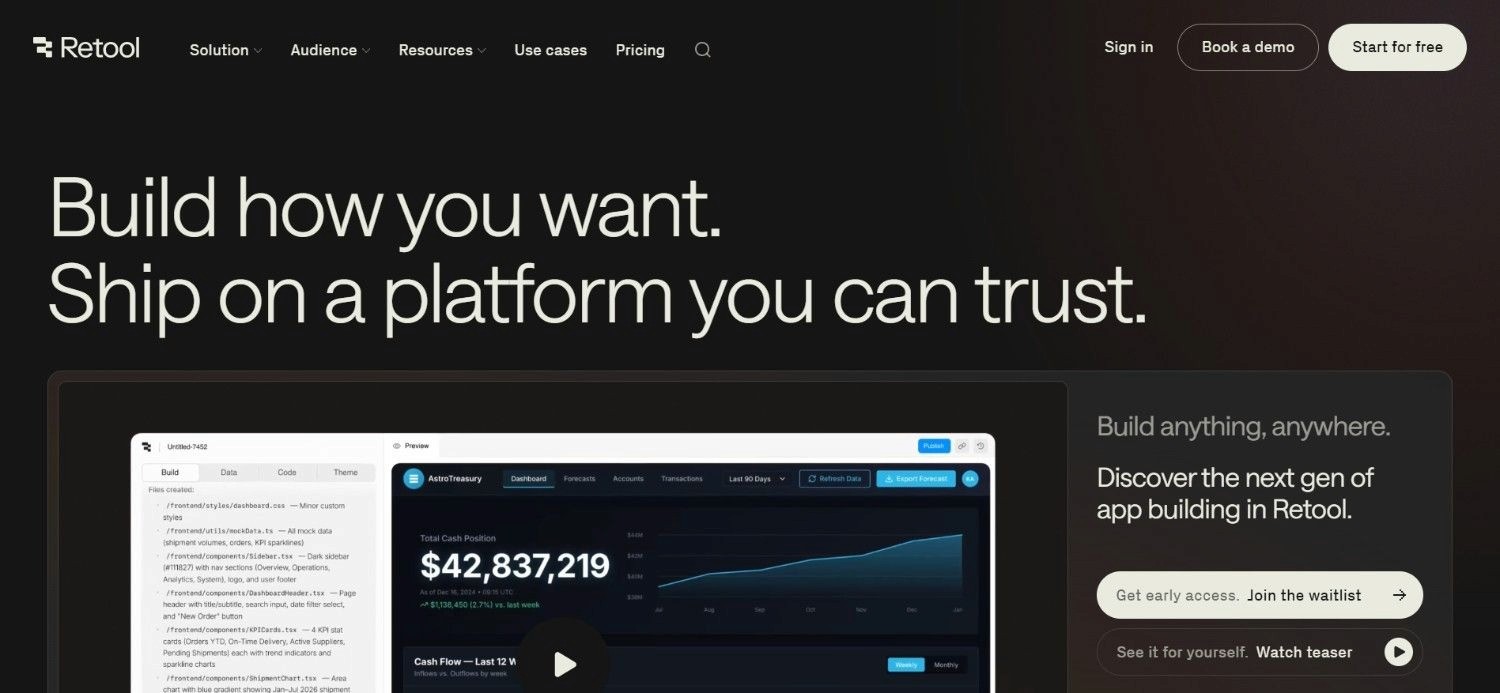
Retool is an internal tool builder that lets development teams create business applications on top of databases, APIs, and internal systems using a drag-and-drop UI builder, pre-built components, and JavaScript logic. It's one of the most widely adopted platforms for operations teams that need custom internal tools without building front-end interfaces from scratch.
Retool's value is in application development speed. Engineers can connect to a database, API, or service and surface that data in a functional internal application in hours rather than weeks. Its recent expansion into Retool Workflows and Retool AI adds automation and AI capabilities alongside the core application builder.
It sits at the intersection of internal tooling and workflow automation, making it relevant for technical teams that need both - a custom operations interface and the automations that power it.
Ideal For
Engineering and technical teams building internal tools and operations applications on top of databases and APIs
Operations teams that need custom dashboards, admin panels, and approval workflows connected to internal systems
Organizations with existing modern databases and APIs that want to surface them in functional internal tools quickly
Teams that need both application UI and workflow automation in a single platform without maintaining separate tools
Top Features
Drag-and-drop UI builder: Build internal application interfaces with tables, forms, charts, buttons, and custom components without front-end development work.
Database and API connectors: Connect directly to PostgreSQL, MySQL, MongoDB, REST APIs, GraphQL, and major cloud services with a query-first approach.
Retool Workflows: A workflow automation layer for building automated processes alongside internal tools; handling data pipelines, scheduled jobs, and triggered workflows.
Retool AI: Native AI capabilities for adding LLM-powered steps to tools and workflows, including text generation, classification, and question-answering over connected data.
Why It’s a Strong Dify AI Alternative?
Retool is one of the stronger Dify AI alternatives for engineering teams that need to build operational tooling around existing databases and APIs.
While Dify focuses on LLM application development, Retool is focused on covering a broader surface area: building the application layer, the automation layer, and the AI layer together.
For teams who need custom internal tooling with AI capabilities embedded, particularly operations teams that need to build approval workflows, internal dashboards, or case management interfaces, Retool covers more ground than Dify and deploys faster for those specific use cases.
Pros
Fast internal tool development without front-end engineering work
Broad database and API connector coverage
Combines application UI, workflow automation, and AI in one platform
Strong documentation and active developer community
Cons
Not an AI-first platform; AI capabilities are additive, not core
Per-builder and per-user pricing can become expensive for larger teams
Limited depth for complex agentic AI workflows or legacy enterprise system integration
Not suited for regulated enterprise operations requiring end-to-end AI execution under governance
Pricing
Retool has a free plan for small teams. Paid plans include Team and Business tiers that charge separately for builders and end users, which can make pricing more efficient as usage grows. Annual billing discounts are available.
A self-hosted Business option provides more security and control. Enterprise pricing is custom.
Final Verdict
Retool is best for technical teams building internal tools on modern databases and APIs. It goes further than Dify when teams need UI, automation, and AI in one place - and can quickly support internal workflows, approvals, and admin tools without a full frontend build.
It is not a fit for non-technical teams, legacy systems without APIs, or enterprise operations that need end-to-end AI execution with compliance and governance.
Why Noxus Works Across Multiple Use Cases?
Noxus for Financial Services Customer Operations
Financial services operations teams face the same structural problem regardless of scale: each case, a complaint, a billing dispute, a refund, an account change - requires movement across multiple systems that weren't designed to talk to each other. Staff manually bridge those gaps at every step.
Noxus executes the full case lifecycle across core banking, SAP, CRM, and email systems, performing multi-step lookups, applying policy, writing outcomes back to source systems, and closing cases under audit.
Our Santander deployment ran 45 days from contract to production, achieved 95% AI precision, and was structured for global rollout across 15 regions.
For operations leaders looking at BPO contract renewals, this is what production AI operations actually look like at enterprise scale.
Noxus for Healthcare Communication Triage
Healthcare organizations process thousands of patient and administrative communications per month: appointment requests, document requests, billing inquiries, referral management - across clinical and administrative systems with GDPR Article 9 compliance requirements.
Noxus classifies incoming communications, retrieves data from clinical and administrative systems, generates compliant responses, and writes back outcomes, all under deterministic policy enforcement that ensures no AI model makes clinical or compliance-relevant decisions.
Our CUF/José de Mello deployment processed 10,000+ communications per month with 96% precision and full GDPR Article 9 compliance from day one.
Noxus for Retail Catalogue Operations
Large retail and FMCG operations teams managing thousands of daily product listings face a bottleneck that no amount of headcount solves cleanly: manual classification, enrichment, competitive pricing, and PIM write-back across constantly changing catalog data.
Noxus automates the full product data pipeline: classification, description enrichment, category assignment, specification extraction, pricing recommendations, and direct write-back into PIM systems and marketplace APIs.
Our Jerónimo Martins deployment handled 15,000+ daily listings with 90% precision and a 5x ROI.
For retail operations teams, this is what AI-powered operations automation looks like at a scale that manual processes and standard automation tools can't match
Noxus for Financial Back-Office and Reconciliation
Vendor invoice matching, compliance validation, and document extraction across SAP, Oracle, and SharePoint represent some of the most time-consuming and error-prone back-office operations in any large organization.
The problem isn't just volume, it's that each reconciliation step requires switching between disconnected systems with no automation layer.
Noxus replaces manual reconciliation workflows with execution infrastructure that performs multi-system document extraction, applies matching logic, validates compliance, and writes results back to ERP records with full audit trail.
Unlike RPA tools that break when ERP UIs update, Noxus handles the unstructured inputs and judgment steps that structured automation never could.
Noxus for IT Service Management
IT service management teams using ServiceNow, Jira, and Outlook spend a disproportionate share of their time on classification and routing rather than resolution.
Ticket triage: reading the request, determining priority, assigning to the right queue, gathering initial diagnostic information - is high-volume, low-complexity work that AI should handle.
Noxus auto-triages and routes service tickets across platforms, compressing the classification and handoff steps that dominate ticket lifecycle.
The result is faster resolution, more consistent categorization, and operations staff focused on resolution rather than intake.
What Makes a Good Dify AI Alternative?
1. Execution Over Output
Dify produces outputs: summaries, generated text, structured data. A genuine alternative for enterprise operations teams should execute work: updating records, writing back to systems, closing cases under audit.
If the AI still requires a human to act on what it produces, the automation is incomplete.
2. Legacy System Reach Without Re-Engineering
Most enterprise operations run on systems that predate modern APIs: SAP ECC, Guidewire, COBOL-era cores, proprietary platforms.
A credible alternative should operate inside those systems without requiring API modernization as a prerequisite.
If it only works on modern SaaS stacks, it doesn't work for most enterprise operations.
3. Compliance Architecture That's Structural, Not Contractual
For regulated industries, GDPR Article 28, SOC 2, ISO 27001, and HIPAA compliance can't be a policy document.
They need to be architectural: air-gapped deployment options, BYOK model routing, tamper-evident audit trails, and deterministic rule enforcement.
A genuine Dify alternative for regulated industries should have these as default design decisions, not add-ons.
4. Deployment Speed on Real Systems
The gap between "useful in a demo" and "running in production" is where most AI projects die. A credible alternative should have documented evidence of production deployment timelines on real client systems with live data - not sandbox environments or synthetic demos.
5. Pricing That Reflects Operational Value
Token-based, seat-based, or task-based pricing creates unpredictability as operational volume scales.
A good alternative should price against operational value delivered; per operation, per volume tier, or usage-based; so total cost of ownership is predictable for finance teams building a business case.
How to Choose the Right Dify AI Alternative for Your Needs?
Picking the right Dify AI alternative can prove to be a crucial decision. Here’s a 5-step process to help you pick the right option:
Be Clear About What You're Actually Building
Are you building an LLM application (Dify, Flowise, Dynamiq), automating business workflows (Zapier, Make, n8n, Gumloop), deploying AI agents for enterprise operations (Noxus, StackAI), or building internal tools (Retool)?
These are different categories. Picking the wrong one costs months of implementation time - so make sure you factor in your goals and desired outcome before starting to build/implement your workflows.
Audit Your System Landscape
If your core operations run on SAP, Guidewire, Oracle, or legacy proprietary systems, your options narrow significantly.
Most platforms on this list assume modern, API-accessible systems. Only a small subset can operate inside legacy enterprise architectures without an infrastructure modernization project first.
Define Your Compliance Requirements Upfront
SOC 2, HIPAA, GDPR Article 28, ISO 27001, air-gapped deployment, RBAC, and audit trails are not features you add later.
If your industry requires them, rule out platforms that can't demonstrate structural compliance before the sales process begins.
Measure Deployment Speed on Real Systems
Ask every vendor: "How long before the first production deployment on our actual systems with actual data?" Anything measured in months rather than weeks warrants scrutiny.
Documented case studies with named clients and production timelines are a more reliable signal than demo performance.
Model the Total Cost of Ownership
Platform license, implementation engineering, integration development, ongoing maintenance, and AI inference costs all matter, doesn’t matter if you’re seeking the best workflow automation software or an agentic, AI-powered app/workflow builder.
A "free" open-source tool often costs more in year one than a managed platform with deployment engineering included.
Build a full cost model before comparing headline prices.
Everything You Need to Know About Dify AI Alternatives
← scroll →
| Category | Key Considerations |
|---|---|
| Top 3 Alternatives |
Noxus
Gumloop
n8n
Enterprise operations execution · No-code AI automation for business teams · Developer-friendly open-source automation
|
| Best Overall Option | Noxus — executes end-to-end operations on legacy enterprise systems, under audit, with 45-day production deployment and zero churn across all clients. |
| Why Look for Dify AI Alternatives? | Dify requires technical setup, produces outputs rather than executing end-to-end work, has limited legacy system reach, and lacks the compliance architecture regulated industries require. |
| How to Choose? | Define your use case (AI application building vs. workflow automation vs. operations execution), audit your system landscape, and define compliance requirements before evaluating tools. |
| Price Range | Free (n8n self-hosted, Flowise, Zapier free tier) to usage-based enterprise (Noxus, custom per deployment); most business tools start at $9–$37/month. |
| Ease of Switching | No-code tools (Gumloop, Zapier, Make) take days to get running; developer tools (n8n, Flowise) take weeks; enterprise platforms (Noxus, StackAI, Dynamiq) require structured deployment but ship production results in 30–80 days. |
| Must-Have Features | End-to-end execution with system write-back (for operations teams); legacy system connectivity; compliance architecture for regulated industries; audit trail and RBAC. |
| Mistakes You Shouldn't Make | Treating Dify as an operations execution platform when it's an LLM application builder; evaluating headline price without factoring in implementation and maintenance; choosing a tool that only works on modern SaaS stacks without auditing your actual system landscape. |
Ready to Move On from Dify? Try Noxus
Noxus executes real operations work: end-to-end, under audit, on the systems you already run. While Dify produces outputs that still require humans to act, Noxus resolves cases, writes outcomes back to source systems, and closes work under full governance.
The infrastructure is already built. The compliance architecture is structural. The first deployment goes live in 45 days on your actual systems, with your actual data, at your actual operational volume. Subsequent use cases deploy at 85-90% platform margin because the infrastructure is already running.
Noxus is built for enterprise operations teams in financial services, insurance, healthcare, retail, and logistics who have five AI pilots and zero in production. We fix that.
FAQs About Dify AI Alternatives
What is Dify used for?
Dify is an open-source LLM application platform for developer and product teams. It enables building AI-powered applications, RAG pipelines, and agentic workflows for prototype-to-production use. Key features include a visual workflow builder, built-in knowledge base management, and support for multiple AI model providers.
What are the best Dify AI alternatives in 2026?
The top Dify AI alternatives for 2026 are led by Noxus, which is the premier tool for enterprise operations execution on legacy systems. Other key alternatives include Gumloop (for no-code business automation), n8n (for developer-friendly self-hosted automation), Flowise (for open-source LLM development), and StackAI (for compliant enterprise AI workflows).
What features should I look for in a Dify AI alternative?
Look for end-to-end execution that writes outcomes back to source systems, native connectivity to your actual system landscape (including legacy platforms if relevant), compliance architecture for regulated industries, documented production deployment timelines, and pricing that reflects operational value rather than per-token or per-seat models. For enterprise operations, the audit trail and governance layer are non-negotiable.
How to choose the best Dify AI alternative for your needs?
To choose the best Dify AI alternative, first define precisely what you're building: LLM applications (Flowise, Dynamiq), general workflow automation (n8n, Gumloop, Make, Zapier), or enterprise operations execution (Noxus, StackAI). Then audit your system landscape and compliance requirements. Most Dify alternatives assume modern, API-accessible systems; if your operations run on legacy ERP or regulated platforms, fewer than three options on this list will actually work.
Is it easy to switch from Dify to an alternative?
Switching from Dify depends entirely on which alternative you're moving to. No-code tools like Gumloop or Zapier can be running in days. Developer tools like n8n or Flowise take weeks for a similar setup. Enterprise platforms like Noxus require a structured deployment engagement but produce first production results in 45 days on real systems. The more complex your system landscape and compliance requirements, the more value a platform with deployment engineering support provides.
Can Noxus replace Dify for enterprise operations automation?
Noxus does not replace Dify because it was never competing with it. Dify builds LLM applications. Noxus executes operational work inside the enterprise's existing system landscape. For teams that evaluated Dify and found the gap between demo and production impossible to close on their actual systems, Noxus operates in the space Dify was never designed to reach.
Does Noxus work with legacy systems that Dify can't connect to?
Noxus is built for legacy enterprise environments that many AI platforms avoid. Noxus works with SAP ECC, Guidewire, COBOL-era banking cores, ServiceNow, Oracle, and proprietary systems using the same interface and data patterns operations teams already use, with no API layer, middleware project, or modernization required. Dify assumes API-accessible systems, while Noxus works where APIs do not exist.