Best AI-Powered Accounting Software in 2026 (Reviewed & Compared)

Key Takeaways (TL;DR)
The Best Overall AI-Powered Accounting Software: Noxus is the top choice for enterprises and mid-market organizations that need AI to actually execute accounting and finance workflows end-to-end; not just surface insights or draft summaries. Noxus runs operations directly inside legacy systems like SAP and Oracle, without requiring API modernization.
Why Do You Need It: Manual accounting workflows (invoice matching, reconciliation, compliance documentation, back-office reporting) consume significant team capacity and are prone to error. Using an AI accounting software eliminates that bottleneck by automating multi-step processes across disconnected systems under full governance.
Who It's For: The best accounting workflow software is sought after extensively by finance leaders, operations owners, and CFOs at organizations running high-volume, multi-system accounting processes who need measurable cost reduction, not another pilot.
How to Choose the Right One: To choose the best AI tools for accounting, you’ll need to match the tool to your primary bottleneck(AP automation vs. full workflow execution vs. close acceleration), verify it integrates with your actual system stack, and confirm the pricing model scales with your volume rather than your headcount.
Expected Price: Noxus operates on a usage-based model: you pay for the operations completed, not a fixed per-seat subscription. A structured pilot on your actual workflows is available before full commitment. Across the broader market, most accounting workflow automation tools are priced starting at $5.80/month (for entry-level tools like Xero) to $999/month and beyond for enterprise tools like Docyt.
Table of Contents
Top AI-Powered Accounting Software in 2026 at a Glance
← scroll to see all columns →
| Company | Best For | Key Features | Pricing |
|---|---|---|---|
| Noxus | Enterprise & mid-market agentic accounting automation | AI co-workersLegacy system integrationFull audit trailBYOK |
Usage-based; custom per deployment |
| Netgain | NetSuite-native accounting teams | Month-end closeASC 842 lease accountingBank reconciliation |
Custom quote; contact sales |
| Vic.ai | AP automation and invoice processing | AI-native APPO matchingVicAgentsAnalytics |
Custom quote; contact sales |
| Xero | Small businesses and growing teams | Bank feedsInvoicingPayrollReporting |
From $5.80/month |
| Ramp | Expense management and AP automation | AI transaction categorisationReceipt matchingBill pay |
Free Paid from $15/user/mo |
| Docyt | Accounting firms managing multiple clients | Multi-client bookkeepingAI reconciliationFinancial reporting |
From $499/month |
| Trullion | Revenue recognition and lease accounting | ASC 606/842AI contract extractionAudit trail |
Custom quote; on request |
| DualEntry | Finance teams needing a modern ERP alternative | General ledgerMulti-entityAI close13,000+ integrations |
Custom quote; contact sales |
| Numeric | Controllers and close managers | Month-end close managementFlux analysisTie-outs |
From $30/user/month |
| QuickBooks Online | Small to mid-size businesses needing a full accounting stack | InvoicingPayrollTax prepBank sync |
From $19/month |
What Is AI Powered Accounting Software?
AI powered accounting software refers to tools that use artificial intelligence, including machine learning, natural language processing, and autonomous agents, to automate accounting tasks that previously required manual effort.
Traditional accounting software follows rigid rules: if transaction X matches category Y, label it accordingly. Accounting AI software goes further. It learns from historical data, adapts to new patterns, and in more advanced deployments, it executes multi-step workflows across systems without human intervention at each step.
The category spans a wide spectrum. At one end, you have tools that auto-categorize transactions or extract invoice data. At the other, you have agentic platforms that run full accounting workflows, from invoice receipt to GL write-back or reconciliation to compliance documentation, across legacy ERP systems without requiring modernization.
What unifies all of these is a shift away from accountants doing data entry toward accountants reviewing exceptions, interpreting analysis, and making judgment calls. The repetitive, rule-governed work moves to the software. The work that benefits from human judgment stays with the team.
In 2026, the accounting automation software market has matured past the hype phase.
The question is no longer whether AI can do accounting work; it's which tools actually run in production on real enterprise systems, and which are still in pilot purgatory.
Why Do You Need AI Powered Accounting Software?
The core problem is straightforward: accounting volume grows faster than headcount can scale.
A finance team of 15 people can handle a certain transaction volume: invoices, reconciliation tasks, reporting cycles, compliance checks. When the business doubles in size, that workload doesn't increase proportionally. It multiplies. Hiring 15 more people is not a sustainable answer, and it introduces consistency and error-rate problems at scale.
Manual error rates in accounting typically run between 3% and 8%. At low volume, that's manageable. At scale, it creates downstream rework, audit risk, delayed close cycles, and regulatory exposure. A single misclassified batch of invoices or a missed reconciliation flag can cascade into material issues.
The month-end close problem alone drives significant investment in this category. Finance teams consistently report that a disproportionate share of their working hours goes to close-related tasks, with most of that time absorbed by reconciliation, data gathering, and documentation: work that accounting automation tools can handle directly.
Beyond close cycles, there's the compliance overhead. GDPR, SOX, IFRS, GAAP: the regulatory burden on accounting teams continues to expand. Maintaining an auditable trail for every transaction, approval, and adjustment is a full-time job at enterprise scale.
AI tools for accounting that produce audit-ready documentation as a byproduct of normal operations remove that burden from the team.
The tools that deliver the most value in 2026 are those that don't just surface insights; they execute the work. That's the key distinction between accounting workflow software that advises and accounting AI software that resolves.
Who Needs AI-Powered Accounting Software?
The following personas and decision-makers are the ones who usually seek AI-based workflows and accounting automation software in the market:
1. Finance Leaders at Scaling Organizations
CFOs and Controllers at companies growing faster than their finance infrastructure can support. The immediate problem is usually headcount: transaction volume is increasing but the team can't absorb it without quality degradation.
Using the best accounting workflow software gives these leaders a path to scale operations without proportional headcount growth.
The CFO's primary concern is measurable ROI and predictable cost structure, both of which a modern accounting automation software can deliver with the right deployment model.
2. Operations Teams at Enterprise Organizations
VP Operations, COO, and Director of Customer Operations roles at enterprises running complex, multi-system back-office workflows.
Accounts payable crossing SAP and Oracle, reconciliation spanning SharePoint and ERP, compliance documentation distributed across email, portals, and legacy platforms.
These teams need an accounting firm workflow software that works with the systems they already have, not a platform that requires ripping out and replacing the stack first.
3. Accounting Firms Managing Multiple Clients
Mid-size and large accounting firms handling bookkeeping, reconciliation, and reporting for multiple clients simultaneously. The bottleneck is bandwidth: skilled accountants spend too much time on data entry and formatting, not enough on advisory.
Accounting ai tools that automate the routine work free up capacity for higher-margin services. Docyt and similar tools target this audience specifically.
4. Controllers and Close Managers
Accounting professionals responsible for accelerating the month-end close.
Their daily pain is reconciliation, flux analysis, tie-outs, and documentation: tasks that are repetitive, time-sensitive, and easy to automate with the right accounting workflow management software.
Tools like Numeric and DualEntry are built specifically for this persona.
5. Small Business Owners and Finance Teams
Founders, solo accountants, and small finance teams who need a complete accounting stack without enterprise complexity or pricing.
Tools like Xero and QuickBooks Online bring AI accounting software capabilities to organizations that don't have dedicated AP or controller functions.
Automated bank feeds, smart categorization, and invoicing automation give small teams functionality that previously required hiring.
Best AI Powered Accounting Software: In-Depth Review & Comparison
1. Noxus
Overview
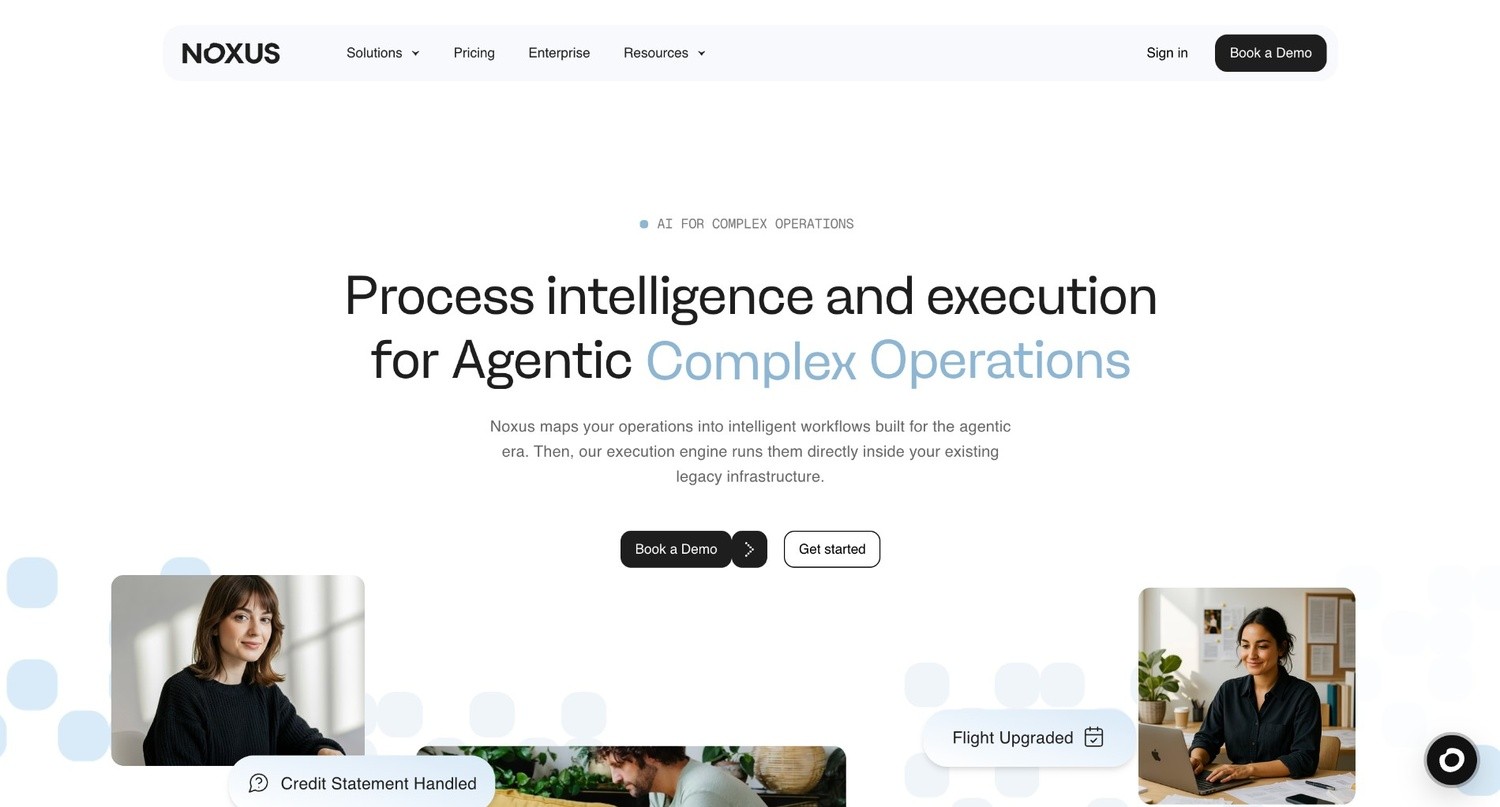
Noxus is the process intelligence layer: execution infrastructure that runs complex, multi-step workflows across legacy enterprise environments. In the accounting and finance context, that means automating back-office processes like vendor invoice matching, compliance validation, document extraction, and reconciliation across SAP, Oracle, SharePoint, and proprietary systems that other AI tools won't touch.
Where most accounting AI software tools handle structured, modern environments, we built Noxus for the environment enterprises actually operate in: layered legacy systems with no APIs, complex business rules, and zero tolerance for ungoverned AI decisions.
Every action our AI co-workers take is traceable, replayable, and governed by your rules, not by an AI model making judgment calls on regulated processes.
We're deployed in production at Santander, Fidelidade, Jerónimo Martins, CUF/José de Mello, and other major European enterprises. The proof points are concrete: 3–5x ROI, 45–80 days from contract to production and 90-96% AI precision on live operational data.
Ideal For
CFOs and Finance Directors at enterprises with multi-system back-office workflows running on SAP, Oracle, or legacy ERPs
Operations Leaders responsible for accounts payable, invoice processing, and reconciliation at scale
IT and Compliance teams at regulated industries (financial services, insurance, healthcare) who need auditability and data sovereignty baked into the architecture
Digital and AI Transformation Leaders whose programs have stalled in pilot purgatory, and who need a partner with production credentials to build the internal case for moving from pilot to production
Mid-market COOs and Managing Directors who need fast ROI with minimal IT involvement
Top Features
Financial Back-Office Execution: The execution runtime doesn't draft or suggest; it runs vendor invoice matching, compliance validation, document extraction, and reconciliation workflows end-to-end, with write-back into source systems and a full audit trail.
Legacy System Integration Without API Requirements: Noxus connects to SAP ECC, Oracle, Guidewire, ServiceNow, and 400+ other systems the way your operations teams use them today: navigating interfaces, performing lookups, writing back results. No middleware project. No API modernization prerequisite. If your team can use the system, we can automate it.
Governance-First Architecture: Every AI decision is traceable. Every process run produces a complete audit trail showing what happened, which rule applied, and why. Confidence-based human escalation kicks in when the AI encounters edge cases; it never guesses on governed decisions. Certified against SOC 2 Type II, ISO 27001, GDPR Article 28, and HIPAA.
Why We Stand Out?
Most accounting automation tools are built for modern SaaS environments. We're built for the systems enterprises actually run. That means we handle the 70% of accounting and finance workflows that live inside legacy ERPs, not just the portion exposed via clean APIs.
Our deployment model (SaaS, self-managed VPC, or air-gapped on-premises) means data never leaves the client's control unless they choose otherwise. And because pricing scales with usage rather than headcount, costs are predictable as volume grows.
The economics improve with each use case deployed on the same infrastructure. Second and third workflows run at 85–90% platform margin because the integration layer is already live.
Santander achieved 3x ROI in 45 days processing billing disputes and account changes across SAP, CRM and email simultaneously. CUF/José de Mello automated 10,000+ communications per month with 96% AI precision under GDPR Article 9 compliance.
Pros
Executes full accounting workflows end-to-end, not just surface insights or draft outputs
Works directly inside legacy systems (SAP, Oracle, COBOL-era cores) without API requirements
Full governance: every action is auditable, traceable, and replayable
Flexible deployment (SaaS, VPC, air-gapped) with BYOK model routing for data sovereignty
Production-proven across regulated industries with zero client churn
Cons
Purpose-built for high-volume, multi-system accounting workflows at mid-market and enterprise scale; not the right fit for single-system environments, individual accountants, or small teams with straightforward accounting needs
Deployment engineering is included in the first engagement rather than self-serve; organizations that need a tool that goes live in hours rather than weeks should evaluate lighter options for simpler use cases.
Pricing
We operate on a monthly platform license with consumption-based pricing; you pay for the operations completed, not for seats or tokens. Pricing scales with operational volume and deployment complexity.
The economics improve structurally with each additional workflow deployed on the same infrastructure, as the integration layer is already operational for subsequent use cases.
A structured pilot on your actual workflows is available before full commitment. You’ll need to contact our team directly for pricing aligned to your use case and scale.
Final Verdict
We’re the best AI-powered account software in 2026 for any organization running high-volume accounting and finance workflows across legacy enterprise systems where other AI tools have failed or stalled in pilot.
If your finance team is processing thousands of invoices monthly, managing multi-entity reconciliation across SAP and Oracle, or dealing with compliance documentation at scale, and you need AI tools for accounting that actually executes tasks versus recommending what a human should do, Noxus is your go-to solution.
2. Netgain
Overview
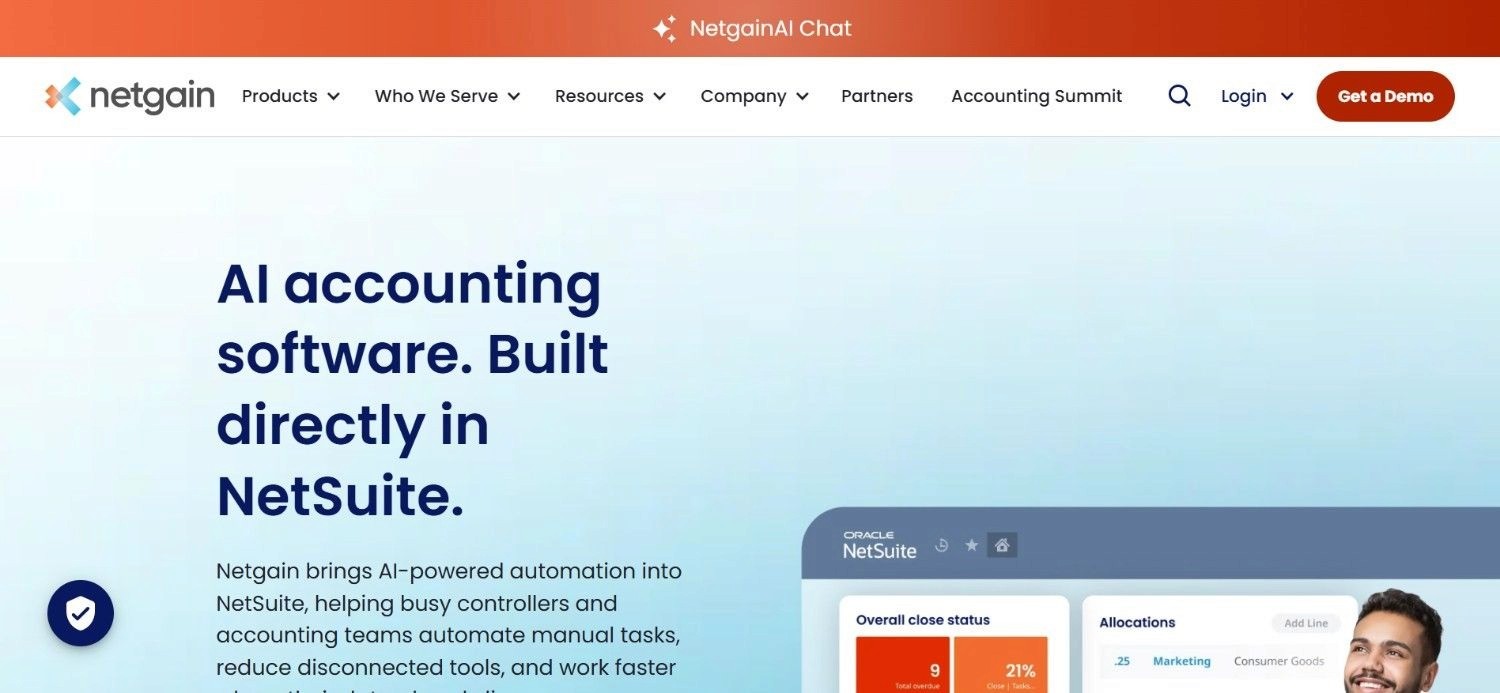
Netgain is a cloud-based finance and workflow accounting software built primarily for organizations that need ERP, accounting, and business management capabilities in a single system.
Unlike standalone accounting automation software focused on one workflow, Netgain combines financial management, CRM, project accounting, and operational reporting on top of the Microsoft Dynamics ecosystem.
This makes Netgain’s accounting workflow management software particularly relevant for growing businesses that want to centralize finance operations instead of managing multiple disconnected tools – automating routine financial processes such as accounts payable and receivable, reporting and budgeting while providing visibility across key departments.
The core problem they solve is the manual overhead that persists even after NetSuite implementation; reconciliation still happens in spreadsheets, lease calculations are done manually, and close processes lack visibility.
Ideal For
Accounting teams already running NetSuite who want to automate without adding external tools
Controllers and Accounting Managers dealing with complex lease accounting under ASC 842/IFRS 16
Finance teams struggling with month-end close bottlenecks
Organizations with significant fixed asset portfolios requiring lifecycle management
Top Features
NetSuite-Native Architecture: Because Netgain builds directly inside NetSuite, there's no integration layer to maintain, no data sync issues, and no separate login. All automation runs within the same environment and data model the finance team already uses.
ASC 842 Lease Accounting Compliance: NetLease automates the full lease accounting lifecycle under ASC 842 and IFRS 16: amortization schedules, journal entries, disclosures, and audit documentation. This is one of the more complex and time-consuming compliance workflows in corporate accounting, and automating it meaningfully reduces close time.
Month-End Close Workflow Management: NetClose gives controllers a structured checklist and task management layer on top of NetSuite, with visibility into close status across the team. Automated reconciliations and sign-off workflows replace the spreadsheet-based close tracking most teams still use.
Why They Stand Out?
Netgain is one of the stronger choices for NetSuite-dependent organizations that want deep accounting workflow management software without the overhead of integrating a third-party platform.
The native architecture means faster implementation, lower maintenance burden, and a tighter audit trail within a single system of record. For lease accounting specifically, it's one of the more complete implementations available in the NetSuite ecosystem.
Pros
Native NetSuite integration, no external data sync or API maintenance
Strong ASC 842/IFRS 16 compliance coverage
Reduces month-end close time through structured workflow and automated reconciliation
Broad product suite covering most major accounting automation needs within NetSuite
Cons
Only relevant for organizations running NetSuite; no value outside that ecosystem
Custom pricing without public disclosure makes early-stage budget planning difficult
Limited value for organizations with multi-ERP environments or legacy systems outside NetSuite
Pricing
Netgain does not publish public pricing. Quotes are customized based on the specific products selected, organization size, and NetSuite configuration. A demo call is required to get specific pricing.
Final Verdict
Netgain is a strong choice for NetSuite shops looking to automate lease accounting, close management, and reconciliation within their existing system. Outside the NetSuite ecosystem, it has no applicability.
For organizations running mixed ERP environments or legacy systems beyond NetSuite, an agentic operations platform like Noxus that deploys directly inside legacy ERP environments would serve better.
3. Vic.ai
Overview
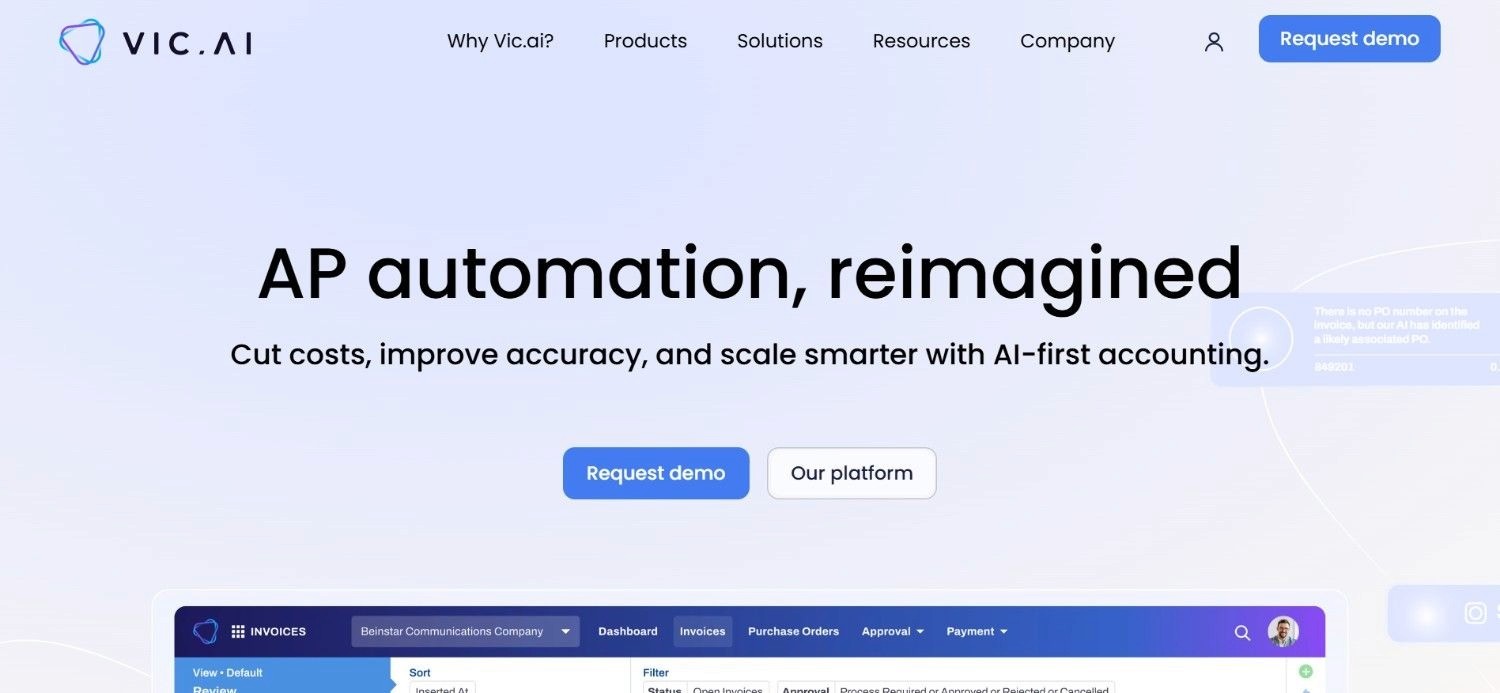
Vic.ai is one of the more specialized accounting automation software platforms on the market, with a primary focus on accounts payable (AP) workflows. Instead of trying to automate every finance process at once, it concentrates on invoice processing, PO matching, coding, approvals, and payment workflows using AI.
This makes it particularly relevant for mid-market and enterprise finance teams that process large invoice volumes and want to reduce manual AP work without expanding headcount.
What helps Vic.ai stand out among a flurry of AI tools for accounting is its move toward agentic finance automation through its ‘VicAgents’ offering. These AI agents are designed to handle specific finance tasks autonomously, pushing the platform beyond traditional AP automation.
Ideal For
AP Managers and Controllers looking to eliminate manual invoice processing
Finance teams with high invoice volume and complex approval hierarchies
Organizations needing AI-powered PO matching across multiple vendors
CFOs targeting AP-specific cost reduction as a near-term priority
Top Features
AI-Native Invoice Processing: Vic.ai's core capability is automated invoice capture, coding, and routing. The system learns from historical coding decisions and applies them automatically, reducing manual entry to exceptions only. For high-volume AP teams, this directly cuts close time and reduces error rates.
VicAgents for Autonomous Finance: Vic.ai's newer agentic layer adds autonomous AI partners that handle specific AP tasks, including managing the AP inbox, processing vendor queries, and routing approvals, without requiring human intervention at every step. This moves the product closer to full workflow execution rather than pure automation.
ERP Integrations and Analytics: Vic.ai integrates with major ERPs and provides VicAnalytics for spend visibility, anomaly detection, and reporting. The analytics layer gives CFOs real-time AP data without waiting for close.
Why They Stand Out?
Vic.ai is one of the more mature AI-first AP platforms available, with a track record in enterprise finance environments and a product direction that reflects where accounting AI software is heading: from automation to autonomous execution.
Their focus on AP specifically means deep capability in that domain compared to broader platforms.
Pros
Deep AP automation with strong machine learning on invoice coding
VicAgents adds autonomous workflow execution to the AP stack
Good ERP integration coverage
Strong analytics layer for spend visibility
Cons
Primarily focused on AP; limited coverage of broader accounting workflows like close management or reconciliation
Custom pricing without public disclosure
Less suited to organizations with legacy system environments that require deep integration engineering
Pricing
Vic.ai does not publish pricing publicly. Tailored quotes are based on finance team size, invoice volume, and specific product needs. A discovery call is required.
Final Verdict
Vic.ai is a strong choice for finance teams whose primary bottleneck is accounts payable: invoice volume, approval cycles, and vendor management.
For organizations that need AI across broader accounting workflows (reconciliation, close, compliance documentation), a more comprehensive accounting workflow management software platform would cover more ground.
4. Xero
Overview
Xero has steadily expanded its AI capabilities, positioning itself as more than just cloud accounting software. Its AI features are designed to reduce manual bookkeeping tasks by helping users automate bank reconciliations, categorize transactions, surface anomalies, and generate financial insights faster. Rather than replacing accountants, Xero’s approach focuses on assisting them with repetitive work so they can spend more time on analysis and decision-making.
As one of the more widely adopted accounting AI software platforms for small and mid-sized businesses, Xero combines automation with a large ecosystem of third-party integrations. Features like AI-powered transaction matching, cash flow forecasting, and invoice management help streamline day-to-day finance operations without requiring extensive setup.
For businesses evaluating AI tools for accounting, Xero offers a practical balance between automation and usability, particularly for teams that want modern accounting capabilities without moving to a complex enterprise ERP system.
Xero's broad ecosystem of third-party integrations also makes it a flexible foundation for small finance teams.
Ideal For
Small business owners managing their own books or working with a bookkeeper
Freelancers and sole traders needing invoicing and expense tracking
Small accounting firms managing multiple small-business clients
Growing companies that need a scalable entry-level accounting platform
Top Features
Automated Bank Feeds and Smart Reconciliation: Xero connects directly to bank accounts and credit cards, pulling transactions automatically and using AI to suggest coding based on historical patterns. Reconciliation that previously took hours each week happens in minutes for straightforward transaction sets.
Invoicing and Payments: Xero's invoicing module handles creation, sending, tracking, and payment collection, with automated payment reminders and integration with payment processors like Stripe and GoCardless. For small businesses, this replaces manual invoicing workflows entirely.
Third-Party App Ecosystem: Xero connects to 1,000+ apps across payroll, inventory, CRM, and payments. This makes it a versatile hub for small business operations beyond core accounting.
Why They Stand Out?
Xero is one of the top AI in accounting software, offering a more accessible entry point into automating cumbersome, manual processes for small businesses.
Their combination of a mature product, competitive pricing at the low end, and a strong partner ecosystem (accountants and bookkeepers familiar with the platform) makes it a reasonable starting point.
It's not built for complex enterprise environments, but for the audience it serves, it covers the core workflows effectively.
Pros
Very low entry price point ($5.80/month)
Clean, intuitive interface accessible to non-accountants
Strong bank feed automation and smart categorization
Large third-party app ecosystem
Cons
Not suitable for complex enterprise accounting environments
Limited coverage of multi-entity, multi-currency workflows at scale
AI capabilities are relatively basic compared to purpose-built accounting automation tools
Pricing
Xero offers three plans: Starter at $5.80/month, Standard at $10/month, and Premium at $15/month. Pricing scales with features including payroll, multi-currency, and user access.
Final Verdict
Xero is the best AI accounting software for small businesses and freelancers who need a complete, affordable accounting platform with solid bank automation.
It is, however, not the right tool for organizations with complex ERP environments, high transaction volumes, or multi-entity reporting requirements; those use cases outgrow Xero quickly.
5. Ramp
Overview
Ramp is a spend management and AP automation platform that combines corporate cards, bill pay, expense management, and accounting automation software in a single product.
Its AI capabilities center on automatic transaction categorization, receipt matching, and accounting sync, reducing manual data entry for finance teams managing business spend.
Ramp targets mid-market companies looking to consolidate expense management and AP into one platform while cutting the time their accounting team spends on routine data tasks.
Ideal For
Finance teams at mid-market companies managing high volumes of employee spend
Controllers looking to cut time on expense report processing and reconciliation
CFOs wanting real-time spend visibility without waiting for month-end reporting
Organizations looking to consolidate corporate cards, AP, and accounting automation into one tool
Top Features
AI Transaction Categorization: Ramp's AI learns your chart of accounts and coding preferences, automatically categorizing transactions as they post. This removes the manual review loop for routine spend and flags only exceptions for human attention.
Receipt Matching and Expense Automation: Receipts submitted via photo, email, or PDF are automatically matched to transactions. Missing receipt chasing, one of the most time-consuming tasks for AP teams, is largely eliminated.
Accounting Integrations and Sync: Ramp syncs with QuickBooks, Xero, Sage, and NetSuite, pushing coded transactions directly into the GL without manual import. The sync reduces the data-entry gap between spend and books.
Why They Stand Out?
Ramp is one of the stronger choices for mid-market companies that want to combine spend management with accounting AI tools in a single platform.
The free plan makes it accessible as a starting point, and the per-user pricing is competitive for teams scaling spend automation.
Their AI features are focused and practical rather than broad; they do transaction categorization and receipt matching well without overreaching.
Pros
Free plan available for basic spend management and accounting sync
Strong AI categorization and receipt matching that reduces manual data entry
Integrates with major accounting platforms (QuickBooks, Xero, NetSuite, Sage)
Real-time spend visibility without waiting for close
Cons
Primarily focused on spend management, not a comprehensive accounting platform
Per-user pricing scales quickly for larger teams
Less suited to organizations with complex back-office workflows beyond expense and AP
Pricing
Ramp has a free plan for core spend management features. Paid plans start at $15/user/month. Enterprise pricing is available on request – making it one of the top
Final Verdict
Ramp is a practical choice for mid-market finance teams that want to cut manual expense processing and close the gap between spend and books in real time.
It’s not a full-on accounting automation tool and organizations who need GL management, multi-entity reporting, or complex accounting workflow software beyond spend will need to pair it with another tool.
6. Docyt
Overview
Docyt is an AI-powered accounting platform built for accounting firms and multi-location businesses managing bookkeeping across multiple clients or entities. The platform automates bookkeeping, reconciliation, and financial reporting, with a strong focus on document management: receipt capture, invoice processing, and expense categorization.
Docyt's positioning is "AI bookkeeper," with the goal of handling the routine bookkeeping work that consumes accountant time without adding value proportional to the effort.
Ideal For
Accounting firms managing bookkeeping for multiple small and mid-size clients
Multi-location businesses needing consistent bookkeeping across locations
Restaurant groups, hospitality businesses, and franchises with high transaction volume
Business owners looking to outsource routine bookkeeping to AI rather than staff
Top Features
AI Bookkeeping and Transaction Categorization: Docyt's AI reads bank feeds, processes receipts, and categorizes transactions automatically, handling the data entry layer of bookkeeping without human input for routine items. Exceptions and ambiguous transactions are flagged for review.
Multi-Entity and Multi-Client Management: Docyt is designed for firms and businesses operating across multiple entities. Consolidated reporting, entity-level visibility, and standardized workflows across clients make it a functional tool for accounting practices managing volume.
Document Management and Receipt Capture: Docyt handles the full document lifecycle, covering capture, extraction, storage, and audit trail, for receipts, invoices, and expense reports. The document management layer is tighter than most general accounting platforms.
Why They Stand Out?
For accounting firms specifically, Docyt is one of the more purpose-built options in the ‘accounting firm workflow software’ category.
Its multi-client architecture, combined with AI bookkeeping automation, addresses the firm's core efficiency problem: too many clients, not enough staff hours for routine data work.
Pros
Strong multi-client and multi-entity architecture for accounting firms
AI bookkeeping automation handles routine categorization with high accuracy
Document management built in: receipts, invoices, and audit trail in one place
Purpose-built for high-transaction-volume environments like hospitality and restaurants
Cons
Higher price point ($499–$999/month) compared to alternatives for simpler use cases
Less suited to large enterprises with complex ERP environments
AI capabilities are primarily focused on bookkeeping and document processing rather than broader financial workflows
Pricing
Docyt's pricing starts at $499/month for the base plan, with a mid-tier plan at $799/month and enterprise plans at $999/month.
Final Verdict
Docyt is best suited to accounting firms running high-volume bookkeeping across multiple clients, and to multi-location businesses that need consistent, automated bookkeeping without per-location staffing.
For organizations that need deeper accounting workflow management software beyond bookkeeping and document processing, or for enterprises with ERP-centric workflows, the fit is limited.
7. Trullion
Overview
Trullion is an AI-powered accounting platform focused on some of the most complex areas of corporate finance, particularly lease accounting, revenue recognition, audit workflows, and financial reporting.
Unlike many accounting automation tools that concentrate on bookkeeping or accounts payable, Trullion is designed to automate the extraction and interpretation of financial data from contracts, leases, and supporting documents. This helps accounting teams reduce manual review work while maintaining compliance with standards such as ASC 842, IFRS 16, and ASC 606.
What makes Trullion stand out among modern accounting AI software is its use of AI to read, structure, and validate financial documents automatically. Instead of manually reviewing hundreds of contracts or lease agreements, finance teams can pull key accounting data directly into their workflows.
Ideal For
Controllers and Technical Accounting teams managing ASC 606 revenue recognition compliance
Finance teams with large lease portfolios requiring ASC 842/IFRS 16 reporting
Audit teams and external auditors needing a traceable record of accounting decisions
SaaS companies and enterprises with complex multi-element contract revenue
Top Features
AI Contract Data Extraction: Trullion's AI reads contracts, in PDF, email, or document format, and extracts the accounting-relevant terms: performance obligations, consideration amounts, lease terms, payment schedules. This eliminates the manual contract review step that typically bottlenecks revenue recognition workflows.
Automated ASC 606/842 Compliance: The platform applies the relevant accounting standard logic automatically once contract data is extracted, generating journal entries, amortization schedules, and disclosures in a format audit teams can work with directly.
Audit Trail and Collaboration: Every calculation, judgment call, and supporting document is stored with full provenance. Auditors can trace every entry back to its source contract and applied logic without requiring the accounting team to reconstruct documentation.
Why They Stand Out?
Trullion is one of the more focused options in the best AI accounting software category; it solves a specific, technically complex compliance problem with depth that general accounting platforms can't match.
For organizations where revenue recognition or lease accounting is a material compliance burden, the specialization is an advantage rather than a limitation.
Pros
Deep ASC 606 and ASC 842/IFRS 16 compliance automation
AI contract extraction removes the most time-consuming step in the workflow
Audit-ready documentation as a byproduct of normal operations
Traceable decision history that simplifies external audit processes
Cons
Narrow scope: focused on revenue recognition and lease accounting specifically
Not a general-purpose accounting platform; requires pairing with an ERP or core accounting system
Custom pricing without public disclosure
Pricing
Trullion does not publish pricing publicly. Custom quotes are provided based on contract volume, entity count, and specific compliance requirements. A demo is required to engage.
Final Verdict
Trullion makes sense for finance teams where ASC 606 or ASC 842 compliance is a material, recurring burden, typically mid-market and enterprise companies with complex contracts or large lease portfolios.
For teams without this specific compliance challenge, the narrowness of the product means there are more comprehensive accounting AI software options available.
8. DualEntry
Overview
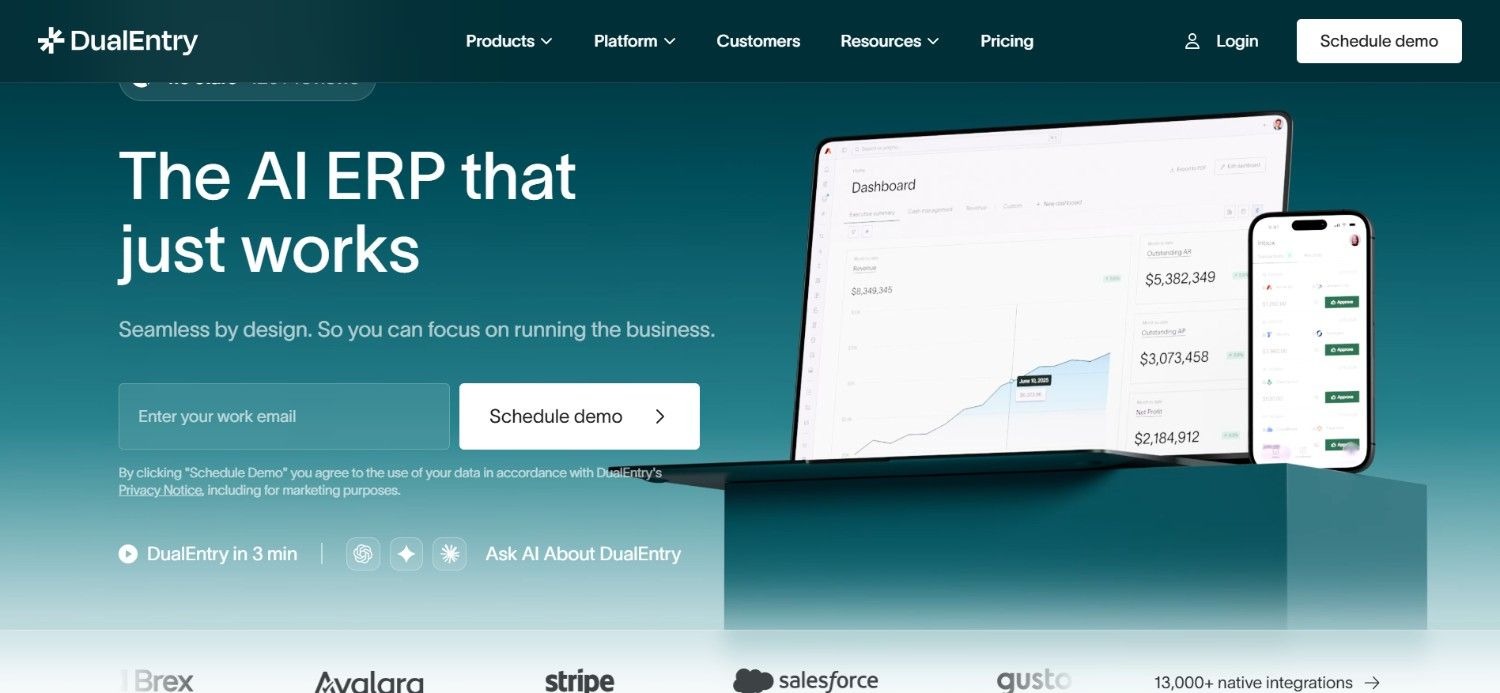
DualEntry is one of the best AI-powered accounting software, built as an alternative to legacy ERPs, targeting finance teams that have outgrown QuickBooks or Xero but don't want the implementation complexity of NetSuite or SAP.
The platform covers the full general ledger, accounts payable and receivable, multi-entity accounting, and financial close, with AI capabilities embedded across the workflow, including AI-driven close management and automated reconciliation.
DualEntry positions AI as native to the core product rather than added as a layer, which is a credible architectural distinction from platforms that bolt AI onto existing accounting infrastructure.
Ideal For
Finance teams at mid-market companies outgrowing QuickBooks or Xero
Controllers managing multi-entity accounting without a full ERP
Organizations looking for modern accounting infrastructure with native AI rather than bolt-on AI
Companies with complex transaction volumes that need more than starter accounting platforms
Top Features
Full General Ledger with AI Close: DualEntry's GL covers the full accounting lifecycle: journal entries, account reconciliation, intercompany transactions, and close management, with AI-driven automation at the close stage that cuts reconciliation time and surfaces discrepancies before they become close blockers.
Multi-Entity Accounting: DualEntry handles unlimited subsidiaries, multi-currency transactions, and consolidated reporting, addressing the specific scaling problem that causes finance teams to migrate away from QuickBooks and Xero.
13,000+ Native Integrations: The platform connects to banks, payment processors, ERPs, and business systems through a broad native integration layer, reducing the custom integration work that typically accompanies accounting platform migrations.
Why They Stand Out?
DualEntry positions itself as a modern ERP alternative with AI native to the core product rather than added as a layer. For finance teams navigating the gap between starter accounting platforms and full ERP complexity, it's a credible middle path.
The breadth of integrations reduces migration friction significantly.
Pros
Full GL coverage with AI-driven close management
Strong multi-entity and multi-currency support
13,000+ native integrations covering most common systems
Modern product design vs. legacy ERP interfaces
Cons
Custom pricing without public disclosure
Newer platform; smaller established customer base than incumbents
Less suited to enterprises with deep legacy system dependencies that require agent-level integration
Pricing
DualEntry does not publish public pricing. Custom quotes are provided following a demo engagement.
Final Verdict
DualEntry is a strong option for mid-market finance teams that have outgrown simple accounting platforms and need a modern, AI-native alternative without full ERP implementation overhead.
For enterprises with deep legacy system environments or complex compliance requirements, Noxus runs operations directly inside legacy systems without requiring API modernization, and would cover more ground.
9. Numeric
Overview
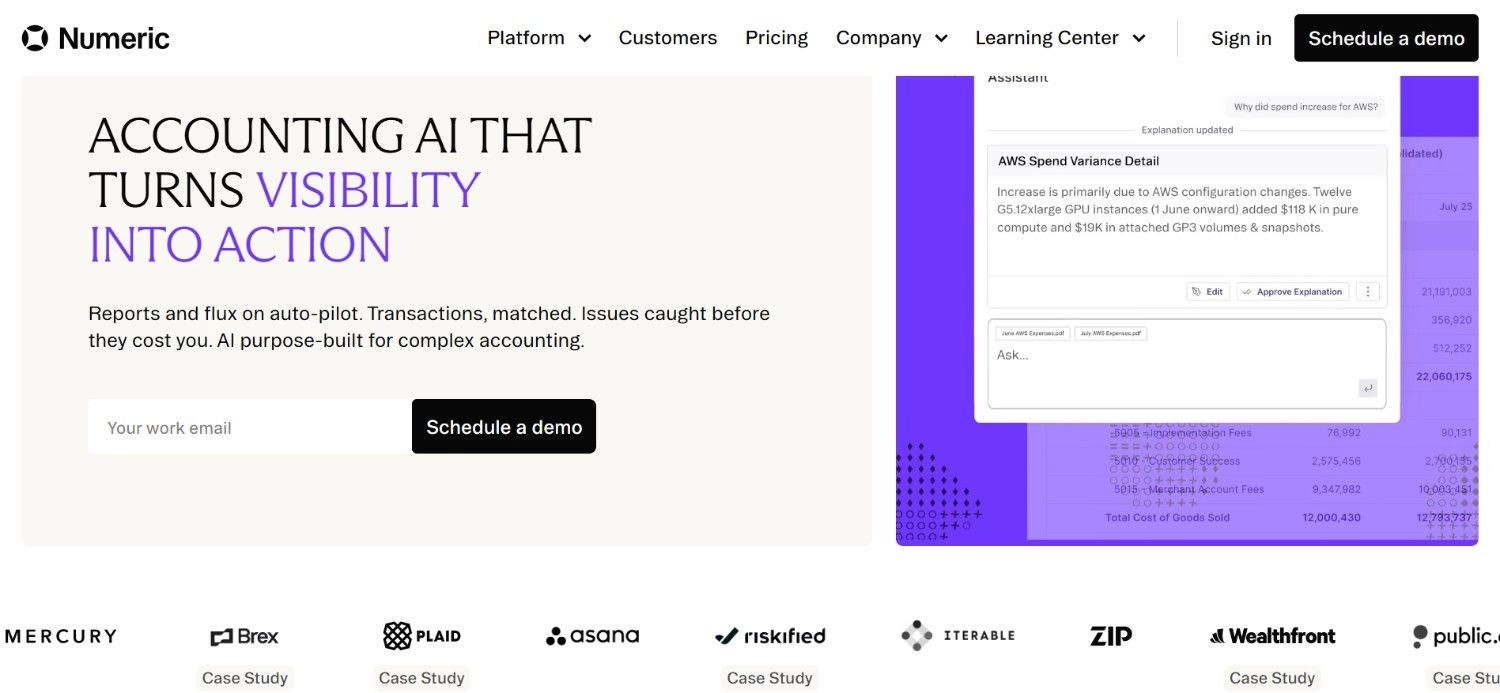
Numeric is an AI-powered accounting platform built specifically to help finance teams automate month-end close processes, reconciliations, variance analysis, and financial reviews.
Rather than focusing on bookkeeping or accounts payable alone, Numeric is designed around the close process, helping accounting teams identify anomalies, investigate discrepancies, and complete financial reporting faster.
This makes their platform particularly relevant for growing companies that want to reduce the manual effort involved in closing the books each month. What sets Numeric apart from many accounting automation tools is its emphasis on continuous monitoring and AI-driven review workflows.
The platform automatically surfaces unusual transactions, account changes, and reconciliation issues that might otherwise require hours of manual checking.
Ideal For
Controllers and Accounting Managers whose primary pain point is month-end close cycle time
Finance teams at Series B–D companies building out their accounting operations
Organizations that already have an ERP and need a dedicated close management layer on top
Accounting teams that want structured workflow and visibility into close status without switching ERPs
Top Features
Structured Month-End Close Workflow: Numeric provides a dedicated task management layer for the close: checklists, assignments, due dates, and status visibility across the team. This replaces close tracking done in spreadsheets or project management tools that weren't designed for accounting workflows.
Flux Analysis and Variance Explanation: Numeric's AI surfaces significant changes between periods and helps accountants document explanations for flux, a time-consuming step that typically happens manually at close. Automated flux analysis cuts the documentation burden while maintaining the rigor auditors require.
Reconciliation and Tie-Out Management: Numeric tracks reconciliation status across accounts and flags unreconciled items before close sign-off. The tie-out workflow ensures nothing is missed and provides a clear record of what was reconciled and when.
Why They Stand Out?
For close management specifically, Numeric is one of the more focused and practical tools available. It doesn't try to be a full accounting platform; it solves the close problem well for teams that already have an ERP but need a better process layer.
The per-user pricing is transparent and accessible for mid-market teams.
Pros
Purpose-built for month-end close, not a general platform trying to do everything
Automated flux analysis saves meaningful time at close
Transparent per-user pricing starting at $30/user/month
Integrates with existing ERPs rather than requiring system replacement
Cons
Narrow scope: close management only; doesn't cover AP, invoicing, or broader accounting workflows
Not suitable for organizations that need comprehensive accounting automation tools across the full workflow lifecycle
Less suitable for very large enterprises with complex, multi-region close requirements
Pricing
Numeric's pricing starts at $30/month per user, with custom pricing available at higher tiers for enterprise deployments.
Final Verdict
Numeric is the right tool for controllers who have a close problem and want to solve it specifically, without changing their ERP or overhauling their accounting stack.
For teams whose bottleneck is broader than close management, a more comprehensive platform would deliver more value.
10. Intuit QuickBooks Online
Overview
Intuit’s QuickBooks Online is one of the best AI-powered accounting software, and is widely used by small businesses globally. The company’s solution serves millions of SMBs - right from sole traders and freelancers to even mid-sized companies.
The platform covers invoicing, expense tracking, payroll, bank reconciliation, tax preparation, and financial reporting, with AI-driven features including smart transaction categorization, automated bank feeds, and cash flow forecasting.
QuickBooks Online's strength is breadth: it covers more accounting functions in one product than almost any competitor at its price point.
Ideal For
Small business owners managing their own finances or working with a bookkeeper
Growing companies that need a full accounting stack without enterprise pricing
Businesses that work with accountants or bookkeepers already familiar with QuickBooks
Organizations that need invoicing, payroll, and accounting in a single platform
Top Features
Smart Transaction Categorization and Bank Feeds: QuickBooks Online connects to bank accounts and credit cards, automatically importing and categorizing transactions based on merchant data and historical patterns. The AI categorization layer reduces manual coding significantly for routine transaction sets.
Invoicing and Payment Collection: QuickBooks handles invoice creation, sending, tracking, and payment collection, including online payment options via Stripe, PayPal, and QuickBooks Payments. Automated payment reminders reduce the follow-up burden on business owners.
Tax Preparation and Reporting: QuickBooks Online organizes financial data in formats that simplify tax preparation, with direct integrations to TurboTax and accountant-friendly report exports. Quarterly estimated tax calculations are built into the platform.
Why They Stand Out?
QuickBooks Online is one of the best AI-powered accounting software for small businesses in North America.
It covers the full accounting workflow at a price point that works for early-stage companies, with a massive ecosystem of accountants, bookkeepers, and third-party integrations built around it.
The AI features, while not the deepest in the category, are practical and well-integrated into the core workflow.
Pros
Comprehensive accounting coverage at accessible price points
Massive accountant and bookkeeper ecosystem familiar with the platform
Strong invoicing, payroll, and tax preparation built in
Broad third-party integration coverage
Cons
AI capabilities are relatively basic compared to purpose-built accounting automation software
Scales poorly for enterprises; multi-entity, complex ERP environments, and high-volume workflows quickly hit limits
Per-plan feature gating means full functionality requires the higher tiers
Pricing
QuickBooks Online offers four tiered plans with introductory pricing: Simple Start at $19/month (normally $38), Essentials at $37.50/month (normally $75), Plus at $57.50/month (normally $115), and Advanced at $137.50/month (normally $275). Features and user limits scale with each tier.
Final Verdict
QuickBooks Online is the right call for small businesses that need a complete, affordable accounting platform and want access to a large ecosystem of accounting professionals.
It's not the right tool for organizations with complex ERP environments, high-volume back-office workflows, or multi-entity reporting requirements; those needs outpace what QuickBooks Online is built for.
How to Choose the Best AI Powered Accounting Software (What to Consider)?
1. Match the Tool to Your Primary Bottleneck
AI tools for accounting solve different problems. AP automation tools (Vic.ai, Ramp) address invoice processing and spend management. Close management tools (Numeric) address month-end cycle time. Compliance-specific tools (Trullion) address revenue recognition or lease accounting.
Full workflow execution platforms (Noxus) address complex, multi-system back-office automation.
Identify where your team loses the most time and where errors introduce the most risk; then match the tool to that specific problem rather than buying the most feature-rich platform available.
2. Verify Integration With Your Actual System Stack
The most common failure mode in accounting automation software adoption is discovering after purchase that the tool doesn't integrate with the systems your team actually uses. Cloud-native platforms like Ramp and Xero connect cleanly to modern SaaS stacks.
Platforms like Noxus are specifically built for legacy systems, specifically SAP ECC, Oracle, and COBOL-era cores, that other tools won't touch.
Before committing, map your actual system landscape and verify the tool works within it natively, not via a workaround.
3. Assess Governance and Auditability Requirements
In regulated industries, including financial services, healthcare, and insurance: the audit trail is not optional.
Every accounting AI software deployment that touches governed processes needs to produce traceable, replayable documentation of what the AI did, which rule applied, and what the outcome was.
Ask specifically how the platform handles exceptions, how it escalates to humans when confidence is low, and what the audit trail looks like for compliance purposes.
Tools that can't answer this clearly are not ready for regulated environments.
4. Evaluate Total Cost of Ownership, Not Just Sticker Price
Entry-level pricing on tools like Xero ($5.80/month) and QuickBooks ($19/month) looks accessible, but the actual cost includes migration, training, integration engineering, and the ongoing cost of exceptions the tool doesn't handle.
Usage-based pricing models like Noxus's scale with the work completed rather than with headcount. Per-seat models scale with team size.
Transaction-based models scale with volume. Model the cost against your actual transaction volume and team size at 12 and 24 months, not just today.
5. Check the Deployment Model Against Your Data Sovereignty Requirements
For enterprises in regulated industries or European markets operating under GDPR, data residency is a non-negotiable requirement. Cloud-only tools that process your financial data on vendor infrastructure may not meet compliance requirements. Look for platforms that offer private cloud, VPC, or air-gapped on-premises deployment options.
This is especially relevant for organizations subject to GDPR Article 28, DORA, or similar frameworks.
Noxus offers all three deployment models: SaaS, self-managed VPC, and on-premises, with BYOK model routing so data never leaves the client's control unless they choose otherwise.
Everything You Need to Know About AI Powered Accounting Software
← scroll to see all columns →
| Company | Pros | Cons | Ease of Use | Integrations | Support | Affordability |
|---|---|---|---|---|---|---|
| Noxus | Full workflow execution; legacy system depth; governance-first architecture | Requires deployment engineering for initial setup; not for simple single-system environments | ⭐⭐⭐⭐⭐ | ⭐⭐⭐⭐⭐ | ⭐⭐⭐⭐⭐ | ⭐⭐⭐⭐⭐ |
| Netgain | NetSuite-native; strong ASC 842 compliance; broad product suite | NetSuite-only; no public pricing | ⭐⭐⭐⭐⭐ | ⭐⭐⭐⭐⭐ | ⭐⭐⭐⭐⭐ | ⭐⭐⭐⭐⭐ |
| Vic.ai | AI-native AP; VicAgents for autonomous workflows; good ERP integration | Narrow AP focus; no public pricing | ⭐⭐⭐⭐⭐ | ⭐⭐⭐⭐⭐ | ⭐⭐⭐⭐⭐ | ⭐⭐⭐⭐⭐ |
| Xero | Accessible pricing; clean UI; strong bank feeds | Limited for enterprise; basic AI capabilities | ⭐⭐⭐⭐⭐ | ⭐⭐⭐⭐⭐ | ⭐⭐⭐⭐⭐ | ⭐⭐⭐⭐⭐ |
| Ramp | Free plan available; strong categorisation; real-time spend visibility | Spend management focus only; per-user pricing scales quickly | ⭐⭐⭐⭐⭐ | ⭐⭐⭐⭐⭐ | ⭐⭐⭐⭐⭐ | ⭐⭐⭐⭐⭐ |
| Docyt | Strong multi-client architecture; AI bookkeeping; document management | High price point; narrow scope | ⭐⭐⭐⭐⭐ | ⭐⭐⭐⭐⭐ | ⭐⭐⭐⭐⭐ | ⭐⭐⭐⭐⭐ |
| Trullion | Deep ASC 606/842 compliance; audit-ready documentation; AI contract extraction | Very narrow scope; no public pricing | ⭐⭐⭐⭐⭐ | ⭐⭐⭐⭐⭐ | ⭐⭐⭐⭐⭐ | ⭐⭐⭐⭐⭐ |
| DualEntry | Full GL coverage; multi-entity; 13,000+ integrations; modern design | No public pricing; smaller track record | ⭐⭐⭐⭐⭐ | ⭐⭐⭐⭐⭐ | ⭐⭐⭐⭐⭐ | ⭐⭐⭐⭐⭐ |
| Numeric | Purpose-built for close; flux analysis; transparent pricing | Close management only; limited scope | ⭐⭐⭐⭐⭐ | ⭐⭐⭐⭐⭐ | ⭐⭐⭐⭐⭐ | ⭐⭐⭐⭐⭐ |
| QuickBooks Online | Comprehensive coverage; massive ecosystem; accessible pricing | Limited for complex environments; basic AI | ⭐⭐⭐⭐⭐ | ⭐⭐⭐⭐⭐ | ⭐⭐⭐⭐⭐ | ⭐⭐⭐⭐⭐ |
Automate & Scale Your Accounting with Noxus
Most accounting automation tools tell you what your team should do differently. Noxus does the work.
Noxus runs vendor invoice matching, financial reconciliation, compliance documentation, and back-office workflows end-to-end, across SAP, Oracle, SharePoint, and the legacy systems your team uses every day. Every action is traceable. Every decision is governed by your rules. Every outcome writes back into your source systems under full audit.
The proof is in production: 3x-5x ROI across our existing clients, 45-80 days from contract to live deployment, 90–96% AI precision on real operational data. Zero churn.
Most finance teams we speak to have already run two or three automation pilots, and none are in production. That's the problem we're built to solve; not another pilot, but a live deployment on your actual systems.
If your finance team is currently doing work that shouldn’t require a finance team, we can prove the alternative in 45 days.
Book a free consultation with us to scope your requirements and to run a live workflow on your actual accounting workflows and systems - no credit card or active IT project required.
FAQs About AI Powered Accounting Software
What is the best AI accounting software in 2026?
The best AI-powered accounting software in 2026 is Noxus if you’re looking for an agentic platform with production deployments delivering 3-5x ROI & 90-96% AI precision. Contrastingly, for AP automation Vic.ai is a strong choice. For smaller businesses; Xero and QuickBooks Online cover the full accounting stack at accessible price points. To sum it up, the tool of your choice should match your transaction volume, system stack and compliance requirements.
What should I consider when choosing the right AI accounting software for me?
When choosing AI accounting software, the four most important factors are: the specific workflow bottleneck you're solving (AP, close management, reconciliation, full back-office execution), integration compatibility with your existing ERP and legacy systems, governance and auditability requirements for your industry's compliance framework, and whether the pricing model scales with your transaction volume rather than your headcount. Verify production credentials; ask for case studies with named clients and measured outcomes, not demos on synthetic data.
How does Noxus differ from similar alternatives?
Noxus stands out from other accounting AI tools in three main ways. First, Noxus actually finishes the job. The execution runtime runs workflows end-to-end and writes results back to your systems instead of just making suggestions. Second, we work with the legacy systems you already have, like SAP ECC and Oracle, so you don't have to replace them. Finally, we use a governance-first approach. Your specific business rules drive the process, meaning the AI handles the data while you stay in control. Most of our clients are up and running in 45 to 80 days.
How do I get started with Noxus?
Getting started with Noxus begins with a demo call where we walk through your specific process: the workflow you want automated, the systems it touches, and the volume it handles. From there, we scope the first use case and structure the initial deployment. Most first engagements go from contract signature to production on real client systems within 45–80 days. A structured pilot on your actual workflows is available before full commitment; so you can validate the approach on real systems and real data before scaling.
How easy is it to switch to Noxus?
Switching to Noxus doesn't require replacing any existing systems; that's the point. Noxus deploys on top of your current stack, whether that's SAP, Oracle, ServiceNow, or proprietary platforms. The deployment engineering for the first use case is handled by our team. The infrastructure built for use case one becomes the foundation for every subsequent deployment, which is why second and third workflows deploy at 85–90% platform margin. No rip-and-replace, no long migration project.
Does AI accounting software replace accountants?
AI accounting software does not replace accountants; it removes the data entry and routine processing work from their day so they can focus on judgment-dependent tasks. In Noxus deployments, the execution runtime handles multi-system data gathering, rule application, and write-back; human accountants handle exceptions, policy decisions, and work requiring contextual judgment. According to our production data, AI precision runs at 90–96%, meaning accountants review exceptions rather than every transaction; the team does materially more work without growing in headcount.
What accounting workflows can Noxus automate specifically?
Noxus automates several accounting and finance workflows. This includes vendor invoice matching and compliance checks across SAP and Oracle, as well as reconciliation tasks that span different disconnected systems. Our accounting AI tools also handle financial document extraction, accounts payable routing based on your rules, and creating audit trails for compliance. We also work with Tier 1 European banks to manage back-office tasks like billing disputes, refund processing, and account changes by combining accounting work with customer operations.
What happens when Noxus encounters an edge case or a process it is not confident about?
Noxus uses confidence-based escalation: rather than guessing, it routes uncertain cases to humans with full context (every lookup performed, rule evaluated, and where confidence dropped), so accountants review pre-processed exceptions instead of every transaction, with every decision being deterministic, traceable, and replayable for instant audit trails.