Best Process Orchestration Software in 2026 (Top-Rated Platforms Reviewed)
The best process orchestration software in 2026 has to do more than sequence tasks; it has to run the process inside the systems that hold the data. This comparison covers ten platforms on orchestration depth, legacy reach, governance and pricing.

Key Takeaways (TL;DR)
The Best Overall Process Orchestration Software: We built Noxus to resolve operations end to end inside the exact legacy systems an enterprise already runs, not to draft suggestions someone else has to finish.
Why Do You Need It?: Manual, multi-system work is the reason operations headcount keeps growing faster than transaction volume, and most off-the-shelf tools were never built for the legacy stacks that regulated industries actually run on.
Who It's For?: Operations leaders, IT architects, and compliance teams at enterprises and mid-market companies running processes across SAP, Guidewire, ServiceNow, and other systems that traditional automation cannot reach.
How to Choose the Right One?: Weigh how deep the platform goes into legacy systems, whether it executes work or just drafts it, and how pricing scales as your operational volume grows.
Noxus’ Pricing: Noxus runs on a monthly platform licence with consumption-based pricing. There is no per-seat, per-task or token-based billing, so cost scales with the processes completed rather than with headcount. A custom quote follows a scoping call, and the economics improve with each additional workflow deployed on the same infrastructure.
Table of Contents
Process Orchestration Software at a Glance
What Is Process Orchestration Software?
Why Do You Need Process Orchestration Software?
Who Needs Process Orchestration Software?
Best Process Orchestration Software: In-Depth Review and Comparison
How to Choose the Best Process Orchestration Software
Everything You Need to Know About Process Orchestration Software
Automate Your Operations With Noxus
FAQs About Process Orchestration Software
Process Orchestration Software at a Glance
Tool | Best For | Key Features | Pricing |
Noxus | Enterprises automating complex operations across legacy systems | Process intelligence runtime, legacy system depth, full audit trail | Monthly platform licence, consumption-based |
Appian | Enterprises building custom low-code applications alongside orchestration | Low-code app builder, case management, process mining | Quote-based, tiered by user and feature |
Workato | Mid-market and enterprise teams needing integration plus orchestration | Recipe-based automation, agentic orchestration, 1,000+ connectors | From roughly $10,000 a year |
Tray.ai | Technical teams wanting flexible, developer-friendly orchestration | Visual workflow builder, Merlin Agent Builder, API-first architecture | Custom, sales-led |
n8n | Startups and technical teams wanting self-hosted automation | Free self-hosted option, visual node-based workflows, 400+ integrations | Free self-hosted; cloud from €20 a month |
Pega | Large enterprises needing decisioning alongside orchestration | Case management, business rules engine, outcome-based pricing | Custom enterprise pricing |
Camunda | Developer teams building BPMN-based process orchestration | Open-source BPMN engine, process automation, DMN decision modelling | Free developer tier; custom Enterprise licence |
Microsoft Power Automate | Microsoft-centric teams automating desktop and cloud flows | Cloud flows, desktop flows, RPA bots, Microsoft stack integration | From $15 per user a month |
Enate | Shared services and BPO teams orchestrating human and digital work | Human and RPA task orchestration, consumption-based AI credits | Custom, with separate AI credits |
Nintex | Mid to large enterprises wanting agentic business orchestration | Process mapping, agentic orchestration, document automation, RPA | Custom, tailored to capabilities and scale |
What Is Process Orchestration Software?
This category of software coordinates a business process end to end, across every system that process touches, rather than automating a single step in isolation.
Where basic workflow tools handle one task at a time, orchestration software manages the sequence, the decisions, and the handoffs between systems as a single, governed process.
That distinction matters because most real business processes are not contained inside one application. A claim, a billing dispute, or an onboarding request typically moves through several disconnected systems before it gets resolved, with a person often bridging the gaps manually at every step.
A good platform removes that manual bridging. It connects to the systems a process actually touches, applies business rules consistently, and keeps a complete record of what happened and why.
Some tools focus mainly on integration between modern, API-first systems.
Others, including the platform we built at Noxus, are designed specifically to operate inside the older, more brittle systems that regulated industries have run on for decades.
Why Do You Need Process Orchestration Software?
Most large organisations already know exactly where automation should help. The problem is not identifying the use case. It is the gap between "this should work" and "this is actually running in production."
That gap exists because enterprise systems were built over decades, layered on top of each other, and rarely documented well enough for a new tool to plug in cleanly. A single customer case can move through five or six different platforms before it gets resolved, with staff manually re-entering data and switching screens at every step.
The numbers behind this problem are stark. Manual error rates on processes handled this way commonly run at 3 to 8 percent at scale, driving downstream rework, compliance exposure, and reputational damage.
Meanwhile, operations headcount keeps growing in a straight line while transaction volume grows far faster than that, which is a structural problem no amount of hiring actually fixes.
This category of software exists specifically to close that gap.
Rather than automating one task in a vacuum, it resolves the entire process across every system involved - which is exactly the kind of end-to-end execution that turns a promising pilot into something running reliably in production.
Who Needs Process Orchestration Software?
Different teams evaluate this category of software for different reasons, depending on what they actually own:
1. Operations Leaders
VPs of Operations, Heads of Claims, and COOs own the metrics that suffer most when a process is not orchestrated properly: headcount efficiency, SLA performance, and cost per transaction.
They need a platform that eliminates manual swivel-chair work across systems without degrading quality. They typically become the internal champion once they see proof on their own process.
2. IT and Architecture Leaders
CTOs, CIOs, and Enterprise Architects hold veto power on most technical purchases, and rightly so.
Their primary concern is whether a new platform creates security exposure, requires major re-engineering of existing systems, or locks the business into a dependency that is hard to exit later.
3. Compliance and Risk Teams
Teams managing regulatory exposure need a platform that produces a complete, auditable trail of every decision and action.
In regulated industries like financial services, insurance, and healthcare, this is not a nice-to-have. It is often the reason a deal closes or stalls entirely.
4. Finance Leaders
CFOs and Finance Directors need a business case with a clear payback period, not an open-ended pricing model that makes total cost of ownership impossible to forecast.
They respond to concrete metrics like ROI multiples and time to production, not vague promises about potential savings.
5. Digital Transformation Leaders
Chief Digital Officers and Heads of Automation are often the ones who have already watched several AI pilots stall in a sandbox.
They are less interested in another platform demo and more interested in a partner with actual production credentials on processes similar to theirs.
Best Process Orchestration Software: In-Depth Review and Comparison
1. Noxus
Overview
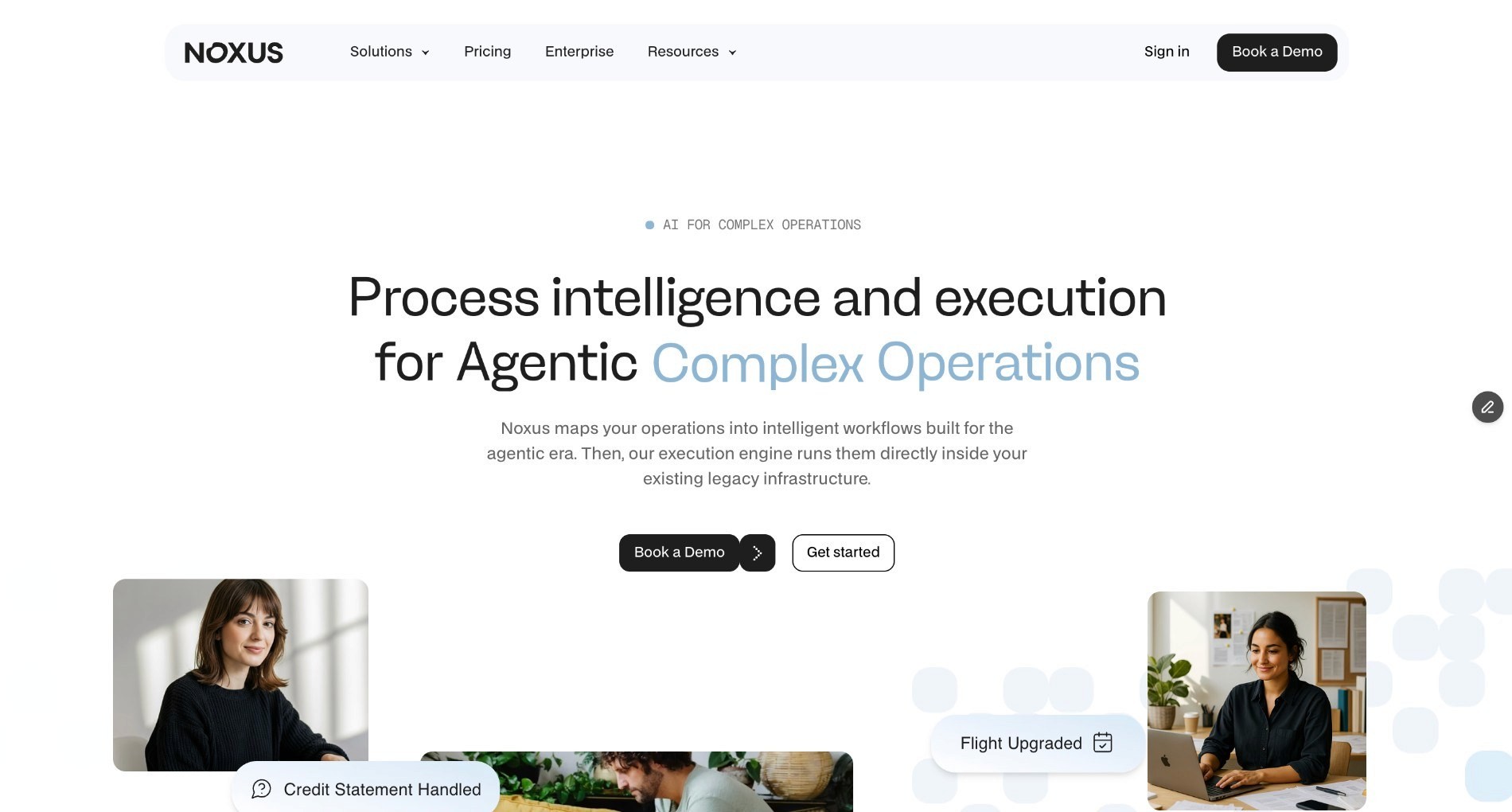
We built Noxus because getting AI into production inside an enterprise is 90 percent an infrastructure problem and only 10 percent an AI problem.
Most tools in this category assume modern, API-first systems, but enterprise operations run on SAP, Guidewire, ServiceNow, Oracle, and proprietary platforms that were never built to talk to each other cleanly.
Our platform operates natively across all of them. We built Noxus as a three-layer system: a workflow design layer where operations teams build multi-step processes without writing code, an integration and orchestration layer that connects to the enterprise's actual system landscape, and a process intelligence runtime that resolves the work end to end.
Rather than drafting a suggestion for someone to review, Noxus writes outcomes back into source systems under full governance.
Ideal For
Operations leaders at enterprises and mid-market companies running processes across three or more disconnected legacy systems
Compliance and risk teams in regulated industries needing a complete, tamper-evident audit trail for every decision
Digital transformation leaders who have already watched several AI pilots stall in a sandbox and need production credentials, not another demo
Top Features
A process intelligence runtime that resolves work end to end and writes outcomes back into source systems under governance
Native integration with legacy environments like SAP ECC, Guidewire, and COBOL-era cores, with no API layer or middleware project required
Confidence-based human escalation, so ambiguous cases route to a person automatically instead of the system guessing
Three deployment architectures, including fully managed SaaS, self-managed VPC, and air-gapped on-premises, so data never leaves your control unless you choose otherwise
Why We Stand Out
Most tools in this category stop at drafting a suggestion or automating a single, well-defined step. We built Noxus specifically to resolve the entire process, including the messy, unstructured parts like reading emails, interpreting scanned documents, and handling exceptions, while hard-coded business rules mapped from your own SOPs decide what happens next.
Santander deployed us across multi-system customer operations spanning several geographies and saw a 3x return on investment in 45 days, with 95 percent AI precision on live operational data.
That kind of speed to production is only possible because we built the integration layer for legacy systems from day one, rather than assuming a modern stack as a prerequisite.
Pros
Executes work end to end rather than drafting suggestions for a human to finish
Deep native integration with legacy systems that other vendors will not touch
Full audit trail with complete replayability for every action and decision
Deployment flexibility across SaaS, private cloud, and air-gapped on-premises environments
Cons
Built for complex, multi-system operations rather than simple, single-app workflow needs
Requires a scoping conversation to price, since consumption-based pricing depends on volume and deployment complexity
Best suited to regulated or legacy-heavy environments rather than greenfield, API-first stacks
Pricing
We operate on a monthly platform licence with consumption-based pricing that scales with operational volume and deployment complexity.
There is no per-seat pricing, no per-task billing, and no token-based pricing, so costs stay predictable and scale with usage rather than headcount. First engagements include deployment engineering alongside the platform licence.
Subsequent use cases deploy at a significantly lower incremental cost, since the infrastructure is already running.
Final Verdict
If your team has already tried a platform that works in a demo but breaks the moment it meets your actual legacy systems, Noxus is built specifically for that moment.
It is the strongest choice on this list for enterprises that need real execution, not another drafting tool.
2. Appian
Overview
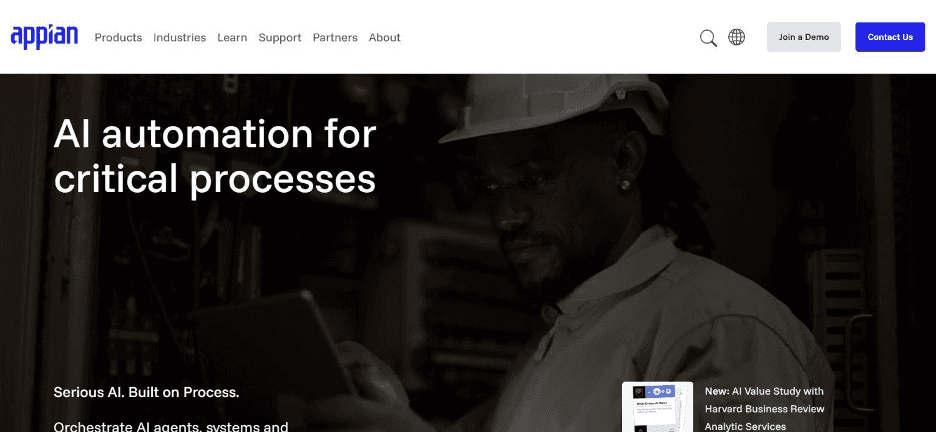
Appian runs a low-code platform for building enterprise applications, managing business processes, and automating workflows in one environment.
It positions itself as a comprehensive platform for organisations that want to build custom applications alongside their process orchestration needs, rather than relying purely on pre-built workflow templates.
The platform combines case management, process mining, and a visual app builder, which appeals to teams that need bespoke applications built on top of their orchestration logic rather than a narrower, workflow-only tool.
Ideal For
Enterprise IT teams wanting to build custom applications alongside process orchestration in one platform
Organisations needing case management for complex, exception-heavy processes
Large enterprises with the budget and technical resource for an extended implementation
Top Features
Low-code application builder for creating custom enterprise apps on top of orchestration logic
Case management tools designed for complex, multi-step processes with frequent exceptions
Process mining capabilities that surface bottlenecks in existing workflows before automation begins
Enterprise-grade governance and security features built for regulated industries
Why It Stands Out
Appian is one of the stronger choices for enterprises that want a single platform covering both application development and process orchestration.
That combination beats stitching together a workflow tool and a separate app builder.
Pros
Combines low-code app development with process orchestration in one platform
Strong case management capabilities for exception-heavy processes
Established enterprise track record with governance features built in
Cons
Pricing is mostly quote-based, making early-stage budgeting difficult
Implementation can require significant technical resource for complex use cases
Less focused on legacy system depth than platforms built specifically for that problem
Pricing
Appian's pricing is mostly quote-based on its official page, with a free trial available.
Pricing scales by user, app, and feature tier across Standard, Advanced, and Premium plans, and the platform positions its pricing as designed to scale for enterprise use.
Final Verdict
Appian suits enterprises wanting to build custom applications alongside their orchestration needs.
Teams whose primary requirement is deep legacy system integration may find a more specialised platform a better fit.
3. Workato
Overview
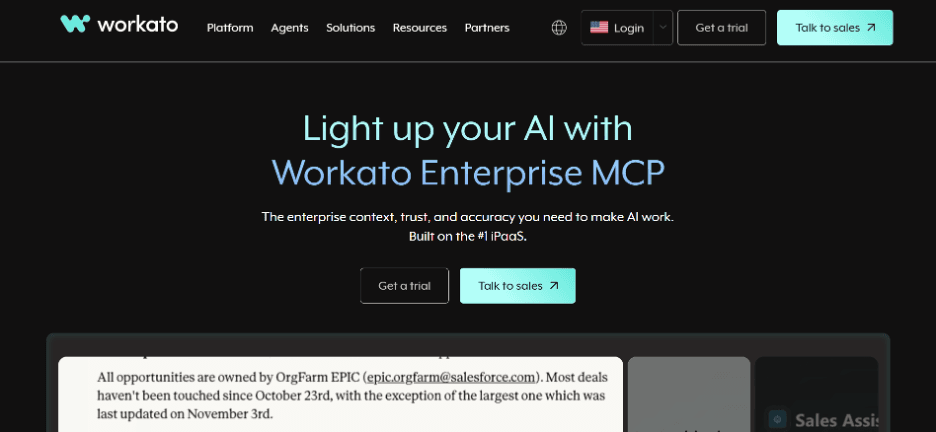
Workato runs an integration and automation platform built around what it calls recipes, pre-built automation sequences that connect systems and move data between them.
The platform has expanded into agentic orchestration through Workato One, extending beyond pure integration into more complex, multi-step process automation.
Workato's strength has historically been its breadth of connectors and its accessibility for business teams building integrations without heavy engineering involvement, which makes it a common entry point for companies moving beyond point-to-point integrations.
Ideal For
Mid-market and enterprise teams needing integration and automation across a large number of SaaS applications
Business teams wanting to build automation recipes without deep technical involvement
Organisations already using Workato for integration who want to extend into orchestration
Top Features
Recipe-based automation that connects systems and moves data with minimal setup
Agentic orchestration through Workato One for more complex, multi-step processes
A large connector library spanning common enterprise SaaS applications
Enterprise-grade governance and monitoring for automation at scale
Why It Stands Out
Workato is one of the more accessible options for teams that already think in terms of integration recipes.
It lets them extend that same model into broader process orchestration without adopting an entirely new platform.
Pros
Large connector library reduces the integration lift for common SaaS tools
Recipe-based model is accessible to business teams, not just engineers
Agentic orchestration extends the platform beyond simple integration
Cons
Custom, usage-based pricing can scale significantly with task volume
Less depth in legacy, non-API systems than platforms built specifically for that problem
Enterprise deployments often require negotiation to manage cost predictably
Pricing
Workato does not publish pricing. The model combines a platform edition fee with usage fees measured in tasks, so the bill moves with both the edition you license and the volume you run through it. Editions step up from Standard through Business to Enterprise, with Workato One and its agentic orchestration sitting above them. Every figure circulating publicly comes from procurement benchmarks and buyer reports rather than Workato, and discounting is common, so treat any range you find as a negotiating reference and not a list price.
Final Verdict
Workato is a strong option for teams that already rely on it for integration and want to extend into orchestration.
The usage-based pricing model needs careful management as task volume grows, though.
4. Tray AI
Overview
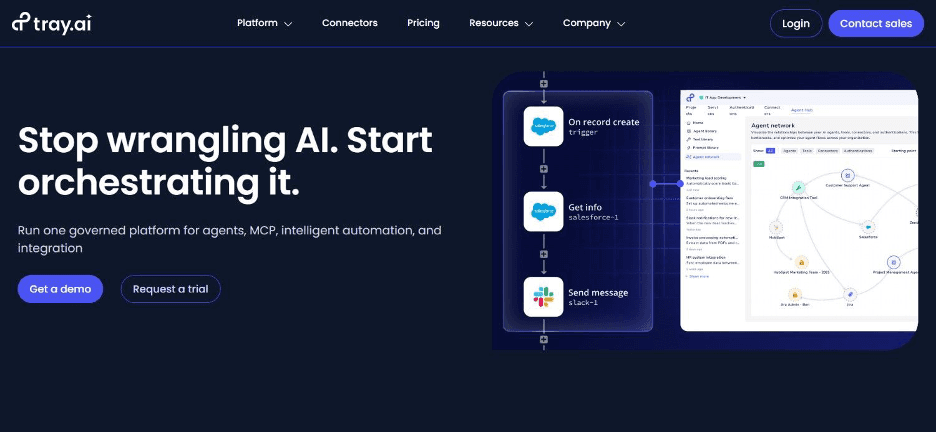
Tray AI runs a flexible, API-first automation platform aimed at technical teams that want detailed control over how workflows are built and connected.
The platform has expanded into agentic capabilities through its Merlin Agent Builder, sold as a separate add-on for teams wanting to build AI agents on top of their existing automation.
That developer-friendly orientation makes Tray AI a common choice for technical teams who find more rigid, template-driven tools too limiting for their specific integration needs.
Ideal For
Technical teams wanting detailed, code-level control over workflow logic
Organisations building custom integrations that off-the-shelf connectors do not fully cover
Teams wanting to add agentic AI capabilities on top of existing automation infrastructure
Top Features
Visual workflow builder with the flexibility to drop into custom code where needed
API-first architecture that suits teams with strong technical resources
Merlin Agent Builder for teams wanting to layer AI agents onto existing workflows
Support for complex, branching logic that simpler workflow tools cannot handle
Why It Stands Out
Tray AI is one of the stronger choices specifically for technical teams that have outgrown simpler automation tools.
It gives them the flexibility to build genuinely custom integration logic.
Pros
Strong flexibility for teams with in-house technical resources
API-first design suits complex, custom integration requirements
Merlin Agent Builder extends the platform into agentic use cases
Cons
Custom, sales-led pricing with no public list price
Merlin Agent Builder is sold separately, adding to total cost
Requires more technical involvement than templated, business-user-friendly tools
Pricing
Tray uses a custom, sales-led pricing model, so there is no public fixed list price.
Plans are typically tied to usage, workspaces, and add-ons, with higher tiers for larger teams and enterprise deployments. Merlin Agent Builder is sold separately and can add meaningfully to the total cost.
Final Verdict
Tray AI suits technical teams wanting flexible, custom orchestration logic.
The sales-led pricing model and separately priced agent builder make budgeting less straightforward than more transparent alternatives.
5. n8n
Overview
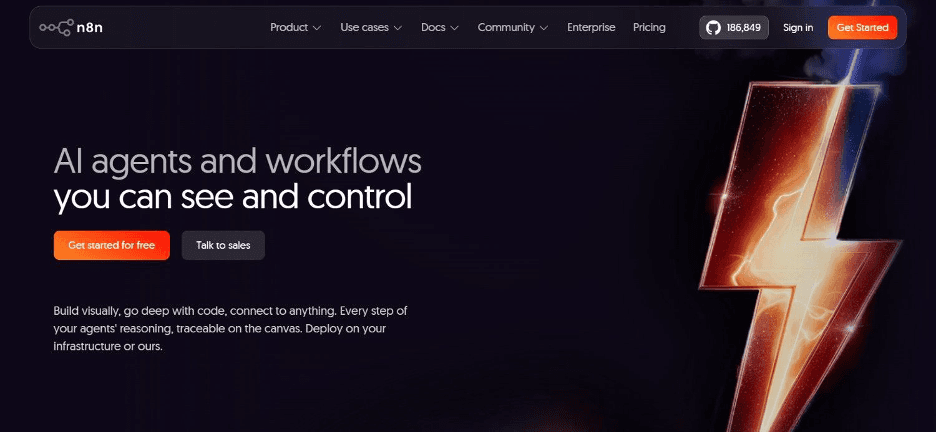
n8n runs an open-source, node-based workflow automation platform that lets teams build integrations visually while retaining the option to self-host the entire system.
That combination of a free, self-hosted tier and a more accessible visual interface has made it popular with startups and technical teams that want control over their automation infrastructure without enterprise-level cost.
The platform has grown a large community around its open-source core, which means a substantial library of pre-built workflow templates and community-maintained integrations beyond the official connector list.
Ideal For
Startups and early-stage teams wanting free, self-hosted automation before committing budget
Technical teams comfortable managing their own infrastructure in exchange for lower cost
Organisations wanting a visual builder without the constraints of a fully closed platform
Top Features
A free, self-hosted option that removes licensing cost entirely for teams willing to manage infrastructure
Visual, node-based workflow builder that is approachable for less technical users
More than 400 integrations, plus custom code nodes for anything not natively supported
An active open-source community contributing templates and community-maintained connectors
Why It Stands Out
n8n is one of the more accessible options for startups and technical teams specifically because of its free self-hosted tier.
That removes the cost barrier that blocks many smaller teams from adopting this kind of tool at all.
Pros
Free self-hosted option removes licensing cost for technical teams
Visual builder makes workflow logic approachable without heavy coding
Large integration library plus community-contributed templates
Cons
Self-hosting requires ongoing infrastructure management and maintenance
Less enterprise governance and support than platforms built for large organisations
Best suited to teams with at least some technical capacity to manage the platform
Pricing
The self-hosted Community Edition is free. Cloud starts at €20 a month for Starter on annual billing (€24 monthly), with Pro at €50 a month and Business at €667 a month billed annually, and Enterprise quote-based. Business and Enterprise can be hosted by n8n or self-hosted, and there is no longer a free cloud tier. Billing counts one execution per full workflow run rather than per step, so long workflows cost the same as short ones.
Final Verdict
n8n is a smart choice for startups and technical teams wanting to start free and scale gradually.
Larger enterprises with complex legacy systems will likely need deeper integration depth than a self-hosted, open-source tool provides on its own.
6. Pega
Overview
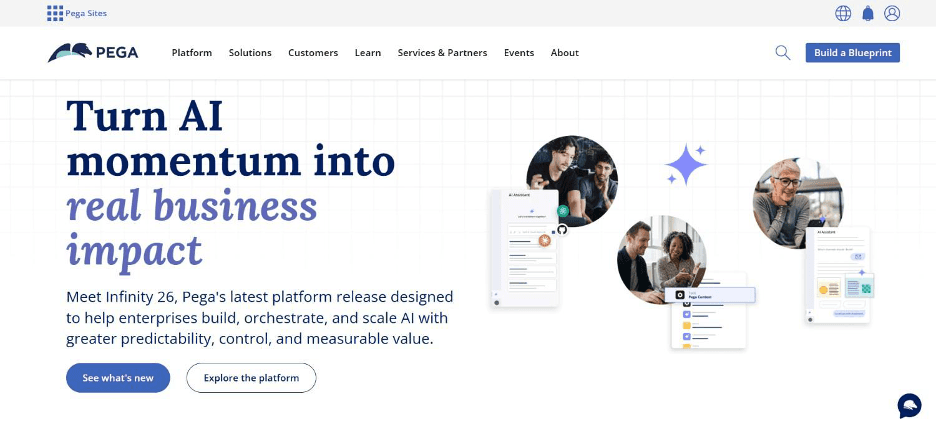
Pega runs an enterprise platform combining case management, business process automation, and a decisioning engine that applies business rules to determine outcomes.
The platform has built its reputation specifically around large, complex enterprise deployments where decisioning logic and process orchestration need to work together closely.
Pega positions its pricing around outcomes rather than AI token consumption, which appeals to enterprises wary of unpredictable, consumption-based AI costs on top of their existing platform spend.
Ideal For
Large enterprises needing decisioning logic tightly integrated with process orchestration
Organisations wanting predictable, outcome-based pricing rather than token-based AI costs
Complex case management scenarios spanning insurance, banking, and government services
Top Features
A business rules engine that applies decisioning logic consistently across every case
Case management built for long-running, exception-heavy processes
Outcome-based pricing that avoids unpredictable token-based AI billing
Established track record in highly regulated industries like insurance and banking
Why It Stands Out
Pega is one of the stronger choices for enterprises that need decisioning and orchestration working together as a single system.
That beats managing rules engines and workflow tools as separate purchases.
Pros
Decisioning engine integrates tightly with case management and orchestration
Outcome-based pricing avoids unpredictable AI token costs
Strong track record in regulated, complex enterprise environments
Cons
Custom enterprise pricing with no published tiers
Implementation typically requires significant technical and consulting resource
Best suited to large enterprises rather than smaller, faster-moving teams
Pricing
Pega uses custom enterprise pricing based on deployment scope and business requirements rather than publishing fixed plans.
It also emphasises predictable, non-token-based pricing, where customers pay for outcomes instead of AI token consumption.
Final Verdict
Pega is a strong option for large enterprises needing decisioning tightly coupled with orchestration.
Smaller organisations will likely find the implementation scope and custom pricing a harder fit.
7. Camunda
Overview
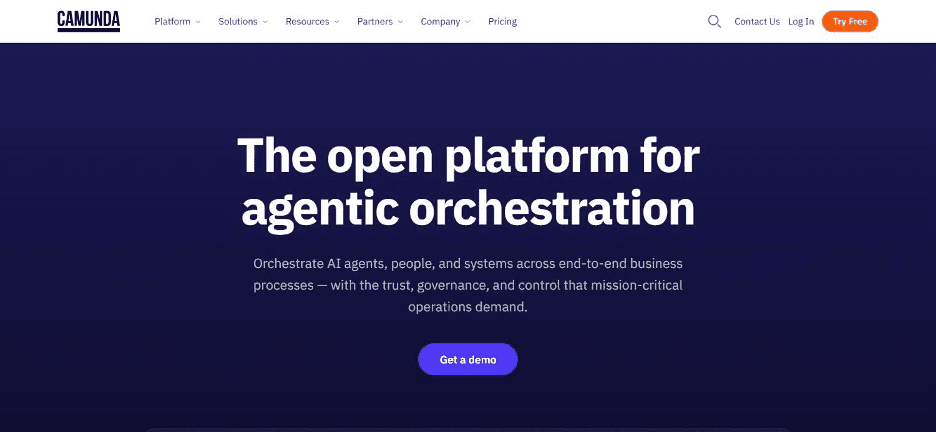
Camunda runs an open-source BPMN engine purpose-built for process orchestration, giving developer teams a standards-based way to model, automate, and monitor complex processes.
The platform's open-source core has made it a common choice for engineering teams that want deep control over process logic without the constraints of a fully proprietary system.
Camunda's use of BPMN, a widely adopted process modelling standard, also means process diagrams built on the platform are more portable and easier to hand off between technical and business stakeholders than proprietary workflow formats.
Ideal For
Developer and engineering teams wanting standards-based BPMN process orchestration
Organisations wanting an open-source foundation with the option to scale to a commercial licence
Technical teams needing DMN decision modelling alongside process automation
Top Features
An open-source BPMN engine that supports industry-standard process modelling
DMN decision modelling for encoding business rules alongside process logic
A free development tier for testing and building before committing to a paid licence
Strong monitoring and observability tools for tracking process performance in production
Why It Stands Out
Camunda is one of the stronger choices for engineering teams that want the transparency and portability of an open, standards-based process orchestration engine.
That openness contrasts with a proprietary, closed system.
Pros
Open-source core gives full visibility into how process logic actually runs
BPMN standard makes process diagrams portable across tools and teams
Free development tier lowers the barrier to testing before committing budget
Cons
Requires meaningful developer resource to implement and maintain
Production deployments need a custom Enterprise licence, adding cost beyond the free tier
Less accessible to business users without technical support than no-code alternatives
Pricing
Camunda offers a free development tier and a 30-day SaaS trial.
Production deployments require a custom Enterprise licence, with pricing available only through its sales team.
Final Verdict
Camunda suits developer-led teams wanting standards-based, open-source process orchestration.
Business teams without dedicated engineering support will likely find the implementation curve steep.
8. Microsoft Power Automate
Overview
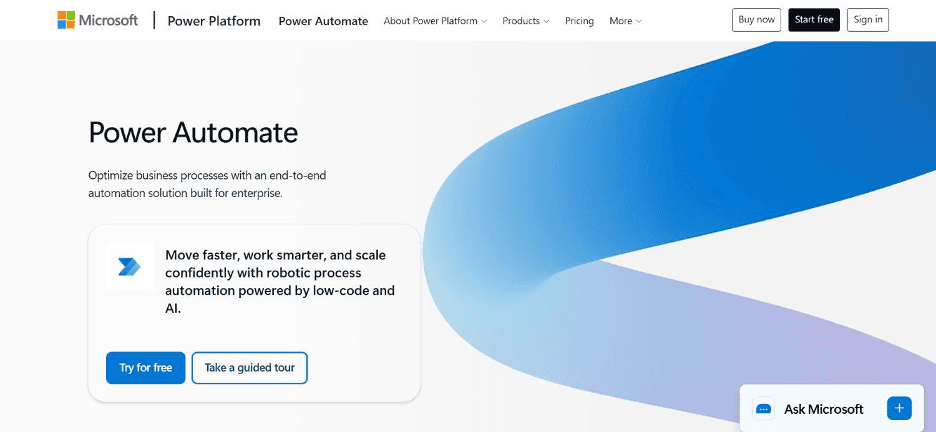
Microsoft Power Automate runs cloud and desktop automation flows tightly integrated with the wider Microsoft stack, spanning everything from simple approval workflows to unattended RPA bots.
Its deep integration with Microsoft 365, Dynamics, and Azure makes it a natural extension for organisations already standardised on Microsoft's stack.
The platform spans a wide range of automation complexity, from individual cloud flows built by business users to Microsoft-managed hosted RPA bots running unattended enterprise automation.
Ideal For
Organisations already standardised on Microsoft 365 and the broader Microsoft stack
Business users wanting simple, self-serve cloud flows without heavy IT involvement
IT teams needing unattended RPA bots for structured, repetitive back-office tasks
Top Features
Deep native integration with Microsoft 365, Dynamics, and Azure services
Cloud flows for simple, self-serve automation built by business users
Desktop flows and RPA bots for structured, repetitive task automation
A tiered pricing structure spanning individual users through enterprise-managed hosting
Why It Stands Out
Microsoft Power Automate is one of the smartest choices specifically for organisations already deep in the Microsoft stack.
The integration depth with tools staff already use daily is difficult for other platforms to match.
Pros
Deep, native integration across the Microsoft product suite
Accessible entry point for business users through simple cloud flows
Scales up to unattended enterprise RPA for more complex needs
Cons
Less effective outside a primarily Microsoft-centric technology stack
Complex, multi-system orchestration beyond Microsoft tools requires more custom work
Costs can add up quickly once RPA bots and hosted process plans are involved
Pricing
Power Automate offers a free trial, plus a Premium plan at $15 per user a month and a Process plan at $150 per bot a month.
A Hosted Process option is also available at $215 per bot a month.
The structure is aimed at different automation needs, from individual cloud and desktop flows through to unattended enterprise automation with Microsoft-managed hosting.
Final Verdict
Power Automate is a strong choice for organisations already standardised on Microsoft.
Teams orchestrating processes across a more diverse, non-Microsoft system landscape will likely need a platform built for that breadth.
9. Enate
Overview
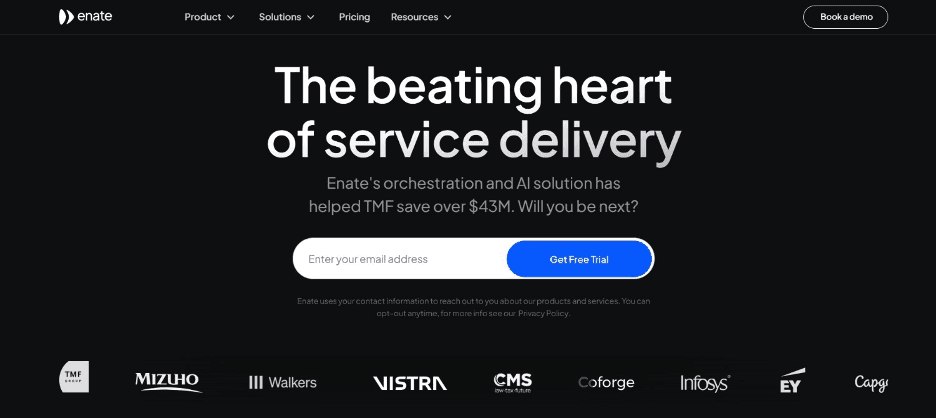
Enate runs an orchestration platform built specifically for shared services and BPO environments, where human tasks, RPA bots, and digital work all need to be coordinated within the same process.
Rather than treating automation and human work as separate systems, Enate manages both inside one orchestration layer.
That focus on blended human and digital work makes Enate a distinct choice from platforms built primarily for fully automated, code-first workflows - since many shared services processes genuinely need a human step somewhere in the sequence.
Ideal For
Shared services teams coordinating a mix of human tasks and automated steps
BPO providers needing a single orchestration layer across multiple client processes
Organisations wanting AI capabilities added incrementally rather than bundled into a fixed package
Top Features
Orchestration that coordinates human tasks and RPA bots within a single process
Consumption-based AI credits that let organisations scale AI use as needed
Process visibility across blended human and digital work in shared services environments
Flexibility to add AI capability incrementally rather than committing to a fixed bundle upfront
Why It Stands Out
Enate is one of the stronger choices specifically for shared services and BPO environments where a process genuinely needs both human judgment and automated execution working together.
That approach beats assuming everything can be fully automated.
Pros
Purpose-built for blending human tasks and digital automation in one process
Consumption-based AI credits avoid paying for a fixed bundle you may not fully use
Strong fit for shared services and BPO operational models specifically
Cons
Custom pricing with no published tiers, requiring a direct sales conversation
More narrowly focused on shared services and BPO than general-purpose orchestration
AI credits purchased separately add another line item to manage
Pricing
Enate uses custom pricing for its orchestration platform, with optional AI credits purchased separately on a consumption basis.
This lets organisations scale AI capabilities as needed rather than paying for fixed bundles.
Pricing
Pricing
Final Verdict
Enate is a strong option for shared services and BPO teams specifically needing blended human and digital orchestration.
Organisations without that specific operating model will likely find a more general-purpose platform a better fit.
10. Nintex
Overview
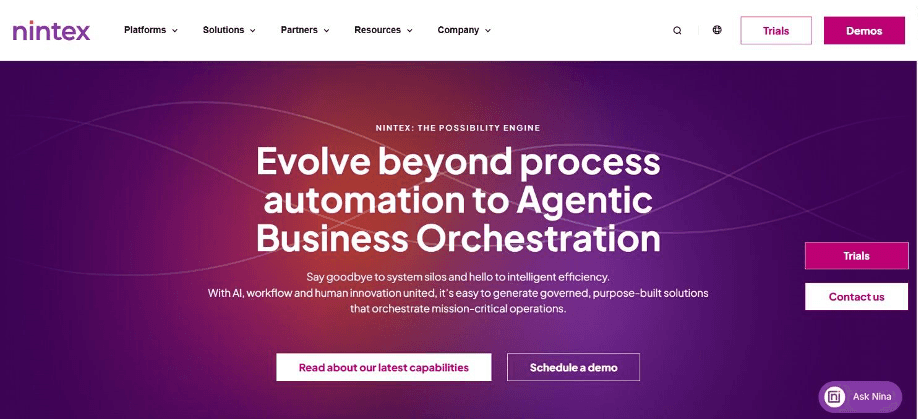
Nintex runs what it now calls an agentic business orchestration platform, combining process mapping, workflow automation, document generation, and RPA with newer AI agent capabilities through Nintex Agent Designer and Nintex Orchestration.
The platform serves more than 7,000 organisations across 100-plus countries, spanning financial services, healthcare, manufacturing, and government. Nintex's more recent orchestration model moved away from a rigid, start-to-finish workflow structure toward a modular, phase-based approach.
This lets you move the process forward, jump back or repeat steps as real conditions demand rather than starting over from scratch.
Ideal For
Mid to large enterprises wanting process mapping and document automation alongside orchestration
Organisations operating in Microsoft-centric environments needing strong SharePoint and Office 365 integration
Teams wanting to blend deterministic workflows with newer agentic AI capabilities in one platform
Top Features
Agentic business orchestration through Nintex Agent Designer and Nintex Orchestration
Process mapping tools that document how a process actually runs before automation begins
Document generation and eSignature integration for approval-heavy processes
A modular, phase-based workflow model that can jump back and repeat steps rather than restarting entirely
Why It Stands Out
Nintex is one of the stronger choices for organisations wanting to combine established process mapping and document automation with newer agentic orchestration capabilities.
That beats adopting an entirely new platform just to get AI-driven process management.
Pros
Broad feature set spanning process mapping, document automation, and RPA in one platform
Established track record with more than 7,000 organisations globally
Newer agentic orchestration capabilities extend an already mature platform
Cons
Custom pricing requires a sales conversation for an accurate quote
Strongest fit tends to be Microsoft-centric environments specifically
Broad feature set can mean more configuration during initial setup
Pricing
Nintex pricing for process orchestration is tailored to your needs, based on which capabilities you use, such as process mapping, workflow automation, integrations, RPA, document automation, or eSignature.
It also depends on how many users you have and the scale and environment you are running in. You will need to connect with their sales team for a custom quote.
Final Verdict
Nintex suits mid to large enterprises wanting a broad, established platform spanning process mapping through to newer agentic orchestration.
The custom pricing model means budgeting requires an early sales conversation.
How to Choose the Best Process Orchestration Software?
Comparing feature lists only gets you so far. These 5 factors matter more than most checklists suggest when choosing a platform for this category:
1. Check Whether It Executes or Just Drafts
Some platforms score a task or draft a suggestion that still needs a person to review and act on. Others resolve the work itself, writing outcomes back into your source systems directly.
Confirm which category a platform falls into before you compare anything else.
2. Test Against Your Actual Legacy Systems
A platform that works brilliantly with modern, API-first tools can struggle badly the moment it meets an older system with no clean interface.
Ask any vendor to demonstrate a connection to your specific system, not a generic modern equivalent, before committing a budget.
3. Confirm a Realistic Deployment Timeline
Ask for a specific number of days or weeks to start production on your actual data, not a vague estimate.
Internal builds and some enterprise platforms can take twelve months or more before a single process is genuinely live.
4. Compare Pricing Against Your Growth Trajectory
Per-seat and per-task pricing models can become unpredictable as volume scales. That makes the total cost of ownership difficult to forecast for board approval.
Usage-based or outcome-based pricing tends to align more naturally with how the value actually grows.
5. Look for a Complete, Auditable Trail
If you operate in a regulated industry, or want to trust the system when something goes wrong, you need to see exactly what happened and why for every single action.
A summary dashboard after the fact is not enough.
Everything You Need to Know About Process Orchestration Software
Tool | Pros | Cons | Ease of Use | Integrations | Support | Affordability |
Noxus | Executes end to end, deep legacy depth, full audit trail | No-code layer for business users, custom pricing conversation required | ⭐⭐⭐⭐ | ⭐⭐⭐⭐⭐ | ⭐⭐⭐⭐⭐ | ⭐⭐⭐⭐ |
Appian | Low-code app builder, strong case management | Quote-based pricing, longer implementation | ⭐⭐⭐ | ⭐⭐⭐⭐ | ⭐⭐⭐⭐ | ⭐⭐⭐ |
Workato | Large connector library, accessible recipes | Usage-based pricing can scale quickly | ⭐⭐⭐⭐ | ⭐⭐⭐⭐⭐ | ⭐⭐⭐⭐ | ⭐⭐⭐ |
Tray.ai | Flexible, developer-friendly, agent builder add-on | Sales-led pricing, separate agent builder cost | ⭐⭐⭐ | ⭐⭐⭐⭐ | ⭐⭐⭐ | ⭐⭐⭐ |
n8n | Free self-hosted tier, large community | Requires infrastructure management | ⭐⭐⭐⭐ | ⭐⭐⭐⭐ | ⭐⭐⭐ | ⭐⭐⭐⭐⭐ |
Pega | Decisioning built in, outcome-based pricing | Custom pricing, significant implementation scope | ⭐⭐⭐ | ⭐⭐⭐⭐ | ⭐⭐⭐⭐ | ⭐⭐ |
Camunda | Open-source, standards-based BPMN | Requires developer resource | ⭐⭐⭐ | ⭐⭐⭐⭐ | ⭐⭐⭐ | ⭐⭐⭐⭐ |
Microsoft Power Automate | Deep Microsoft integration, accessible entry point | Weaker outside Microsoft stack | ⭐⭐⭐⭐ | ⭐⭐⭐⭐ | ⭐⭐⭐⭐ | ⭐⭐⭐ |
Enate | Blends human and digital tasks, flexible AI credits | Custom pricing, narrower focus | ⭐⭐⭐ | ⭐⭐⭐ | ⭐⭐⭐ | ⭐⭐⭐ |
Nintex | Broad feature set, established track record | Custom pricing, Microsoft-centric strength | ⭐⭐⭐⭐ | ⭐⭐⭐⭐ | ⭐⭐⭐⭐ | ⭐⭐⭐ |
Automate Your Operations With Noxus
We built Noxus around a belief that most tools in this category get backwards: getting AI into production is 90 percent an infrastructure problem, not an AI problem. Our process intelligence runtime resolves work end to end inside the exact legacy systems your enterprise already runs, with every decision traceable and every action replayable under audit.
This approach is built for operations leaders and enterprises that need workflow automation tools capable of reaching into SAP, Guidewire, and other legacy systems other platforms will not touch. Santander saw a 3x return on investment in 45 days on real operational data, not a sandbox demo.
FAQs About Process Orchestration Software
What is the best process orchestration software in 2026?
Noxus is the best process orchestration software in 2026 for enterprises running complex operations across legacy systems that other tools cannot reach. Our process intelligence runtime resolves work end to end and writes outcomes back into source systems under full governance, rather than drafting a suggestion for someone else to finish. Santander saw a 3x return on investment in just 45 days on real operational data, not a sandbox demo.
What should I consider when choosing the right process orchestration software for me?
Consider whether the platform executes work end to end or drafts suggestions for a person to finish, since that distinction affects the real efficiency gain you get. Also weigh how well it connects to your specific legacy systems, not just modern, API-first tools, and how its pricing model scales as your volume grows. A realistic deployment timeline matters just as much as the feature list.
How does Noxus differ from similar alternatives?
We differ by executing operations end to end inside your existing legacy systems, rather than drafting a suggestion someone still has to review and finish. Most competing tools assume a modern, API-first stack, but we built our integration layer specifically for systems like SAP ECC and Guidewire from day one. We also deploy in weeks, not the twelve-plus months an internal build typically takes.
How do I get started with Noxus?
Getting started begins with a scoping conversation about the specific process you want to automate and the systems it touches. From there, our deployment team handles the integration setup on your actual systems, with most first workflows live in approximately 30 days. You can see before-and-after metrics on your real data before committing to a wider rollout.
How easy is it to switch to Noxus?
Switching to Noxus is more straightforward than most teams expect, since our deployment engineering handles the integration work rather than leaving it to your internal IT team. We connect to more than 400 tools out of the box, including the legacy systems other platforms will not touch. Most customers see their first workflow live in around 30 days on the systems they already run.
We already built our own automation in-house. Why would we switch to process orchestration software?
Internal builds typically require a €500,000 to €1 million-plus investment in engineering before a single process is automated, and most never actually finish. A platform built for this problem already has that infrastructure layer running and proven in production. Switching lets your team focus on the actual work they want automated rather than the underlying engineering problem blocking it.
What is the difference between workflow automation and process orchestration software?
Workflow automation typically handles a single task or a short sequence of steps within one system, while this broader category coordinates an entire process across multiple systems at once. A workflow tool might automate sending an approval email, but orchestration software manages the full case from intake through every system it touches to final resolution. The distinction matters most once a process spans more than one or two applications.






