Best Enterprise AI Agents in 2026 (Reviewed & Compared)
Comparison of the best enterprise AI agents in 2026. Compare Noxus, UiPath, and Agentforce on execution depth, governance, and legacy systems.

Most tools marketed as AI agents for enterprise retrieve information and draft responses. A smaller set actually execute work, writing outcomes back into source systems, enforcing business rules, and closing cases without human intervention.
In 2026, the best enterprise AI agents are defined by what they resolve. This guide reviews nine leading products across execution depth, legacy system compatibility, governance controls, and verified production results.
Key Takeaways (TL;DR)
The Best Overall Enterprise AI Agent: Noxus is the leading choice for regulated European enterprises, executing operations end-to-end across legacy systems while keeping every decision tied strictly to your hard-coded business rules.
Why You Need It: Enterprise operations are strained by the gap between unstructured inbound requests and the rigid, multi-system back offices that process them. AI agents close that gap at scale.
Who It's For: Operations directors, IT leaders, and mid-market operations owners in financial services, insurance, healthcare, and retail who need to automate high-volume workflows without replacing their existing technology stack.
How to Choose: Prioritise execution depth over feature count, verify compatibility with your actual legacy systems, and confirm that every agent decision is auditable under your regulatory requirements.
Expected Price: Noxus operates on a monthly platform licence with included AI operations volume. Pricing is consumption-based and custom per client, with no per-seat fees and no per-token billing. Across the broader market, prices range from free tiers on developer-oriented tools to custom enterprise contracts.
Table of Contents
Top Enterprise AI Agents in 2026: At a Glance
What Are Enterprise AI Agents?
An enterprise AI agent is a software system that runs multi-step business processes across connected applications without being explicitly programmed for every scenario. It understands context, pulls relevant data from connected systems, applies your business rules, and takes action.
In 2026, most products marketed as AI agents retrieve information and assist humans, while a smaller set actually execute work. Retrieval systems find answers, draft summaries, and surface recommendations.
Execution systems open tickets, post refunds in SAP, validate claims in Guidewire, and update CRM records without human sign-off on routine cases. One supports the knowledge worker; the other replaces the manual operator.
Enterprise AI agents sit at the execution end of that spectrum. They're distinct from chatbots (which answer questions), copilots (which assist humans drafting content), and RPA bots (which follow rigid, brittle scripts on predetermined screens). The best ones coordinate multiple systems in sequence, handle exceptions, and produce a complete audit trail of every decision made.
Why Do You Need AI Agents for Enterprise?
Enterprise operations face a compounding problem. Transaction volumes grow faster than headcount can scale, and your staff spends most of their day bridging the gap between five disconnected systems per case, copying data between screens that were never designed to talk to each other. A single complaint, claim, or billing dispute can touch a core banking system, a CRM, an ERP, a document management system, and an email client before it resolves.
For many operations leaders, a failed or stalled RPA deployment is what sent them back to evaluating alternatives.
Manual error rates in complex operations typically run between three and eight per cent at scale, making the business impact measurable at every step. At 10,000 cases per month, that translates to 300 to 800 cases requiring rework, escalation, or regulatory remediation. Meanwhile, enterprise AI agent adoption is accelerating rapidly, with the market growing at a compound annual rate above 40 per cent.
Getting AI into production in an enterprise is 90% an infrastructure problem and 10% an AI problem. Most tools in this category only solve the 10%. Connecting agents to SAP ECC, Guidewire, COBOL-era cores, and custom-built systems is an engineering problem that consumes months and hundreds of thousands in budget before a single process is automated. The best enterprise AI agents solve the infrastructure layer, not only the AI layer.
Who Needs the Best Enterprise AI Agents?
Enterprise AI agents are relevant across two organisational sizes. Large enterprises above €500M revenue need multi-stakeholder governance and complex legacy system integration. Mid-market companies between €50M and €500M share the same structural problems at a faster buying pace.
Within both, five distinct personas shape evaluation and adoption.
1. Operations Directors
Operations directors own the cost centre and the SLA targets.
They manage teams of 50 to 500 people processing claims, customer complaints, billing disputes, and account changes across multiple software systems daily. The pressure is structural, with operational volumes growing non-linearly while headcount budgets stay fixed or shrink. BPO contracts with annual escalation clauses aren't producing the savings they did three years ago.
They need enterprise AI use cases that deliver measurable cost reduction within one quarter, not a change programme that takes two years.
2. IT and Architecture Leaders
IT leaders are maintaining ageing infrastructure while simultaneously being asked to bolt AI initiatives on top of it.
They've already vetoed multiple AI vendors because those vendors needed modern APIs that simply don't exist across SAP ECC, Guidewire, or the proprietary system the business has run on since 2004. They want architecture diagrams rather than feature lists, and they want to know where data goes, who can access it, and what happens when a connection fails. They hold veto power over every technology purchase, and they'll use it.
3. Mid-Market Operations Owner
In mid-market companies between €50M and €500M revenue, the operations owner is often the champion, the economic buyer, and the technical decision-maker all in one.
They're running a team of 20 to 50 people processing thousands of cases monthly across legacy ERP, CRM, and industry-specific systems, without the IT budget or engineering capacity to build automation infrastructure from scratch. BPO costs are climbing, volume is outpacing headcount, and they need to see operational impact within 90 days.
When mid-market deals happen, they happen fast because there's one conversation rather than five.
4. Digital and AI Transformation Leaders
Chief Digital Officers and Heads of AI are responsible for moving AI from pilot into production.
Most are managing three to five simultaneous AI initiatives, none of which have converted to live operations. They've seen too many vendors build impressive sandbox environments that collapse the moment they hit the organisation's actual systems.
After watching too many vendor sandboxes collapse on contact with the organisation's actual systems, they need a partner with verified production references at comparable regulated enterprises.
5. CFOs and Finance Approvers
CFOs approve technology spend above the Operations Director's signing authority, typically for contracts over €200,000 annually. They need a business case with a clear payback period, a total cost of ownership model for the board, and case studies from comparable organisations.
Claims without measured production data won't pass their review, and pricing models with unpredictable scaling won't close.
Best Enterprise AI Agents: In-Depth Review & Comparison
The nine best enterprise AI agents reviewed below span the full spectrum from governed operational execution on legacy infrastructure to self-serve knowledge retrieval tools.
Each review covers execution depth, integration architecture, deployment architecture, and total cost structure.
1. Noxus
Overview
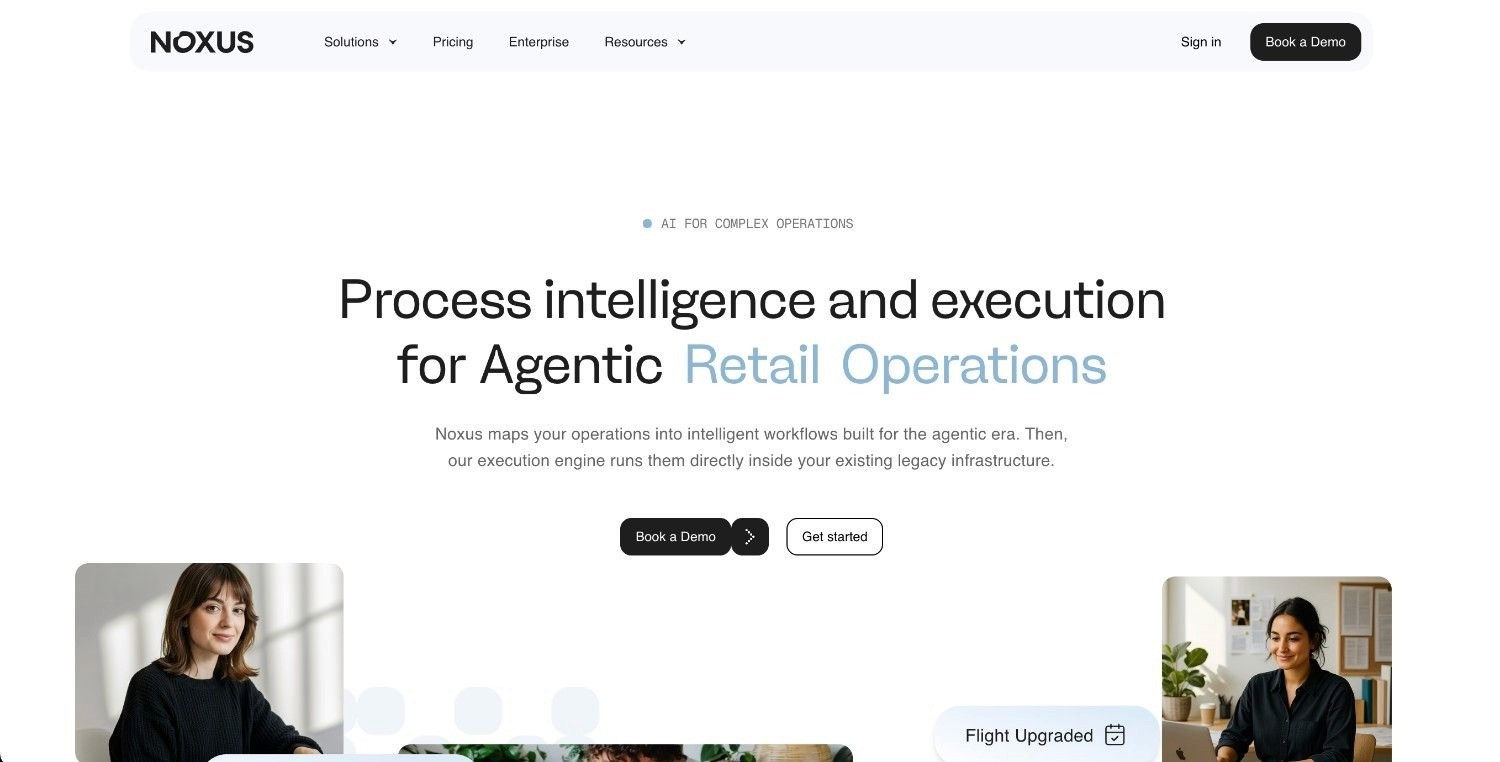
Noxus is an AI operations platform that executes complex, multi-system workflows end-to-end across legacy enterprise environments, addressing the fundamental failure of most enterprise AI initiatives. Most tools draft or suggest but never resolve, and they fall apart when they hit SAP, Guidewire, COBOL-era cores, and the dozens of proprietary systems that regulated industries actually run on.
The platform processes unstructured inputs including emails, scanned documents, and portal submissions, applies hard-coded business rules, and writes outcomes back into source systems with a complete audit trail. Production deployments are live at Santander (45 days to first deployment, 3x ROI, 95% precision), CUF healthcare group in Portugal (50 days, 3x ROI, 96% precision), and Jerónimo Martins in retail (80 days, 5x ROI, 90% precision).
It's built for the European regulatory environment and operates within GDPR, the EU AI Act, DORA, and NIS2 requirements from the ground up.
Ideal For
Operations teams in financial services, insurance, and healthcare processing high volumes of claims, billing disputes, and account changes across multiple legacy systems
Compliance officers and IT leaders requiring SOC 2 Type II, ISO 27001, GDPR Article 28, and HIPAA certification with air-gapped or on-premises deployment options
Leaders running AI initiatives who have seen pilots stall and need a partner with verified production deployments at comparable regulated enterprises
Top Features
Process Intelligence Runtime: The execution engine that resolves work end-to-end. It gathers data from connected systems, applies your business rules, takes action, and writes outcomes back to source systems under full governance. This is the distinction between a tool that assists and one that resolves.
Native Legacy System Interaction: Co-workers navigate interfaces, run multi-step lookups, and handle exceptions directly inside SAP ECC, Guidewire, ServiceNow, Oracle, and proprietary platforms that other AI vendors won't touch. No API layer required. No middleware project. No infrastructure modernisation as a prerequisite.
Full Process Observability: Every process run produces a complete, replayable trace showing what happened, which rule was evaluated, what data was retrieved, and why each action was taken. Operations teams use it to improve processes. Compliance teams use it to demonstrate governance. IT teams use it to debug without vendor dependency.
Flexible Deployment Architecture: Three options cover every enterprise risk profile: fully managed SaaS, self-managed VPC on client cloud infrastructure, and air-gapped on-premises. Clients bring their own model keys across Azure AI Foundry, AWS Bedrock, and Google Vertex AI. An open-core guarantee means clients retain all code and binaries if the commercial relationship ends.
Why Noxus Stands Out
Noxus separates AI interpretation from business rule execution at the architecture level. No language model within the product decides whether to approve a financial claim, process a refund, or update a regulated record. The moment a governed action is required, hard-coded business logic takes over, mapped directly from your own SOPs. That removes AI hallucination from consequential outcomes entirely.
There's no middleware project and no infrastructure work required before you start. If your operations team can navigate the system today, Noxus can operate it, with a first production workflow live within 30 days and full deployment within 45 to 80 days.
Noxus has zero client churn across all live deployments, with every client either already expanding or in active discussions about the next.
Pros
Operates natively on legacy systems without requiring modern APIs, middleware projects, or infrastructure modernisation
Removes AI hallucination from governed decisions through hard-coded business logic enforcement
Three deployment architectures including air-gapped on-premises for strict data sovereignty requirements
Cons
Not designed for small businesses or organisations with simple, modern SaaS-only stacks
Requires upfront mapping of your business policies and SOPs before the first workflow goes live
Not suited to knowledge retrieval, content generation, or creative writing use cases
Pricing
Noxus operates on a monthly platform licence with included AI operations volume. No per-seat licensing, no per-token billing, no outcome-based pricing. Costs scale with operational volume and deployment complexity, not headcount. All engagements are scoped and priced on a custom basis.
Final Verdict
Noxus is the clearest choice for regulated European enterprises automating complex workflows across legacy infrastructure. Its architecture enforces your business rules at the deepest level and guarantees data residency through air-gapped deployment, removing the compliance risks that follow most enterprise AI projects.
2. Microsoft Copilot Studio
Overview
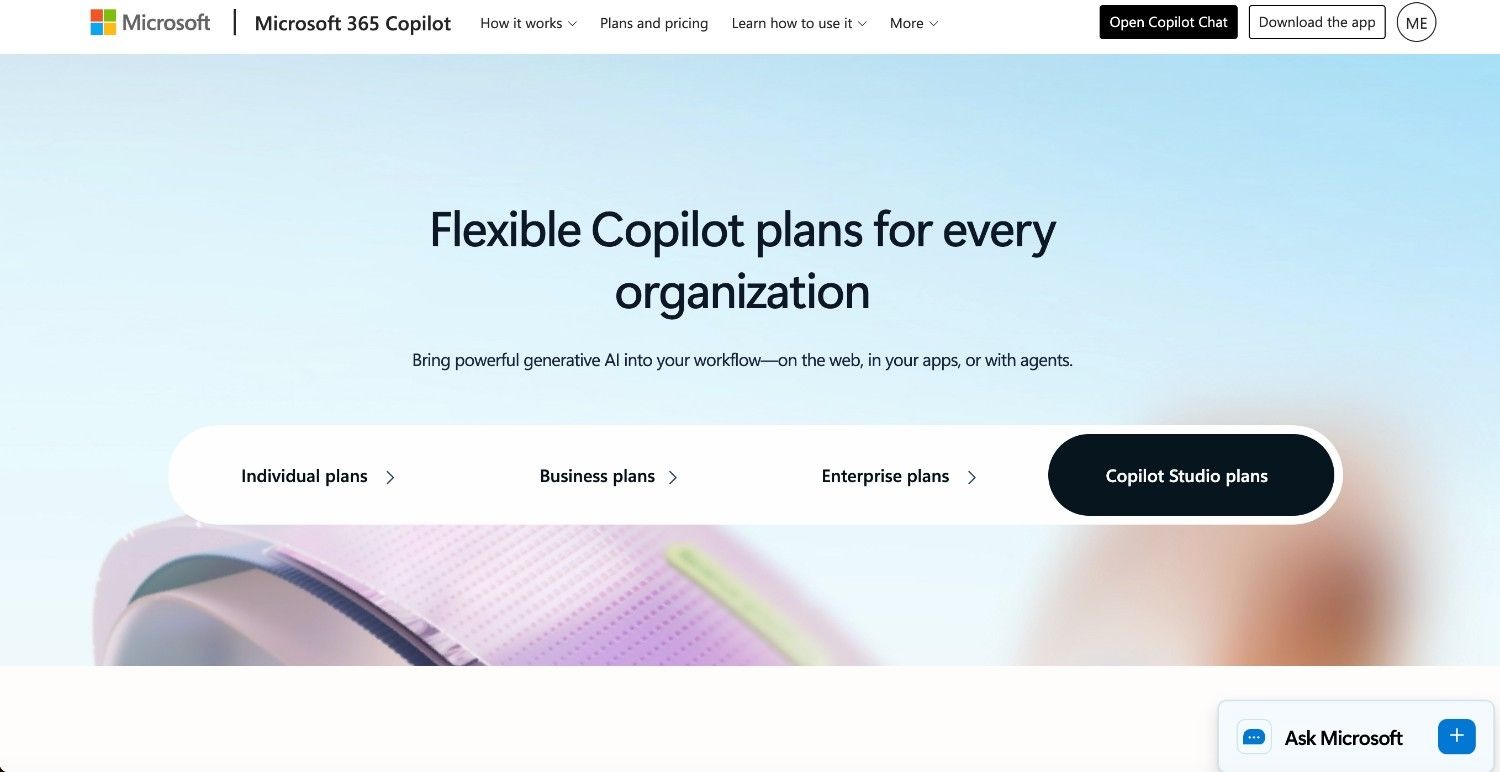
Microsoft Copilot Studio is Microsoft's low-code tool for building and deploying custom AI agents. It's distinct from Microsoft 365 Copilot, which is a productivity assistant embedded in Office apps. Copilot Studio is the extensibility layer for teams that want to build agents that take actions in business systems, with native connectivity across M365, Azure, and Power Platform.
Ideal For
IT and digital modernisation teams building internal AI agents and conversational assistants within the Microsoft technology estate
Organisations that have standardised deeply on Microsoft 365 and want to build AI capabilities inside that existing infrastructure
Customer service teams deploying AI agents across Microsoft-native and third-party channels with minimal developer overhead.
Top Features
Low-Code Agent Builder: A visual, drag-and-drop interface for designing conversational agents with branching logic and topic management. Agents can be created by non-technical staff and upgraded progressively as complexity increases.
Microsoft Graph Integration: Agents are grounded in the organisation's own data across SharePoint, Teams, Outlook, calendars, and OneDrive, enabling contextual responses without separate data connectors.
Multi-Channel Deployment: Deploy agents across Microsoft Teams, web chat, mobile applications, and third-party channels from a single configuration, with tenant-level governance controls inherited from Azure Active Directory.
Why They Stand Out
Copilot Studio is one of the most accessible enterprise agent builders around. If you're already running M365 E3 or E5 licences, procurement is simple, and governance controls are inherited from your existing Azure identity infrastructure. An extensive connector library via MCP extends reach to third-party systems.
Pros
Native to the Microsoft environment, making adoption and procurement simple for M365 shops
Low barrier to entry for non-technical staff building conversational agents and task automations
Compliance and tenant-level data boundaries are inherited from Azure governance infrastructure.
Cons
Agents handle conversation and task delegation but don't execute end-to-end workflows on non-Microsoft legacy back-office systems.
Performance and capability drop sharply outside the M365 environment, requiring substantial additional configuration for complex multi-system orchestration.
Generative orchestration (where the LLM decides which plugins to invoke) doesn't support deterministic rule enforcement for regulated processes.
Pricing
Microsoft Copilot Studio is priced at $200 per month per tenant for 25,000 Copilot Credits. Pay-as-you-go is also available at $0.01 per credit. Enterprise agreements may bundle it within existing Microsoft licensing arrangements.
Final Verdict
Copilot Studio is a solid agent builder for organisations standardised on Microsoft, but complex, multi-system back-office workflows across legacy infrastructure with full audit compliance require a dedicated operational execution platform.
3. UiPath
Overview
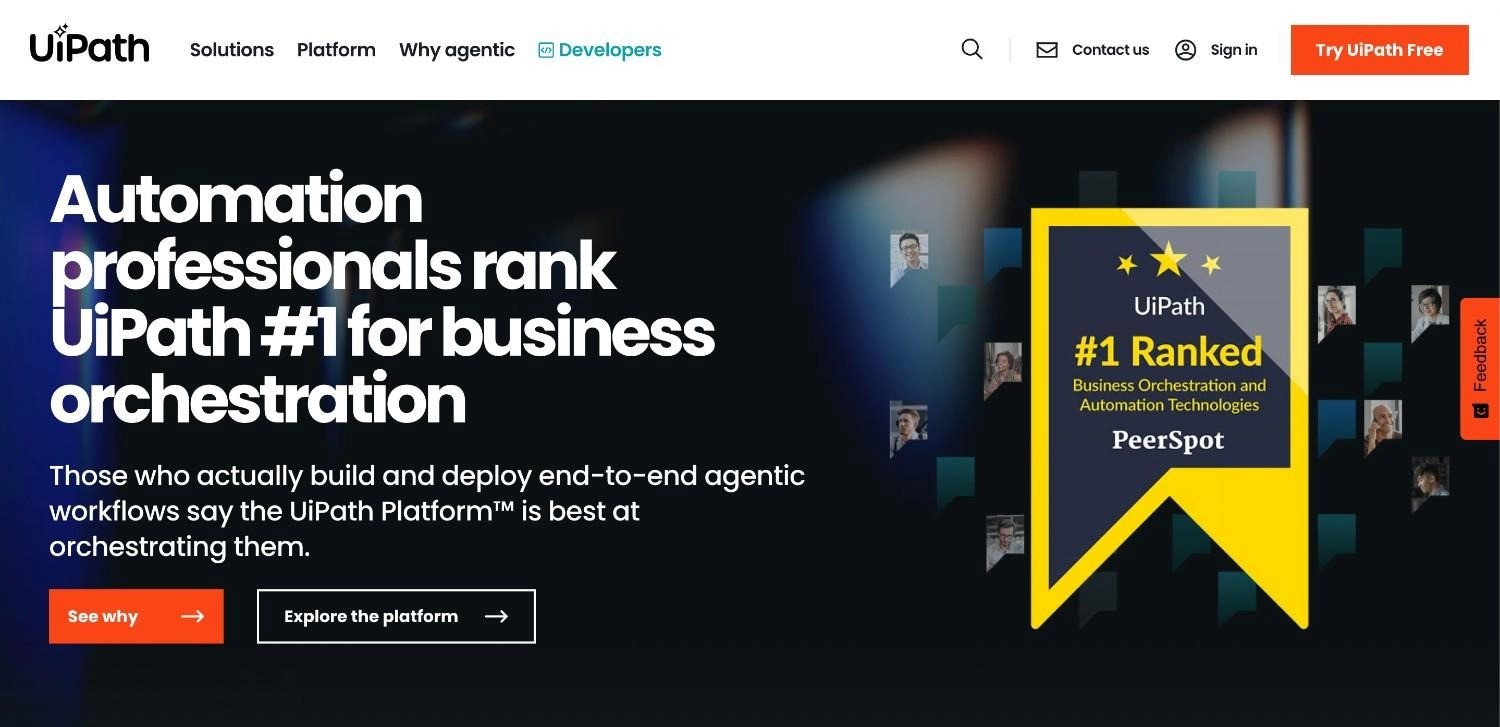
UiPath is one of the largest enterprise automation vendors in the world, having built its position on robotic process automation before layering in AI to create a broader agent product. It tackles repetitive, manual computer tasks through software robots that interact with applications at screen level, combined with AI for document understanding, process discovery, and agentic orchestration through its Autopilot product.
Ideal For
Finance and operations departments with high volumes of clearly defined, rule-based tasks involving structured data entry and document processing
Enterprises with an existing UiPath RPA deployment that want to extend automation into AI-powered document extraction and judgment-based tasks
IT departments looking to identify automation candidates through built-in process mining before deploying bots.
Top Features
Process Mining: Analyses system logs and desktop activity to identify automation candidates and measure their potential ROI before any bot is built. This discovery layer is a genuine differentiator at the pre-deployment stage.
AI Document Processing: Extracts structured data from unstructured documents including invoices, purchase orders, and contracts using trained extraction models, reducing the manual data entry that precedes most back-office workflows.
Autopilot Agentic Automation: UiPath's newer agentic layer combines language model reasoning with RPA execution, allowing agents to handle tasks that require interpretation of unstructured inputs alongside structured rule execution.
Why They Stand Out
UiPath has a substantial installed base and strong partner network across Deloitte, Accenture, PwC, and hundreds of regional system integrators. For organisations that have already standardised on UiPath RPA, adding AI capabilities through the same vendor and control plane avoids a new procurement cycle.
The combination of process mining and automation execution in one platform gives operations and finance teams a discovery-to-deployment path that most competitors don't offer.
Pros
Process mining identifies and quantifies automation opportunities before deployment, reducing the risk of building bots for low-value processes.
Strong enterprise governance, role-based access control, and orchestration management built on a decade of enterprise deployments
Large partner network with pre-built automation components and deep expertise across regulated industries
Cons
Screen-scraping core means bots break when ERP or application interfaces update, creating maintenance burdens that often exceed the savings delivered
Per-bot and per-developer licensing structures compound in cost as automation scales across multiple departments and processes
Agentic AI is layered onto an RPA architecture not originally designed for it, creating architectural tension in complex multi-system deployments.
Pricing
UiPath offers custom enterprise pricing based on automation developer licences, running bot count, and integrated AI services. Basic automation developer plans start from $25 per month; production enterprise deployments are scoped on a custom basis.
Final Verdict
UiPath is a well-established choice for organisations with clearly defined, structured processes that suit RPA. The maintenance overhead of screen-based integration, combined with compounding licensing costs at scale, makes it a poor fit for complex, exception-heavy workflows across legacy infrastructure.
4. Salesforce Agentforce

Overview
Salesforce Agentforce is Salesforce's AI agent product, launched in late 2024. It lets organisations build agents that handle customer service cases, qualify leads, update CRM records, and run multi-step service workflows without human handoffs. Rather than generating a response immediately, Agentforce agents use Salesforce's Atlas reasoning engine to plan what actions to take first.
Ideal For
Large enterprises running Salesforce as their primary CRM who want to automate customer service, sales support, and service cloud workflows inside that environment
Customer service teams with high inbound inquiry volumes across standard service case types that map to well-defined resolution paths
Sales operations teams looking to automate lead qualification, routing, and follow-up activities within Salesforce workflows
Top Features
Atlas Reasoning Engine: Multi-step reasoning layer that evaluates a request, determines the appropriate actions, and executes them in sequence before responding. This gives Agentforce stronger handling of complex requests than simple prompt-and-respond architectures.
Salesforce Data Cloud Grounding: Agents are grounded in unified customer data across all Salesforce products and connected data sources, enabling context-aware responses that reflect the full customer relationship rather than isolated ticket history.
Pre-Built Agent Templates: Ready-to-deploy agent configurations for sales development, customer service, retail, and field service workflows, reducing time to first agent for common Salesforce use cases.
Why They Stand Out
Agentforce is arguably the biggest AI agent launch in the CRM space over the past 18 months. If your customer operations largely run inside Salesforce, you get a fully integrated agent layer without a separate vendor evaluation or integration project. The per-conversation pricing gives you a clear cost structure, at least at lower volumes.
Pros
Deep native integration with the full Salesforce product suite including Service Cloud, Sales Cloud, and Data Cloud
Atlas reasoning engine handles multi-step task planning more reliably than basic prompt-to-action architectures.
Pre-built agent templates reduce time to first deployment for standard Salesforce service and sales workflows.
Cons
Capability is largely limited to the Salesforce environment; cross-system execution involving SAP, Guidewire, or core banking platforms requires complex additional configuration.
Per-conversation pricing ($2 per conversation at standard tier) scales unpredictably at high volume, making total cost difficult to model for operations processing tens of thousands of cases monthly.
Not designed for the complex legacy system orchestration, regulatory auditability requirements, or European data residency controls that regulated industries demand
Pricing
Agentforce is priced at $2 per conversation for the standard tier. Custom enterprise pricing is available for high-volume deployments. The per-conversation model becomes less predictable at scale and benefits from negotiated enterprise agreements.
Final Verdict
Agentforce makes sense for Salesforce-heavy enterprises automating standard customer service workflows. If you need cross-system execution involving legacy ERP, core banking, or insurance platforms, you'll hit hard limits quickly.
5. IBM watsonx Orchestrate
Overview
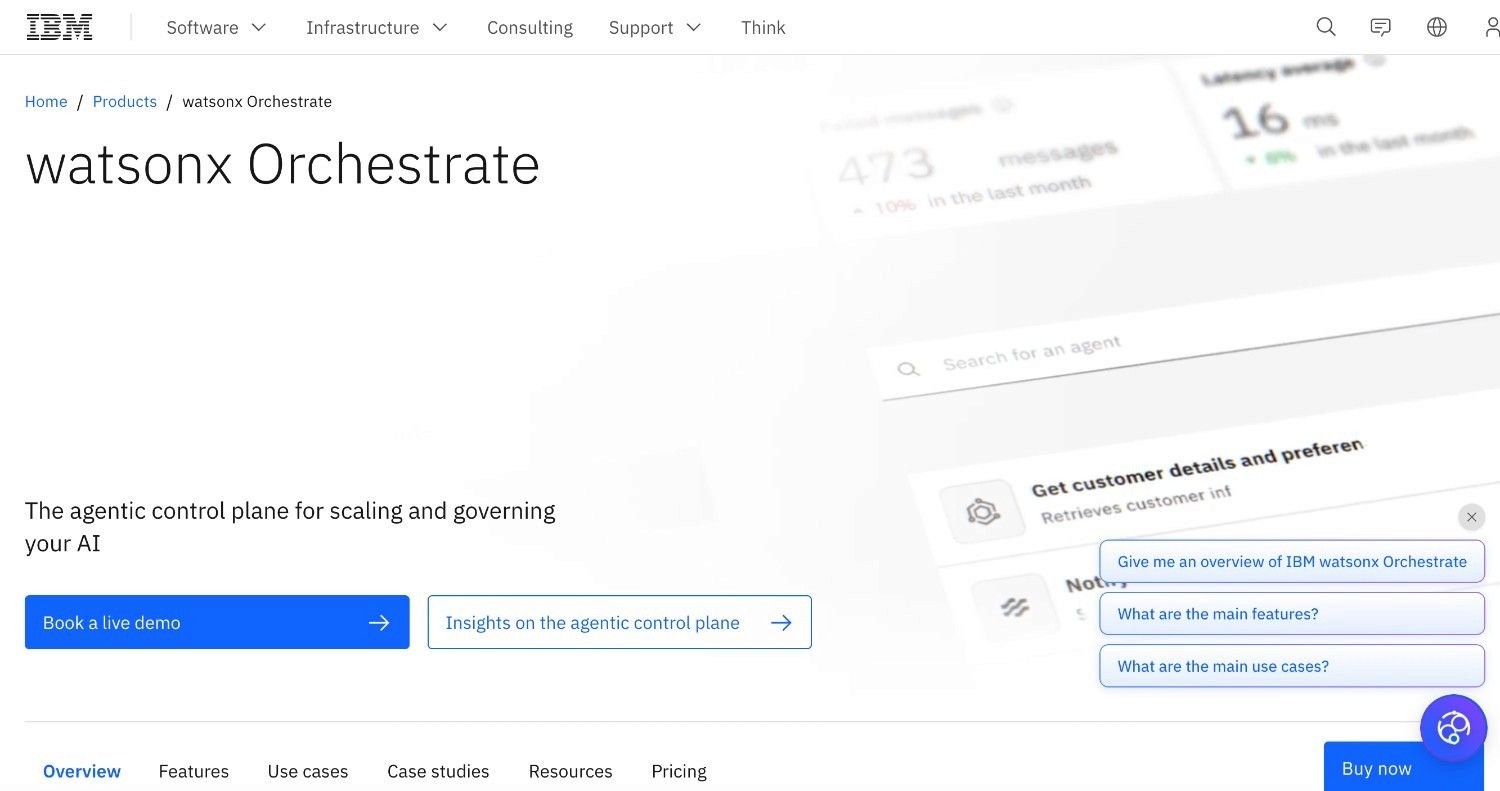
IBM watsonx Orchestrate automates complex multi-step workflows across business applications by orchestrating a library of pre-built and custom AI skills. It targets regulated industries, where governance and auditability are non-negotiable, and IBM positions it as the AI layer that connects existing enterprise systems without requiring technology replacement.
Ideal For
Large regulated enterprises already running IBM infrastructure who want to extend AI automation across HR, finance, procurement, and customer operations.
Financial services and insurance organisations with strict governance requirements that need a platform with IBM's enterprise compliance credentials
IT departments managing complex hybrid environments who need AI automation to coordinate across both IBM and third-party systems
Top Features
AI Skill Library: A growing library of pre-built skills connecting to common enterprise applications including SAP, Salesforce, ServiceNow, and Microsoft 365, with 700+ system connectors available. Skills can be assembled and orchestrated into multi-step workflows without writing integration code.
Governance and Audit Layer: Full decision traceability, role-based access, and policy enforcement controls that meet the auditability requirements of regulated financial services and healthcare environments.
Hybrid Deployment Support: IBM Cloud, on-premises, and multi-cloud deployment options give regulated clients flexibility over where data is processed and stored.
Why They Stand Out
Orchestrate benefits from IBM's decades of enterprise relationships, compliance certifications, and deep integration with IBM's broader enterprise portfolio. If you're running IBM technology stacks, you get an AI agent layer that slots into an established procurement and support relationship. The governance layer is substantive.
Pros
Enterprise-grade governance, auditability, and policy enforcement built on IBM's regulatory credentials across banking, insurance, and healthcare.
Integration across IBM's enterprise portfolio including hybrid cloud and on-premises environments
Established global support infrastructure and IBM's partner network provide deployment confidence for large enterprises.
Cons
Implementation complexity and IBM's consulting-heavy delivery model make time to first production deployment much longer than newer, deployment-engineering-led products.
Cost of IBM enterprise licensing, professional services, and annual maintenance puts it out of reach for mid-market organisations.
The product is optimised for IBM environment depth rather than the broad European legacy landscape of SAP ECC, Guidewire, and non-IBM proprietary systems.
Pricing
IBM watsonx Orchestrate is priced on custom enterprise terms based on usage volume and deployment model. There's no self-serve or published pricing tier; engagements typically involve IBM Global Services or a certified IBM partner for implementation.
Final Verdict
Orchestrate is a solid option for large enterprises running IBM infrastructure that need AI automation with serious governance. Evaluated against the best enterprise AI agents in this guide, though, it's among the more narrowly scoped to its own ecosystem, and faster time to production is available elsewhere.
6. ServiceNow Now Assist
Overview
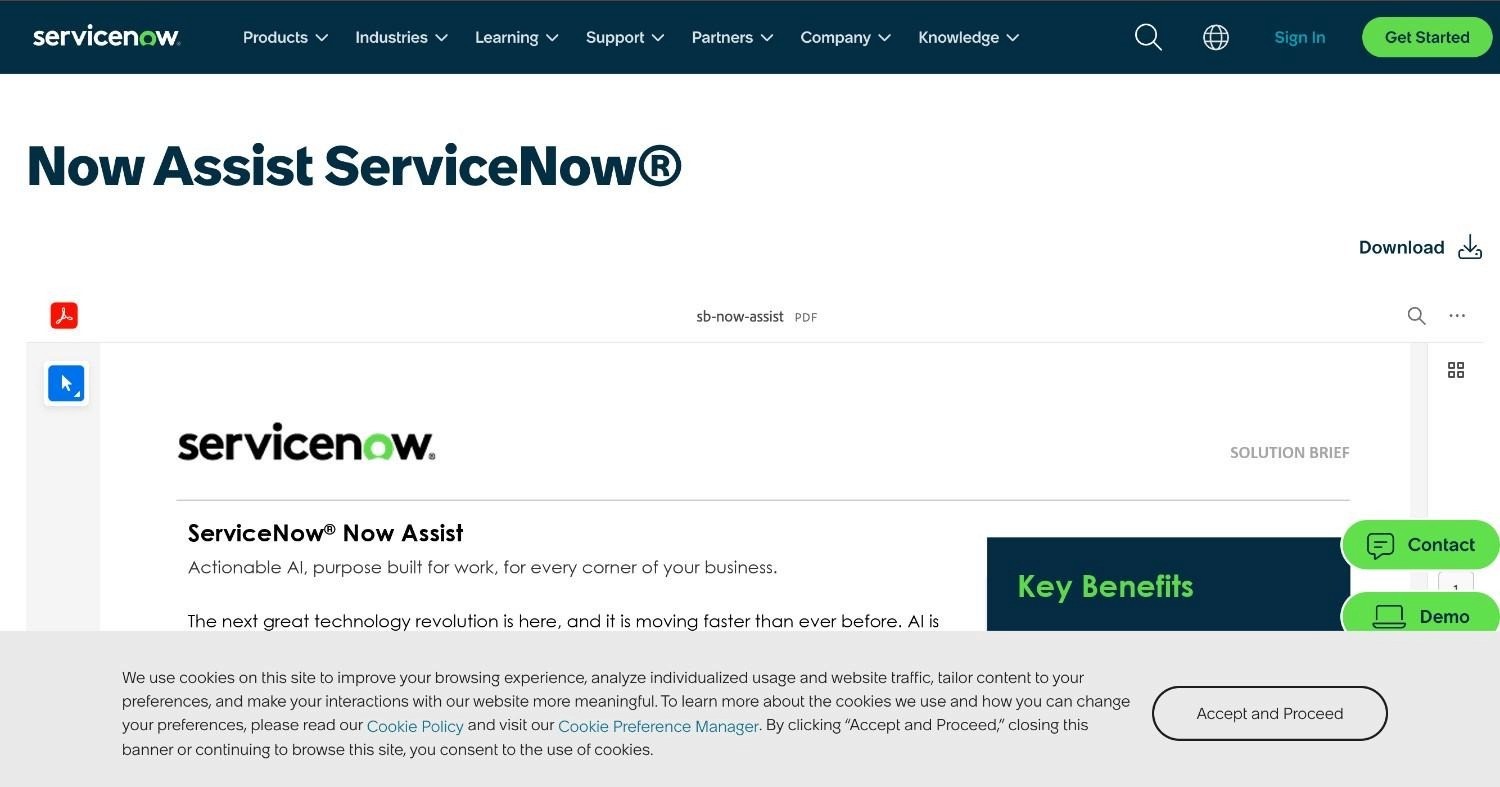
ServiceNow Now Assist is ServiceNow's generative AI layer, embedded across the Now Platform to cover ITSM, Customer Service Management, HR Service Delivery, and Field Service. It accelerates case resolution, automates ticket classification, generates agent summaries, and powers a Virtual Agent for self-service.
Ideal For
Large enterprises running ServiceNow as their primary ITSM platform who want AI-powered resolution and deflection built into existing workflows
IT operations teams dealing with high volumes of repetitive service desk tickets that follow predictable resolution paths.
HR and shared services organisations using ServiceNow HR Service Delivery who want to extend AI-powered self-service to employees
Top Features
Generative AI for ITSM: Auto-classification, summarisation, and resolution suggestion for incoming service tickets, reducing the manual triage burden on front-line agents and compressing average handling time.
Virtual Agent with AI: Conversational self-service that handles routine employee and customer requests without agent intervention, with intelligent routing to human agents when escalation is required.
Now Assist for Workflow Generation: Generates ServiceNow workflow configurations from plain-language descriptions, reducing the time IT teams spend building and modifying automation flows.
Why They Stand Out
Now Assist has deep integration across the ServiceNow product. If you're already running ITSM, HR, or CSM on ServiceNow, there's no additional connector work needed. The AI layer activates inside your existing setup without a separate deployment project.
Pros
AI capabilities activate inside existing ServiceNow workflows without additional integration effort for ITSM and HR use cases.
Auto-classification and summarisation measurably reduce manual triage time for service desk operations at volume.
Strong enterprise compliance and data controls within the ServiceNow platform's established governance model
Cons
Capability is tightly bound by the ServiceNow platform; cross-system execution involving SAP, core banking, or insurance platforms requires building external integrations.
Organisations that don't run ServiceNow for ITSM or CSM receive minimal value from Now Assist specifically.
Not designed for the end-to-end agentic execution of complex operational workflows that span legacy back-office systems outside ServiceNow
Pricing
Now Assist is bundled within ServiceNow's Pro Plus and Enterprise Plus tiers. Pricing is on custom enterprise terms based on module selection and user count. ServiceNow doesn't publish standard pricing publicly.
Final Verdict
Now Assist is a strong AI productivity layer for enterprises standardised on the Now Platform. Outside that environment, standalone value is limited, and the platform lacks the multi-system legacy orchestration capability that complex regulated operations require.
7. Beam AI
Overview
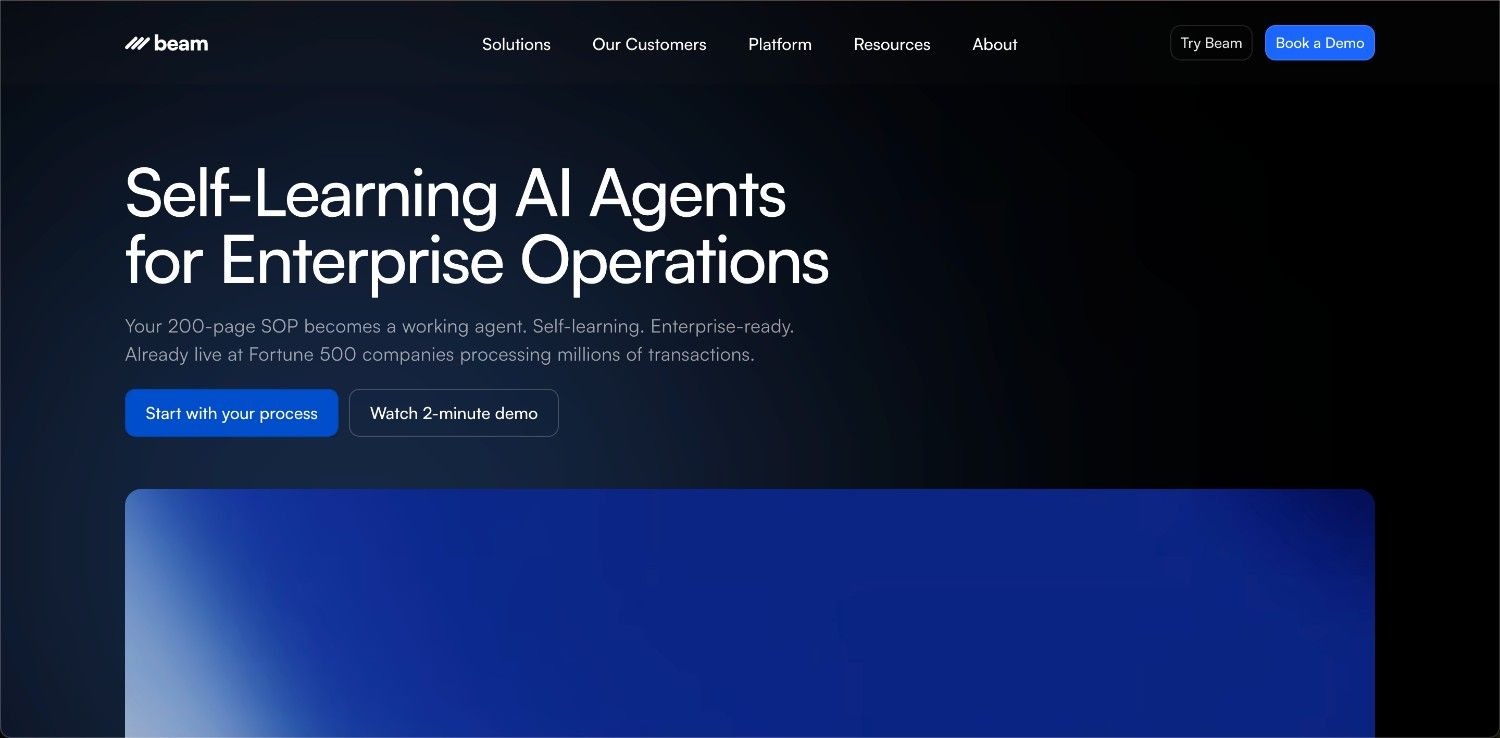
Beam AI lets operations teams build AI agents directly from uploaded standard operating procedures, with the headline proposition being speed. You upload an SOP, configure the agent, and deploy. The product supports 1,000+ pre-built integrations and self-learning agents that improve from interaction feedback over time.
Ideal For
Operations teams in mid-market organisations looking for fast initial deployment of AI agents for defined, document-driven workflows
Digital change leaders who want to evaluate agentic AI against specific operational use cases before committing to larger enterprise infrastructure investment
Technical operations teams comfortable configuring self-learning agents for use cases that tolerate iterative improvement rather than requiring deterministic outcomes
Top Features
SOP-to-Agent Builder: Upload your standard operating procedure, and the platform generates a working agent configuration. This maps to how operations teams think about their work, reducing the abstraction between "our process" and "our automation."
1,000+ Pre-Built Integrations: API-based connectors across CRM, ERP, ITSM, communications, and data systems. Broad coverage reduces initial connector development time for modern SaaS environments.
Multi-Deployment Options: SaaS, on-premises, and hybrid deployment with SOC 2 Type II and ISO 27001 certification. The deployment flexibility checks key enterprise security requirements.
Why They Stand Out
Beam is one of the most content-forward platforms in the category, which drives early-stage buyer awareness. Its SOP-to-agent workflow resonates with operations leaders who think in procedures rather than technical workflow abstractions. For mid-market buyers evaluating agentic AI for the first time, Beam's accessible entry point and fast initial setup reduce the friction to getting a first agent live.
Pros
SOP-based agent configuration maps to how operations teams document their processes, reducing the translation effort between business process and automation design
Fast initial setup for modern SaaS environments where the required systems have accessible APIs
SOC 2 Type II and ISO 27001 certification means basic enterprise compliance requirements are met
Cons
Self-learning agents that evolve their behaviour over time are a compliance liability in regulated industries where processes must execute identically and produce replayable audit trails on every run.
Integration depth for legacy enterprise systems (SAP ECC, Guidewire, COBOL-era core platforms) doesn't match the production-grade capability demonstrated by platforms with legacy-native architecture.
European regulated enterprise proof points are limited compared to the US and mid-market references published in Beam's case study library.
Pricing
Beam AI doesn't publish standard pricing; enterprise terms are available on request.
Final Verdict
Beam AI is a reasonable starting point for mid-market organisations evaluating agentic automation for well-defined, SaaS-adjacent workflows. If you're in a regulated European industry where processes must execute identically every time and run across legacy systems, the self-learning architecture and limited integration depth will be a problem.
8. Automation Anywhere
Overview
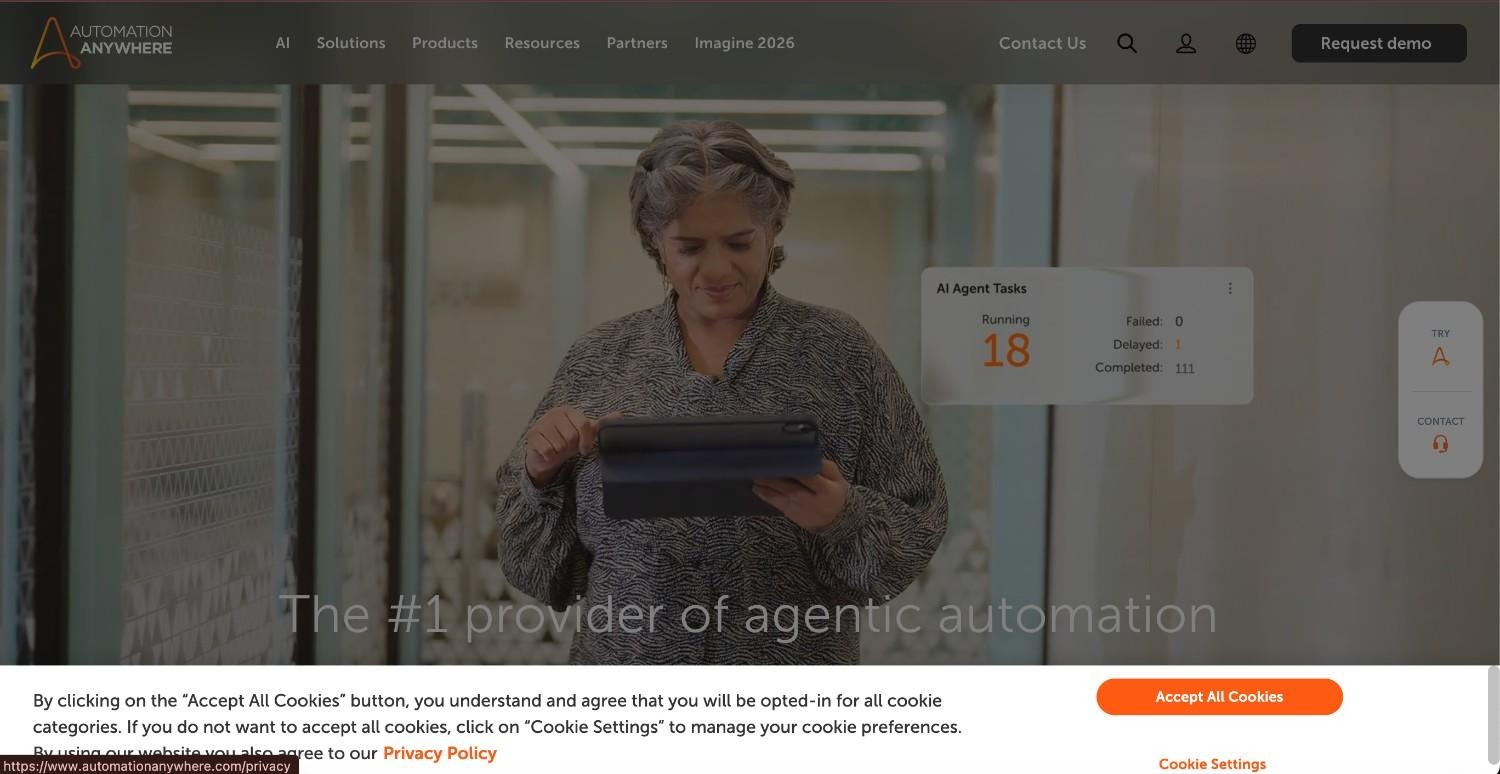
Automation Anywhere is one of the three largest enterprise RPA vendors in the world, alongside UiPath and Blue Prism. Its Automation 360 product combines traditional robot-based automation with an AI layer covering Intelligent Document Processing (IDP), Process Discovery, and AARI, its interface for deploying digital workers alongside staff. It targets the same enterprise operations buyer as UiPath, with a cloud-native architecture that sets it apart from older on-premises RPA deployments.
Ideal For
Large enterprises running existing Automation Anywhere RPA deployments that want to extend automation into AI-powered document extraction and agentic task handling.
Finance and shared services teams with high-volume, document-heavy workflows including invoice processing, purchase order matching, and contract review
IT operations teams looking to deploy a digital workforce layer that sits alongside existing staff and handles routine transaction volumes.
Top Features
Intelligent Document Processing (IDP): Extracts structured data from complex, variable-format documents including invoices, contracts, medical records, and shipping documents. The trained extraction models improve with volume and feedback.
Process Discovery: Analyses desktop activity to identify automation candidates, similar to UiPath's process mining capability. Gives operations leaders data-driven insight into which processes to automate first.
AARI Digital Workforce: Automation Anywhere's human-AI collaboration layer, allowing digital workers to operate within the same interfaces as human staff and handle task handoffs in both directions.
Why They Stand Out
Automation Anywhere's cloud-native architecture gives it a deployment flexibility advantage over legacy on-premises RPA architectures. The combination of IDP and traditional bot orchestration in one platform covers the document-intensive workflows that dominate finance and shared services operations at scale.
Pros
Cloud-native architecture provides more deployment flexibility than legacy on-premises RPA platforms
IDP handles variable-format documents with high accuracy, covering the unstructured document processing that pure RPA can't address
Strong enterprise governance and audit controls built on a large installed base of regulated enterprise clients
Cons
Bot-based automation is architecturally brittle when applications update their interfaces, creating maintenance overhead that compounds as the automation estate grows.
As with UiPath, the agentic AI capabilities are layered onto an RPA foundation not originally designed for multi-system AI orchestration.
The per-bot and per-developer licensing model becomes cost-intensive as automation scope expands beyond a handful of core workflows.
Pricing
Automation Anywhere operates on custom enterprise pricing with no published standard tiers. Engagements are scoped directly through Automation Anywhere or its partner network and typically include licensing, scoping, and implementation services.
Final Verdict
Automation Anywhere is a solid choice for organisations extending existing RPA investments with AI-powered document processing, but screen-based automation remains fragile at its core, and the AI layer lacks the depth needed for complex legacy orchestration across regulated operations.
9. Stack AI
Overview
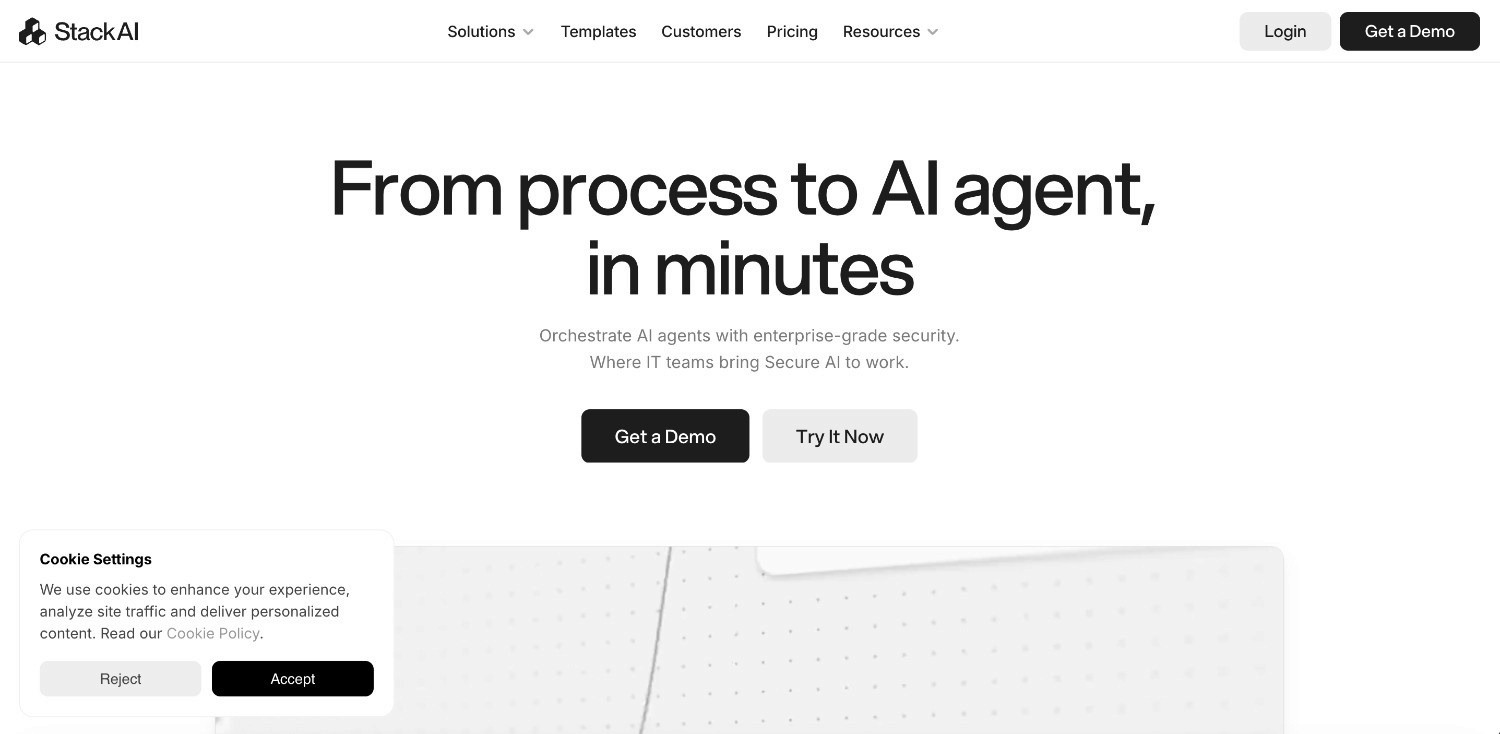
Stack AI is a YC-backed product focused on building knowledge retrieval agents and AI workflow applications. It's aimed at technical and semi-technical teams that want to build AI-powered internal tools, RAG-based knowledge agents, and document processing pipelines without writing infrastructure code. The visual canvas and auto-agent builder give product and engineering teams a fast path from AI concept to working application.
Ideal For
Engineering and product teams building AI-powered internal knowledge tools, document Q&A systems, and automated report generation
Data teams looking to ground AI responses in enterprise knowledge bases across SharePoint, Snowflake, Confluence, and similar sources.
Organisations evaluating AI agent tooling for knowledge worker productivity use cases before committing to a full operational automation platform.
Top Features
Visual Workflow Canvas: A polished drag-and-drop interface consistently rated as one of the clearest in the category. Building multi-step AI pipelines requires minimal code, making it accessible to non-engineers for prototyping.
RAG Pipeline Support: Built-in document indexing, chunking, and vector retrieval make it easy to ground AI agent responses in internal knowledge bases across SharePoint, Snowflake, Salesforce, and similar sources.
Multi-LLM Support: Access to multiple language model providers including OpenAI, Anthropic, Google, and open-source models. Teams can route between models without rebuilding application logic, which manages cost and quality across different task types.
Why They Stand Out
Stack AI's user interface is one of the most polished in the category, and its free tier removes the procurement barrier for initial evaluation. The platform is fast for building knowledge retrieval agents and document-processing workflows. For teams wanting to experiment with AI agents before a larger commitment, Stack AI provides a low-friction entry point.
Pros
Polished, intuitive visual canvas makes it one of the most accessible agent builders for non-technical product and operations teams to prototype with
Strong RAG pipeline capability for connecting agents to enterprise knowledge bases across modern data sources
Free tier and flexible cloud pricing allow initial evaluation without an enterprise procurement cycle.
Cons
Designed for knowledge retrieval and modern SaaS workflows rather than end-to-end operational execution across legacy enterprise systems
No native capability for database-level or screen-level integration with SAP ECC, Guidewire, or COBOL-era platforms; the integration library covers modern SaaS tools only
No deployment engineering support; self-serve onboarding means the client owns use-case discovery, workflow design, and production readiness independently.
Pricing
Stack AI offers a free tier with limited runs per month. Enterprise plans are on custom terms and include VPC deployment, SSO, and dedicated support.
Final Verdict
Stack AI is a strong tool for engineering-led teams building knowledge agents and document-processing pipelines for modern SaaS environments, but for operations teams needing governed, auditable automation on regulated legacy systems, it sits in a fundamentally different product category.
How to Choose the Best Enterprise AI Agents
Selecting the best enterprise AI agents for your organisation requires a clear-eyed assessment of your actual operational environment rather than the one you plan to have in three years.
1. Establish Whether You Need Execution or Assistance
This is the most important question and the one fewest buyers ask clearly at the start. If you need to help staff draft emails faster, surface answers from a knowledge base, or produce document summaries, a copilot-style tool is enough. If you're processing 10,000 insurance claims per month, resolving billing disputes across five systems, or running multi-step back-office workflows without human sign-off, you need a tool built for operational execution. These two categories share marketing language, but they're fundamentally different products.
2. Test Integration Depth Against Your Actual Systems
Every tool in this category advertises a large connector library. The relevant test isn't the number of connectors, but whether the tool can perform multi-step lookups, transaction-safe write-backs, and exception handling inside the specific systems your operations actually run on. Ask vendors to demonstrate on SAP ECC, Guidewire, or your core banking platform if those are your environment. A demo on Salesforce and Slack doesn't prove legacy system capability.
3. Demand Explainable, Auditable Decisions on Governed Processes
In regulated industries, opaque AI decision-making isn't an acceptable risk. You need to know which business rule was applied, what data was considered, and why a specific action was taken on every case that touches a regulated process. Look for products that separate AI interpretation from deterministic rule execution and that produce replayable audit trails on every process run. Compliance-as-a-contractual-claim isn't the same as compliance-as-architecture. Verify the distinction.
4. Verify Data Residency and Deployment Architecture
Review where the product processes and stores operational data. For European enterprises subject to GDPR, DORA, and national data residency requirements, the relevant question isn't whether the vendor has a compliance certificate but whether you can deploy on your own infrastructure, fully isolated from shared cloud environments. Confirm whether self-managed VPC, on-premises, and air-gapped deployment options are available as standard or require bespoke negotiation.
5. Model Total Cost of Ownership Beyond the Licence Fee
Initial licence pricing rarely reflects the full cost of production deployment. Factor in implementation engineering, the IT overhead required to maintain integrations as underlying systems update, and the total cost trajectory as automation scope expands. Tools with per-transaction or per-bot pricing models become disproportionately expensive at scale. Tools with consumption-based platform licences and transparent volume tiers are easier to model for board approval.
Also factor the cost of inaction. Every month an operations team processes work manually that could be automated compounds the cost gap against organisations that have already moved.
Everything You Need To Know About AI Agents for Enterprise
The best enterprise AI agents on this list diverge primarily on execution depth, integration architecture, and deployment sovereignty. The table below maps those differences at a glance.
← scroll to see all columns →
| Company | Pros | Cons | Ease of Use | Integrations | Governance | Affordability | Deployment Flexibility |
|---|---|---|---|---|---|---|---|
| Noxus | Rule-based execution; legacy system depth; full replayable audit trail | Requires business rule mapping upfront; enterprise-only; not for simple stacks | ⭐⭐⭐⭐⭐ | ⭐⭐⭐⭐⭐ | ⭐⭐⭐⭐⭐ | ⭐⭐⭐⭐⭐ | ⭐⭐⭐⭐⭐ |
| Microsoft Copilot Studio | M365 native; low-code builder; inherited Azure governance | Microsoft-environment dependent; no legacy execution depth; probabilistic orchestration | ⭐⭐⭐⭐⭐ | ⭐⭐⭐⭐⭐ | ⭐⭐⭐⭐⭐ | ⭐⭐⭐⭐⭐ | ⭐⭐⭐⭐⭐ |
| UiPath | Process mining; strong RPA track record; large partner network | Brittle screen-scraping; compounding bot licensing; agentic AI is an add-on | ⭐⭐⭐⭐⭐ | ⭐⭐⭐⭐⭐ | ⭐⭐⭐⭐⭐ | ⭐⭐⭐⭐⭐ | ⭐⭐⭐⭐⭐ |
| Salesforce Agentforce | Deep CRM-native integration; Atlas reasoning; pre-built templates | Salesforce-environment dependent; per-conversation pricing scales poorly; limited legacy reach | ⭐⭐⭐⭐⭐ | ⭐⭐⭐⭐⭐ | ⭐⭐⭐⭐⭐ | ⭐⭐⭐⭐⭐ | ⭐⭐⭐⭐⭐ |
| IBM watsonx Orchestrate | Enterprise governance; mainframe integration; IBM compliance credentials | Complex and slow implementation; IBM-environment orientation; high cost | ⭐⭐⭐⭐⭐ | ⭐⭐⭐⭐⭐ | ⭐⭐⭐⭐⭐ | ⭐⭐⭐⭐⭐ | ⭐⭐⭐⭐⭐ |
| ServiceNow Now Assist | Zero integration effort within ServiceNow; strong auto-classification | Bounded to ServiceNow platform; limited cross-system execution | ⭐⭐⭐⭐⭐ | ⭐⭐⭐⭐⭐ | ⭐⭐⭐⭐⭐ | ⭐⭐⭐⭐⭐ | ⭐⭐⭐⭐⭐ |
| Beam AI | Fast initial setup; SOP-to-agent workflow; broad SaaS connector library | Self-learning agents are a compliance risk; limited legacy depth; thin European proof points | ⭐⭐⭐⭐⭐ | ⭐⭐⭐⭐⭐ | ⭐⭐⭐⭐⭐ | ⭐⭐⭐⭐⭐ | ⭐⭐⭐⭐⭐ |
| Automation Anywhere | Cloud-native RPA with intelligent document processing; established enterprise track record | Cloud-first adds data residency complexity; brittle bot layer; consumption pricing escalates | ⭐⭐⭐⭐⭐ | ⭐⭐⭐⭐⭐ | ⭐⭐⭐⭐⭐ | ⭐⭐⭐⭐⭐ | ⭐⭐⭐⭐⭐ |
| Stack AI | Visual canvas; RAG pipelines; VPC deployment option | More focused on AI application building than enterprise operations execution | ⭐⭐⭐⭐⭐ | ⭐⭐⭐⭐⭐ | ⭐⭐⭐⭐⭐ | ⭐⭐⭐⭐⭐ | ⭐⭐⭐⭐⭐ |
How to Automate Your Operations with Noxus
Most enterprise AI agents fail regulated European organisations for the same reasons, and the pattern holds whether you're evaluating the best enterprise AI agents at enterprise or mid-market scale.
They need modern APIs that don't exist across the legacy systems where the real operational work happens. They use probabilistic AI decision-making that can't survive a compliance audit. And they process your data in shared cloud environments that GDPR and national data residency rules prohibit. If you're running SAP ECC, Guidewire, or a proprietary core system that another AI vendor told you couldn't be automated without re-platforming first, that's the problem Noxus was built to solve.
Noxus executes real operations work end-to-end, covering claims processing, billing dispute resolution, account changes, catalogue operations, and communication triage on the legacy systems your teams use today. Your business rules govern every decision, and the AI handles the unstructured interpretation. Every action is traceable, replayable, and compliant by design.
Production deployment completes in 45 to 80 days, with documented ROI of 3 to 5 times across banking, healthcare, and retail. Zero client churn across all live accounts to date.
Book a demo and see what your highest-friction workflow looks like when Noxus runs it on your actual systems.
FAQs About Enterprise AI Agents
What are the best enterprise AI agents in 2026?
The best enterprise AI agents in 2026 are Noxus, Microsoft Copilot Studio, UiPath, Salesforce Agentforce, IBM watsonx Orchestrate, ServiceNow Now Assist, Beam AI, Automation Anywhere, and Stack AI. For regulated European enterprises needing end-to-end execution across legacy systems, Noxus leads the category, with production deployment in 45 to 80 days, documented ROI of 3 to 5 times, and zero churn across all live clients.
What should I look for when choosing AI agents for enterprise?
When choosing AI agents for enterprise, establish first whether the platform executes operational work or retrieves and assists. Verify integration depth against your actual legacy systems, audit trail capability for governed processes, and data residency compliance in your deployment architecture. Then model total cost of ownership across three years, including implementation engineering, integration maintenance, and licensing at scale.
How does Noxus differ from other enterprise AI agents?
Noxus separates AI interpretation from business rule execution at the architecture level, with hard-coded business logic governing every regulated decision and removing hallucination risk from consequential outcomes. It also operates natively inside legacy systems like SAP ECC and Guidewire without an API layer, and offers air-gapped on-premises deployment for European data residency requirements most competitors can't meet.
How does onboarding with Noxus work?
The Noxus deployment team runs a scoping consultation to map your highest-friction workflow and the systems it touches, then configures the process intelligence runtime within your existing stack with your business rules encoded into the execution layer. A first production workflow typically goes live within 30 days, with full deployments completing in 45 to 80 days.
How easy is it to switch to Noxus?
Switching doesn't require a middleware project, API development programme, or infrastructure overhaul. If your operations team currently navigates your legacy systems manually, Noxus can be configured to do the same. Second and third deployments on the same infrastructure are faster and cheaper than the first.
Do enterprise AI agents work with legacy systems like SAP?
Most enterprise AI agents require modern API access and can't reach SAP ECC, Guidewire, COBOL-era core banking, or proprietary systems without an external API layer. Noxus is built specifically for that environment, interacting with legacy systems at database, screen, and file level. Every live Noxus deployment to date has included legacy systems other AI vendors wouldn't touch.
What is the difference between AI agents and RPA?
RPA follows rigid, scripted instructions on fixed screen layouts and breaks whenever interfaces change. AI agents interpret unstructured inputs like emails, PDFs, and free-text requests that RPA can't parse, and they adapt based on context. The best enterprise AI agent products combine AI interpretation on the input side with rule-based execution for governed decisions, giving you flexibility where you need it and reliability where you can't afford mistakes.
How much do enterprise AI agents cost?
Noxus operates on a consumption-based monthly licence, custom-scoped per deployment and operational volume, with no per-seat or per-token fees. Microsoft Copilot Studio starts from $200 per month per tenant; Salesforce Agentforce from $2 per conversation. IBM watsonx Orchestrate, ServiceNow Now Assist, UiPath, and Automation Anywhere are all custom enterprise-priced, while Stack AI offers a free tier with enterprise plans on request.






