Best Email Organisation Tools in 2026 (Top-Rated Platforms Reviewed)
Discover the best email triage tool for your team. Compare top tools, including Noxus to choose the best one to improve efficiency and prioritize what matters.

Key Takeaways (TL;DR)
The Best Overall Email Triage Tool: Noxus is the top choice if you’re looking for the best email triage tool. It’s the right decision specifically for any organisation where email triage is an operational process problem, not a personal inbox management problem. Where every other tool on this list sorts and summarises, Noxus executes: the platform classifies incoming communications, retrieves context from CRM and legacy systems, applies your business rules, and writes outcomes back under full audit.
Why Do You Need It: Most professionals spend around 28% of their working week on email, according to McKinsey research, a figure that significantly increases for operations teams managing high-volume inbound communications. Without automated triage, high-priority messages get buried, response times suffer, and the cognitive load of constant inbox management erodes focus time.
Who It's For: Operations Leaders, COOs, Heads of Customer Operations, and IT Directors at mid-market to enterprise organisations managing high-volume inbound communications across email, CRM, and back-office systems.
How to Choose the Right One: To choose the best email triage tool, start by matching it to your resolution requirement (do you need sorting, drafting, or full resolution?); verify if it connects to the systems where work actually gets done; and confirm whether your use case is personal productivity or operational process automation.
Expected Price: Noxus pricing is usage-based; you pay for completed operations, not a fixed per-seat subscription. Across the market, the pricing for the best email triage tools ranges from $2.42/month (from SaneBox) and goes up to $40/user/month (Superhuman) along with enterprise tools with custom pricing.
Table of Contents
Top Email Triage Tools in 2026: At a Glance
← scroll to see all columns →
| Company | Best For | Key Features | Pricing |
|---|---|---|---|
| Noxus | Enterprises with high-volume inbound communications requiring multi-system resolution | End-to-end triage-to-resolutionERP/CRM write-backFull audit trailGDPR-compliant deployment | Usage-based; custom per deployment |
| SaneBox | Individual professionals wanting automatic inbox filtering | Email prioritisation filtersSaneLaterSaneBlackHoleDigest summaries | From $2.42/month (biennial) |
| Shortwave | Individuals and small teams wanting an AI-native email client | AI summariesSmart bundlesSearchTask extraction | Free plan Pro $14 • Business $24–$100/seat/mo |
| Superhuman | Speed-focused professionals wanting keyboard-driven inbox zero | AI triageSplit inboxInstant sendCalendar integration | From $30/user/month |
| alfred_ | Founders and executives wanting autonomous inbox management | Email triageDraft repliesTask extractionDaily brief | From $24.99/month |
| Fini AI | Customer support teams wanting AI to resolve support tickets at scale | AI ticket resolutionKnowledge base integrationEscalation workflows | Free (50 tickets) Growth $0.69/resolution; Enterprise: custom |
| Carly | Teams wanting custom AI agents connected to email, calendar, and workflows | Custom agent builderConnected email and calendarWorkflow automation | Personal from $19/month Enterprise: custom |
| Spike | Small teams wanting a combined chat-and-email inbox | Conversational emailVideo meetingsCollaborative notesTeam channels | Free Starter Team $4 • Business $8/member/mo |
| Forethought AI | Customer support and service teams needing AI-driven ticket triage | AI triageIntent detectionSuggested resolutionsCRM integration | Outcome-based; custom pricing |
| Decagon | Enterprise customer operations teams needing AI to resolve conversations end-to-end | Autonomous conversation resolutionEscalation routing | Custom enterprise pricing |
What Are Email Triage Tools?
Email triage tools are software products that classify, prioritise, route, and in some cases act on inbound email communications automatically. The term comes from ‘medical triage’: the process of sorting patients by urgency to direct care to where it is most needed.
Applied to email, triage means the same thing: identifying what needs immediate attention, what can wait, what needs routing to someone else, and what can be resolved without human involvement.
The category spans a wide capability range. At one end, filtering tools like SaneBox apply rules to separate important emails from newsletters and low-priority messages. At the other end, agentic AI systems like Noxus read inbound communications from any channel, classify by intent and urgency, retrieve context from CRM and ERP systems, apply business rules, generate responses, and write outcomes back into the source systems that govern the organisation.
The rise of some of the best AI for email organisation tools in recent years have shifted the category significantly.
Rather than applying keyword rules or sender-based filters, modern tools use large language models to understand the semantic content of emails: what the sender is asking for, whether it is urgent, what system or person needs to respond, and what action should follow.
For individual professionals, this means a tool that reads email content the way a skilled executive assistant would and surfaces only what genuinely requires attention.
For enterprise operations teams, it means a tool that processes thousands of inbound communications per day, classifying each one, retrieving the relevant case context from the CRM, and routing or resolving it without manual intervention.
The distinction that matters most in any evaluation: does the tool sort email, or does it resolve email?
Sorting helps individuals manage personal inboxes more efficiently. Resolving, at enterprise scale, is where the operational cost savings occur.
Why Do You Need an Email Triage Tool?
Email volume has grown significantly faster than most organisations' ability to process it. According to a McKinsey Global Institute study, professionals spend an average of 28% of their working week reading and responding to email. For operations teams managing high volumes of inbound customer communications, that figure is far higher.
The operational cost of unmanaged email is not just time. It is error rate, response latency, inconsistency, and compliance exposure. When a customer complaint arrives in a shared inbox and gets missed for three days, that is a chargeback, a regulatory flag, or a lost customer. When 50 support requests arrive on a Monday morning and two agents have to triage them manually before any resolution begins, that is a structural bottleneck, not a staffing problem.
For organisations managing high volumes of structured communications, such as insurance claims, bank complaints, healthcare appointment requests, or retail customer queries, manual triage creates a direct cost in headcount and an indirect cost in quality variance.
The same communication handled on a Tuesday afternoon by a senior agent produces a different outcome from the same communication handled on a Friday evening by a junior agent. Email triage tools that apply consistent classification rules remove that variance entirely.
The compliance dimension matters too. Regulated industries need a documented record of when communications were received, how they were classified, who handled them, and what decision was made. A manual process run through a shared inbox cannot reliably produce that trail. A governed triage system can, and in enterprise deployments, it does so automatically.
According to Gartner, by 2026, over 80% of enterprise customer interactions will be managed without a human agent in the first-line triage step.
Organisations that have not deployed the best email triage tool for their volume and complexity are already behind that benchmark.
Who Needs an Email Triage Tool?
1. Operations Leaders at High-Volume Customer Operations Teams
VP Operations, Head of Customer Operations, and Director of Shared Services roles at enterprises managing thousands of inbound communications per day.
Their problem is not that email arrives; it is that triage is manual, inconsistent, and consumes headcount that should be directed at resolution.
The best email triage tool for this audience does not just sort messages: it classifies intent, retrieves case context from CRM, assigns to the right team or workflow, and produces a complete audit trail for compliance review.
2. IT and Digital Transformation Leaders Evaluating AI Automation
CTOs, CIOs, and Heads of Digital Transformation evaluating email triage as part of a broader back-office AI programme.
Their concern is governance: where does the email data go, who has access, does the AI make decisions that should be made by humans under policy, and is the system auditable?
For regulated industries, the best AI for email organisation must meet data residency requirements, operate under deterministic business rules for compliance-sensitive decisions, and produce a replayable trace of every action.
3. Founders, Executives, and High-Output Individual Professionals
Founders, CEOs, Partners, and senior executives who receive 200 to 500 emails per day and need a personal triage layer that surfaces what genuinely requires their attention without requiring them to process every message.
For this audience, the right tool is not an enterprise platform: it is an AI-powered email client or assistant that reads content, understands urgency, drafts responses, and extracts follow-up tasks automatically.
4. Customer Support and Service Teams
Customer support managers and heads of CX at mid-market and enterprise businesses where email is a primary support channel alongside chat, voice, and portal.
These teams need triage that goes beyond sorting: intent detection, knowledge base lookup, suggested resolution, and escalation routing based on complexity or sentiment.
A good email triage tool for this segment connects to the helpdesk, CRM, and knowledge base rather than operating in isolation.
5. SME Finance and Operations Teams
Finance managers and operations directors at growing SMEs where the email volume has grown faster than the headcount.
They need a triage tool that connects to their existing email client, surfaces priority items, and handles routine requests without requiring a dedicated operations team to process every message.
For this segment, accessible pricing and fast deployment are as important as feature depth.
Best Email Triage Tools in 2026: In-Depth Review & Comparison
1. Noxus

Overview
We built Noxus to solve the problem that starts with email but doesn't end there. Standard email triage tools sort, summarise, and suggest and that is where they stop.
The 10,000 patient communications arriving at a hospital group, the bank processing thousands of complaints across five countries, the infrastructure company handling thousands of customer interactions each week: these are not inbox management problems. They are operational process problems that happen to arrive via email. Noxus is the infrastructure layer that resolves them end-to-end.
The platform is the best email triage tool for enterprises because it does not stop at classification. It reads unstructured inbound communications from email, portals, and scanned documents; classifies intent and urgency; retrieves case context from CRM, ERP, or clinical systems; applies your business rules; generates responses under governance; and writes outcomes back to source systems with a full audit trail.
The AI handles the messy, unstructured input. Your rules determine what happens next.
We are deployed in production for exactly this use case. One of our top customers, CUF/José de Mello processes 10,000+ patient and administrative communications per month through the platform, achieving 3x ROI and 96% precision under GDPR Article 9 compliance.
Another customer, Brisa, an infrastructure and transport operator, uses Noxus for customer email processing automation. Santander uses Noxus for customer operations including complaint and billing dispute resolution across up to 15 regions.
For enterprise teams evaluating operational-scale communication automation, Noxus is the only platform on this list with documented production outcomes: 3x ROI, 90–96% AI precision, and first deployments live in 45-80 days, on the legacy systems your operations already run.
Ideal For
If your team is approaching a BPO contract renewal, running AI pilots that haven't reached production, or absorbing SLA failures caused by manual triage backlogs — Noxus is built for exactly that moment.
VP Operations, Head of Customer Operations, and COOs at enterprises managing 5,000+ inbound communications per month who need triage that connects to CRM, ERP, and back-office systems for end-to-end resolution
CIOs and IT Directors at regulated industries (financial services, healthcare, insurance) where email triage must operate under GDPR Article 28 compliance, SOC 2 Type II certification, and a full audit trail
Digital Transformation Leaders who have run email triage pilots that never reached production because the underlying system integration was unsolved
Mid-market Operations Owners at organisations where inbound email volume has outpaced the team's capacity and manual triage is creating SLA failures and quality variance
Enterprise teams at banks, insurers, and healthcare groups where email contains regulated communications requiring deterministic business rule application rather than AI-only decision-making
Top Features
End-to-End Communication Triage with System Write-Back: The platform classifies inbound emails by intent and urgency, retrieves case context from CRM, ERP, or clinical systems, applies policy rules, generates governed responses, and writes outcomes back to source systems. Triage does not stop at sorting; it executes the full resolution workflow.
Deterministic Business Rule Execution: Your classification rules, escalation thresholds, and compliance policies are hard-coded into the workflow layer. The AI reads and interprets unstructured content; your rules make every routing and resolution decision. When AI confidence drops below a configured threshold, the case escalates to a human with full context pre-assembled.
Full Audit Trail with Replayability: Every communication processed produces a complete, tamper-evident trace: what was received, how it was classified, what action was taken, and what outcome was written back. Compliance teams use it for regulatory reporting; operations teams use it to identify where triage logic needs adjustment.
Deployment Sovereignty (SaaS, VPC, On-Premises): Three deployment options including fully air-gapped on-premises for organisations with strict data residency requirements. BYOK model routing across Azure AI Foundry, AWS Bedrock, and Google Vertex AI. Certified against SOC 2 Type II, ISO 27001, GDPR Article 28, and HIPAA.
400+ Native System Integrations: Connects to Outlook, Gmail, Salesforce, ServiceNow, SAP, Oracle, Guidewire, and 400+ other tools out of the box. No API modernisation required for legacy system environments.
Why We Stand Out?
Every other tool on this list triages email. We resolve what email triggers. The specific differentiator for enterprise operations teams is that the platform does not generate a sorted inbox or a suggested reply: it executes the downstream workflow that the email requires, across the legacy systems those workflows actually run on.
The healthcare group does not need email sorted; it needs communications classified, patient records retrieved, responses generated under clinical policy, and actions logged in the clinical system. That is what we do.
For enterprise teams, Noxus is also the only platform built natively for the European regulatory reality: GDPR Article 28, EU AI Act compliance, data residency requirements and multi-region, multi-language operations.
The other tools in this comparison were built for North American SaaS environments and retrofitted for European compliance, Noxus was not.
Explore the full range of enterprise AI use cases to see how organisations similar to yours are deploying Noxus for communication-heavy operations, or look into how we're deploying AI agents for enterprise to better understand our deployment architecture in detail.
Pros
Executes complete triage-to-resolution workflows including system write-back, not just inbox sorting
Operates natively inside legacy systems (SAP, Guidewire, Oracle, COBOL cores) without API prerequisites
Full audit trail satisfies GDPR Article 28, SOC 2 Type II, ISO 27001, and sector-specific compliance requirements
Deployment sovereignty options including on-premises and air-gapped deployment
Zero churn across all production deployments to date; 3–5x ROI across documented case studies
Cons
Not a standalone email client; operates as a process automation layer that works on top of existing email and system infrastructure
Best value is at enterprise scale with 5,000+ communications per month; lower-volume use cases may not recover the investment in year one
Pricing
We operate on a usage-based model with a free test tier to evaluate the platform on your actual workflows. Noxus operates on a usage-based model with a free test tier to evaluate the platform on your actual workflows.
Pricing scales with operational volume and deployment complexity – a single AI co-worker running one workflow in a managed environment sits at the entry point, with multi-workflow, multi-region enterprise deployments scoped on a custom basis.
Contact our team to scope the right configuration for your communication volume & system landscape.
Final Verdict
Noxus is the right choice for any enterprise or large mid-market organisation where inbound email volume is an operational process challenge, not a personal productivity challenge.
If your team is manually triaging thousands of communications per month, routing by spreadsheet, and bridging the gap between email and CRM by hand, we automate that entire chain on the systems you already run.
For individual professionals or small teams wanting a smarter personal inbox, one of the lighter-weight tools on this list is the right starting point.
2. SaneBox

Overview
SaneBox is one of the more established names in the best email triage tool category for individuals and organisations.
Rather than replacing your email client, SaneBox works as a layer on top of Gmail, Outlook, Apple Mail, and any IMAP-compatible inbox, analysing your email behaviour to separate messages that genuinely need your attention from those that do not.
The core product uses historical engagement patterns to learn which senders and threads you interact with and routes low-priority messages into folders like SaneLater, SaneNews, and SaneBlackHole, keeping the primary inbox clean without any manual rule creation.
SaneBox does not read email content; it analyses metadata such as sender history, reply patterns, and engagement behaviour to make prioritisation decisions.
This is a deliberate privacy design choice that distinguishes it from content-reading AI tools, but it also means its triage accuracy depends entirely on past behaviour patterns rather than current message content or urgency.
Ideal For
Individual professionals and executives who receive high email volume and want automatic filtering without switching email clients
Small business owners and freelancers wanting a low-cost, low-maintenance inbox filter that works with their existing email setup
Professionals who travel frequently and want a consistent "important only" view regardless of device
Users who prioritise email privacy and do not want AI reading message content for triage decisions
Top Features
Behaviour-Based Email Filtering: SaneBox analyses sender history and engagement patterns to route low-priority messages into secondary folders automatically, without reading message content. This approach is privacy-preserving and does not require initial setup of manual rules.
SaneBlackHole for Permanent Unsubscribe: Dragging a sender to the SaneBlackHole folder permanently prevents their messages from appearing in any inbox folder, providing a more permanent solution than the standard unsubscribe mechanism.
Digest Summaries: SaneBox sends periodic digest emails summarising the messages routed to SaneLater and other folders, giving users a quick scan view without needing to enter the folder directly.
Why They Stand Out
SaneBox is one of the most established and cost-accessible options for individuals wanting automatic inbox filtering without giving up their current email client. The behaviour-based approach is a genuine differentiator for privacy-conscious users who do not want AI reading their message content.
Pros
Works on top of any IMAP email client without switching apps
Very accessible pricing, starting under $3/month
Privacy-preserving; does not read email content for triage decisions
Low setup overhead; filtering improves automatically as behaviour data accumulates
Cons
Triage is based on sender behaviour, not message content; cannot prioritise urgent messages from new senders
No content understanding means it cannot distinguish between a routine newsletter and an urgent message from the same sender
Limited to personal inbox management; not suited to enterprise operational triage or multi-system resolution
Pricing
SaneBox monthly plans start at $3.49/month for the basic tier, up to $16.99/month for the highest tier. Annual plans start at $2.42/month. The biennial plan costs $49 every two years. All plans include the core filtering features; higher tiers add additional folder types and integrations.
Final Verdict
SaneBox is a practical, low-cost option for individual professionals who want automatic inbox filtering without changing email client or giving up email privacy. For teams or enterprises needing content-aware triage, intent detection, or multi-system resolution, the metadata-only approach does not provide the depth required.
3. Shortwave
Overview
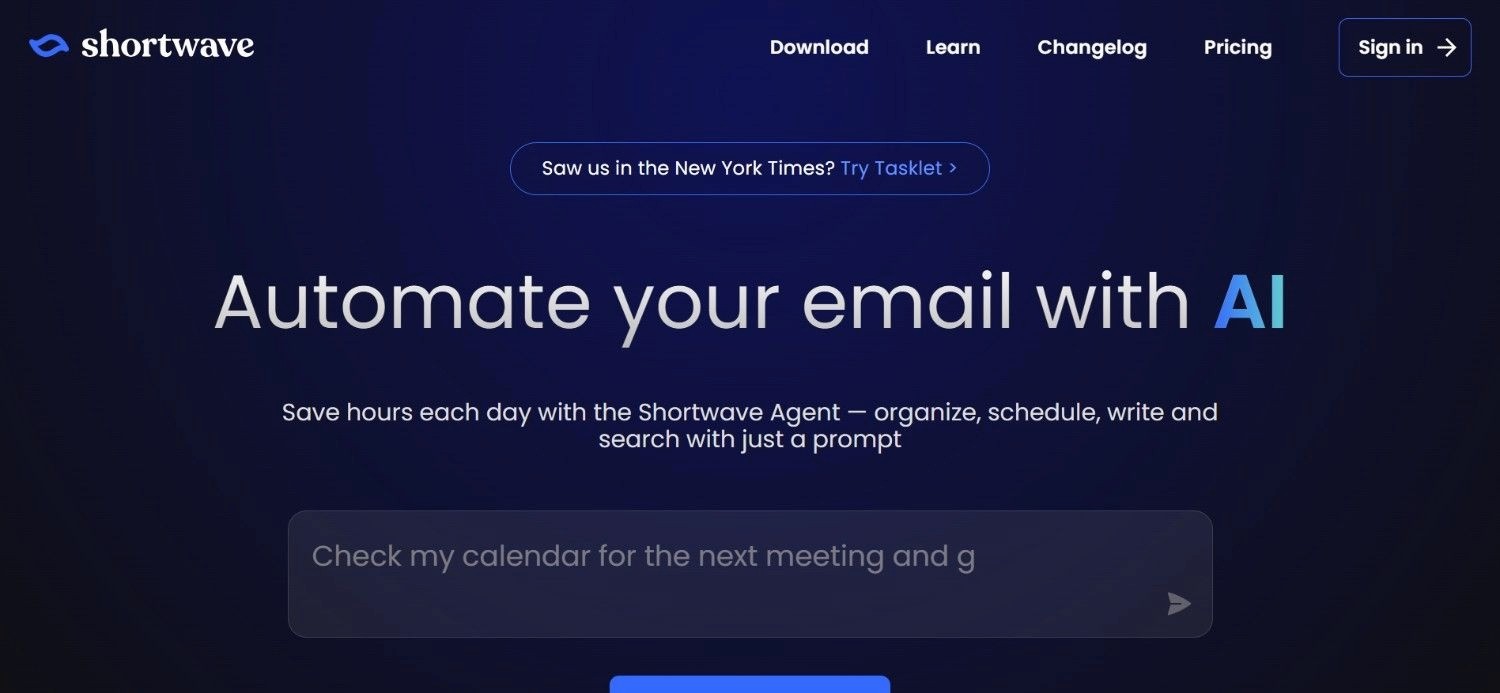
Shortwave is an AI-native email client built from the ground up with triage intelligence built into the interface rather than layered on top. Originally built on Google's Inbox product architecture, Shortwave targets individuals and small teams who want a faster, more intelligent email experience.
Their AI reads email content to generate summaries, extract tasks, and group related messages into bundles, reducing the cognitive effort of processing a full inbox.
Among the best email triage tool options for individuals and small teams using Gmail, Shortwave is one of the most complete AI-native clients available.
Ideal For
Individual professionals and small teams using Gmail who want an AI-native email client with content-aware triage
Founders and executives who want email summaries and task extraction without switching to a separate productivity tool
Teams wanting shared inbox collaboration built into the email client
Knowledge workers who process a high volume of project-related email and want automatic grouping by thread or topic
Top Features
AI Email Summaries: Shortwave summarises long email threads into concise overviews, reducing the time required to understand the context of a conversation before responding.
Smart Bundles for Automatic Grouping: Related messages are grouped into bundles automatically, reducing the inbox clutter that comes from fragmented threads across multiple conversations.
Task Extraction from Email: Shortwave identifies action items within email content and surfaces them as tasks, reducing the manual step of copying to-dos from email into a task manager.
Why They Stand Out?
Shortwave is one of the stronger options for Gmail-native professionals who want content-aware triage and summarisation built directly into their email client rather than added as a plugin.
The thread-to-task extraction is a practical differentiator for knowledge workers managing project communications.
Pros
AI-native interface with content reading and summarisation built in
Smart bundles reduce inbox fragmentation for high-volume email users
Task extraction reduces the manual to-do capture step
Clean, fast interface designed for inbox zero workflows
Cons
Gmail-centric; limited support for Outlook and other enterprise email systems
Primarily a personal productivity tool; not suited to enterprise operational triage or multi-system resolution
Business tier pricing ($24–$100/seat/month) increases cost quickly for growing teams
Pricing
Shortwave offers a free plan for individual users. The Pro plan is $14/seat/month for individuals. Business plans start at $24/seat/month and go up to $100/seat/month for higher-tier features. Contact their team for enterprise requirements.
Final Verdict
Shortwave is one of the best email triage tools for Gmail-native individuals and small teams who want AI summarisation and task extraction built directly into their email client.
For enterprise teams on Outlook or needing operational triage beyond personal inbox management, the Gmail-centric architecture and personal productivity focus limit its applicability.
4. Superhuman

Overview
Superhuman is a speed-optimised email client targeting executives, founders, and high-output professionals who want to reach inbox zero as fast as possible.
It is not primarily an AI triage tool in the operational sense; it is a keyboard-driven email experience where every action is optimised for speed, and AI assists with triage, draft generation, and inbox splitting rather than replacing manual review.
Superhuman's value proposition is measurably faster email processing: their research claims users save approximately four hours per week versus standard email clients.
The platform is widely talked about for its combination of speed and AI assistance - especially when comparing the best AI for email organisation at scale.
Ideal For
Executives, founders, and partners who process 100–500 emails per day and want the fastest possible keyboard-driven inbox zero workflow
High-output professionals whose primary problem is email processing speed rather than classification accuracy
Teams where all members need a consistent, fast email workflow and are willing to pay per-seat for it
Professionals already using Gmail or Google Workspace who want AI draft assistance alongside speed
Top Features
AI Triage and Split Inbox: Superhuman's AI splits the inbox into priority categories and surfaces messages that require immediate attention, reducing the time spent scanning for important messages in a full inbox.
Instant Send and Keyboard Navigation: Every action in Superhuman has a keyboard shortcut, and the product is designed so that a professional can process 50 emails in under 30 minutes through rapid triage, archive, and reply actions.
AI Draft Replies: Superhuman generates draft replies based on email content, which users review and send with a single keyboard shortcut. The AI drafts are context-aware and reduce the time spent composing routine responses.
Why They Stand Out
Superhuman's focus on speed and keyboard-driven workflows is a genuine differentiator for high-output individual professionals. The combination of AI draft assistance and optimised UX produces measurable time savings for users who process large personal inboxes.
Pros
Measurably fast email processing with keyboard-driven inbox zero
AI draft replies reduce composition time for routine responses
Split inbox and AI triage surface high-priority messages quickly
Strong reputation and high user retention among executives and founders
Cons
Per-seat pricing starting at $30/user/month is expensive for teams at scale
Designed for personal inbox management; not suitable for operational triage at enterprise scale
Requires behavioural change; the speed gains require users to learn the keyboard-driven workflow
Pricing
Superhuman starts at $30/user/month for the standard plan and $40/user/month for the Business tier. Custom pricing is available for enterprise requirements.
Final Verdict
Superhuman is a strong choice for high-output individual professionals who want the fastest possible keyboard-driven inbox zero with AI draft assistance. For enterprise operations teams needing operational triage, intent detection, or multi-system resolution, the personal productivity focus does not cover the workflow depth required.
5. alfred_
Overview
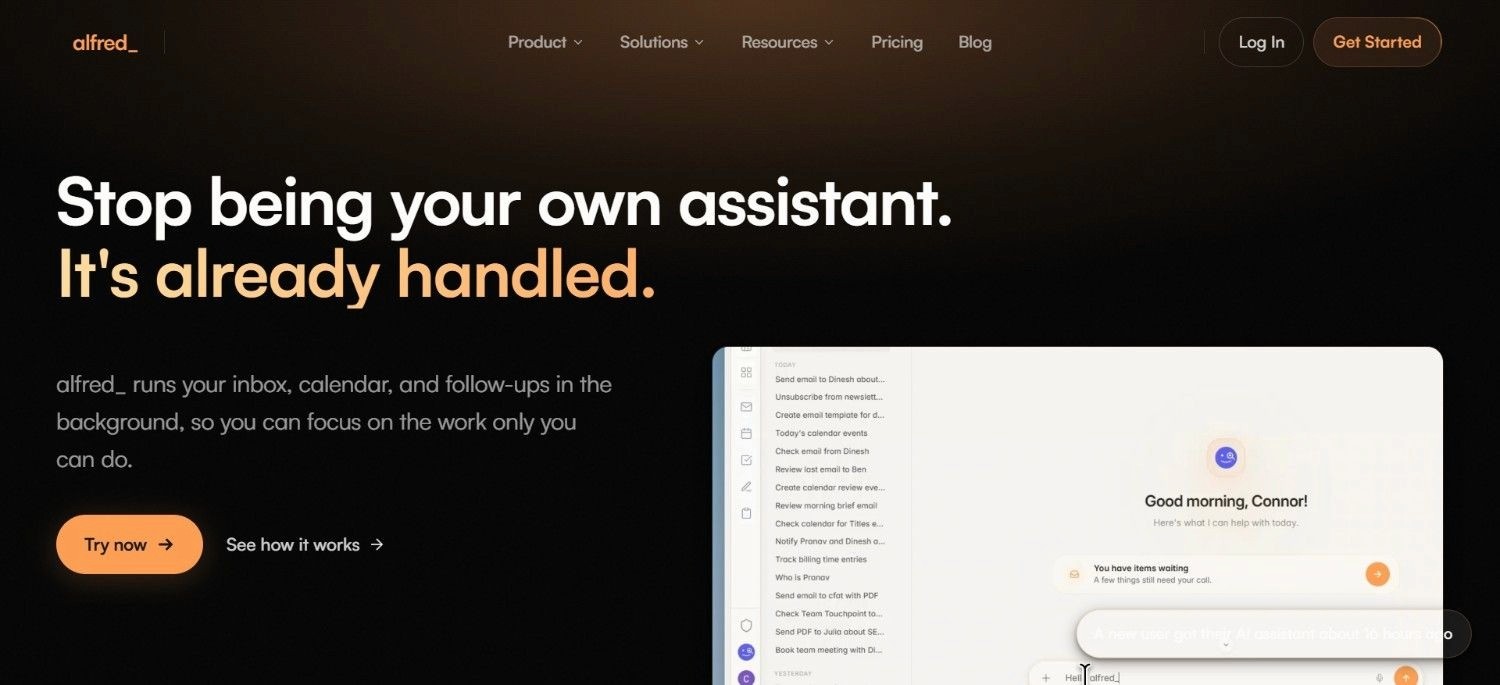
‘alfred_’ is an AI email assistant positioning itself as an autonomous inbox manager for founders, executives, and consultants.
The core product provides a daily briefing each morning summarising the previous day's email, classifies incoming messages by urgency and category, drafts replies for review, and extracts follow-up tasks into a connected task board. alfred_ reads email content to make triage decisions, which distinguishes it from metadata-only tools like SaneBox.
For professionals evaluating the best email triage tools at the personal assistant end of the market, alfred_ is amongst the more complete autonomous inbox management options available.
Ideal For
Founders, executives, and agency owners wanting an AI personal assistant that processes email autonomously and surfaces only what needs their attention
Consultants who bill by the hour and want to minimise the time spent on inbox management
High-output professionals who want a daily briefing summarising important communications from the previous day
Small teams wanting autonomous inbox management without the complexity of enterprise triage infrastructure
Top Features
Daily Brief Summarisation: alfred_ delivers a morning summary of the previous day's important communications, categorised by urgency and action required, so professionals start the day knowing exactly what needs attention.
Autonomous Draft Generation: alfred_ generates draft replies for incoming emails that require a response, which users review and send rather than composing from scratch. The drafts are context-aware and reflect the user's communication style over time.
Task Extraction and Calendar Integration: Action items identified in email are automatically extracted to a connected task board, and calendar-related communications feed into calendar management, reducing the manual step of transferring to-dos from inbox to task manager.
Why They Stand Out?
alfred_ is one of the best email triage tools in the market, particularly for founders and consultants for whom inbox management competes directly with billable time.
The daily brief is a practical differentiator that no other tool in this list provides in the same format.
Pros
Daily brief provides a structured start-of-day inbox overview
Autonomous draft generation reduces email composition time
Task extraction connects email action items to a task board automatically
Content-aware triage reads message intent rather than relying on metadata
Cons
Primarily designed for individual use; not suited to enterprise operational triage at scale
Monthly pricing at $24.99/month is higher than metadata-only tools like SaneBox for individual users
Less depth in multi-system integration and resolution compared to enterprise-grade tools
Pricing
alfred_ monthly plans start at $24.99/month. Annual plans start at $249.99/year. Contact their team for team or enterprise requirements.
Final Verdict
alfred_ is one of the best AI for email organisation, especially for founders, executives and consultants who are seeking an AI personal assistant that manages their inbox autonomously versus using a tool to process these emails.
For enterprise operations teams needing operational triage at scale, the personal assistant orientation limits applicability.
6. Fini AI
Overview
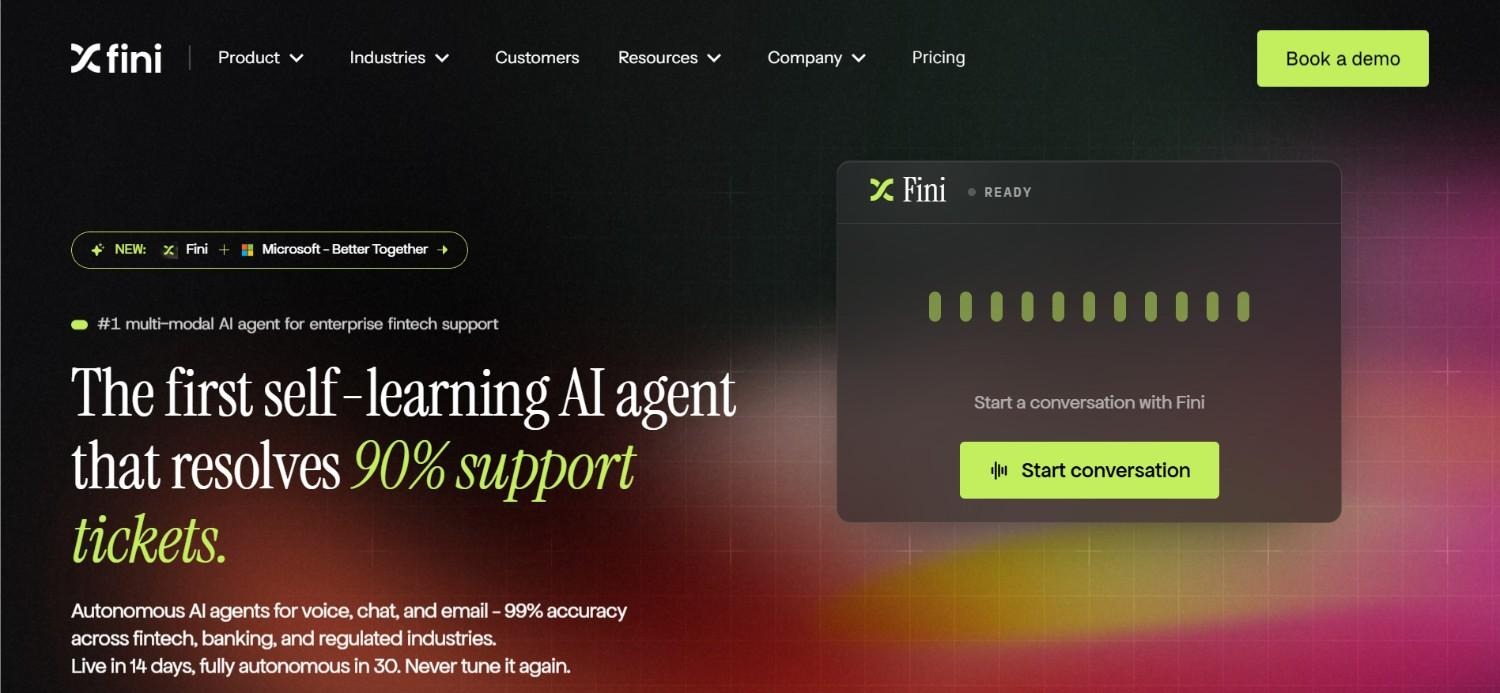
Fini AI is a customer support AI tool that connects to knowledge bases and help desk systems to resolve support tickets and emails automatically.
Their product targets SaaS companies and customer support teams that want AI to handle a meaningful percentage of inbound support tickets without human involvement, routing to human agents only when resolution confidence is low.
Fini AI's outcome-based pricing model, which charges per AI resolution rather than per seat or per month, makes it unusual in the category and aligns the vendor's economics with actual resolution outcomes.
As an email triage option for customer support operations, Fini AI covers the classification and resolution layer but is designed specifically for support ticket contexts rather than general business communication.
Ideal For
SaaS companies and digital businesses wanting AI to resolve a percentage of inbound support tickets autonomously
Customer support managers looking for outcome-based pricing that charges per resolved ticket rather than a flat platform fee
Teams wanting to reduce first-response time on support emails without hiring additional agents
Organisations with established knowledge bases that AI can draw on for accurate resolution
Top Features
AI-Powered Ticket Resolution: Fini AI classifies inbound support tickets, searches the connected knowledge base for relevant answers, and generates responses for tickets it can resolve with high confidence, without human involvement.
Escalation Workflow: Tickets that fall below a confidence threshold, or that contain sentiment indicating escalation risk, are routed to human agents with context pre-assembled, reducing the handoff time between AI and human resolution.
90-Day Full Refund Guarantee: Fini offers a full refund if they do not deliver on resolution performance within the first 90 days, which reduces the evaluation risk compared to platforms that require longer-term commitment upfront.
Why They Stand Out?
Fini AI's outcome-based pricing is a genuine differentiator in a category where most tools charge regardless of resolution success.
For support teams that want to pay for results rather than capacity, this model aligns costs with actual performance.
Pros
Outcome-based pricing charges per AI resolution, not per seat
Strong knowledge base integration for accurate support ticket resolution
90-day full refund guarantee reduces evaluation risk
Escalation routing ensures complex tickets reach humans with context assembled
Cons
Designed specifically for customer support ticket contexts; not suited to general business email triage
Growth plan minimum of $2,999/month is a high commitment threshold for smaller teams
Less suited to operations teams needing broader communication triage across multiple email types and workflows
Pricing
Fini AI offers a free Starter plan covering 50 tickets per month. The Growth plan is priced at $0.69 per AI resolution with a $2,999/month minimum, covering 5,000 tickets. Enterprise pricing with unlimited tickets is available on a custom basis.
Final Verdict
Fini AI is a strong choice for SaaS companies and support teams that want outcome-based AI ticket resolution with a clear per-resolution cost model.
For organisations needing general business email triage, operational communication processing, or multi-system resolution, the support-ticket focus limits its applicability.
7. Carly (Agent Builder)
Overview
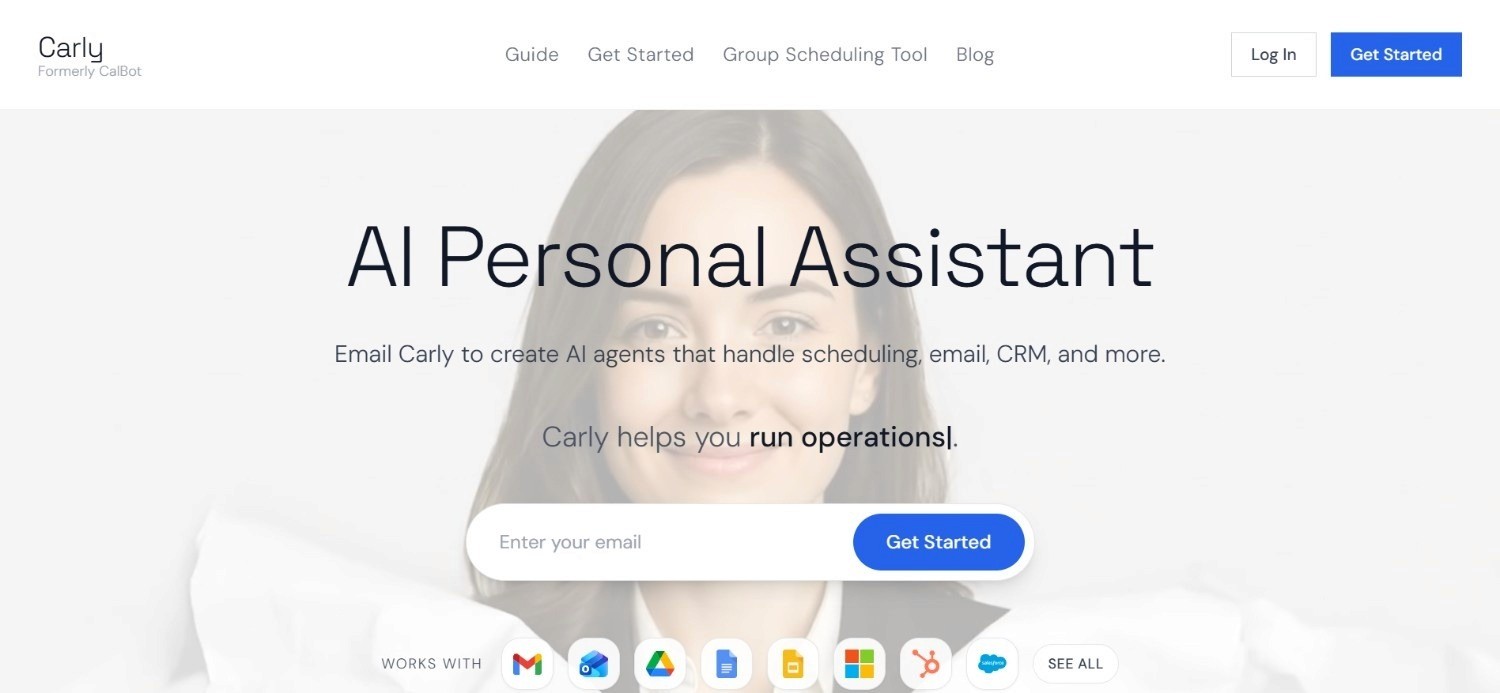
Carly is an AI agent builder that has expanded from calendar management into email and workflow automation. The product allows users to build custom AI agents connected to email accounts, calendars, and connected tools, which execute defined workflows autonomously.
For professionals and small teams seeking the best AI for email organisation rather than a fixed-feature email client, Carly provides a no-code agent building environment that adapts to specific workflow requirements rather than a standard feature set.
The platform is positioned between personal productivity tools and enterprise automation platforms, targeting individual professionals and growing teams that want more configurability than standard email tools offer.
Ideal For
Individual professionals and small teams wanting configurable AI agents that adapt to their specific email and calendar workflows
Founders and operators who want to define custom triage and response rules rather than relying on a fixed AI behaviour
Teams wanting connected email and calendar management from a single agent interface
Professionals comfortable with a no-code agent building approach to inbox automation
Top Features
Custom Agent Builder: Carly's no-code agent builder allows users to define specific triage rules, response behaviours, and workflow connections without writing code, creating a personalised inbox automation that matches the user's actual workflow.
Connected Email and Calendar: Agents access both email and calendar context simultaneously, enabling triage decisions that account for schedule availability and scheduling-related email handling in the same workflow.
Workflow Automation Integrations: Carly connects to a range of productivity and workflow tools, allowing agents to trigger actions in connected applications based on email events rather than requiring manual transfer between tools.
Why They Stand Out?
Carly's agent builder approach offers more configurability than fixed-feature email tools, which suits professionals whose triage requirements do not match a standard product's default behaviour.
The calendar-plus-email integration is a practical combination for professionals whose incoming email frequently triggers scheduling decisions – making them one of the best email triage tools in the market currently.
Pros
No-code custom agent builder adapts to specific workflow requirements
Connected email and calendar context in a single agent
Accessible entry pricing from $19/month for individual users
More configurable than standard email clients with fixed triage behaviour
Cons
Agent building requires time investment to configure; does not work out of the box for users who want a pre-configured triage experience
Less depth in enterprise features such as audit trails, compliance certifications, and multi-system integration
Enterprise deployments require custom pricing with no published guidance on tier structure
Pricing
Carly's Personal plan starts at $19/month with unlimited custom agents, connected email and calendar integration, and core workflow automation.
Enterprise deployments are available at custom pricing. Contact their team for enterprise requirements.
Final Verdict
Carly is a practical choice for individual professionals and small teams who want configurable AI agent-based email and calendar management rather than a fixed-feature inbox tool.
For enterprise operations teams needing governed, auditable triage with multi-system integration, the personal and small-team orientation limits the product's enterprise applicability.
8. Spike

Overview
Spike is a communication tool that converts email into a conversational chat-style interface, combining inbox management with team collaboration features. For small teams that want to reduce the formality and processing overhead of email without switching to a separate messaging tool, Spike's conversational model is a practical option.
The product covers shared inboxes, team channels, collaborative notes, and video meetings alongside the core email-as-chat interface.
As a consideration in this category, Spike is positioned more as a communication consolidation tool than an AI-driven triage product. The triage value comes from the interface redesign rather than deep AI classification.
Ideal For
Small teams wanting to convert shared email inboxes into a chat-style collaboration environment
Growing businesses that want to reduce email formality and response time within the team
Remote or distributed teams wanting to combine email, messaging, and meetings in a single application
Businesses wanting to reduce the tool count by combining email, chat, and video in one product
Top Features
Conversational Email Interface: Spike converts email threads into a chat-style format, reducing the visual and cognitive overhead of traditional email threading and making high-volume inboxes feel more like a messaging application.
Shared Inbox and Team Channels: Teams share inboxes and communicate in channels alongside email, reducing the context-switching between email and messaging tools.
Video Meetings and Collaborative Notes: Built-in video meeting capability and shared notes reduce the dependency on additional tools for teams using Spike as their primary communication environment.
Why They Stand Out?
Spike's conversion of email into a chat-style interface is a genuine differentiator for small teams that find traditional email threading creates unnecessary formality and processing overhead.
The all-in-one model addresses the tool fragmentation that affects many small team communication stacks.
Pros
Chat-style interface reduces the overhead of traditional email threading
Shared inbox and team channels consolidate email and messaging
Accessible pricing from $4/member/month on the Team plan
Built-in video and collaborative notes reduce tool count
Cons
AI triage depth is limited compared to content-reading triage tools; primarily a UX redesign rather than AI classification
Less suited to enterprise operational triage or regulated communication environments requiring audit trails
SME-focused; enterprise feature depth and compliance certifications are limited
Pricing
Spike offers a free Starter plan for teams of up to three members with 15 GB storage. While the ‘Team’ plan is $4/member/month billed annually with 100 GB storage and custom email domain, the ‘Business’ plan is billed annually at $8/member/month with 1 TB storage and VIP support.
Final Verdict
Spike is one of the best email triage tools for small teams looking to convert email into a more conversational, collaborative interface at an accessible price point.
For organisations needing AI-driven content-aware triage, enterprise compliance features, or multi-system operational resolution, Spike's interface-redesign approach does not provide that classification depth.
9. Forethought AI
Overview
Forethought AI is an AI-powered customer service platform focused on email and ticket triage for support operations. Their product covers AI-driven intent detection, ticket classification, suggested resolutions, and routing to the right team or agent based on the nature of the incoming request.
Forethought's outcome-based pricing model, which charges primarily for AI resolutions rather than platform access, positions it as one of the more commercially differentiated options for support teams evaluating the best email triage tool for customer-facing operations.
Forethought integrates with major CRM and helpdesk platforms including Salesforce, Zendesk, and ServiceNow, which makes it relevant for enterprises with established support infrastructure who want to add an AI triage layer rather than replace their existing systems.
Ideal For
Customer support and CX teams at mid-market and enterprise businesses wanting AI intent detection and routing across email and ticket queues
Support operations managers wanting to reduce first-response time without increasing headcount
Teams on Salesforce, Zendesk, or ServiceNow wanting an AI triage layer that connects to existing helpdesk infrastructure
Organisations wanting outcome-based pricing that aligns cost with actual AI resolution performance
Top Features
AI Intent Detection and Classification: Forethought reads inbound email and ticket content to detect customer intent and classify the nature of the request, routing to the appropriate team or resolution workflow rather than relying on manual tagging.
Suggested Resolutions from Knowledge Base: For classified tickets that match known resolution patterns, Forethought surfaces suggested replies from the connected knowledge base, reducing the agent research time required to compose a response.
CRM and Helpdesk Integration: Native integrations with Salesforce, Zendesk, and ServiceNow allow Forethought to operate within existing support infrastructure rather than requiring system replacement or parallel operation.
Why They Stand Out?
Forethought's combination of intent detection and helpdesk-native integration is one of the stronger approaches for enterprise support teams that want to improve triage accuracy and reduce response time without overhauling their existing support stack.
Pros
AI intent detection provides content-aware classification beyond keyword rules
Knowledge base integration improves suggested resolution accuracy
Integrates with Salesforce, Zendesk, and ServiceNow without replacing existing infrastructure
Outcome-based pricing aligns vendor economics with actual resolution performance
Cons
No publicly listed pricing; requires full sales engagement before budget assessment
Designed specifically for customer support contexts; not suited to general business email triage or regulated operational communications
Implementation and integration setup require professional services investment
Pricing
Forethought uses outcome-based pricing with a basic platform fee plus charges primarily for AI resolutions.
Three plans are available: Team, Professional, and Enterprise. All of them require direct contact for a quote; no public pricing is listed.
Final Verdict
Forethought AI is one of the best AI for email organisation, especially in the context of enterprise customer support teams wanting AI intent detection and resolution routing that connects to existing helpdesk infrastructure.
For organisations needing general business email triage, operational communication processing, or multi-system resolution beyond the support context, the customer service orientation limits its broader applicability.
10. Decagon
Overview
Decagon is an enterprise AI agent platform built for customer operations teams that need to resolve conversations autonomously end-to-end.
Their product covers the full resolution lifecycle: receiving inbound communications, classifying by intent, retrieving knowledge base context, generating accurate responses, and escalating complex cases to humans with full context pre-assembled.
Decagon operates on a per-conversation or per-resolution pricing model, giving operations teams a choice between predictable per-conversation cost and a higher per-resolution rate charged only for fully resolved conversations.
As a key option in the “best email triage tool” category for enterprise operations, Decagon covers both triage and resolution layers for customer-facing communication.
Ideal For
Enterprise customer operations teams managing high volumes of inbound customer communications across email and portal
CX and Operations Leaders who want AI to resolve a meaningful percentage of conversations end-to-end without human involvement
Organisations wanting a choice between predictable per-conversation pricing and outcome-based per-resolution pricing
Enterprise teams where the primary metric is conversation resolution rate rather than inbox management speed
Top Features
Autonomous Conversation Resolution: Decagon's AI agents handle the complete resolution workflow for conversations they can resolve with high confidence, from initial classification through response generation to case closure, without human involvement.
Escalation Routing with Context Assembly: Conversations that require human involvement are escalated with full context pre-assembled, reducing the time agents spend reconstructing conversation history before they can respond.
Flexible Pricing Models: Per-conversation pricing offers predictability for high-volume operations; per-resolution pricing with volume discounts rewards teams where AI achieves high autonomous resolution rates.
Why They Stand Out?
Decagon is one of the stronger enterprise options for customer operations teams where the primary goal is autonomous conversation resolution rather than inbox organisation.
The flexible pricing model is a practical differentiator for large-scale deployments where per-conversation cost predictability matters.
Pros
Autonomous end-to-end conversation resolution reduces human agent involvement for routine cases
Escalation routing pre-assembles context to reduce handoff time
Flexible pricing: per-conversation for predictability or per-resolution for performance alignment
Enterprise-grade with no public pricing, reflecting a genuine enterprise evaluation and deployment process
Cons
No publicly listed pricing; requires direct sales engagement before budget assessment
Primarily designed for customer operations contexts; less suited to internal business email triage or regulated operational communications requiring deterministic rule execution
Implementation complexity is higher than self-serve triage tools; requires onboarding and knowledge base setup
Pricing
Decagon offers two flexible enterprise pricing options: per-conversation, which charges a fixed rate per incoming conversation with volume discounts, and per-resolution, which charges a higher fixed rate only for fully resolved conversations with no charge for escalations.
No public pricing is listed. Contact Decagon directly for a quote aligned to your conversation volume and resolution requirements.
Final Verdict
Decagon is a strong option for enterprise customer operations teams that want autonomous conversation resolution with flexible pricing.
For teams outside the customer operations context, or for organisations that need the triage system to connect to back-office legacy systems (SAP, Oracle, Guidewire) rather than customer-facing knowledge bases, Noxus provides the deeper system integration that Decagon's customer operations focus does not address.
How to Choose the Best Email Triage Tool (What to Consider)?
1. Define What Resolution Means for Your Use Case
The most important question before evaluating any email triage tool is: what does the end state look like? For an individual executive, the end state is a sorted inbox with draft replies ready for review.
For a customer support team, the end state is a resolved ticket logged in the CRM. For an enterprise operations team, the end state is a classified communication, a retrieval from three legacy systems, a governed response, and an audit-logged outcome written back to the ERP.
These are three entirely different requirements, and no single tool serves all three equally well. Mapping your resolution requirement to the tool's actual capability is the first and most important step.
2. Check Whether the Tool Reads Content or Only Metadata
There is a fundamental difference between email triage tools that read message content to understand intent and urgency, and tools that use metadata signals such as sender history and engagement patterns to make prioritisation decisions.
Content-reading tools like Noxus, Shortwave, alfred_, and Decagon can identify an urgent message from a new sender or a routine message from a high-frequency contact.
Metadata-only tools like SaneBox cannot. For use cases where new-sender urgency is a real scenario, content reading is a hard requirement in any email triage tool.
3. Ask Whether the Tool Applies Deterministic Business Rules or Relies Purely on AI Judgement
Content reading gets the AI in the door. What happens next is the more important question for governed or regulated operations. Some tools classify an email and generate a suggested response, the AI decides what the response should be.
Others, like Noxus, separate the AI's role (interpreting unstructured input) from the decision layer (executing business rules you define).
For operations teams in financial services, healthcare, or insurance, this is not optional: a complaint resolution, a billing dispute, or a clinical communication cannot be governed by AI confidence alone.
Ask any tool you evaluate: when the AI makes a triage or resolution decision, what stops it from acting outside your policy? If the answer is "the model is well-prompted," that is not governance. If the answer is "your rules execute deterministically and the AI only interprets," that is.
4. Verify Multi-System Integration Depth for Operational Teams
For operations teams where email triage triggers downstream actions in CRM, ERP, helpdesk, or clinical systems, the integration between the triage tool and those systems determines whether the tool reduces manual work or simply reorganises it.
Ask specifically: does the tool write outcomes back to the CRM when an email is resolved, or does an agent still need to manually update the record? Does it retrieve case context from the ERP before generating a response, or does the agent still need to look that up?
For enterprise operations, the best AI for email organisation must close the loop with downstream systems, not just improve the inbox view.
5. Confirm Data Governance Requirements for Your Industry
For teams in regulated industries, financial services, healthcare, insurance, and public sector, the governance requirements for AI-assisted communication triage are not optional. Does the tool produce a complete, replayable audit trail of every triage decision?
Can it be deployed on your own infrastructure if data cannot leave your environment? Lastly, is the vendor certified for SOC 2 Type II, ISO 27001, and GDPR Article 28?
For Noxus deployments, all three are standard architectural features.
For other email triage tools on this list, these vary considerably, and discovering the gap post-purchase creates compliance exposure.
5. Model Total Cost at Your Communication Volume
Email triage tools are priced across several incompatible models: per-seat monthly subscriptions (Superhuman, Shortwave), flat monthly access fees (SaneBox, alfred_), per-resolution or per-conversation charges (Fini AI, Decagon, Forethought), and usage-based volume pricing (Noxus).
Each model behaves very differently as communication volume scales. A per-resolution model that looks affordable at 1,000 tickets per month becomes expensive at 50,000. A flat-fee model that is expensive for an individual is cost-effective for a team of 20.
Before selecting a tool, model the cost at your current volume and at 3x your current volume, and compare that against the staff cost of your current manual triage process.
Everything You Need to Know About Email Triage Tools
← scroll to see all columns →
| Company | Pros | Cons | Ease of Use | Integrations | Support | Affordability |
|---|---|---|---|---|---|---|
| Noxus | End-to-end resolution with system write-back; full audit trail; deployment sovereignty; 3–5x ROI in production | Not suited to personal inbox management; enterprise entry price | ⭐⭐⭐⭐⭐ | ⭐⭐⭐⭐⭐ | ⭐⭐⭐⭐⭐ | ⭐⭐⭐⭐⭐ |
| SaneBox | Very low cost; works on any email client; privacy-preserving | Metadata-only; cannot read content for urgency; no multi-system integration | ⭐⭐⭐⭐⭐ | ⭐⭐⭐⭐⭐ | ⭐⭐⭐⭐⭐ | ⭐⭐⭐⭐⭐ |
| Shortwave | AI-native client; content summaries; task extraction | Gmail-centric; personal tool only; business tier costs scale | ⭐⭐⭐⭐⭐ | ⭐⭐⭐⭐⭐ | ⭐⭐⭐⭐⭐ | ⭐⭐⭐⭐⭐ |
| Superhuman | Very fast inbox zero; AI drafts; strong UX | Expensive per seat; personal focus; requires workflow change | ⭐⭐⭐⭐⭐ | ⭐⭐⭐⭐⭐ | ⭐⭐⭐⭐⭐ | ⭐⭐⭐⭐⭐ |
| alfred_ | Daily brief; autonomous drafts; task extraction | Personal tool; $24.99/month higher than comparable tools | ⭐⭐⭐⭐⭐ | ⭐⭐⭐⭐⭐ | ⭐⭐⭐⭐⭐ | ⭐⭐⭐⭐⭐ |
| Fini AI | Outcome-based pricing; 90-day guarantee; escalation routing | Support-only context; $2,999/month minimum; limited general triage | ⭐⭐⭐⭐⭐ | ⭐⭐⭐⭐⭐ | ⭐⭐⭐⭐⭐ | ⭐⭐⭐⭐⭐ |
| Carly | Configurable agents; email and calendar combined; $19/month | Requires configuration time; limited enterprise compliance features | ⭐⭐⭐⭐⭐ | ⭐⭐⭐⭐⭐ | ⭐⭐⭐⭐⭐ | ⭐⭐⭐⭐⭐ |
| Spike | Chat-style email; team collaboration; accessible pricing | Limited AI triage depth; SME focus; limited compliance features | ⭐⭐⭐⭐⭐ | ⭐⭐⭐⭐⭐ | ⭐⭐⭐⭐⭐ | ⭐⭐⭐⭐⭐ |
| Forethought AI | Intent detection; helpdesk-native; outcome-based pricing | Custom pricing only; support context only; requires professional services | ⭐⭐⭐⭐⭐ | ⭐⭐⭐⭐⭐ | ⭐⭐⭐⭐⭐ | ⭐⭐⭐⭐⭐ |
| Decagon | Autonomous resolution; flexible pricing model; enterprise-grade | Custom pricing only; customer operations context only; not for legacy ERP integration | ⭐⭐⭐⭐⭐ | ⭐⭐⭐⭐⭐ | ⭐⭐⭐⭐⭐ | ⭐⭐⭐⭐⭐ |
Resolve More Than Email with Noxus
Even the best email triage tools just focus on improving the inbox. Noxus, on the other hand, automates what happens after triage.
The platform classifies inbound communications, retrieves context from the systems where work actually lives, applies your business rules, generates governed responses, and writes outcomes back under full audit. The email is the trigger. The resolved case in the CRM, the updated record in the ERP, the logged outcome in the clinical system: that is the result.
If your team is processing thousands of communications per month and the manual work is not in the inbox but in the five system lookups that follow every classified email, we close that gap on the systems you already run. Zero rip-and-replace. Production in 45 to 80 days. Zero client churn across all deployments to date.
FAQs About Email Triage Tools
What is the best email triage tool in 2026?
When it comes to choosing the best email triage tool for 2026, Noxus delivers end-to-end triage-to-resolution with 3-5x ROI and 90-96% AI precision in production. For individual professionals wanting faster personal inbox management, alfred_ and Superhuman are strong content-aware options. For the lowest-cost personal filtering, SaneBox starts at $2.42/month.
What should I consider when choosing the best email triage tool for me?
When choosing the best email triage tool, the three most important factors are: whether the tool reads email content (not just metadata) for accurate intent-based triage; whether it connects to the downstream systems where work actually gets done when an email arrives; and how the pricing model scales with your communication volume. A tool that looks affordable at 500 emails per month may be your most expensive operational cost at 50,000.
How does Noxus differ from standard email triage tools?
Noxus differs from others on the best email triage tool list in the sense that the platform does not stop at classification. Standard tools sort email into categories or generate a suggested reply. Noxus classifies the communication, retrieves context from CRM, ERP, and clinical systems, applies your business rules, generates governed responses, and writes outcomes back to source systems with a full audit trail. The triage is the start; end-to-end resolution is the output.
How do I get started with Noxus?
Getting started with Noxus begins with a free test tier; you can evaluate the platform on your actual communication workflows, with your real data, before any commercial commitment. From there, the first engagement involves a discovery conversation to map your inbound process, followed by a deployment engineering phase connecting to your email infrastructure and back-office systems. Most first deployments are live in 45 to 80 days on the systems you already run.
How easy is it to switch to Noxus?
Switching to Noxus does not require replacing your existing email infrastructure, CRM, or ERP systems. We operate as an automation layer on top of the systems you already run, connecting to Outlook, Gmail, Salesforce, SAP, Oracle, ServiceNow, and 400+ other tools without requiring API modernisation of legacy systems. The integration work is handled by our deployment team; your operations team is involved in workflow design and validation rather than infrastructure setup.
Does Noxus replace our existing email client or CRM?
Noxus does not replace your email client or CRM; we operate as the automation layer between inbound communication and the systems where resolution happens. Your Outlook or Gmail inbox continues to receive email; the platform processes those communications, performs lookups in your CRM and ERP, applies policy rules, generates responses, and writes outcomes back, all within your existing infrastructure. The systems your team uses every day stay in place. What changes is the manual bridging work between those systems, which we remove.
Can a small business use an email triage tool effectively?
Small businesses can absolutely use email triage tools effectively; the right tool depends on their specific need. For individual professionals or founders, SaneBox, alfred_, and Carly all provide meaningful triage value starting under $25/month. For small teams wanting a combined email and chat experience, Spike starts at $4/member/month. The best email triage tool for a small business is typically one that works on top of their existing email client without requiring infrastructure changes, deploys in hours rather than weeks, and costs less than the staff time it saves.






