Best AI Tools for Operations Management in 2026 (Top-Ranked Agents Reviewed & Compared)
Discover the best AI tools for operations management. Compare the top tools, including Noxus to automate your key workflows and cut manual ops overhead.

Key Takeaways (TL;DR)
The Best AI Tool for Operations Management Overall: Noxus is the best AI tool for operations management. It's an ideal solution for enterprises and mid-market organisations with complex, multi-system operational workflows. While most operations automation tools handle individual tasks, the platform deploys process intelligence that executes entire workflows from intake through system write-back under full governance.
Why Do You Need It: Operations headcount grows linearly while transaction volume grows exponentially. Without AI tools for operations management that execute work rather than just suggest it, that gap becomes a structural cost problem.
Who It's For: COOs, VP Operations, and Digital Transformation Leaders at mid-market to enterprise organisations with high-volume, multi-system back-office workflows that have outgrown manual processing or fragile RPA.
How to Choose the Right One: Clarify whether you need task automation or process execution; verify the tool connects natively to your existing system landscape; and model the total cost at your 12-month projected volume, not just the entry-tier price.
Expected Price: Noxus operates on a usage-based model: you pay for the operations your AI workers complete, not a fixed per-seat subscription. Across the wider market, pricing for the best AI tools for operations management ranges from n8n's free self-hosted tier through Zapier's $29.99/month entry point up to Workato's enterprise deployments at $84,000-$180,000/year.
Table of Contents
Top AI Tools for Operations Management in 2026 at a Glance
← scroll to see all columns →
| Company | Best For | Key Features | Pricing |
|---|---|---|---|
| Noxus | Enterprises needing end-to-end agentic workflow automation on legacy systems | Process intelligence runtimeMulti-system orchestrationSAP/Oracle/ERP write-backFull audit trailGDPR-compliant deployment | Usage-based; custom per deployment |
| Lindy | Individuals and SMEs wanting AI-assisted inbox, calendar, and meeting operations | Email triageCalendar managementMeeting follow-upCRM admin | Free Plus $49.99 • Pro $99.99/month |
| n8n | Technical teams wanting self-hosted, code-friendly workflow automation | Visual workflow builder400+ integrationsSelf-hosted optionAI node support | Free (self-hosted) Cloud from €20/month |
| Zapier | Non-technical teams wanting quick app-to-app automation without code | Trigger-action automations7,000+ app integrationsAI actionsZapier Tables | Free From $29.99/month |
| Relevance AI | Teams wanting to build and deploy AI agents for specific business processes | AI agent builderKnowledge base integrationMulti-step agent workflows | Free Enterprise: custom |
| Workato | Mid-market and enterprise teams needing enterprise-grade integration and automation | iPaaS1,000+ connectorsWorkato CopilotAgentic orchestration | From ~$10,000/year Enterprise $84k–$180k/year |
| Activepieces | Developer teams wanting open-source workflow automation with no-code options | Open-source100+ integrationsSelf-hosted or cloudAI pieces | Free Community (self-hosted) Cloud paid tiers available |
| Microsoft Power Automate | Microsoft 365 organisations wanting native workflow automation across the M365 stack | Cloud and desktop flowsAI BuilderCopilot integrationRPA capabilities | Free trial Premium $15/user/month |
| Pipedream | Developers wanting code-native event-driven workflow automation | Code-first workflows1,000+ triggersServerless executionConnect API | Basic $29/month Advanced $49 • Connect $99 |
| Tray | Operations and RevOps teams needing a no-code enterprise integration and automation layer | Visual workflow builderMerlin Agent BuilderEnterprise connectorsUniversal connector | Custom; sales-led |
What Are AI Tools for Operations Management?
AI tools for operations management are software products that use artificial intelligence to automate, orchestrate, and execute the workflows that keep an organisation running.
They cover a wide range of capabilities: from simple trigger-action automations that move data between apps, through to agentic AI systems that process unstructured inputs, make governed decisions, and write outcomes back into enterprise systems.
The category has evolved significantly. Five years ago, operations workflow software primarily meant RPA (robotic process automation) bots that replicated repetitive mouse clicks, or iPaaS tools that connected apps via APIs to pass data between them.
Both solved real problems, but both had hard limits: RPA broke whenever a UI changed, and iPaaS required every connected system to have a clean, modern API.
Operations automation tools in 2026 operate differently. The best ones combine natural language processing, AI reasoning, and structured workflow execution to handle the unstructured, judgment-intensive parts of operations work that neither RPA nor traditional integration could touch.
A complaint email that arrives in an unstructured format can now be read, classified, matched to a customer record in SAP, have a policy-governed response generated, and have the outcome written back into the CRM, without a human involved at any step.
The distinction that matters most in 2026 is between tools that automate tasks and tools that automate processes. Task automation tools (Zapier, n8n, Power Automate) connect apps and trigger actions when conditions are met. On the other hand, process automation tools (Noxus, Workato at scale) execute entire multi-step workflows end-to-end, handling the reasoning, exception management, and system write-back that task automation tools leave to humans.
For enterprise operations leaders evaluating these tools, the right starting question is not "which tool has the most integrations" but "which tool can execute the full workflow, including the judgment-intensive parts, on the systems my organisation actually runs."
Why Do You Need Operations Automation Tools?
The core problem that drives most operations automation tools evaluations is a structural one: operations headcount grows linearly while transaction volume grows non-linearly. Every large organisation knows the feeling.
Revenue doubles in three years; the operations team grows by 30%. The shortfall gets absorbed by longer hours, lower quality, and mounting error rates, until something breaks.
According to McKinsey Global Institute research, organisations with 2,000 or more employees could automate an average of 45% of the activities their employees are currently paid to perform, using technology available in 2025. The gap between that potential and what most organisations have actually automated represents both the business case and the challenge.
The challenge is infrastructure. Most enterprise operations workflows do not run on a single modern SaaS application. They run across SAP ECC and Oracle EBS from the 1990s, Guidewire and COBOL-era insurance cores, proprietary industry platforms with no public API, and three generations of CRM systems that never got decommissioned. Any automation tool that assumes a clean, API-first environment will fail at the point of integration, which is exactly where most AI pilots die.
The financial cost of not automating is measurable. Manual processing error rates at scale typically run 3-8%, according to operational benchmarking data. Each error produces downstream rework: a billing dispute reopened, a claim re-adjudicated, a supplier payment reversed.
The cost of a single manual error in a regulated process, including the staff time to correct it, the compliance documentation required, and the potential regulatory exposure, can dwarf the monthly cost of the automation tool that would have prevented it.
For COOs and Operations Directors, the board conversation has also changed. Three years ago, AI automation was a future roadmap item. In 2026, it is an active cost reduction expectation.
Boards are asking not whether to automate but why specific operations processes have not been automated yet.
Who Needs AI Tools for Operations Management?
Operations Leaders at Enterprises with Legacy System Complexity
VP Operations, Head of Shared Services, and COO roles at organisations running operations on SAP, Oracle, Guidewire, or other legacy systems where standard operations automation tools cannot reach.
Their specific problem is the system integration gap: automation pilots succeed in sandbox environments but fail in production because the AI cannot operate inside the legacy systems where the actual work happens.
They need automation tools built specifically for legacy system depth, not tools that assume a modern API layer.
Digital Transformation Leaders Who Have Seen Pilots Fail
Chief Digital Officers, Heads of AI, and Digital Transformation Directors at organisations with multiple automation pilots stuck in sandbox or pilot-purgatory. They have the mandate and the budget but not the production deployments.
Their evaluation criterion is proof of production: not a demo on generic data, but evidence of comparable organisations running the same workflows in production at measurable ROI.
Mid-Market Operations Owners Managing Volume Growth
COOs and Managing Directors at mid-market companies where transaction volume has outpaced the operations team's capacity.
They need operations workflow software that deploys fast, does not require a large IT project, and produces visible cost reduction in the first 90 days.
The per-seat pricing models of many enterprise tools create friction at this scale; usage-based models that align cost with actual work done are a better fit.
IT and Architecture Leaders Evaluating Compliance Risk
CISOs and IT Directors at regulated organisations in financial services, healthcare, and insurance, where any AI system processing operational data must operate under GDPR Article 28, SOC 2 Type II, and sector-specific data governance requirements.
For this audience, the governance architecture of operations automation tools is as important as the feature set.
Data sovereignty, audit trail completeness, and deployment flexibility are procurement requirements, not nice-to-haves.
Finance Leaders Building the Business Case for Operations AI
CFOs and Finance Directors who need to approve AI operations investments on the basis of measurable ROI with a clear payback timeline.
They need cost-per-transaction data from comparable deployments, a clear model of headcount displacement versus retraining, and pricing structures that do not expose the organisation to runaway per-transaction costs as volume grows.
Usage-based models that scale with volume produce more predictable long-term economics than per-seat models that charge regardless of utilisation.
Best AI Tools for Operations Management in 2026: In-Depth Review & Comparison
1. Noxus

Overview
We built Noxus to solve the specific problem that sits underneath most failed deployments of AI tools for operations management at the enterprise level: the infrastructure integration gap, given that these tools usually work well in demo environments.
They fail in production because the workflows that generate the most operational cost in a real enterprise run across SAP ECC, Oracle EBS, Guidewire, COBOL-era cores, and proprietary platforms that no standard automation tool can reach without a six-month middleware project.
We solve that differently. The platform operates inside legacy systems the way your operations teams do today: navigating interfaces, performing multi-step lookups, applying business rules, and writing outcomes back to source systems with a complete audit trail. The AI reads unstructured inputs; your policies govern every decision. No AI model approves a claim or initiates a payment. Every action is traceable, every outcome is replayable.
We are deployed in production across major European enterprises. Santander runs customer operations automation across up to 15 regions, with 3x ROI and 95% AI precision achieved in 45 days. CUF/José de Mello automates 10,000+ patient and administrative communications per month at 96% precision under GDPR Article 9 compliance. Jerónimo Martins automates 15,000+ daily product catalogue operations at 5x ROI. These are not pilots: they are production deployments on real systems with real data.
For complex, legacy-heavy enterprise environments, Noxus is the infrastructure layer that makes agentic automation real where it is hardest.
Ideal For
COOs and VP Operations at enterprises with legacy ERP environments (SAP ECC, Oracle, Guidewire) where standard operations workflow software cannot execute workflows end-to-end without API modernisation
Digital Transformation Leaders who have accumulated stalled automation pilots and need a partner with production evidence in comparable legacy environments
CISOs and IT Directors at regulated industries where operational data governance under GDPR Article 28, SOC 2 Type II, ISO 27001, and HIPAA is a hard procurement requirement
CFOs evaluating operations automation tools on the basis of measurable ROI, with 3–5x ROI benchmarks from comparable production deployments available for board-level business cases
Mid-market COOs and Managing Directors who need AI operations automation with fast time-to-production (45–80 days) and usage-based pricing that scales with actual work volume
Top Features
Agentic Workflow Execution Across Legacy Systems: The process intelligence runtime executes complete operational workflows from unstructured input through multi-system lookup through ERP write-back, without requiring API modernisation of legacy systems. Operates inside SAP ECC, Oracle, Guidewire, COBOL-era cores, and proprietary platforms other operations automation tools cannot reach.
Deterministic Business Rule Governance: Your SOPs and compliance policies are hard-coded into the workflow execution layer. The AI interprets unstructured content; your rules make every regulated decision. When AI confidence drops below a configured threshold, the case escalates to a human with full context pre-assembled.
Full Audit Trail with Complete Replayability: Every workflow execution produces a tamper-evident trace of what happened at every step: input received, system queried, rule applied, action taken, outcome written back. Operations teams use it to improve processes; compliance teams use it to satisfy regulators.
Deployment Sovereignty (SaaS, VPC, On-Premises): Three deployment architectures including fully air-gapped on-premises. BYOK model routing across Azure AI Foundry, AWS Bedrock, and Google Vertex AI. Certified against SOC 2 Type II, ISO 27001, GDPR Article 28, and HIPAA.
400+ Native Connectors Including SAP, Oracle, and Guidewire: Connects to Salesforce, ServiceNow, SAP, Oracle, Guidewire, Outlook, SharePoint, and 380+ additional tools out of the box. The deployment team handles integration setup; no large internal IT project required.
Why We Stand Out?
The difference between Noxus and every other tool on this list is what happens when a workflow hits a legacy system. Zapier, n8n, Workato, and Power Automate all require a working API. If the system does not have one, or if the API does not expose the endpoints the automation needs, the workflow stops. That is where most enterprise operations automation projects die.
We operate inside the system the way your staff does. No API required. No middleware project. No infrastructure modernisation as a prerequisite. That is why our deployments go live in 45–80 days on the client's actual systems, while comparable internal build projects take 12+ months before any ROI materialises.
Explore the full range of enterprise AI use cases to see how organisations similar to yours are deploying Noxus across financial services, healthcare, retail, and logistics
Pros
Executes complete operational workflows end-to-end including ERP write-back, not just task-level automations
Operates natively inside legacy systems without API prerequisites
Proven production ROI: 3–5x across documented case studies at Santander, CUF/José de Mello, and Jerónimo Martins
Full deployment sovereignty options including on-premises and air-gapped for regulated industries
Zero client churn across all production deployments to date; subsequent use cases deploy at 85-90% platform margin as the integration infrastructure is already operational
Usage-based pricing with a structured pilot available before full commitment; costs scale with actual work completed.
Cons
Purpose-built for enterprises and mid-market organisations managing complex, high-volume operational workflows across legacy system environments; not suited to small businesses, individual contributors, or teams with straightforward API-accessible system landscapes
Not a general-purpose automation builder; organisations needing simple task-level app-to-app automations should evaluate the lighter-weight tools on this list for faster time-to-value at lower cost.
Pricing
We use a monthly platform license with consumption-based pricing. You pay for completed operations, not seats or tokens. Pricing scales with volume and complexity – as you add more workflows to the infrastructure, economics improve since the integration layer is already set up.
A structured pilot on your actual workflows is also available before full commitment. Contact our sales team directly for pricing tailored to your use case and scale.
Final Verdict
Noxus tops the list for the best AI tools for operations management. It is an ideal choice for any enterprise or mid-market organisation whose primary challenge is multi-system workflow complexity on legacy infrastructure.
If your team is manually bridging SAP and CRM by hand, manually reconciling vendor invoices across disconnected systems, or manually triaging thousands of operational communications per month, we automate that entire chain on the systems you already run.
For organisations with simpler, API-accessible system landscapes that need task-level automations, one of the lighter-weight tools on this list will deliver faster time-to-value at lower cost.
2. Lindy
Overview
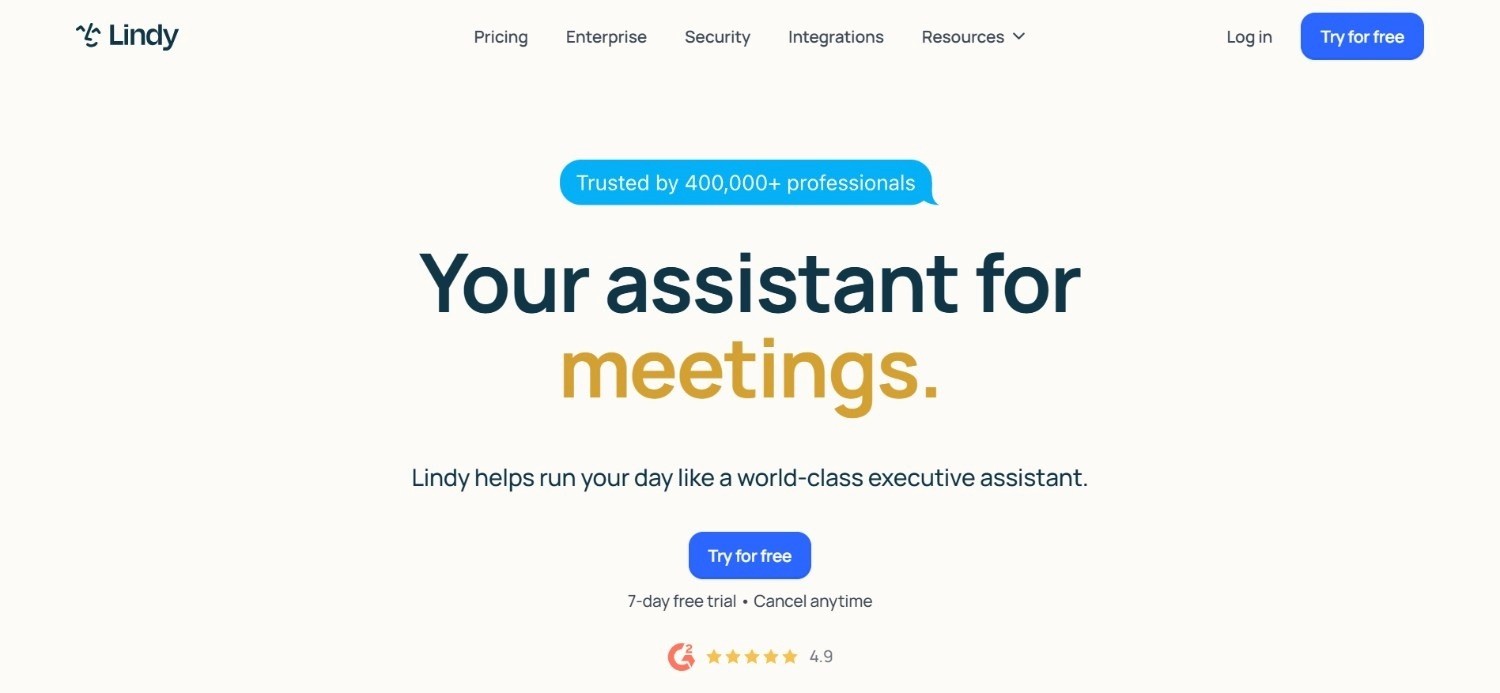
Lindy is an AI assistant product targeting individual professionals, executives, and small operations teams who want to automate the daily overhead of inbox management, meeting follow-up, CRM admin, and calendar coordination.
Their credit-based model allows users to build "Lindies" (named AI agents) that execute specific repeating tasks across email, calendar, Slack, and connected SaaS tools.
At the personal productivity and SME end, Lindy positions itself as a genuinely autonomous assistant rather than a prompted chatbot.
Ideal For
Founders, CEOs, and executives at startups and SMEs who want autonomous inbox triage, meeting preparation, and follow-up without hiring an operations coordinator
Small operations teams at growing businesses wanting AI to handle repeating admin tasks across email, calendar, and CRM
Sales and RevOps teams wanting automated lead enrichment, CRM updates, and meeting summaries handled by AI rather than manually
Individual contributors who want to automate personal productivity workflows across their existing SaaS tool stack
Top Features
Autonomous Email Management: Lindy reads inbound email, classifies by urgency and topic, drafts replies for review, and routes specific message types to defined workflows, reducing inbox processing time significantly.
Meeting Intelligence and Follow-Up: Lindy joins meetings, transcribes, generates action item summaries, and sends follow-up emails or updates CRM records post-meeting, removing the manual capture step that commonly causes action items to be lost.
CRM Admin and Lead Enrichment Automation: Lindy enriches contact records, logs email and meeting interactions to CRM automatically, and sends follow-up sequences based on trigger conditions, reducing the manual CRM maintenance overhead that consumes sales and operations team time.
Why They Stand Out?
Lindy is one of the more complete personal AI assistant options at the SME and individual tier. The breadth of tasks a single Lindy agent can handle across inbox, calendar, and CRM without requiring technical configuration distinguishes it from tools that require workflow design upfront.
Pros
Genuinely autonomous across inbox, calendar, meeting follow-up, and CRM admin
No-code setup for most common operations tasks
Credit-based usage means costs reflect actual task volume
Enterprise tier adds SSO, SCIM, and audit logs for compliance requirements
Cons
Credit-based pricing model can be difficult to predict for high-volume operations teams before establishing a usage baseline
Not suited to complex, multi-system enterprise workflows involving legacy ERPs or regulated operational processes
Enterprise compliance features (SSO, SCIM, audit logs) only available on the highest tier, which requires sales engagement
Pricing
Lindy starts with a free plan covering limited usage. Paid tiers include Plus at $49.99/month, Pro at $99.99/month, and Max at $199.99/month. Enterprise pricing is available via direct sales engagement and adds compliance and admin features. All tiers use a credit-based system where task cost depends on model and workflow complexity.
Final Verdict
Lindy is a strong choice for individual professionals, founders, and small operations teams who want autonomous AI handling of inbox, meeting, and CRM admin tasks at accessible pricing. For enterprise operations teams needing end-to-end process automation across legacy systems with compliance audit requirements, the personal assistant scope and credit-based pricing do not align with the workflow complexity of larger deployments.
3. n8n
Overview
n8n is an open-source, self-hostable workflow automation tool that has become one of the most popular options among technical operations and engineering teams wanting maximum flexibility in their operations workflow software.
Their visual workflow builder supports code-first and no-code approaches simultaneously, allowing technical users to drop JavaScript or Python directly into workflow nodes where standard integrations are insufficient.
n8n's self-hosted option eliminates SaaS pricing entirely, which makes it attractive for organisations with data residency requirements or high execution volumes that would be expensive on per-task cloud tools.
Ideal For
Technical operations and DevOps teams wanting flexible, code-extendable workflow automation with no vendor lock-in
Engineering teams at organisations with data residency requirements that rule out cloud-hosted SaaS automation tools
Operations teams with high execution volumes who want to avoid the per-task pricing escalation that makes cloud-hosted tools expensive at scale
Developer-led operations teams that want to build complex, branching workflows with custom logic that standard automation builders cannot accommodate
Top Features
Self-Hosted Deployment with No Execution Limits: n8n's self-hosted community edition imposes no execution volume caps, making it a genuinely cost-free option for organisations with the infrastructure to run it. High-volume operations workflows that would cost thousands per month on per-task tools run at infrastructure cost only.
Code-First Flexibility Inside Visual Workflows: Users can drop JavaScript or Python directly into workflow nodes, extending standard integrations with custom logic without needing to build an entirely separate service. This bridges the gap between no-code workflow builders and full custom development.
AI Workflow Nodes for LLM Integration: n8n's native AI nodes connect to OpenAI, Anthropic, and other LLM providers, enabling AI-assisted data extraction, classification, and text generation within operational workflows, without requiring a separate AI orchestration layer.
Why They Stand Out
n8n is one of the most technically flexible operations automation tools in the market. The combination of self-hosting, no execution limits, and code extensibility makes it the preferred choice for engineering-led operations teams who want control over their automation infrastructure without the constraints of closed SaaS platforms.
Pros
Free self-hosted option with no execution caps; eliminates per-task pricing for high-volume workflows
Code extensibility with JavaScript and Python support within the visual workflow builder
Strong community and 400+ pre-built integrations
Cloud plans available for teams that want managed hosting without self-hosting overhead
Cons
Self-hosting requires infrastructure and maintenance overhead that non-technical operations teams cannot manage independently
AI workflow capabilities cover task-level automation; not suited to end-to-end agentic execution on legacy enterprise systems
Enterprise security features (SSO, SAML, audit logs) require paid cloud tiers or additional configuration on self-hosted instances
Pricing
n8n is free to self-host with no execution limits. Cloud pricing starts at €20/month. Higher cloud tiers add increased execution volumes, enterprise security controls, and dedicated infrastructure. Contact n8n for enterprise pricing on large deployments.
Final Verdict
n8n is a strong option for technical teams and developer-led operations organisations that want flexible, code-extendable workflow automation with the option to self-host and eliminate per-task pricing. For non-technical teams, or enterprises needing agentic execution on legacy ERPs with compliance audit trails, n8n's technical setup requirements and task-level scope create practical limitations.
4. Zapier
Overview
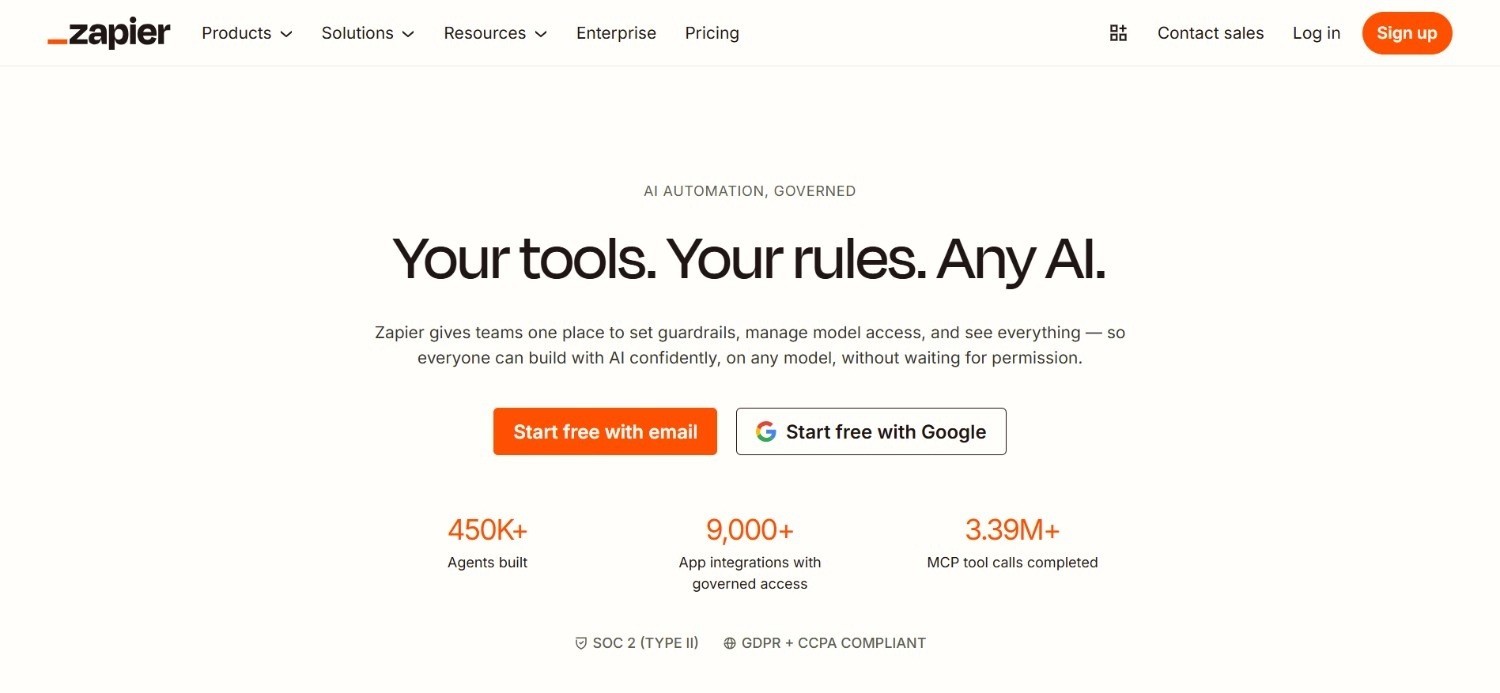
Zapier is the most widely adopted trigger-action automation tool in the SME and mid-market segment, connecting 7,000+ apps through a no-code interface that makes it one of the most accessible operations workflow software tools available.
Their core model is simple: when something happens in one app (a trigger), do something in another (an action). Over the past two years, Zapier has added AI capabilities including AI-powered Zap builders, AI actions that call LLMs within workflows, and Zapier Tables for lightweight data management.
For non-technical operations teams that want to automate repetitive app-to-app tasks without involving IT, Zapier remains one of the most practical starting points.
Ideal For
Non-technical operations managers and office managers at SMEs and growing businesses who want to automate repetitive tasks across Google Workspace, Slack, HubSpot, and other common SaaS tools
Marketing and sales operations teams wanting to automate lead routing, CRM updates, notification workflows, and data synchronisation between tools
Operations teams at early-stage and growth companies who need a quick, low-overhead way to connect their SaaS stack without developer involvement
Finance and HR operations teams wanting to automate data entry, approval routing, and report generation across standard business tools
Top Features
7,000+ App Integrations with No-Code Setup: Zapier's pre-built connectors cover the vast majority of common business SaaS tools, allowing operations teams to connect apps and automate data flows without any code or IT involvement.
Multi-Step Zaps with Conditional Logic: Workflows can include multiple steps, conditional branches, filters, and data transformation, going beyond simple single-action automations to handle moderately complex multi-step operations processes.
AI Actions for LLM-Powered Workflow Steps: Zapier's AI Actions allow users to include LLM-powered text generation, classification, or extraction as a step in a standard Zap, adding AI capability to existing automation workflows without requiring a separate AI tool.
Why They Stand Out?
Zapier's breadth of integrations and genuinely no-code interface makes it one of the most accessible options at the SME tier. The speed at which a non-technical user can build a functioning multi-step automation is a practical differentiator over tools that require technical configuration.
Pros
7,000+ pre-built integrations covering the widest range of SaaS tools of any tool on this list
Genuinely no-code; non-technical users can build multi-step workflows without IT involvement
Free tier available for simple automations; paid entry tier at $29.99/month is accessible for SMEs
AI Actions add LLM capability within existing workflows without a separate AI layer
Cons
Task-based pricing scales quickly at high volumes; organisations running thousands of Zaps per month face meaningful cost escalation
Not suited to complex enterprise workflows involving legacy ERP systems, unstructured document processing, or compliance audit requirements
Zaps break when source app APIs change; maintenance overhead grows as the number of active Zaps increases
Pricing
Zapier offers a free plan covering limited monthly tasks and basic automations. Paid plans start at $29.99/month for more advanced workflows and higher task volumes. Enterprise uses custom pricing for large organisations. Pricing scales with task volume, and high-volume automations can become expensive at scale.
Final Verdict
Zapier is a practical starting point for SME and mid-market operations teams wanting to automate repetitive SaaS-to-SaaS tasks without code. For enterprises with legacy environments, high-volume processes, or compliance audit requirements, the task-based pricing and API-dependency create limitations.
5. Relevance AI
Overview
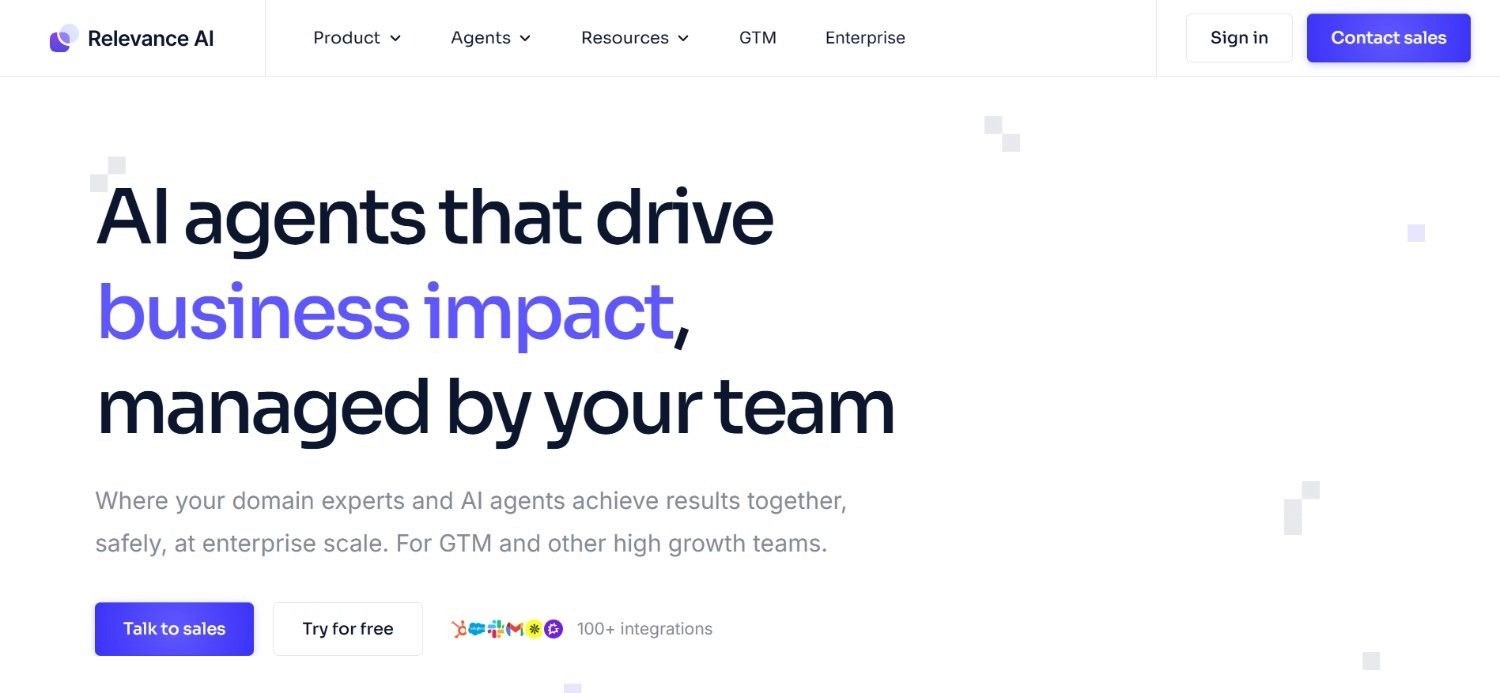
Relevance AI is an agent-building platform targeting operations, sales, and product teams who want to build and deploy custom AI agents for specific repeating business processes.
Their model separates from standard workflow automation tools: rather than building trigger-action automations, users build AI agents that can reason, retrieve information, make decisions, and take multi-step actions based on instructions and connected tools.
Relevance AI positions itself as an operations automation option for teams that want AI-native process automation rather than rule-based workflow orchestration.
Ideal For
Operations and product teams wanting to build custom AI agents for specific repeating processes without writing code
Sales and customer operations teams who want AI agents that handle complex, multi-step outbound or support workflows autonomously
Digital transformation leads at mid-market organisations evaluating AI agent builders for internal process automation
Technical operations teams who want to combine custom AI logic with standard integrations in a single agent-building environment
Top Features
No-Code AI Agent Builder: Relevance AI's agent builder allows users to create AI agents with custom instructions, connected tools, and decision logic without writing code, enabling operations teams to build process-specific automation without developer involvement.
Multi-Step Tool Execution within Agent Workflows: Agents can call multiple tools sequentially or conditionally within a single workflow run, handling the multi-step coordination that single-action automation tools cannot accommodate.
Knowledge Base Integration for Context-Aware Decisions: Agents connect to knowledge bases containing SOPs, product documentation, and reference data, allowing them to make contextually informed decisions rather than applying fixed rules blindly.
Why They Stand Out?
Relevance AI is one of the stronger options specifically built around AI-native agent architecture. The ability to build multi-step agents with custom decision logic and knowledge base integration distinguishes it from standard workflow automation tools.
Pros
AI-native agent architecture supports multi-step reasoning and decision-making beyond standard trigger-action automation
No-code builder allows operations teams to build agents without developer involvement
Knowledge base integration supports context-aware agent decisions
Freemium model allows evaluation before financial commitment
Cons
Action and vendor credit pricing model can be difficult to predict at scale before establishing a usage baseline
Less suited to enterprise environments with legacy ERP integration requirements or complex compliance audit trails
Agent capability requires more initial configuration than pre-built workflow automation tools
Pricing
Relevance AI uses a freemium model with paid plans scaling by usage. Pricing is split between Actions and Vendor Credits, so costs reflect both workflow activity and AI model usage. Enterprise tier is available via direct sales engagement. Contact Relevance AI for enterprise quotes.
Final Verdict
Relevance AI is a strong option for mid-market operations, sales, and product teams wanting to build AI-native agents for specific business processes without developer involvement. For enterprise operations teams with legacy system integration requirements or regulated workflow compliance needs, the agent-building approach requires additional configuration depth that purpose-built enterprise operations platforms provide out of the box.
6. Workato
Overview
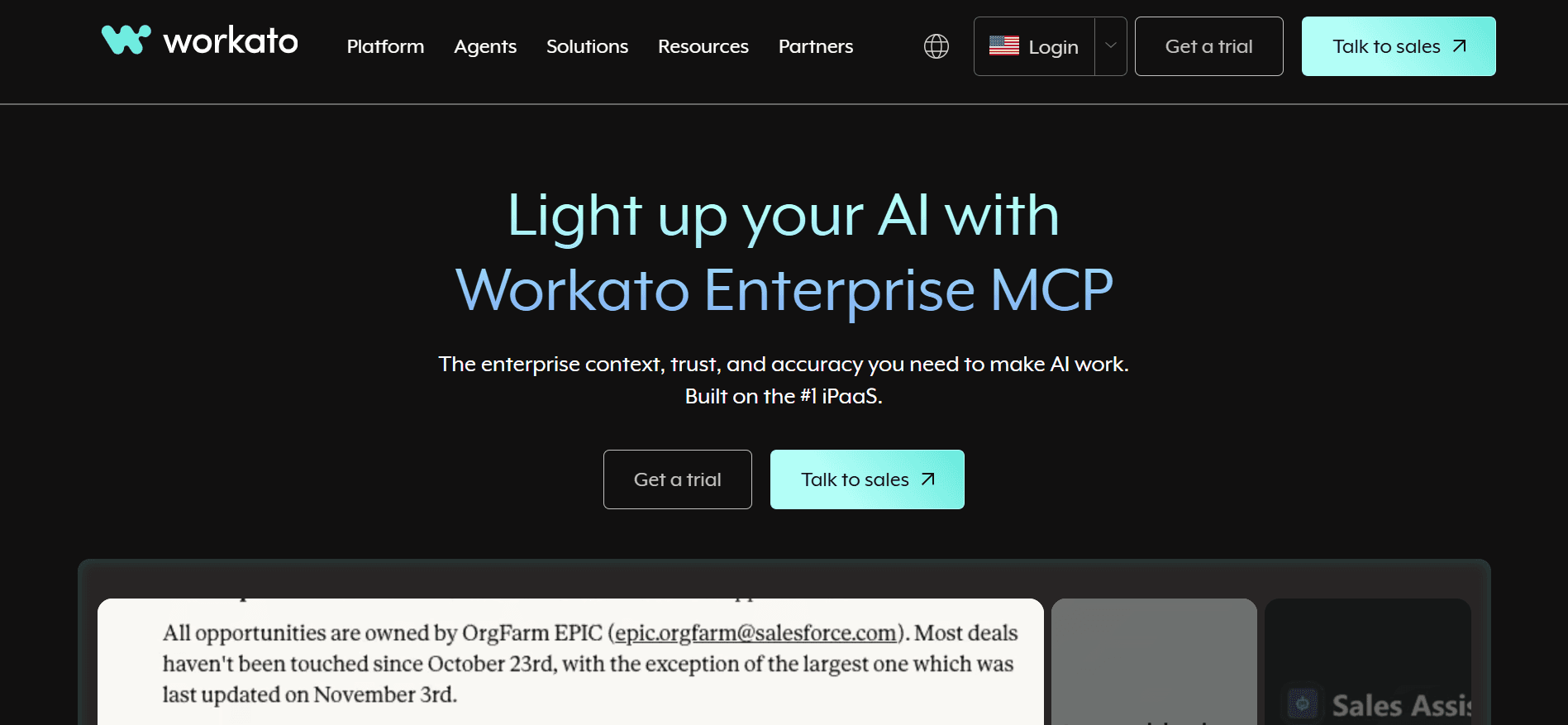
Workato is an enterprise iPaaS (integration platform as a service) that has expanded into agentic orchestration with its Workato One offering. Workato targets mid-market and enterprise operations, IT, and RevOps teams needing deep integration between enterprise systems alongside workflow automation.
Their 1,000+ pre-built connectors cover major enterprise systems including Salesforce, SAP, Workday, ServiceNow, and NetSuite, and their Copilot feature uses AI to assist workflow building by generating automations from natural language descriptions.
At the enterprise integration tier, Workato covers more of the enterprise system landscape than standard automation tools.
Ideal For
Enterprise IT and operations teams managing integration between multiple enterprise applications (Salesforce, SAP, Workday, NetSuite, ServiceNow)
RevOps and sales operations teams wanting deep CRM-to-ERP data synchronisation alongside workflow automation
Digital transformation leaders at large enterprises evaluating iPaaS consolidation, wanting a single vendor for both integration and operations automation
Mid-market organisations with complex data integration requirements that have outgrown point-to-point API integrations
Top Features
1,000+ Enterprise System Connectors: Workato's pre-built connectors cover a broader range of enterprise systems than most automation tools, including Salesforce, SAP, Oracle NetSuite, Workday, and ServiceNow, with deep bi-directional data sync capabilities.
AI-Assisted Workflow Building with Copilot: Workato Copilot generates automation workflows from natural language descriptions, reducing the technical overhead of building complex multi-step integrations across enterprise systems.
Workato One Agentic Orchestration: Workato's highest tier adds AI agent orchestration capabilities, allowing operations teams to deploy AI agents alongside traditional workflow automations within the same platform.
Why They Stand Out?
Workato is one of the stronger enterprise iPaaS options with a growing AI layer. The breadth of enterprise system connectors and the maturity of the integration platform make it a relevant evaluation option for large organisations looking to consolidate integration and automation on a single vendor.
Pros
Broadest enterprise system connector library on this list
AI-assisted workflow building reduces technical overhead for complex automations
Workato One adds agentic orchestration for teams ready to move beyond rule-based automation
Proven at enterprise scale with large-organisation deployment track record
Cons
Pricing starting at ~$10,000/year for standard deployments and up to $180,000/year for enterprise makes it inaccessible for most mid-market organisations
iPaaS model still requires connected systems to have working APIs; does not address legacy systems without API layers
Complexity of platform and pricing model requires dedicated internal resource to configure and maintain
Pricing
Workato uses custom, usage-based pricing. Standard deployments start at approximately $10,000/year. Business deployments with 5 million tasks run approximately $60,000–$120,000/year. Enterprise deployments range from $84,000–$180,000/year. Workato One with agentic orchestration sits above the standard Enterprise tier. Significant negotiation discounts are available; contact Workato for a custom quote.
Final Verdict
Workato is a strong choice for large enterprises that need a mature iPaaS with broad enterprise system coverage and are adding AI workflow capabilities on top of existing integration infrastructure. For organisations whose primary challenge is legacy system depth rather than integration breadth, or whose budget does not support six-figure annual spend, the pricing and complexity are barriers that better-fit tools on this list avoid.
7. Activepieces
Overview
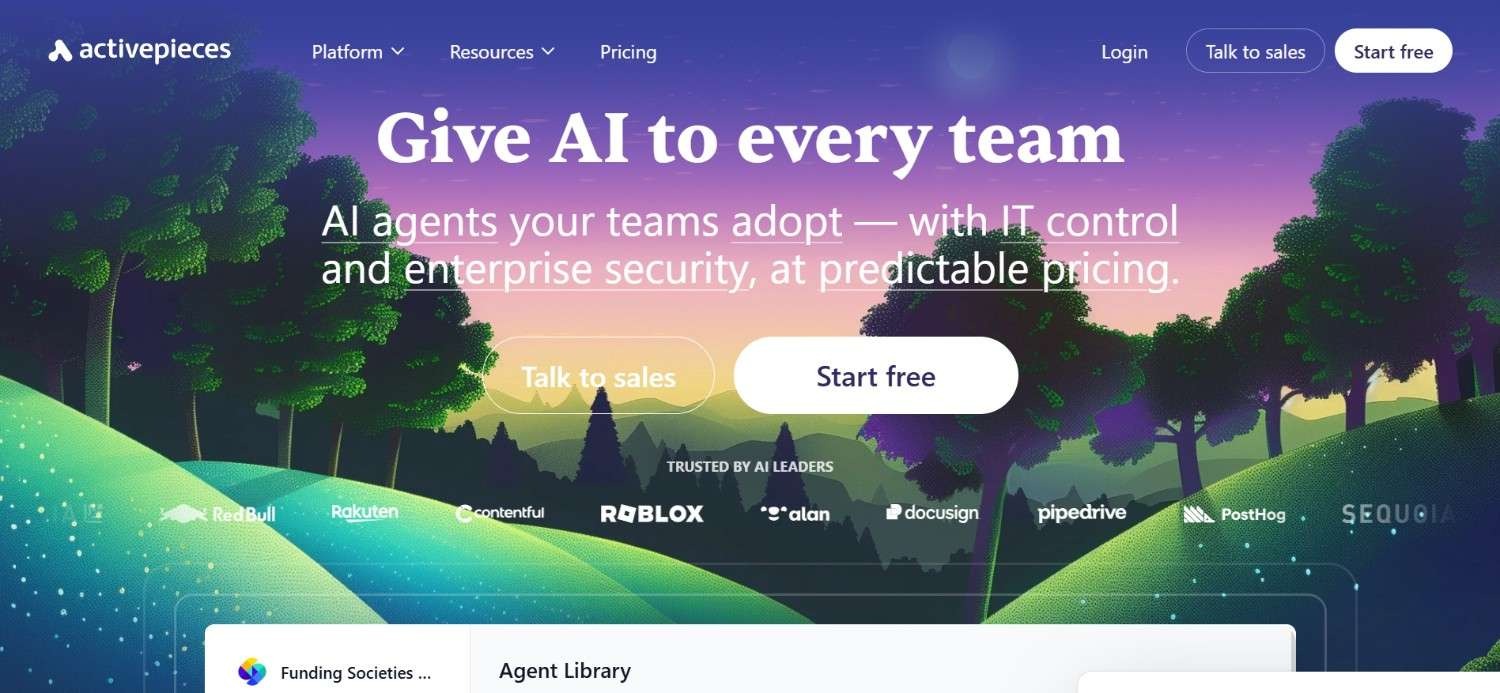
Activepieces is an open-source workflow automation tool that targets technical teams and developer-led operations organisations wanting the flexibility of open-source with a visual no-code interface available for non-technical team members.
Their Community edition is free to self-host with no flow or task limits, making it one of the most cost-effective automation options for organisations with the infrastructure to run it.
Activepieces has expanded its AI support with AI pieces that connect to LLMs within workflows, and their cloud offering provides managed hosting for teams that want the product without self-hosting overhead.
Ideal For
Developer teams and technical operations organisations wanting open-source workflow automation with full codebase access and self-hosting control
Operations teams at organisations with data residency requirements that rule out closed SaaS automation tools
Growing companies wanting a free, self-hosted automation foundation before committing to paid cloud automation tools
Teams wanting a combination of no-code visual workflow building for non-technical users and code extensibility for developers
Top Features
Open-Source with Unlimited Self-Hosted Execution: Activepieces Community edition is fully open-source, self-hostable, and imposes no limits on active flows or task executions, making it a genuinely free option for organisations with infrastructure.
Visual No-Code Builder with Code Extensibility: Non-technical team members build workflows visually using pre-built pieces (connectors), while developers extend with custom code pieces for integrations and logic not covered by the pre-built library.
AI Pieces for LLM-Powered Workflow Steps: Native AI pieces connect to OpenAI, Anthropic, and other providers within standard workflows, enabling classification, text generation, and data extraction as part of operational automations.
Why They Stand Out?
Activepieces is one of the more accessible open-source automation options for technical teams.
The combination of unlimited self-hosted execution, no-code visual interface, and code extensibility covers a wider range of team profiles than purely technical open-source tools.
Pros
Free self-hosted Community edition with no execution limits
Open-source with full codebase access and active community
Visual no-code builder accessible to non-technical users alongside developer extensibility
Cloud option available for teams that want managed hosting
Cons
Self-hosting requires ongoing infrastructure and maintenance overhead
Enterprise features (advanced security, RBAC, audit logs) require paid cloud tiers; contact for pricing
Not suited to end-to-end agentic execution on legacy enterprise systems; covers task-level workflow automation
Pricing
Activepieces offers a free Community edition with unlimited self-hosted execution. Cloud pricing starts free, with paid tiers including Pro and Business that add active flow limits, team features, and enterprise controls. Contact Activepieces for custom enterprise pricing.
Final Verdict
Activepieces is a strong option for developer teams and technical operations organisations wanting a free, open-source workflow automation foundation with visual no-code access for non-technical collaborators. For enterprise teams needing end-to-end agentic process automation on legacy systems or regulated workflow compliance, the task-level scope and self-hosting requirements are practical limitations.
8. Microsoft Power Automate
Overview
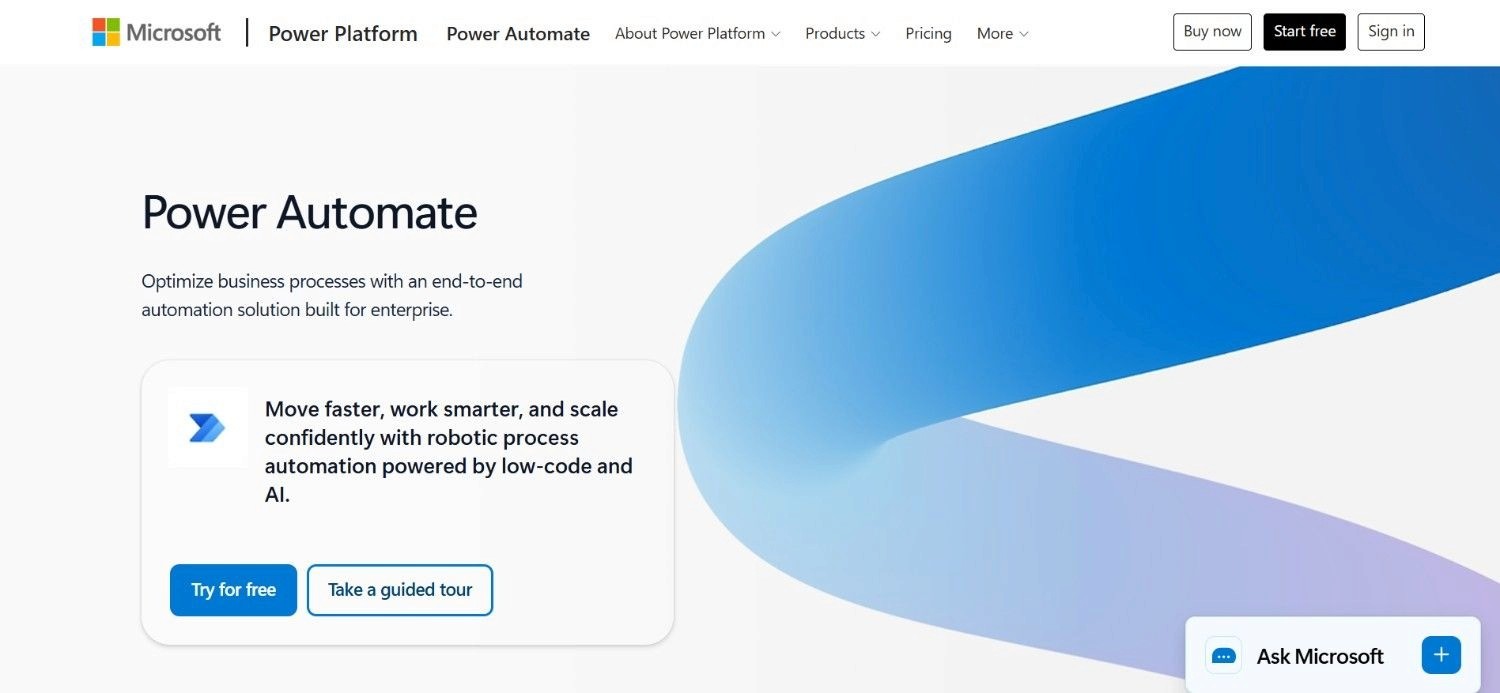
Microsoft Power Automate is Microsoft's native workflow automation and RPA product, tightly integrated with the Microsoft 365 ecosystem including Teams, SharePoint, Outlook, Dynamics 365, and Azure. For organisations already deeply invested in the Microsoft stack, Power Automate provides native automation without additional vendor relationships or integration overhead.
The product covers cloud flows (trigger-action automations via connectors), desktop flows (RPA for UI-based automation of desktop applications), and AI Builder (pre-built AI models for document processing, text classification, and form recognition).
For M365 organisations, Power Automate is one of the most natural starting points.
Ideal For
Microsoft 365 organisations wanting native workflow automation across Teams, SharePoint, Outlook, and Dynamics 365 without adding a separate vendor
IT departments managing Microsoft environments that want to deploy automation through existing Microsoft licensing rather than additional tooling
Operations teams needing document processing automation (invoices, forms) using AI Builder within the Microsoft trust boundary
Finance and HR operations teams using Dynamics 365 or Dataverse wanting automated data flows and approval routing native to the M365 environment
Top Features
Native M365 Integration Without Additional Setup: Power Automate connects natively to the entire Microsoft 365 stack, Dynamics 365, Azure, and 1,000+ other connectors, allowing M365 organisations to automate without additional vendor onboarding or integration work.
AI Builder for Document and Data Intelligence: AI Builder provides pre-trained models for invoice processing, form recognition, text classification, and object detection, deployable within Power Automate flows without machine learning expertise.
Desktop RPA for Legacy Application Automation: Power Automate's desktop flows enable RPA-style automation of Windows desktop applications, providing a path to automating legacy applications that lack APIs for cloud flow integration.
Why They Stand Out?
Power Automate is one of the strongest options specifically for Microsoft-centric organisations.
The native ecosystem integration, existing licensing path, and broad connector library make it a low-friction entry point for M365 teams.
Pros
Native M365 integration makes it the lowest-friction starting point for Microsoft organisations
Included in many existing M365 licences at no additional cost
AI Builder covers common document processing use cases without external AI tooling
Desktop flows provide RPA capability for legacy applications without modern APIs
Cons
Desktop RPA flows inherit the brittleness of traditional RPA: break when application UIs change
Power Automate cannot handle unstructured inputs or multi-system orchestration across non-Microsoft legacy systems at the depth enterprise operations require
AI Builder is limited to pre-trained models; custom AI reasoning across complex operational processes requires additional Azure infrastructure
Pricing
Power Automate offers a free trial. The Premium plan is $15/user/month for cloud and desktop flows. The Process plan is $150/bot/month for unattended RPA. The Hosted Process plan is $215/bot/month for Microsoft-managed infrastructure. Pricing is structured for different automation needs from individual flows to enterprise unattended automation.
Final Verdict
Power Automate is the logical first choice for Microsoft 365 organisations wanting native workflow automation and document processing within their existing licensing structure. For enterprise operations teams needing multi-system orchestration on non-Microsoft legacy environments, unstructured input handling across complex workflows, or agentic AI execution under compliance governance, the M365-centric design and RPA brittleness are meaningful limitations.
9. Pipedream
Overview
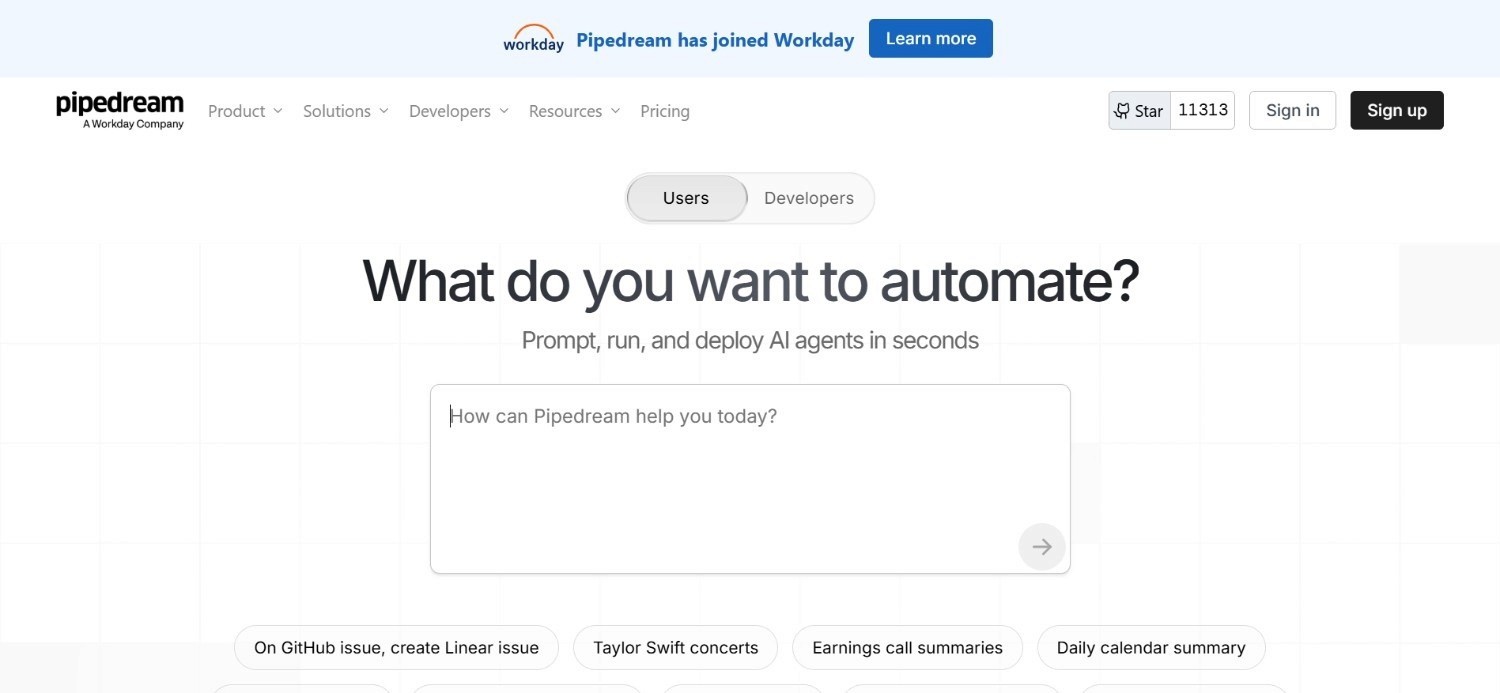
Pipedream is a developer-first, event-driven workflow automation tool built for engineers who want code-native control over integrations and process automations.
Their model allows developers to write Node.js, Python, Go, or Bash directly in workflow steps, with 1,000+ pre-built triggers and actions available as starting points.
Pipedream targets the technical end of workflow automation tools, where developers need automation that integrates cleanly with their existing codebases, CI/CD pipelines, and data infrastructure rather than a visual no-code interface.
Ideal For
Software engineers and technical operations teams wanting code-native event-driven automation that integrates with existing development workflows
DevOps and platform engineering teams needing automation that connects to APIs, webhooks, databases, and internal services with code-level control
Startups with technical founding teams who want to build internal operations tooling on a reliable automation infrastructure without maintaining a separate server
Developer-led operations organisations needing real-time event processing between apps and services with serverless execution
Top Features
Code-Native Workflow Steps: Every workflow step in Pipedream can be written in Node.js, Python, Go, or Bash, giving technical teams full control over logic, data transformation, and error handling without the constraints of visual block-based builders.
Event-Driven Triggers Across 1,000+ Sources: Pipedream connects to 1,000+ API triggers including HTTP webhooks, scheduled crons, and native app events, enabling real-time event processing across the full SaaS and infrastructure stack.
Serverless Execution with No Infrastructure Management: Pipedream manages the underlying serverless infrastructure, so developers focus on workflow logic rather than container management, scaling, or deployment configuration.
Why They Stand Out?
Pipedream is one of the more developer-friendly automation tools for engineering teams.
The code-first approach combined with pre-built triggers and serverless execution makes it an efficient choice for engineering teams requiring automation depth without operational infrastructure overhead.
Pros
Code-native with Node.js, Python, Go, and Bash support in every workflow step
1,000+ pre-built triggers with real-time event processing
Serverless execution eliminates infrastructure management overhead
Competitive pricing for developer and startup teams
Cons
Code-first approach is not accessible to non-technical operations teams
Not suited to complex enterprise operational workflows requiring legacy ERP integration, compliance audit trails, or agentic AI execution
Primarily a developer tool; limited enterprise governance and security features compared to enterprise-grade automation platforms
Pricing
Pipedream's Basic plan is $29/month. Advanced is $49/month. Connect is $99/month. A custom Business plan covers larger production needs with higher credits, more active workflows, and enterprise-level support. Higher plans add production-scale support and custom limits.
Final Verdict
Pipedream is a strong choice for engineering teams and developer-led operations organisations that want code-native event-driven automation at competitive pricing. For non-technical teams, or enterprises needing complex multi-system orchestration with compliance governance, the code-first design limits applicability outside technical contexts.
10. Tray
Overview
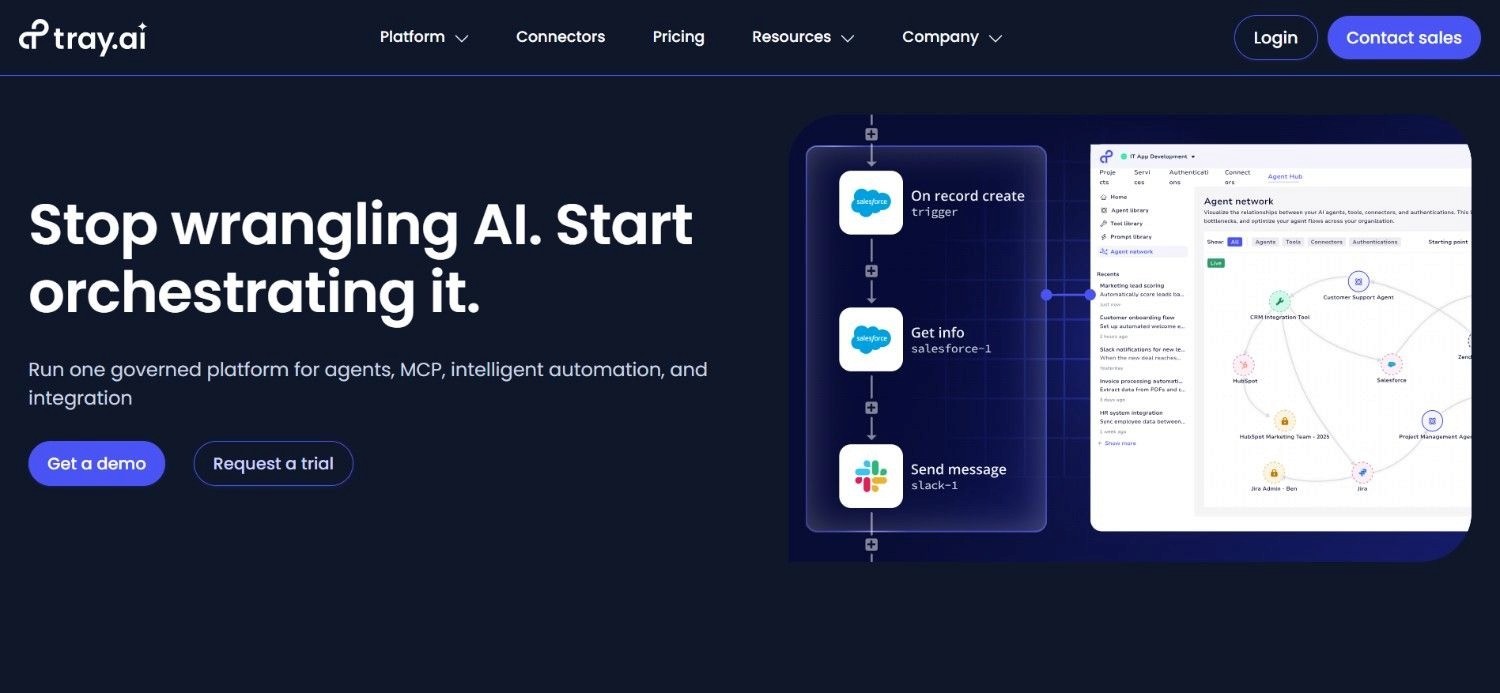
Tray is an enterprise integration and automation platform with a no-code visual workflow builder, a broad enterprise connector library, and a separately sold agentic product called Merlin Agent Builder.
Tray positions itself as an enterprise integration option for operations and RevOps teams that need complex multi-step integrations between enterprise systems without requiring developer involvement.
Their universal connector allows teams to integrate any API-accessible system without waiting for a pre-built connector, which gives them broader integration reach than tools limited to pre-built libraries.
Ideal For
Enterprise operations and RevOps teams needing complex multi-step integrations between Salesforce, Marketo, HubSpot, and other revenue tech stack tools
Operations teams at mid-market to enterprise organisations wanting no-code enterprise automation with the depth of iPaaS
Digital transformation leaders evaluating combined integration and AI agent capability from a single enterprise vendor
IT-adjacent operations teams who want control over enterprise automations without deep developer involvement
Top Features
Universal Connector for Any API-Accessible System: Tray's universal connector allows teams to integrate any system with an accessible API endpoint, extending automation reach beyond the pre-built connector library to custom or less common enterprise tools.
No-Code Enterprise Workflow Builder: The visual workflow builder covers complex multi-step automations including branching logic, data transformation, and error handling, without requiring technical coding skills for most enterprise integration use cases.
Merlin Agent Builder for AI-Powered Operations: Tray's Merlin Agent Builder (sold separately) adds AI agent capability on top of standard workflow automation, allowing operations teams to build agents that make decisions based on context rather than fixed rules.
Why They Stand Out?
Tray is one of the stronger no-code enterprise integration options for operations teams that need iPaaS-grade capability without the full engineering overhead of traditional iPaaS tools.
Pros
Universal connector extends integration reach beyond pre-built library
No-code builder covers complex enterprise automation requirements
Merlin Agent Builder adds AI agent capability for teams ready for agentic automation
Enterprise-grade with broad connector coverage
Cons
Custom, sales-led pricing with no published tiers makes budget assessment difficult in early evaluation stages
Merlin Agent Builder is sold separately, adding to total cost for teams wanting AI agent capability
Like all API-dependent tools, cannot reach legacy systems without working API layers
Pricing
Tray uses custom, sales-led pricing with no public fixed price list. Plans are typically tied to usage, workspace count, and add-ons.
Merlin Agent Builder is a separate purchase. Contact Tray directly for a quote based on your integration volume and use case requirements.
Final Verdict
Tray is one of the best AI tools for operations management for enterprise operations and RevOps teams who need complex no-code multi-step integrations across their revenue and operations tech stack.
If your main challenge is deep legacy system integration, Tray isn't ideal because it's API-dependent. Also, the custom, sales-led pricing can be a hurdle if you need clear costs for early-stage evaluation.
How to Choose the Best AI Tools for Operations Management (What to Consider)?
1. Clarify Whether You Need Task Automation or Process Execution
The most common evaluation mistake when assessing AI tools for operations management is conflating task automation with process execution.
Task automation tools (Zapier, n8n, Power Automate, Pipedream) connect apps and trigger actions when conditions are met: excellent for moving data between SaaS tools and automating repeating actions.
Process execution tools (Noxus, Workato at the high end) execute entire workflows end-to-end, including the reasoning, exception handling, and system write-back that simpler tools leave to humans. If your bottleneck is moving data between apps, a task automation tool is the right answer.
But if the bottleneck is executing complex, multi-step operational workflows that currently require a human to bridge multiple systems, you need something in the second category.
2. Verify Native Integration Depth with Your Actual Systems
Every tool on this list advertises hundreds of integrations. The number that matters is how many of those integrations connect to the specific systems your operations actually run on. If your operations span SAP ECC, a proprietary insurance core, and a COBOL-era billing system, the fact that a tool connects to 7,000 SaaS apps is irrelevant.
Ask specifically:
“Does the tool connect to your version of SAP, your specific ERP configuration, and your legacy systems, or does it require an API that those systems do not have?”
This single question eliminates the majority of automation options for enterprise environments with legacy infrastructure.
3. Model Total Cost at 12-Month Projected Volume
Pricing models across this category vary significantly: per-task (Zapier), per-execution (n8n cloud), per-user (Power Automate), per-credit (Lindy, Relevance AI), per-resolution (some agentic tools), and usage-based volume (Noxus, Workato). Each model behaves differently as volume scales.
A tool that appears affordable at 5,000 tasks per month may become your largest software line item at 500,000.
Before selecting any operations workflow software or automation tool, model the total cost at your projected volume at 12 and 24 months, not just at current volume.
4. Require Governance and Auditability Evidence for Regulated Workflows
For any operational workflow involving regulated data, financial transactions, healthcare information, or compliance-sensitive decisions, governance architecture is a core procurement requirement, not a secondary feature.
Ask specifically:
Does the tool produce a complete, tamper-evident audit trail for every workflow execution?
Can it be deployed on your own infrastructure if data residency requirements prevent cloud processing?
Is the vendor certified for SOC 2 Type II, ISO 27001, and GDPR Article 28?
Discovering a governance gap after procurement creates compliance exposure that is more expensive than the cost of the tool.
5. Require Production Evidence, Not Demo Performance
The single most reliable indicator of whether any operations automation product will work in your environment is evidence of comparable production deployments, not demo performance on synthetic data.
Before committing, ask for reference data from organisations with similar legacy system environments, similar workflow complexity, and similar compliance requirements.
The proof points that matter are: time from contract to production deployment, AI precision on live operational data (not test data), and documented ROI from real-world operations volume.
Noxus's deployments for CUF/José de Mello and Santander are examples of the type of evidence worth requiring from any vendor on this list.
Everything You Need to Know About Operations Workflow Software
← scroll to see all columns →
| Company | Pros | Cons | Ease of Use | Integrations | Support | Affordability |
|---|---|---|---|---|---|---|
| Noxus | End-to-end process execution; legacy ERP depth; full audit trail | Enterprise-only; not for task automation | ⭐⭐⭐⭐⭐ | ⭐⭐⭐⭐⭐ | ⭐⭐⭐⭐⭐ | ⭐⭐⭐⭐⭐ |
| Lindy | Autonomous across inbox, calendar, CRM; no-code; accessible pricing | Credit-based costs unpredictable at scale; not for enterprise ops | ⭐⭐⭐⭐⭐ | ⭐⭐⭐⭐⭐ | ⭐⭐⭐⭐⭐ | ⭐⭐⭐⭐⭐ |
| n8n | Free self-hosted; code-extendable; strong community | Self-hosting overhead; not for non-technical teams | ⭐⭐⭐⭐⭐ | ⭐⭐⭐⭐⭐ | ⭐⭐⭐⭐⭐ | ⭐⭐⭐⭐⭐ |
| Zapier | 7,000+ integrations; genuinely no-code; free entry tier | Task pricing scales fast; API-only; not for legacy systems | ⭐⭐⭐⭐⭐ | ⭐⭐⭐⭐⭐ | ⭐⭐⭐⭐⭐ | ⭐⭐⭐⭐⭐ |
| Relevance AI | AI-native agent architecture; no-code builder; knowledge base | Credit/vendor pricing unpredictable; limited legacy depth | ⭐⭐⭐⭐⭐ | ⭐⭐⭐⭐⭐ | ⭐⭐⭐⭐⭐ | ⭐⭐⭐⭐⭐ |
| Workato | Broad enterprise connectors; mature iPaaS; agentic tier | Expensive; complex; requires dedicated internal resource | ⭐⭐⭐⭐⭐ | ⭐⭐⭐⭐⭐ | ⭐⭐⭐⭐⭐ | ⭐⭐⭐⭐⭐ |
| Activepieces | Free open-source; unlimited self-hosted; developer-friendly | Self-hosting overhead; task-level automation only | ⭐⭐⭐⭐⭐ | ⭐⭐⭐⭐⭐ | ⭐⭐⭐⭐⭐ | ⭐⭐⭐⭐⭐ |
| Power Automate | Native M365 integration; included in many licences; AI Builder | RPA brittleness; M365-centric; limited legacy depth | ⭐⭐⭐⭐⭐ | ⭐⭐⭐⭐⭐ | ⭐⭐⭐⭐⭐ | ⭐⭐⭐⭐⭐ |
| Pipedream | Code-native; serverless; 1,000+ triggers; developer-friendly | Not for non-technical teams; limited enterprise governance | ⭐⭐⭐⭐⭐ | ⭐⭐⭐⭐⭐ | ⭐⭐⭐⭐⭐ | ⭐⭐⭐⭐⭐ |
| Tray | Universal connector; no-code enterprise builder; Merlin Agent Builder | Custom pricing only; API-dependent; Merlin sold separately | ⭐⭐⭐⭐⭐ | ⭐⭐⭐⭐⭐ | ⭐⭐⭐⭐⭐ | ⭐⭐⭐⭐⭐ |
Execute Your Operations End-to-End with Noxus
Most tools on this list automate tasks. We automate the complete operational process: from unstructured input through multi-system lookup through ERP write-back, under governance, with a full audit trail.
One of our customers, Santander achieved 3x ROI in 45 days, automating their customer operations across 15+ regions. Another customer, Jerónimo Martins also achieved 5x ROI in 80 days automating 15,000+ daily product operations.
Most enterprise operations teams we speak to have already run automation pilots. The pilots worked in sandboxes and stalled when they met SAP ECC, Guidewire, or a COBOL-era billing system without an API. That is the problem we are built to solve – not another controlled environment test, but a live deployment on your actual systems in 45 to 80 days.
If your operations team is manually bridging SAP and your CRM by hand, triaging thousands of communications per month across disconnected systems, or reconciling vendor data between Oracle and SharePoint, we automate those entire chains on the systems you already run.
Book a free consultation now or visit the Noxus website to learn more about our AI agents for enterprise and their use cases.
FAQs About AI Tools for Operations Management
What are the best AI tools for operations management in 2026?
Noxus tops the list for the best AI tools for operations management in 2026, especially for complex enterprise environments. The platform executes complete operational workflows end-to-end – not dashboards or suggested actions, but full resolution with ERP write-back and a complete audit trail. Clients like Santander have already automated their most cumbersome processes, achieving 3x ROI in 45 days, while Jerónimo Martins sees 5x ROI automating 15,000 daily product operations with over 95% AI precision.
What should I consider when choosing the right operations automation tools for me?
When evaluating these tools, focus on 3 questions: does the tool execute complete workflows or only individual tasks; does it connect natively to your specific system landscape including any legacy ERPs or proprietary platforms; and does the pricing model remain predictable at your 12-month projected volume? A tool that looks affordable at low volume can become expensive as operations scale on per-task or per-credit pricing models.
How does Noxus differ from other AI tools for operations management?
Noxus differs from other AI tools for operations management because we execute complete operational processes end-to-end on legacy systems, not individual tasks between API-accessible apps. Tools like Zapier, n8n, and Power Automate require every connected system to have a working API. We operate inside SAP ECC, Oracle, Guidewire, and COBOL-era systems the way your staff does today, without an API layer. Every workflow produces a tamper-evident audit trail. Every decision is governed by the organisation's own business rules, not AI improvisation.
How do I get started with Noxus?
Getting started with Noxus begins with a free test tier that evaluates the platform on your actual operational workflows. The first engagement involves a discovery conversation to map your current workflow against our deployment model, followed by a Proof of Results test on your historical data showing before-and-after performance on your real processes. Most first deployments reach production in 45 to 80 days. Visit noxus.ai to scope your first use case.
How easy is it to switch to Noxus?
Switching to Noxus does not require replacing your existing ERP or CRM. We operate as an automation layer on top of the systems you already run, connecting to SAP, Oracle, Guidewire, and 400+ other tools without requiring API modernisation of legacy systems. Our deployment team takes care of the technical integration, letting your operations team focus on workflow design. If you're currently dealing with manual processes or fragile RPA bots, Noxus’ AI operations workflow software lets you switch incrementally, starting with the highest-cost pain points first and expanding from there.
Can AI operations tools handle legacy systems like SAP ECC without APIs?
It's true that most operations workflow software tools, like Zapier or Power Automate, hit a wall with legacy systems because they need a working API to connect. If your older ERP doesn't have that endpoint, the automation just stops. But Noxus is designed specifically for this challenge. Instead of needing an API, the platform interacts with legacy systems like SAP ECC or Guidewire the same way your human ops teams do: navigating the interface and doing direct lookups. That's how it automates processes others can't touch.
What is the difference between RPA and AI operations tools?
The difference between traditional RPA (Robotic Process Automation) and modern AI tools for operations management is huge. RPA is totally rigid: it just automates fixed, rule-based clicks on a screen, which means if the interface changes, the bot breaks. Modern AI operations tools, on the other hand, are designed to handle the complex stuff - especially agentic systems like Noxus – can take unstructured input, apply judgment, pull context from multiple systems, enforce policy, and write the final outcome back in a single, complete workflow.






