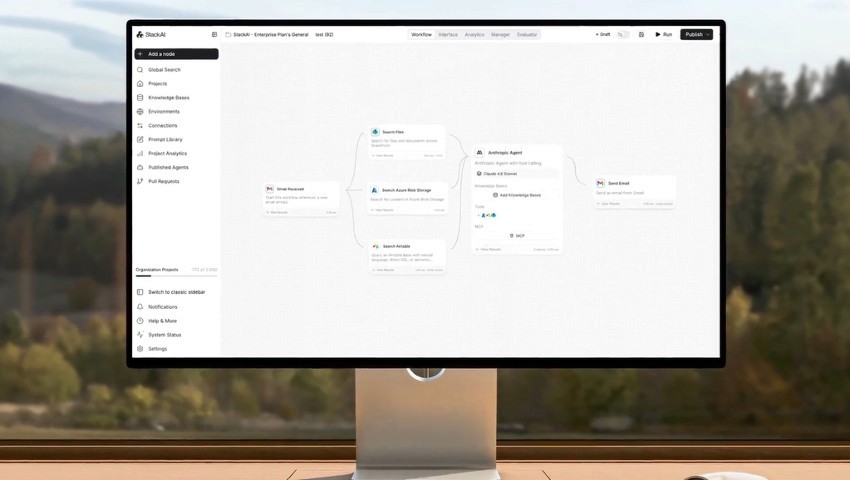
Best n8n Alternatives in 2026 (Feature & Pricing Comparison)
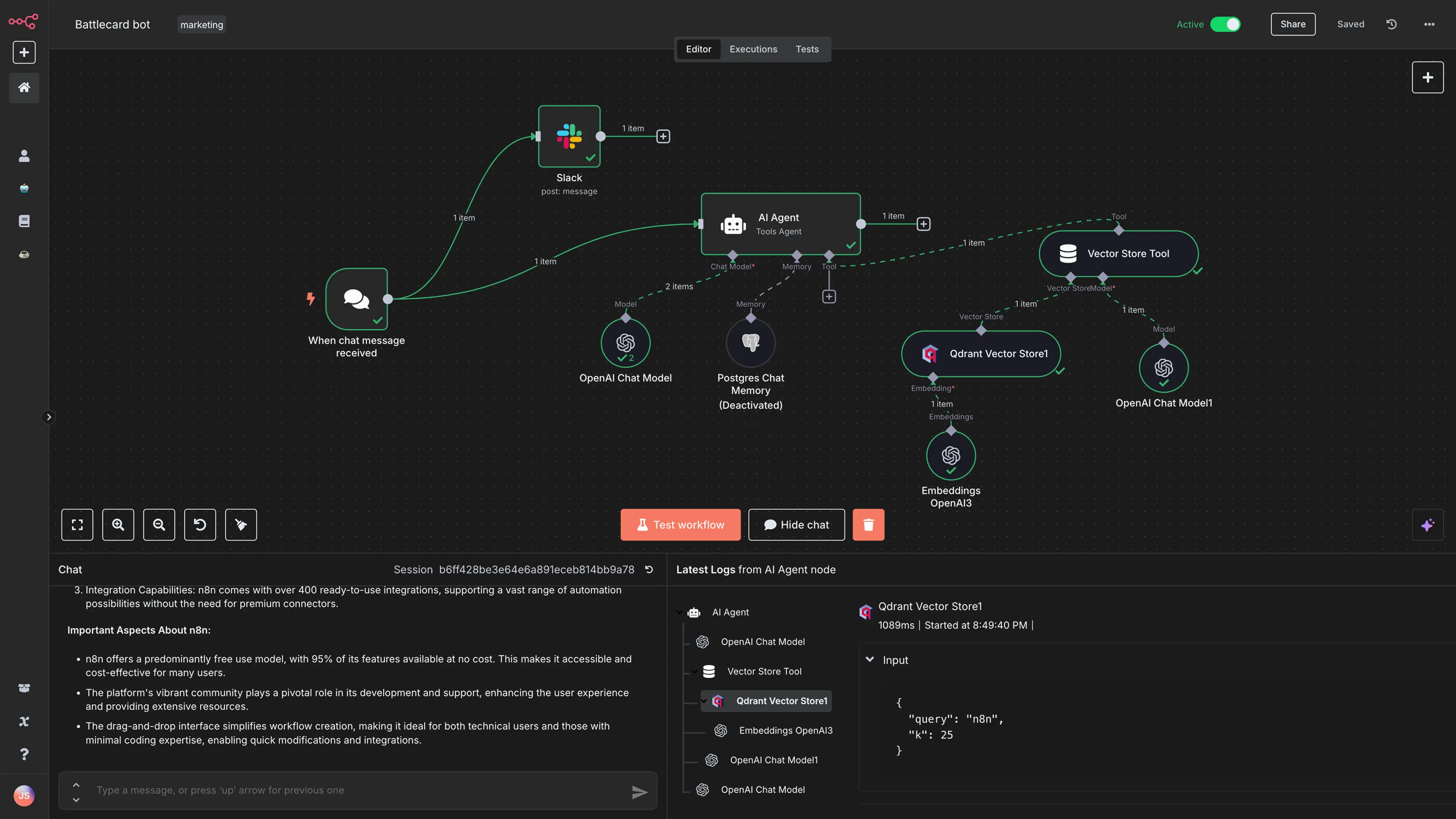
Key Takeaways (TL;DR)
n8n Is Built for Technical Builders, Not Enterprise Operations: Open-source, node-based workflow automation for developers and technical teams that want flexible, self-hosted automation at low cost. Best for connecting SaaS APIs and complex automations where infrastructure management is not a blocker.
Why Seek an n8n Alternative: Self-hosting needs DevOps capacity, Cloud plans cap execution fast at scale, and legacy systems (SAP ECC, Guidewire, COBOL cores) require significant custom development. Audit trails and governance are afterthoughts - not architectural commitments.
Noxus Is the Best Overall Alternative: Purpose-built for what n8n cannot solve: executing real operations work inside legacy-heavy enterprise environments. Goes live in 45-80 days on real client systems - not sandboxes.
What Sets Noxus Apart: Operates natively inside SAP, Guidewire, ServiceNow, Oracle, and COBOL-era systems without API modernization. AI interprets unstructured input; your rules execute the process; every action produces a full audit trace.
How to Choose: Identify your primary need: SaaS automation (n8n, Zapier, Make.com, Pipedream), Microsoft-native (Power Automate), enterprise iPaaS (Workato), or agentic operations in legacy environments (Noxus). Then verify infrastructure and governance needs before committing.
Table of Contents
Top n8n Alternatives in 2026 at a Glance
← scroll to see all columns →
| Tool | Best For | Key Features | Pros | Cons | Pricing |
|---|---|---|---|---|---|
| Noxus | Enterprise operations teams executing complex, multi-system workflows in legacy environments | End-to-end legacy executionFull audit trailBYOKOn-premises deployment | No legacy system modernization required; complete auditability; production in 45–80 days | Enterprise-focused; not suited for lightweight SaaS automation | Custom / consumption-based — contact sales |
| Zapier | Non-technical teams automating SaaS app workflows without coding | 8,000+ integrationsNo-code Zap builderZapier MCPTables & Forms | Easiest to use, broadest integration library | Task-based pricing escalates fast; per-step counting is expensive at volume | Free Paid from $19.99/month |
| Make.com | Technical and semi-technical teams needing visual, complex automation at lower cost | Visual canvas builder3,000+ appsRouters & iteratorsData transformation | 10x cheaper than Zapier at equivalent volume; strong visual logic | Credit-per-step model; steeper learning curve than Zapier | Free Paid from $9/month |
| Microsoft Power Automate | Microsoft 365 organisations automating workflows within and around the Microsoft stack | 300+ connectorsDesktop RPAAI BuilderNative M365 integration | Already included with M365 licences; strong RPA and document processing | Premium connectors require paid plan; complex licensing structure | Free (M365) Premium from $15/user/month |
| Workato | Large enterprises needing deep iPaaS with governance, 1,200+ connectors, and enterprise security | 1,200+ connectorsAI-powered recipesWorkbot for Slack/TeamsCompliance controls | Gartner Leader for 8 consecutive years; enterprise governance built in | Starts ~$10,000–25,000/year; opaque pricing; overkill for SMBs | Platform edition fee + usage |
| Activepieces | Teams wanting open-source Zapier-style automation with self-hosting and predictable pricing | 639+ integrationsOpen-sourceSelf-hostable$5/active flow pricing | Predictable per-flow pricing; no execution caps; growing integration library | Smaller ecosystem than Zapier or Make; fewer AI-native features | Custom pricing Embed plan from $30,000/year |
| Pipedream | Developers building custom workflow integrations with code-level control | 2,400+ appsNode.js/Python/Go/BashServerlessAI tokens | Code + no-code hybrid; generous free tier; compute-time billing efficient for fast workflows | Credit-based billing gets expensive for long-running workflows; developer-focused | Free Paid from $29/month |
| Tray.io | Mid-market to enterprise teams needing advanced governance and high-volume integrations | 400+ connectorsVisual canvasSSO/SAML/audit logsCompliance certifications | Strong governance built in; handles high-volume multi-step integrations; enterprise security | No self-serve or free trial; task-per-step counting at scale; sales conversation required | Custom (Pro/Team/Enterprise) |
| Gumloop | Non-technical teams building AI-first workflows with a visual drag-and-drop interface | Visual AI builderPre-built AI templatesNo-code LLM workflow nodes | Fast to build; purpose-built for AI workflows; accessible for non-developers | Limited integration library vs. Zapier or n8n; less suited for complex logic | From $30–$37/month |
| Stack AI | Enterprises and teams building AI applications and workflow automation on top of LLMs | No-code LLM app builderEnterprise security (HIPAA/SOC 2)Fine-tuningAPI export | Strong enterprise compliance; good for LLM-powered document and data workflows | More focused on AI app building than broad workflow automation; pricing not public | 500 free monthly runs Custom pricing (contact sales) |
Why Consider n8n Alternatives?
What n8n Does Well
n8n is a genuinely strong tool for a specific type of user: technically capable teams that want self-hosted, flexible workflow automation without the per-task pricing that makes Zapier and Make.com expensive at scale.
Its core design is sound. The node-based visual builder handles complex, multi-step automations with conditional logic, loops, and branching in a way that is both transparent and debuggable. The fair-code licensing model means the Community Edition is permanently free with unlimited workflow executions; you only pay for the VPS infrastructure, typically $3 to $10 per month.
For SaaS API automation - connecting Salesforce to Slack, triggering emails from form submissions, syncing data between cloud services - n8n covers a wide range of use cases out of the box, with 400+ native integrations and an active community of 45,000+ builders.
n8n's new pricing structure, introduced in August 2025, removed limits on active workflows and users across all plans. Cloud tiers now run from €24/month (Starter, 2,500 executions) to €60/month (Pro, 10,000 executions) to €800/month (Business, 40,000 executions). Enterprise pricing is custom.
The execution-based model - one execution per full workflow run, regardless of step count - is meaningfully cheaper than Zapier's per-task model for complex automations.
Where n8n Falls Short
Despite its strengths, n8n has real limitations that push teams toward alternatives:
Self-hosting requires genuine DevOps capacity: Running n8n properly means managing server infrastructure, SSL certificates, updates, backups, and monitoring. Analysts estimate this takes 10 to 20 hours per month. For engineering teams without dedicated DevOps resources, this overhead is not trivial.
Cloud execution limits hit faster than expected: The Starter plan's 2,500 executions per month disappears in 11 days for a single webhook-triggered workflow running moderate volume. A team running 4 typical workflows can exceed the Pro tier's 10,000 executions within 30 days, forcing an upgrade to the €800/month Business plan.
n8n cannot operate on legacy enterprise systems: n8n connects to APIs. Systems like SAP ECC, Guidewire, COBOL-era banking cores, and proprietary in-house platforms often do not expose clean APIs, or require months of middleware development before they can be automated. n8n was not designed for this environment, and does not pretend to be.
Governance, auditability, and compliance are limited: n8n's execution logs are functional but not designed for regulated-industry audit requirements. There is no built-in deterministic policy enforcement, no RBAC integrated with enterprise identity systems (beyond Enterprise plan SSO), and no complete action-by-action replay capability for compliance purposes.
No deployment support: n8n is a tool, not a deployment partner. Teams are responsible for use case discovery, solution design, implementation, and ongoing maintenance. For enterprises with complex operational requirements, this is a significant gap.
These constraints explain why teams looking for n8n competitors in enterprise operations, regulated industries, or legacy-heavy environments consistently find n8n insufficient for production-grade deployment.
Best n8n Alternatives: In-Depth Review & Comparison
1. Noxus
Overview
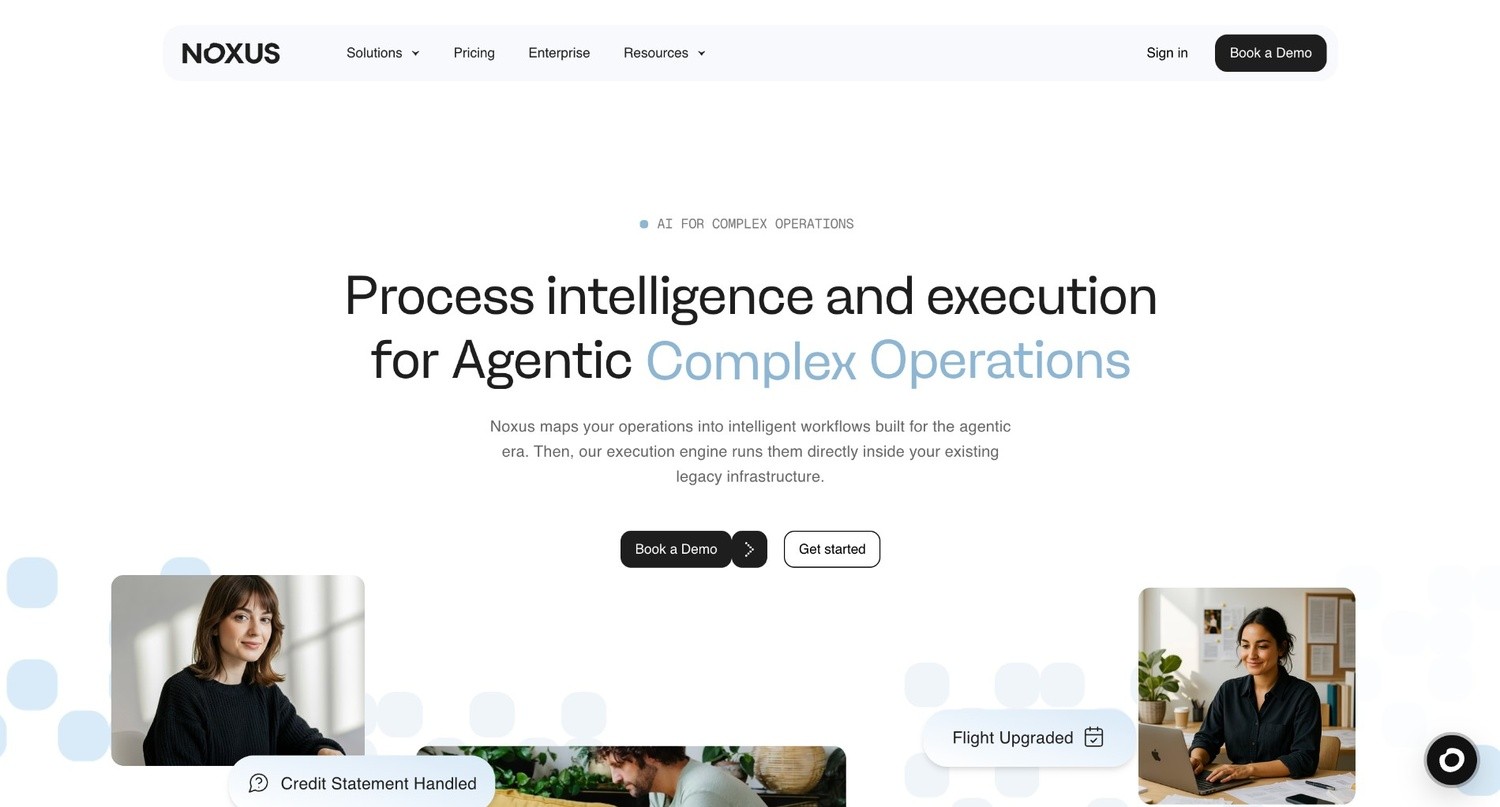
Noxus is the process intelligence layer: execution infrastructure that runs complex, multi-system operations end-to-end across legacy enterprise environments.
Where n8n automates workflows between SaaS APIs, Noxus operates inside SAP ECC, Guidewire, ServiceNow, Oracle, COBOL-era banking cores, and proprietary in-house systems - writing outcomes back to source systems under full governance. Your SAP isn't going anywhere. Neither is Noxus's ability to automate it.
Founded in 2023 and backed by Antler, Capital SFC, Seaya, Bynd Venture Capital, and Altair, Noxus is deployed in production at companies including Santander, Fidelidade, Jerónimo Martins, CUF/José de Mello, Sky/Comcast, and Brisa. Zero client churn across all deployments to date.
The platform solves a specific failure mode: most AI tools draft or suggest, but none survive contact with the layered, interdependent system architectures that define regulated industries. Noxus executes real operational work: claims processing, billing disputes, account mutations, document triage, catalogue operations, across the exact legacy stack the enterprise already runs.
The platform operates as three layers:
The Workflow Design Layer is a visual interface where operations teams build multi-step, multi-system workflows without writing code.
The Integration and Orchestration Layer connects AI Co-workers to the enterprise's actual system landscape and handles model routing across Azure AI Foundry, AWS Bedrock, and Google Vertex AI.
The Execution Runtime is the engine where operations actually run, managing lifecycle, task orchestration, and write-back into source systems under governance.
Ideal For
Operations Leaders facing BPO renewal, headcount-vs-volume math, or failed RPA - VPs of Operations, COOs, Heads of Claims, Directors of Customer Operations who own per-transaction cost, SLA performance, and the conversation about why operations spend keeps growing
Mid-market operations owners (200–2,000 employees, €50M–€500M revenue) where one decision-maker combines champion, economic, and technical authority - and a workflow can go live in 30 days
CIOs, CTOs, and Enterprise Architects evaluating agentic AI platforms that need production-ready deployment rather than another proof-of-concept that dies in sandbox
Compliance, risk, and legal teams in regulated industries that require a complete, tamper-evident audit trail for every automated action - under EU AI Act, GDPR Article 9, DORA, NIS2, and HIPAA
CFOs and Finance Leaders who need predictable pricing, clear payback, and verifiable benchmarks before signing off on enterprise AI investment
Enterprise operations teams in financial services, insurance, healthcare, and retail managing high-volume, multi-system workflows that n8n cannot automate without significant custom development
Top Features
Your Rules Execute, AI Just Interprets. AI handles the unstructured, messy input layer: reading emails, interpreting scanned documents, understanding free-text requests. The moment a decision point is reached on a regulated or governed process, hard-coded business logic takes over, mapped directly from the client's own SOPs and policies. No AI model decides whether to approve a claim or process a refund. Every decision is traceable back to a rule.
Legacy System Integration Without API Prerequisites: Noxus AI Co-workers interact with legacy systems the way operations staff do today - navigating interfaces, performing multi-step lookups, writing back results. SAP ECC, Guidewire, COBOL-era cores, ServiceNow, Oracle, and proprietary platforms that other AI vendors will not touch. No API layer required, no middleware project, no infrastructure modernization as a prerequisite. This is the single most differentiating capability in this comparison.
Every Action Audited. Every Decision Replayable: Every process run produces a full trace of what happened and why. Every agent decision, every action, every output: governable, traceable, replayable.
Multiple Deployment Architectures: Fully managed SaaS, self-managed VPC on the client's own cloud, or on-premises air-gapped for the strictest data sovereignty requirements. Certified: SOC 2 Type II, ISO 27001, GDPR Article 28, HIPAA. Open-core guarantee: the client retains all code and binaries if the relationship ends.
Built for European Enterprise Reality: Built from the ground up for the environment European enterprises actually operate in - EU AI Act, GDPR, DORA, NIS2, multi-language operations, data residency requirements, and procurement cycles that demand clear ROI before anything moves forward. US-built agent platforms assume modern SaaS stacks and North American regulatory contexts. European enterprises do not run that way. Noxus does not pretend they do.
Why It's a Strong n8n Alternative
n8n is a workflow automation tool for developers connecting SaaS APIs. Noxus is an operations execution platform for enterprises running legacy systems.
The distinction matters. n8n can automate a workflow between Salesforce and Slack. Noxus automates a claims adjudication workflow that touches SAP ECC, a proprietary claims management system, an email inbox, a document store, and a payout system, resolving the full case end-to-end under governance, without requiring any of those systems to be modernized first.
For teams where "automation" means connecting cloud tools, n8n is a reasonable starting point. For teams where "automation" means eliminating the 150 people doing swivel-chair work across 5 disconnected systems - or replacing a BPO contract that gets 3% more expensive every year - Noxus is the right tool.
The economic argument is also clear. Building the infrastructure layer that Noxus provides from scratch costs €500,000 to €1M+ in engineering before a single process is automated. Noxus is that infrastructure, already built, already proven in production.
First deployments achieve 3–5x ROI. Second and third use cases deploy at 85–90% gross margin because the infrastructure is already running.
Pros
Operates natively on SAP, Guidewire, ServiceNow, Oracle, and COBOL-era systems - no API modernization required
Deterministic business rules execute the process; AI never makes decisions on regulated steps
Every action audited, every decision replayable - full visibility, no black box
3–5x ROI documented across production deployments; 45–80 days from contract to first production workflow
Zero churn across all client deployments to date
SaaS, VPC, or on-premises air-gapped deployment; SOC 2 Type II, ISO 27001, GDPR Article 28, HIPAA certified
Built for EU regulatory reality (AI Act, DORA, NIS2) - not retrofitted from a US product
Cons
Not the right fit for teams that need lightweight SaaS-to-SaaS automation (connecting Notion, Slack, Google Sheets)
Consumption-based pricing requires a direct conversation rather than self-serve signup - not appropriate for solo developers or small teams exploring automation
Best value is realized in high-volume, multi-system operations environments; simpler use cases do not justify the platform investment
Pricing
Noxus uses a consumption-based model with custom pricing per client. Predictable monthly platform license that scales with operational volume and deployment complexity - not per-seat, not per-token. Contact sales for a scoped quote on your specific use case.
Final Verdict
For enterprise operations teams in regulated industries running legacy systems, Noxus is the n8n alternative that solves the problem most AI initiatives die on: the infrastructure gap between "this should work" and "this is running in production on our actual systems." Build an agentic enterprise. Starting with resolution work.
For teams that need SaaS-to-SaaS workflow automation, the other tools on this list might be more appropriate.
2. Zapier
Overview
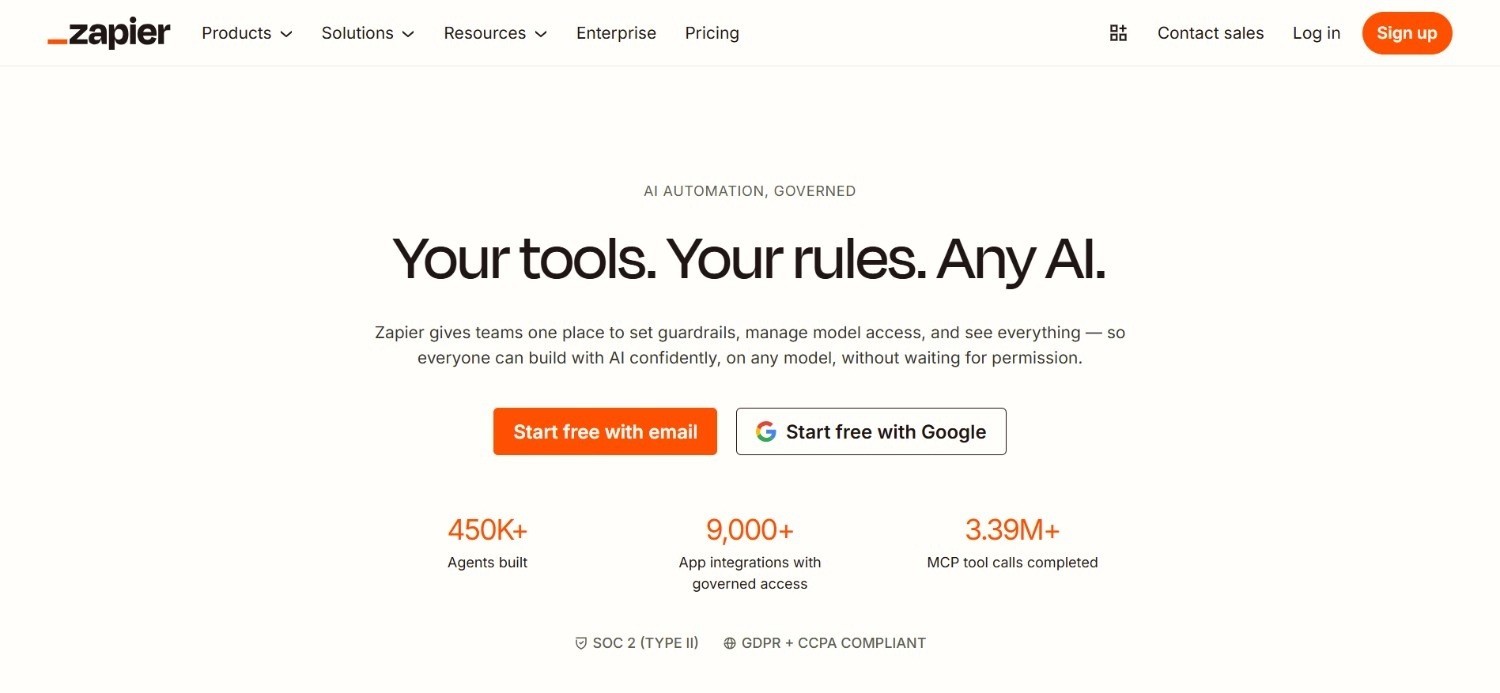
Zapier is the market-leading no-code workflow automation platform, connecting over 8,000 apps through a trigger-and-action model that requires no technical expertise to configure. Founded in 2011 and used by over 2 million businesses, Zapier popularized the concept of connecting two apps automatically and remains the default starting point for non-technical teams that need automation without engineering resources.
In 2025–2026, Zapier expanded its positioning from workflow automation into an AI orchestration platform - bundling Zaps (workflows), Tables (structured data), Forms (custom inputs), and Zapier MCP (AI model integration) into unified pricing tiers.
Ideal For
Non-technical teams and business users that need automation without touching infrastructure or code
Marketing, sales, and operations teams connecting mainstream SaaS tools (Salesforce, HubSpot, Slack, Gmail, Sheets)
Small businesses and freelancers running fewer than 2,000 tasks per month where cost-per-task is still reasonable
Teams that need the broadest possible integration library without evaluating integration coverage per tool
Top Features
8,000+ App Integrations. Zapier's integration library is the largest in the automation category by a significant margin. Almost any SaaS tool a team might use has a native Zapier connector, which removes the need to evaluate integration coverage tool-by-tool. This breadth is Zapier's most durable competitive advantage.
Zapier Copilot and AI-Native Workflow Building. Zapier's AI assistant generates Zap configurations from natural language descriptions, maps data fields between apps, and troubleshoots errors. For non-technical teams building their first automations, this significantly reduces the learning curve.
Zaps, Tables, Forms, and MCP in One Subscription. Zapier now bundles structured data storage, custom form creation, and AI model context protocol (MCP) into the same plan as workflow automation. Teams that previously needed separate tools for some of these functions can consolidate them.
Why It's a Strong n8n Alternative
Zapier is one of the strongest alternatives to n8n for non-technical teams that prioritize setup speed and integration breadth over cost efficiency at scale. While n8n requires at least some technical capacity to configure and maintain, Zapier's interface is genuinely accessible to anyone - no DevOps knowledge, no infrastructure management, no debugging sessions in Docker containers.
Pros
Most accessible no-code automation interface available; minimal learning curve
8,000+ integrations - the broadest library in the category
Tables, Forms, Copilot, and MCP now bundled into unified plans
Reliable uptime with a long track record across millions of business users
Free plan available; no credit card required for initial evaluation
Cons
Task-based pricing escalates fast: each action step in a workflow counts as a separate task; a 5-step Zap running 1,000 times consumes 5,000 tasks
The Professional plan provides only 750 tasks for $19.99/month vs. Make.com's 10,000 operations for $9/month - a 13x cost differential at comparable volumes
Enterprise features (SSO, SAML, advanced admin) locked behind the Enterprise plan
Not appropriate for teams with high-volume and complex workflows
Pricing
Zapier offers a free plan with basic automation and limited monthly tasks, and paid plans start at $29.99/month for more advanced workflows. As you move up, pricing rises with task volume and team features, while Enterprise uses custom pricing for larger organizations.
Final Verdict
Zapier is the right starting point for non-technical teams running low-to-moderate automation volumes across mainstream SaaS tools. Once task volume exceeds 2,000 per month or workflows grow beyond 5–7 steps, the cost math tips sharply in favor of Make.com, n8n, or Activepieces.
For enterprise operations teams running complex, multi-system workflows on legacy infrastructure, Noxus addresses a problem Zapier is not designed to solve.
3. Make
Overview
Make.com (formerly Integromat) is a visual workflow automation platform built for technical and semi-technical users who need more control, more complex logic, and significantly lower cost-per-operation than Zapier. Founded in the Czech Republic in 2012 and acquired by Celonis in 2020, Make.com is now used by over 500,000 organizations, including BMW, Adobe, Adidas, and Spotify.
Make.com's canvas-based builder lets users drag and drop triggers, actions, routers, iterators, and error handlers onto a visual canvas - building workflows that are both highly transparent and highly customizable.
Ideal For
Technical and semi-technical teams that want more control over workflow logic than Zapier provides
Businesses running moderate-to-high automation volumes (5,000 to 50,000 operations/month) where Zapier becomes cost-prohibitive
Teams that need advanced workflow features: branching, loops, iterators, custom data transformation, and error handling
Agencies managing multiple client automations on a single platform
Top Features
Visual Canvas Builder with Advanced Logic. Make.com's scenario canvas lets users see the full workflow structure at once - branching paths, parallel routes, error handlers - in a way that n8n's node editor also provides but with a slightly lower learning curve for non-developers. Complex multi-path workflows are easier to design and audit than in Zapier's linear Zap format.
Credit-Based Model with 10x Better Value Than Zapier. Make.com's Core plan offers 10,000 operations for $9/month, compared to Zapier's 750 tasks for $19.99/month. For teams running identical workflows, Make.com is consistently 10x to 13x cheaper at comparable volume tiers. This pricing advantage widens at scale.
3,000+ Integrations with 1-Minute Scheduling Intervals. Make.com's paid plans support scenario execution intervals as short as 1 minute, versus Zapier's 15-minute minimum on lower tiers. Combined with its 3,000+ app library, this makes Make.com practical for near-real-time automation without the infrastructure overhead of self-hosted n8n.
Why It's a Strong n8n Alternative
Make.com is one of the strongest n8n alternatives for teams that need complex, visual workflow automation without the DevOps overhead of self-hosting n8n. It delivers most of n8n's logic power with a lower infrastructure burden and accessible cloud pricing.
For teams that want to avoid managing VPS infrastructure while still getting execution-efficient automation, Make.com is the most practical middle ground.
Pros
10x to 13x cheaper than Zapier at equivalent operation volumes
Visual canvas builder handles complex branching, loops, and data transformation without code
3,000+ integrations with strong coverage of mainstream and enterprise SaaS tools
Free plan available; no credit card required for initial evaluation
15% annual billing discount available on all paid plans
Cons
Credit-per-module-step model means complex scenarios with many steps can burn through credit packs fast
Steeper learning curve than Zapier; the visual builder is powerful but takes time to learn well
Limited direct support on Free, Core, Pro, and Team plans - primarily community-based
No self-hosting option for teams with data sovereignty requirements (unlike n8n or Activepieces)
AI-related operations consume more credits than standard operations, which can inflate costs for AI-heavy workflows
Pricing
Make.com uses a credit-based pricing model, starting with a free plan that includes 1,000 credits per month. Paid plans begin with the $9/month 'Make Plan' with higher tiers adding more credits and collaboration or security features.
Final Verdict
Make.com is a well-suited option for technical teams that need complex, visual workflow automation at a fraction of Zapier's cost. It is the strongest direct competitor to n8n for teams that want powerful automation logic without self-hosting obligations.
For teams requiring legacy system integration, governance controls, or regulated-industry compliance, Noxus addresses requirements Make.com was not designed to meet.
4. Microsoft Power Automate
Overview
Microsoft Power Automate is Microsoft's cloud-based workflow automation and RPA platform, tightly integrated with the Microsoft 365 and Azure ecosystem. It connects cloud services, on-premises systems, and desktop applications through a combination of cloud flows (API-based), desktop flows (RPA), and AI Builder features.
Power Automate is included with Microsoft 365 Business and Enterprise licenses for standard connector workflows. Its reach inside organizations that already use M365 is significant - many teams that have not evaluated it explicitly are already licensed to use a meaningful subset of its capabilities at no additional cost.
Ideal For
Organizations running on Microsoft 365 that want to automate workflows between Teams, SharePoint, Outlook, and other M365 applications
Teams needing desktop RPA for attended or unattended automation of legacy Windows applications
IT and operations teams that want automation governed through the same identity and compliance framework as the rest of their Microsoft estate
Organizations that have already invested in the Microsoft Power Platform (Power Apps, Power BI) and want native automation integration
Top Features
Included with Microsoft 365 for Standard Connector Flows. Any organization with a Microsoft 365 Business or Enterprise license already has access to cloud flows using standard connectors. Automating email notifications, SharePoint approvals, Teams alerts, and Excel updates requires no additional purchase. This is a meaningful entry point for organizations that have not yet invested in a dedicated automation tool.
Desktop RPA with Power Automate Desktop. Power Automate Desktop provides attended and unattended RPA capabilities for automating legacy Windows applications, desktop processes, and on-premises systems. For organizations that need to automate UI-based workflows on Windows machines - without API availability - this adds coverage that purely cloud-based tools like Zapier and Make.com cannot provide.
AI Builder for Document Processing and Prediction. AI Builder adds machine learning capabilities to workflows - document processing (invoices, receipts, forms), object detection, text classification, and prediction models. The Premium plan includes 5,000 AI Builder credits per month, enabling document-centric automation without a separate ML infrastructure investment.
Why It's a Strong n8n Alternative
Power Automate is one of the stronger n8n alternatives for organizations already running on Microsoft 365 that want to automate within and around the Microsoft ecosystem. For teams that have not yet adopted n8n, starting with the included M365 flows is the lowest-friction automation entry point available.
The combination of cloud flows, desktop RPA, and AI Builder covers a wide functional range within a single license umbrella.
Pros
Included with Microsoft 365 licenses for standard connector flows at no additional cost
Deep Microsoft ecosystem integration: Teams, SharePoint, Outlook, Dynamics 365, Azure
Desktop RPA capability for UI-based Windows automation - a gap that cloud-only tools cannot fill
Well-understood licensing model within organizations already managing Microsoft procurement
Cons
Premium connectors (Salesforce, SAP, SQL Server, custom APIs) require the paid Premium plan at $15/user/month
Licensing model is complex: standard vs. premium connectors, per-user vs. per-flow vs. per-bot pricing creates confusion and unexpected costs
Desktop RPA and AI Builder are separate add-on costs beyond the base Premium plan
Interface and debugging experience is less developer-friendly than n8n or Pipedream
Drafts and summarizes but does not execute end-to-end; brittle on multi-system orchestration through legacy stacks where APIs are partial or absent
Pricing
Power Automate offers a free trial, plus a Premium plan at $15 per user/month and a Process plan at $150 per bot/month; there's also a Hosted Process option at $215 per bot/month. The pricing structure is aimed at different automation needs, from individual cloud/desktop flows to unattended enterprise automation with Microsoft-managed hosting.
Final Verdict
Power Automate is the right choice for organizations already on Microsoft 365 that want to start automating with minimal new procurement and maximum native ecosystem depth. Once automation requirements extend beyond the Microsoft ecosystem or require deep multi-system orchestration across legacy enterprise platforms, its limitations become significant.
Noxus is what handles the legacy-system depth - and it integrates with the Microsoft stack rather than replacing it.
5. Workato
Overview
Workato is an enterprise integration and automation platform (iPaaS) that connects enterprise applications, automates complex business workflows, and handles large-scale data movement without custom development. Founded in 2013 and named a Gartner Magic Quadrant Leader for 8 consecutive years, Workato is used by organizations including Slack, MongoDB, Fitbit, and Broadcom.
Its core concept is the "recipe" - a workflow with a trigger, one or more actions, and conditional logic. Over 1,200 pre-built connectors, Workbot for Slack and Teams, enterprise-grade governance, and a no-code/low-code builder make it a strong choice for large organizations that need scalable, governed automation across departments.
Ideal For
Large enterprises managing automation across departments and business units that require centralized governance and compliance
Organizations with complex integration requirements across CRM, ERP, HR, finance, and custom systems
IT and digital transformation teams that need a platform both business users and developers can build on
Companies with existing Salesforce, NetSuite, SAP, or Workday investments that need deep, reliable integration
Top Features
1,200+ Pre-Built Connectors Including SAP and Oracle. Workato's connector library covers enterprise applications at a depth most automation tools do not reach - including SAP, Oracle, Workday, NetSuite, and custom REST APIs. This breadth makes it practical for enterprises managing heterogeneous system landscapes.
Recipe IQ and AI-Enhanced Workflow Building. Workato's AI tooling suggests recipe configurations, identifies optimization opportunities, and helps teams build automation faster. The Workato One edition adds agentic orchestration capabilities for AI-native workflow execution.
Enterprise Governance and Compliance Controls. Workato includes audit logs, RBAC, SSO, data residency controls, and security certifications (SOC 2 Type II, GDPR, HIPAA) across higher-tier plans. For enterprises with compliance requirements, this governance layer is a meaningful advantage over SMB-focused tools.
Why It's a Strong n8n Alternative
Workato is one of the strongest n8n alternatives for large enterprises that need enterprise-grade iPaaS with deep connector coverage, governance built in, and Gartner-validated credibility. While n8n requires custom development to reach most enterprise systems, Workato's pre-built connector library handles many of those connections out of the box.
The tradeoff is cost: Workato starts around $10,000/year and scales to $150,000–$400,000/year at enterprise deployment levels.
Pros
Gartner Magic Quadrant Leader for iPaaS for 8 consecutive years
1,200+ connectors including enterprise ERP, HR, and finance systems
Enterprise governance: audit logs, RBAC, SSO, compliance certifications
Workbot enables automation actions directly within Slack and Teams
Unlimited connections, workflows, and collaborators across all tiers
Cons
Pricing starts ~$10,000/year and is entirely custom-quoted; no self-serve entry point
Enterprise deployments ($84,000–$400,000/year) require significant procurement investment
Opaque pricing creates cost uncertainty until late in the sales cycle
Implementation complexity is higher than SMB automation tools; onboarding takes time
For complex legacy system operations with no API layer, Workato still requires API or middleware development - it is not a zero-prerequisite legacy integration platform
Pricing
Workato uses a custom, usage-based pricing model combining a platform edition fee and usage fees. Based on industry data, Standard deployments start around $10,000/year.
Business deployments with 5 million tasks run approximately $60,000–$120,000/year. Enterprise deployments range from $84,000–$180,000/year. Workato One (with agentic orchestration) is priced above Enterprise.
Significant negotiation discounts are common. Contact Workato directly for a custom quote.
Final Verdict
Workato is recommended for large enterprises that need a proven, governed iPaaS with deep connector coverage and the credibility of a Gartner-recognized platform. Its pricing and complexity make it inappropriate for SMBs and growth-stage teams.
For enterprises managing legacy systems with no API layer - particularly in regulated industries - Noxus addresses the execution layer that Workato still requires API prerequisites to reach.
6. Activepieces
Overview
Activepieces is an open-source automation platform that combines Zapier's ease of use with n8n's self-hosting economics. Founded in 2022, it positions itself as the most accessible no-code automation tool for teams that want predictable pricing, full infrastructure control, and a growing integration library - without the operational complexity of n8n or the per-task cost escalation of Zapier.
Its cloud pricing model charges $5 per active flow per month (after 10 free flows), regardless of how many times that flow runs. This per-flow model is genuinely cost-effective for high-frequency workflows - a flow running 100,000 times monthly costs the same $5 as one running 100 times.
Ideal For
Teams transitioning from Zapier that want lower, more predictable costs without moving to a self-hosted infrastructure model
Developers and technical teams that want to self-host automation with a simpler UI than n8n
Organizations that need collaboration features like approval workflows and role-based access without enterprise pricing
Businesses and agencies that need to embed automation capabilities into their own products (Activepieces Embedded)
Top Features
Per-Flow Pricing with Unlimited Runs. Activepieces' commercial plan charges $5 per active flow per month with unlimited executions. A workflow running 500,000 times per month costs the same as one running 500 times. This is the most predictable pricing model in this comparison for high-frequency use cases.
Open-Source and Self-Hostable. Activepieces' Community Edition is permanently free, open-source, and self-hostable with no execution caps. Teams that want the cost economics of self-hosted n8n with a more accessible interface than n8n's node editor have a direct alternative.
639+ Integrations with Weekly Additions. Activepieces' integration library is smaller than Zapier's 8,000+ or n8n's 400+, but grows weekly through both the core team and open-source community contributions. Any integration not available can typically be connected via API without daily call limits.
Why It's a Strong n8n Alternative
Activepieces is one of the more practical alternatives to n8n for teams that want self-hosted automation economics with a better UI and predictable cloud pricing. Its per-flow model eliminates the execution anxiety that comes with n8n Cloud's execution caps and Make.com's credit model.
For teams moving off Zapier and not ready to commit to n8n's DevOps overhead, it is a well-positioned middle ground.
Pros
Open-source, self-hostable Community Edition permanently free
Approval workflows and collaboration features are in-built
Growing integration library (639+) with API access for custom connections
Activepieces Embedded enables automation features inside third-party products
Cons
Smaller integration library than Zapier (8,000+) or n8n (400+ with community) - some tools may not have pre-built connectors
Younger platform (2022) with fewer enterprise production credentials than Workato or Power Automate
AI-native features are less developed than newer platforms like Gumloop or Stack AI
Limited documentation and community resources compared to n8n's 45,000+ community
Pricing
Activepieces offers a free self-hosted Community edition with unlimited tasks, making it a strong no-cost option for teams that want full control. Its cloud pricing starts free, then moves to paid tiers such as Pro and Business, which add more active flows, team features, and enterprise controls while keeping pricing predictable. You'll need to contact Activepieces for a custom pricing plan.
Final Verdict
Activepieces is a well-suited option for teams looking for an n8n alternative that trades some integration breadth for simpler infrastructure management and more predictable cloud pricing. It is particularly relevant for teams moving off Zapier that want better economics without committing to n8n's DevOps overhead.
For enterprise operations or legacy system automation, Noxus and Workato operate at a different level of capability.
7. Pipedream
Overview
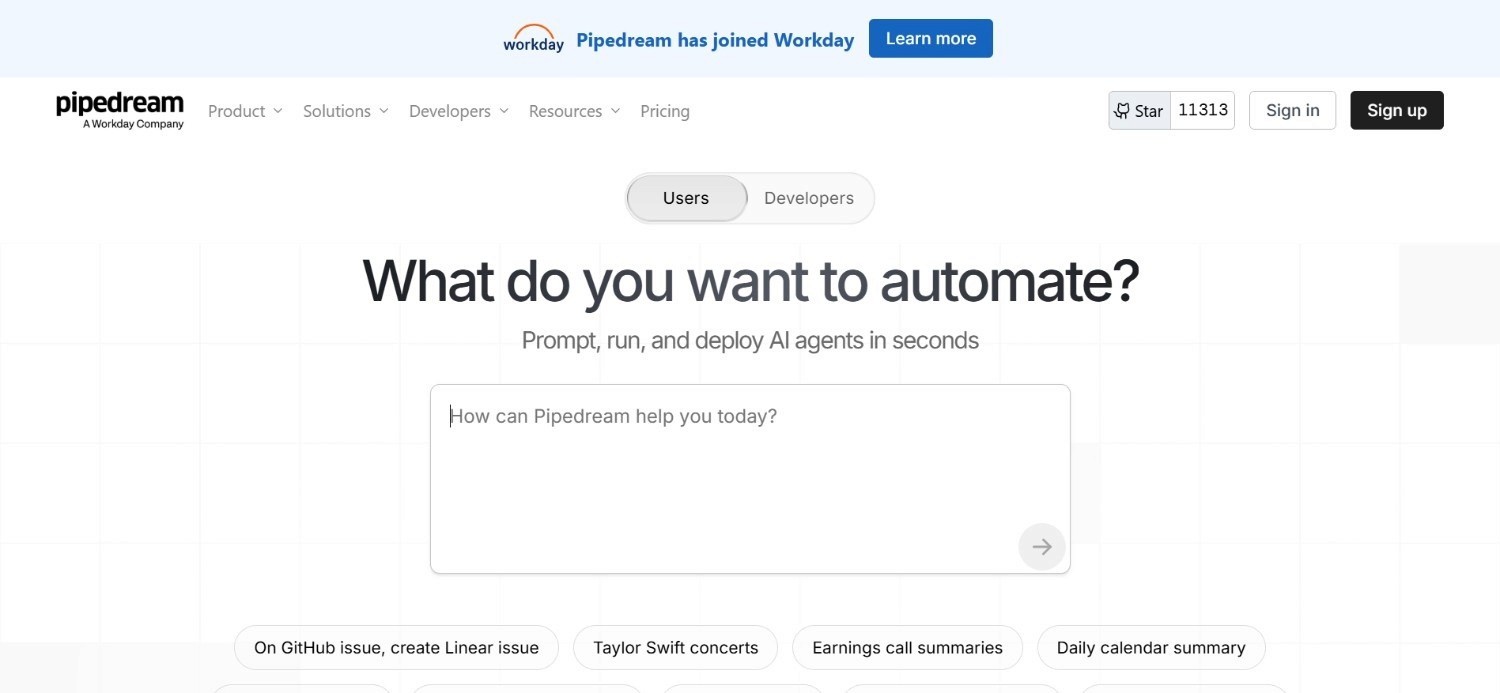
Pipedream is a serverless integration platform built for developers. It combines no-code actions with full code-step flexibility - users can write Node.js, Python, Go, or Bash directly inside workflow steps alongside pre-built connectors from a library of 2,400+ apps. Trusted by over 1 million developers across startups and Fortune 500 companies, Pipedream is particularly strong for API-first teams that need custom logic, fast webhook handling, and the ability to call any API without managing server infrastructure.
Ideal For
Developers and engineering teams building custom workflow integrations with code-level control requirements
Teams that need the flexibility to drop into Python, Node.js, or Go within the same workflow as no-code connectors
SaaS companies building customer-facing integrations that connect their product to third-party APIs
Technical teams that want serverless workflow execution without managing infrastructure
Top Features
Code + No-Code in a Single Workflow. Pipedream lets users mix pre-built app connectors with custom code steps (Node.js, Python, Go, Bash) inside the same workflow. This hybrid model gives developers the speed of pre-built integrations with the flexibility of custom code for edge cases and complex transformations.
Compute-Time Billing That Rewards Fast Workflows. Pipedream charges based on execution time (1 credit = 30 seconds) rather than per-step or per-execution. A 20-step workflow that completes in 5 seconds costs the same as a 2-step workflow that takes 5 seconds. For well-optimized, fast workflows, this model is highly cost-effective.
2,400+ Pre-Built App Integrations with AI Tokens. Pipedream includes AI token allocations on all paid plans for LLM-powered workflow steps - email parsing, sentiment analysis, data classification - without requiring a separate AI API subscription for moderate usage volumes.
Why It's a Strong n8n Alternative
Pipedream is one of the strongest choices among major n8n competitors for developer teams that want the flexibility of custom code execution with the convenience of managed, serverless infrastructure. Where n8n requires self-hosting to get unlimited executions, Pipedream's managed infrastructure removes the operational overhead while providing comparable code-level flexibility.
Pros
Full code execution (Node.js, Python, Go, Bash) inside workflow steps - no separate IDE or deployment step needed
Serverless, no infrastructure to manage and scales automatically
Generous permanent free plan (100 credits/month, 3 active workflows)
AI tokens included on all paid plans for LLM workflow steps
Trusted by 1M+ developers; active community and strong documentation
Cons
Compute-time billing becomes expensive for long-running workflows (database syncs, document processing)
Free tier hard limits stop workflows with a "Runtime Quota Exceeded" error - no grace period
Developer-focused; not suitable for non-technical teams that need no-code accessibility
Source and workflow executions count separately, effectively doubling invocation count for event-driven workflows
Less enterprise governance than Workato or Noxus for compliance-sensitive environments
Pricing
The main plans are 'Basic' at $29/mo, 'Advanced' at $49/mo, 'Connect' at $99/mo, and a custom Business plan for larger production needs. Higher plans add more credits, active workflows, and enterprise features like production-scale support and custom limits.
Final Verdict
Pipedream is a strong option for developer teams building API integrations, event-driven workflows, and custom automation logic without managing infrastructure. The code-step flexibility and compute-time pricing make it efficient for fast, well-optimized workflows.
For non-technical teams, it is overly complex; for enterprise operations with legacy system requirements, Noxus addresses a fundamentally different problem.
8. Gumloop
Overview
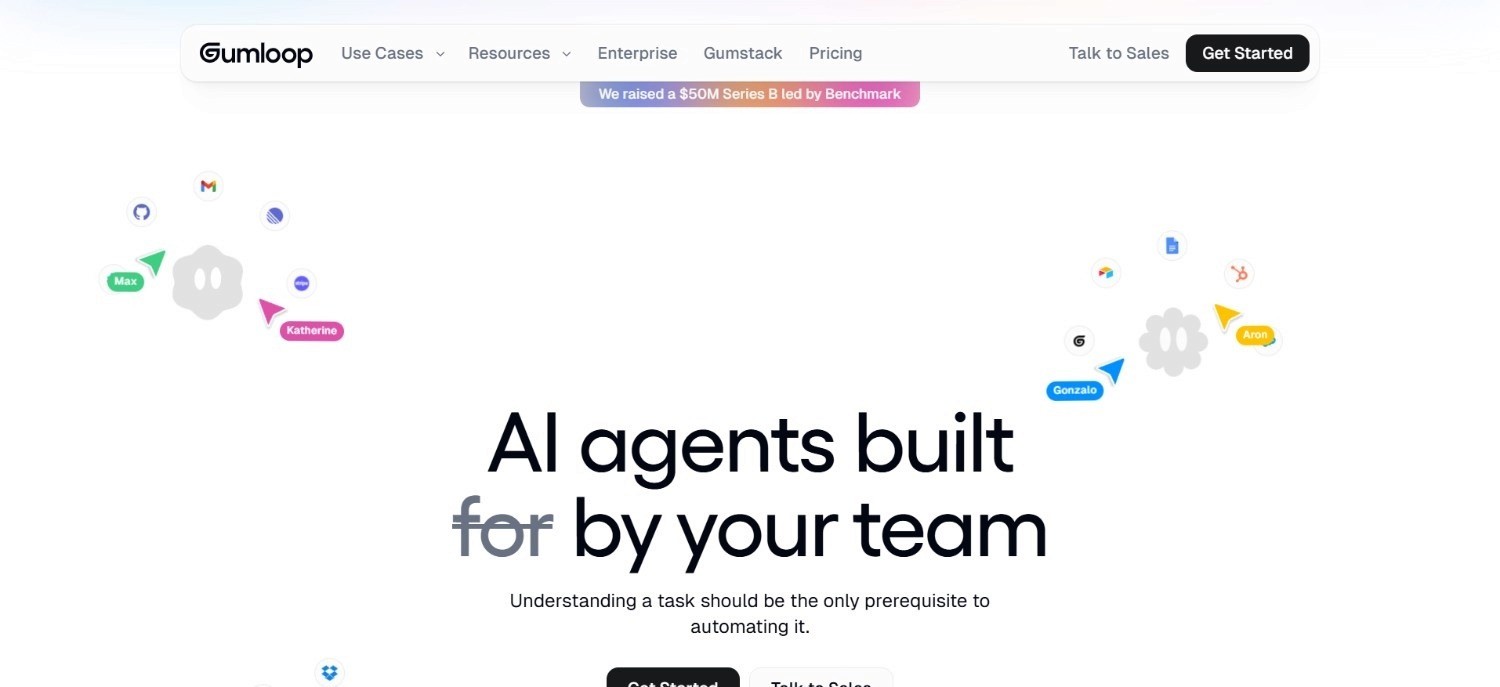
Gumloop is an AI-first visual automation builder designed for non-technical users who want to build workflows powered by large language models and AI agents without writing code. Founded in 2023, Gumloop positions itself as the easiest way to build AI-native automations - connecting LLM reasoning steps, web scraping, document processing, and third-party app actions through a drag-and-drop canvas.
Where n8n is developer-centric and requires technical depth to configure AI workflows, Gumloop makes AI automation accessible to operators, marketers, and business teams by abstracting model configuration into visual, named workflow nodes.
Ideal For
Non-technical teams that want to build AI-powered workflows without prompt engineering or API configuration
Marketers, content teams, and operations teams running AI-assisted tasks like research, summarization, classification, and data extraction
Startups and SMBs exploring AI workflow automation before committing to a more complex platform
Teams that need to prototype AI automations quickly and iterate without developer involvement
Top Features
Visual AI Builder with LLM Nodes. Gumloop's canvas includes pre-built AI nodes for GPT-4, Claude, Gemini, and other models - callable without API configuration or prompt engineering boilerplate. Business users compose multi-step AI workflows by connecting nodes rather than writing code.
Pre-Built AI Automation Templates. Gumloop provides a library of pre-built templates for common AI use cases: lead research, content repurposing, document summarization, email classification - which teams can copy and customize. This reduces setup time from hours to minutes for standard AI workflow patterns.
Web Scraping and Document Processing Nodes. Native web scraping and PDF/document parsing nodes allow Gumloop workflows to ingest unstructured data from websites and documents without separate tooling. For teams running research, monitoring, or competitive intelligence workflows, this is a meaningful built-in capability.
Why It's a Strong n8n Alternative
Gumloop is one of the more practical alternatives to n8n for non-technical teams specifically focused on AI-powered tasks. While n8n requires custom LLM node configuration and developer troubleshooting to build AI workflows, Gumloop abstracts the AI layer into visual, named components that business users can configure and modify independently.
Pros
Genuinely accessible to non-technical users; the AI node library removes configuration friction
Fast time-to-first-workflow - pre-built templates cover common AI use cases immediately
Included AI model access (GPT, Claude, Gemini) without separate API key management for standard usage
No-code web scraping and document parsing built in
Cons
Limited integration library compared to Zapier, n8n, or Make.com - not suited for complex multi-system SaaS workflows
Less appropriate for high-volume, production-grade automation at enterprise scale
Pricing starts at $37/month - not the cheapest entry point for early-stage businesses
AI model access on Gumloop's infrastructure means less control over model selection and data handling compared to BYOK configurations
Pricing
Gumloop starts at $37/month. Higher tiers are available for larger usage volumes and team features.
A free trial is available. Contact Gumloop for enterprise pricing.
Final Verdict
Gumloop is well-suited for non-technical teams that want to build AI-powered automations quickly without developer resources. It is a practical entry point for organizations exploring AI workflow automation before committing to a more complex platform.
For high-volume automation, multi-system enterprise workflows, or operations in regulated environments, more capable platforms like Noxus and Workato provide better production depth.
9. Stack AI
Overview
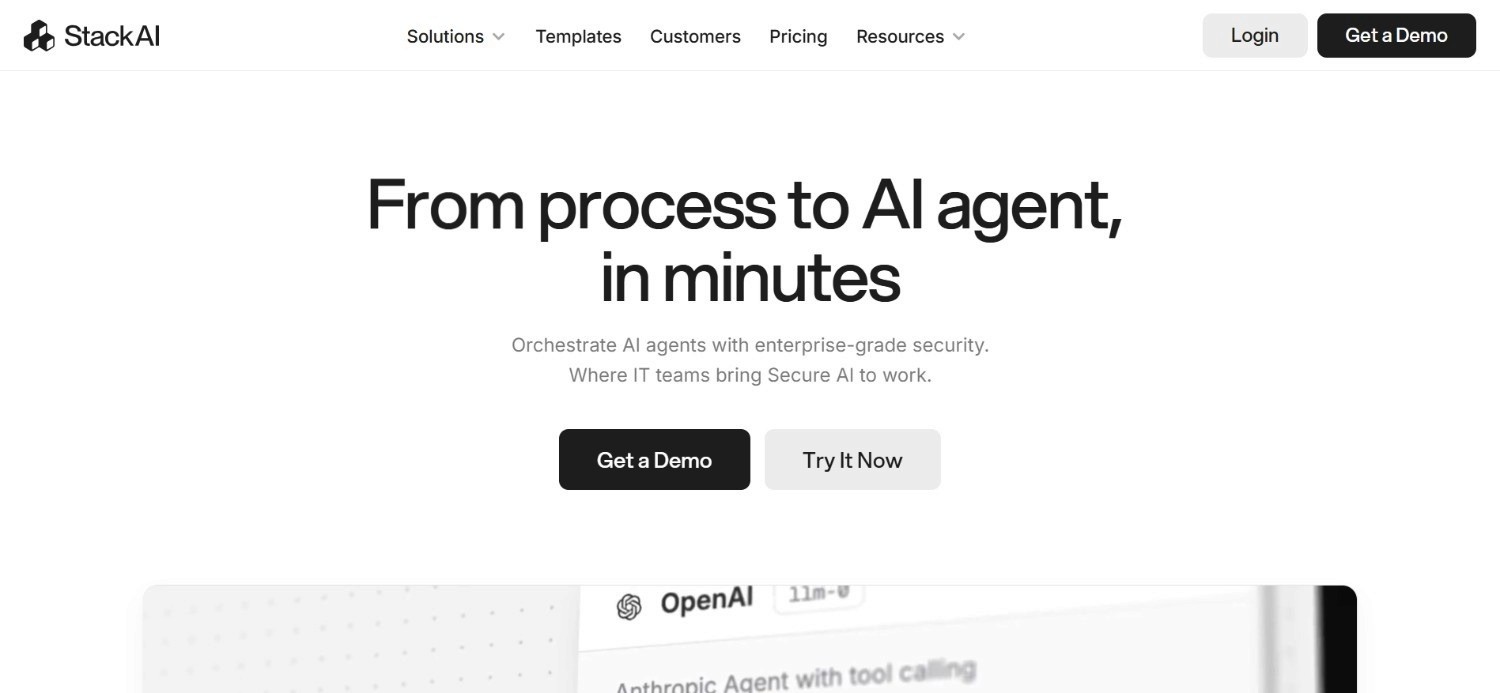
Stack AI is an enterprise-focused platform for building AI applications and LLM-powered workflows without code. It targets technical teams, data scientists, and enterprise operators that need to deploy AI pipelines - RAG systems, document classification, customer support agents, and data extraction workflows - with enterprise-grade security controls.
Stack AI supports fine-tuning, model selection, multi-modal inputs (text, PDFs, images), and API export, making it relevant both as an AI application builder and as an orchestration layer for LLM-driven automation. It holds SOC 2 Type II, HIPAA, and GDPR compliance certifications.
Ideal For
Enterprise teams building production LLM applications - RAG systems, AI assistants, document intelligence
Organizations in healthcare, finance, and legal that need HIPAA and SOC 2-compliant AI deployments
Data science and AI teams that need fine-tuning capabilities and model-level control alongside workflow building
Technical teams that want to deploy AI applications via API for integration into existing products and systems
Top Features
Enterprise-Grade Security for AI Workflows. Stack AI holds SOC 2 Type II, HIPAA, and GDPR certifications - making it one of the few AI workflow platforms cleared for use with health data, financial records, and other regulated data types. For healthcare and financial services teams, this certification breadth is a meaningful differentiator.
Multi-Modal LLM Pipelines with Fine-Tuning. Stack AI supports multi-modal inputs (text, PDF, images), model fine-tuning on custom datasets, and advanced RAG configurations. Teams building custom AI applications - rather than just connecting existing tools - have more native capability here than on platforms like Gumloop or Zapier AI.
API Export for Production Integration. Stack AI workflows can be exported as APIs, enabling integration into existing software products and workflows. This makes it relevant for development teams building AI features into their own products, not just internal automation users.
Why It's a Strong n8n Alternative
Stack AI is one of the stronger alternatives to n8n for enterprise teams focused specifically on LLM-powered workflow automation with strict compliance requirements. While n8n requires custom LangChain or API integration to build AI workflows with enterprise compliance controls, Stack AI provides those capabilities natively within a no-code interface and certified security architecture.
Pros
SOC 2 Type II, HIPAA, and GDPR compliance built in - not as an add-on
Fine-tuning and model customization available natively
Multi-modal inputs support text, PDFs, and images in the same pipeline
API export enables production integration into existing software systems
Strong documentation and enterprise customer support
Cons
More focused on AI application building than broad workflow automation - not a direct n8n replacement for SaaS-to-SaaS integrations
Pricing is custom and requires a sales conversation; no self-serve public pricing
Integration library is narrower than Zapier, Make.com, or n8n for connecting non-AI SaaS tools
Less suited for high-volume operational workflows involving legacy system interaction
Pricing
Stack AI has a free plan with 500 runs, 2 projects, and 1 seat, plus community support. Its paid pricing is mostly custom/enterprise-focused, with higher tiers adding more runs, projects, seats, dedicated infrastructure, solution engineers, and compliance features like SSO and SOC 2/HIPAA support.
Final Verdict
Stack AI is recommended for enterprise teams that need a compliant, enterprise-grade platform for building and deploying LLM-powered applications and document intelligence workflows. It is not a broad-purpose workflow automation tool - teams that need to connect 50 SaaS apps or automate multi-system legacy operations should look at Noxus, Workato, or Zapier instead.
For healthcare and financial services teams building AI applications with regulated data, it is one of the stronger available options.
10. Tray
Overview
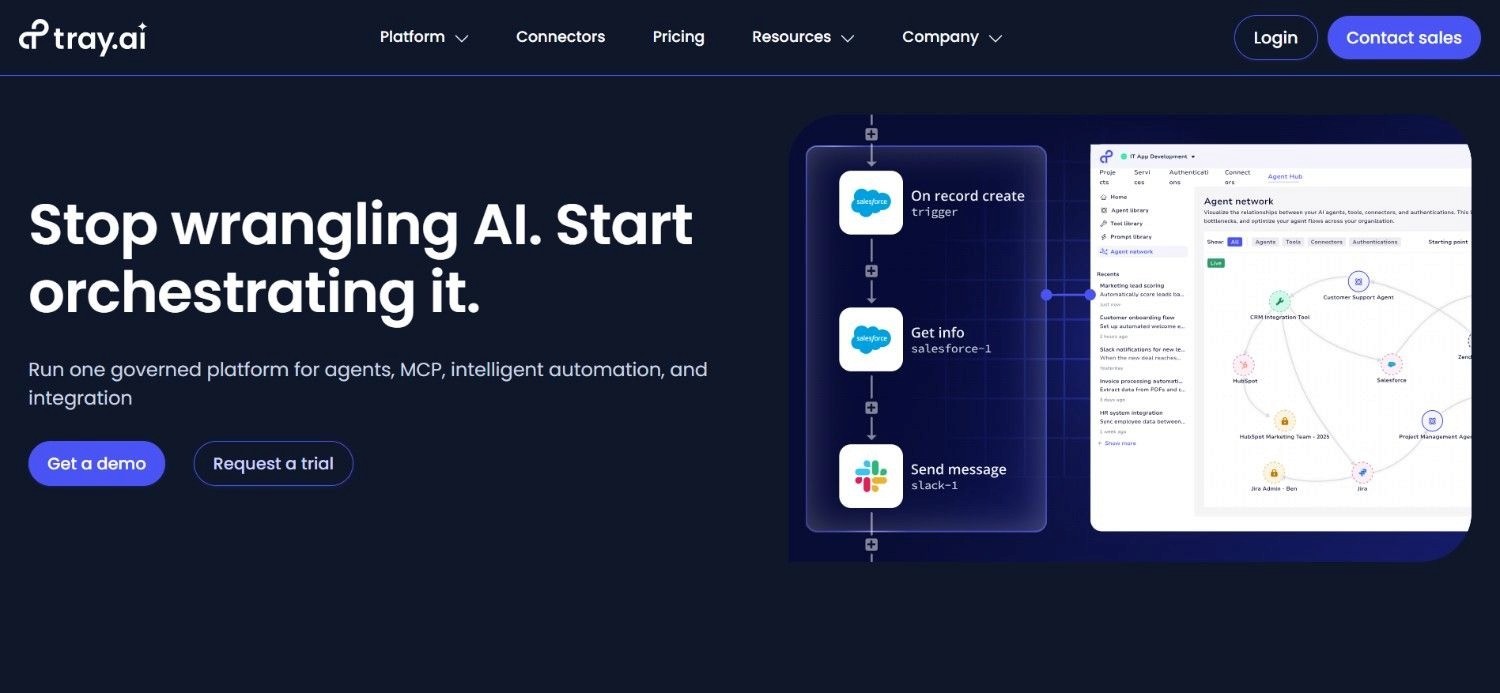
Tray (also referred to as Tray.ai) is an enterprise automation and integration platform built for mid-market and enterprise organizations that need advanced governance, compliance controls, and the ability to handle high-volume, multi-step integrations without a dedicated engineering team. Founded in 2012 and headquartered in San Francisco, Tray is used by companies including Intercom, Lyft, HubSpot, and Twilio to automate complex, cross-departmental workflows at scale.
Where n8n is a developer tool that scales up, Tray is an enterprise platform that scales across business teams. Its visual builder handles complex conditional logic, data transformation, and error handling, while its governance layer provides SSO, SAML, audit logs, and role-based access controls without requiring an Enterprise tier upgrade that pushes costs further.
Ideal For
Mid-market to enterprise teams that have outgrown n8n's governance capabilities but are not ready to commit to Workato's price tier
Operations and RevOps teams building complex, multi-step integrations across CRM, ERP, marketing, and support systems
Organizations with compliance requirements (SOC 2, GDPR) that need governance controls built into their automation infrastructure
Technical and semi-technical teams that need a visual builder with enough depth for complex logic without requiring code
Top Features
Visual Canvas Builder with Advanced Logic and Data Transformation. Tray's visual canvas supports complex conditional branching, loops, iterators, and real-time data transformation within the workflow builder. Teams can map, filter, and reshape data between systems without writing code - a depth that exceeds Zapier and Make.com for complex multi-step enterprise integrations.
Enterprise Governance: SSO, SAML, Audit Logs, and RBAC. Tray includes enterprise security and governance controls across its paid tiers - SSO/SAML authentication, role-based access control, activity audit logs, and data handling controls. For teams where compliance and access governance are requirements rather than nice-to-haves, this built-in architecture removes the need to upgrade to an Enterprise plan just to get basic controls.
400+ Pre-Built Connectors with High-Volume Task Processing. Tray's connector library covers the most common enterprise integration patterns: Salesforce, HubSpot, SAP, NetSuite, Slack, Jira, and 380+ others. Its task-based execution model is designed for high-volume workflows, and its Team and Enterprise tiers remove task caps entirely.
Why It's a Strong n8n Alternative
Tray.io is one of the stronger choices among n8n alternatives for teams that have hit n8n's governance ceiling and need enterprise controls without committing to Workato's pricing floor.
Where n8n requires custom development to add SSO, audit logs, and RBAC beyond the Enterprise Cloud plan, Tray includes these controls at the Pro and Team tiers. Its visual builder also handles the kind of complex multi-system integration logic that n8n requires JavaScript nodes to achieve.
Pros
Enterprise governance controls (SSO, SAML, audit logs, RBAC) built into paid tiers - not locked behind Enterprise
Visual canvas builder handles complex conditional logic and data transformation without code
400+ pre-built connectors with strong enterprise SaaS coverage
Designed for high-volume workflows; Team and Enterprise tiers remove task caps
Proven at scale with enterprise clients including Intercom, Lyft, and Twilio
Cons
No self-serve signup or free trial - requires a sales conversation before access, which slows evaluation compared to n8n, Make.com, or Zapier
Task-per-step pricing model (each action in a workflow counts as a task) compounds costs quickly for multi-step workflows at high volume
Pro tier at ~$595/month is a significant jump from n8n Cloud Pro at €60/month
Less suitable for teams that need open-source flexibility or self-hosting
Developer flexibility is lower than n8n; custom code steps are less accessible than in Pipedream
Pricing
Tray uses a custom, sales-led pricing model, so there's no public fixed list price on the pricing page. Its plans are typically tied to usage, workspaces, and add-ons, with higher tiers for larger teams and enterprise deployments. Tray also sells Merlin Agent Builder separately, which can add to the total cost.
Final Verdict
Tray is a well-suited option for mid-market and enterprise teams that have outgrown n8n's governance model and need enterprise security controls without moving to Workato's price range. Its visual builder depth and compliance-ready architecture make it a credible step up from n8n for organizations with genuine governance requirements.
For teams that need legacy system integration without API prerequisites - particularly in regulated industries - Noxus operates at a different level of operational depth that Tray does not address.
Why Noxus Works Across Multiple Use Cases
Noxus for Banking and Financial Services Operations
European banks manage hundreds of thousands of customer cases per month - complaints, billing disputes, refunds, account changes - each requiring swivel-chair work across 3 to 7 systems with no automation layer. Manual handling produces 3 to 8% error rates, inconsistent outcomes across teams, and compliance exposure on audit trails.
The same banks are usually carrying long-term BPO contracts with annual cost escalation and zero knowledge retention when staff rotate.
Noxus executes these workflows end-to-end: multi-system intake, policy lookups, rule application, CRM and ERP write-backs, and full audit logging, without requiring API modernization of the underlying systems. Deployed at a Tier 1 European bank, Noxus delivered 3x ROI in the first deployment, 95% AI precision on live operational data, and 45 days from contract to first production workflow - with the contract structured for global rollout across up to 15 regions on the same playbook.
Noxus for Insurance Claims and Back-Office Processing
Insurance claims operations involve unstructured document inputs, complex business rule application, multi-system lookups across claims management, core policy, and financial systems, and strict regulatory documentation requirements.
Traditional RPA breaks when UI changes. LLM tools draft summaries but do not close cases. Noxus closes cases - and every action is auditable.
Noxus for Healthcare Administrative Workflows
Healthcare organizations process thousands of patient and administrative communications per month - appointment coordination, document requests, billing inquiries, referral management - across clinical and administrative systems with Article 9 data sensitivity.
Noxus deployed at CUF/José de Mello processes 10,000+ communications per month with 96% precision, 50 days to production, and full GDPR Article 9 compliance maintained throughout. Every action is logged with deterministic policy enforcement; no AI model makes clinical or compliance-relevant decisions.
Noxus for Retail Catalogue Operations
Large retail and FMCG organizations managing 15,000+ daily product listings face a catalogue operations bottleneck: classification, enrichment, pricing, and competitive intelligence at scale with structured write-back into PIM systems and marketplace APIs. Manual processes cannot keep pace with catalogue growth.
Noxus automates the full product data pipeline at Jerónimo Martins with 90% precision, 5x ROI, and 80 days to production, covering classification, description generation, category assignment, specification extraction, and pricing recommendations with direct write-back into PIM infrastructure.
Noxus for Mid-Market Operations Automation
Mid-market companies face the same structural pain as enterprise clients - growing transaction volume, manual multi-system workflows, BPO cost escalation - but with faster buying cycles and fewer internal engineering resources. The economics of building custom AI infrastructure internally are even less viable at mid-market scale.
Noxus' mid-market deployment model targets companies with 200 to 2,000 employees, $50M to $500M in revenue, and 4 to 8 week sales cycles. First use cases typically go live in 30 days, with second and third workflows deploying at 85 to 90% gross margin on the same infrastructure. The result: operations teams get production AI automation without hiring an AI engineering team.
When Teams Switch to Noxus
The pattern is consistent. Teams switch when one of these triggers hits:
BPO or outsourcing contract renewal in the next 6–12 months. The strongest, most time-sensitive trigger. Operations leaders need an alternative to demonstrate before signing another year of escalating costs.
Regulatory compliance deadlines. EU AI Act milestones, GDPR audits, DORA, NIS2 - all create pressure to govern AI usage formally, not informally.
Failed or abandoned RPA deployment. Bots broke when ERP UIs updated. Maintenance cost exceeded savings. Budget reallocated. Leadership ready to try a different approach.
Board mandate to reduce operational costs. A specific percentage target within 12 months, with operations cost-as-percent-of-revenue moving in the wrong direction despite years of digital transformation spend.
New executive hire with an AI mandate. A new CDO, COO, VP Ops, or CTO arriving with a remit to move AI from pilot to production - and a reputation that depends on getting it done.
Pilot purgatory. Three to five AI pilots running simultaneously, none converting to production. The organization is busy with AI activity but producing no AI outcomes.
M&A integration. An acquired company runs different systems. Standardizing processes across legacy environments creates an acute automation need that cannot wait for re-platforming.
What Makes a Good n8n Alternative?
Operates on the Systems Your Organization Actually Runs
The most common failure point of n8n deployments in enterprise environments is not the workflow logic - it is the inability to connect to legacy systems without a significant prior API modernization project. A genuine n8n alternative for enterprise teams must connect to SAP, Oracle, ServiceNow, Guidewire, and proprietary systems without requiring those systems to be rebuilt first.
Handles Unstructured Inputs Alongside Structured Workflows
Modern operations workflows do not start with a clean API trigger. They start with an email, a scanned document, a free-text customer message, or a PDF attachment. A credible alternative must handle unstructured input interpretation at the intake stage, not just structured data routing between connected apps.
Provides Governance, Auditability, and Compliance Controls
n8n's execution logs are functional for debugging but insufficient for regulated-industry compliance. A genuine alternative for financial services, insurance, healthcare, or public sector environments needs deterministic business rule enforcement, a complete action-by-action audit trail, RBAC integrated with enterprise identity systems, and certifications (SOC 2, ISO 27001, GDPR, HIPAA) that are architectural rather than contractual.
Goes to Production Without an Engineering Rebuild
n8n requires your team to own solution design, implementation, and infrastructure. Most enterprise AI initiatives stall here - not because the AI fails, but because the integration and deployment infrastructure is never finished. A credible alternative should come with deployment engineering support that gets the first workflow live on real systems with real data in a defined timeframe.
Pricing That Scales With Operations Value, Not Execution Count
Per-task, per-step, and per-execution pricing models create cost unpredictability as automation volume grows. Teams that start on Zapier's Professional plan regularly face 10x cost increases within 12 months as workflows multiply. A good n8n alternative should price based on operational value delivered, not on how many times a workflow's trigger fires.
How to Choose the Right n8n Alternative for Your Needs
1. Identify Your Primary Use Case Category
The first question is whether your need is SaaS-to-SaaS automation (Zapier, Make.com, Activepieces), code-level API integration (Pipedream, n8n), enterprise iPaaS (Workato), AI-first automation (Gumloop, Stack AI), or agentic operations execution in legacy enterprise environments (Noxus).
These are fundamentally different problem spaces. Choosing the wrong category means rebuilding from scratch 12 months later.
2. Assess Your Infrastructure Capacity Honestly
n8n is free to self-host, but self-hosting properly takes 10 to 20 hours per month of DevOps capacity. Make.com and Zapier are fully managed but impose execution caps and per-operation costs.
If your team does not have dedicated infrastructure capacity and cannot absorb per-execution cost escalation, platforms with flat pricing (Activepieces' per-flow model) or consumption-based pricing (Noxus) may fit better.
3. Map Legacy System Requirements Before Evaluating Features
If your workflows need to touch SAP, Oracle, Guidewire, a COBOL-era banking core, or a proprietary industry system without an API layer, the majority of tools in this comparison cannot help you without significant custom development first.
Establishing this requirement early eliminates Zapier, Make.com, Power Automate (standard connectors), Activepieces, Gumloop, and Pipedream as viable options for that specific use case.
4. Verify Compliance and Data Sovereignty Requirements
For regulated industries - financial services, insurance, healthcare, public sector - verify certification coverage before committing to a platform. SOC 2 Type II, ISO 27001, GDPR Article 28, and HIPAA are the baseline requirements for most European enterprise environments.
Verify whether these certifications cover the specific deployment architecture you need (SaaS vs. VPC vs. on-premises). Noxus, Stack AI, Power Automate, and Workato cover this ground; Zapier, Make.com, and Gumloop have limited regulated-industry deployment support.
5. Calculate Total Cost of Ownership Including Infrastructure and Deployment
Tool cost is 15 to 25% of total automation project cost for most deployments. The rest is implementation, integration engineering, testing, and change management.
Platforms that include deployment engineering support (Noxus) and managed infrastructure (Zapier, Make.com, Workato) reduce this overhead. Self-hosted platforms (n8n, Activepieces Community) reduce license cost but transfer infrastructure and maintenance cost to your team.
Build a realistic 12-month total cost estimate before comparing headline prices.
Everything You Need to Know About n8n Alternatives
← scroll →
| Category | Key Considerations |
|---|---|
| Top 3 Alternatives | NoxusZapierMake.com Enterprise legacy operations & regulated industries · Non-technical SaaS automation, maximum integration breadth · Technical teams needing complex automation at lower cost than Zapier |
| Best Overall Option | Noxus — the only platform that executes end-to-end operations work inside legacy enterprise systems under full governance, without API modernization prerequisites. |
| Why Look for n8n Alternatives? | DevOps overhead for self-hosting; Cloud execution caps hit fast at scale; no legacy system integration; limited governance and audit trail; no deployment support for enterprise production environments. |
| How to Choose? | Identify use case category (SaaS automation vs. enterprise operations); assess infrastructure capacity; map legacy system requirements; verify compliance certifications; calculate 12-month total cost including implementation. |
| Price Range | Free (n8n self-hosted, Activepieces Community, Zapier/Make free tiers) to $9–19.99/month (Make.com, Zapier entry) to $29–49/month (Pipedream) to $37/month (Gumloop) to $595/month (Tray.io Pro) to $10,000+/year (Workato) to enterprise-grade custom consumption-based (Noxus). |
| Ease of Switching | Zapier and Make.com are fastest for SaaS automation — days to first workflow. Activepieces, Gumloop, and Pipedream offer free tiers for direct evaluation. Tray.io requires a sales conversation before access. Noxus typically runs a 30-day POC on client systems. Workato and enterprise platforms require formal implementation projects. |
| Must-Have Features | Depends on use case: for enterprise — legacy system connectivity, full audit trail, governance; for SaaS — integration breadth, execution reliability, cost efficiency; for AI-native — model flexibility, unstructured input handling, compliance certifications. |
| Mistakes You Shouldn't Make | Evaluating tools by feature list without first establishing legacy system requirements; underestimating self-hosting overhead for n8n; selecting an enterprise iPaaS when a simpler tool covers your actual use case; choosing per-task pricing for high-volume workflows. |
Ready to Move On from n8n? Try Noxus
Most n8n alternatives solve a version of the same problem n8n solves: connecting SaaS APIs, routing data between tools, triggering actions on events. Noxus solves a different problem.
Enterprise operations run on legacy systems. The business rules that govern what actually happens live in policy documents and in the heads of long-tenured staff, not in clean APIs. Most AI tools, including n8n, assume modern environments. Enterprise operations are not modern environments.
Here is what Noxus does differently:
Executes, not suggests: Noxus resolves cases end-to-end and writes outcomes back to source systems. No drafts, no alerts, no human relay required.
Works inside legacy systems: SAP ECC, Guidewire, Oracle, COBOL-era cores. No API layer, no middleware project, no re-architecture as a prerequisite.
Your rules govern every decision: AI interprets the input; your business logic executes the process. No AI model decides whether to approve a refund or close a claim.
Every action audited, every decision replayable: Full trace of what happened, which rule applied, and why. Built for regulated industries.
Production in 45 to 80 days: Not a sandbox. Not a pilot. Live on your actual systems with real data.
3 to 5x ROI across all production deployments. Zero client churn to date.
FAQs About n8n Alternatives
What is n8n used for?
n8n is used for workflow automation: connecting SaaS applications, APIs, and data sources through a node-based visual builder. It is particularly popular among developers and technical teams for self-hosted automation that eliminates per-task pricing. The tool is best suited for technical teams comfortable managing VPS infrastructure.
What is the best n8n alternative in 2026?
The best n8n alternative in 2026 is Noxus for teams that need to execute operations work inside legacy enterprise systems. Noxus runs operations across SAP, Guidewire, ServiceNow, and Oracle without any API modernization prerequisites. The execution runtime also reduces ongoing maintenance. You don't need to constantly update flows every time a process changes or breaks.
What features should I look for in an n8n alternative?
When evaluating best alternatives to n8n for workflow automation, the key question is: what systems does your automation need to touch? For SaaS-to-SaaS workflows, prioritize integration breadth, pricing model, and ease of use. For legacy enterprise systems without APIs, prioritize native connectivity, governance controls, and deployment support - capabilities Noxus provides that most tools on this list do not. For regulated industries, verify SOC 2, ISO 27001, GDPR, and HIPAA coverage before shortlisting any platform.
How do I choose the best n8n alternative for my needs?
The most important first step to choose a n8n alternative is identifying your use case category: SaaS integration, enterprise iPaaS, AI-native workflows, or legacy operations automation. These categories require fundamentally different tools. For teams running high-volume SaaS automation, compare Make.com and Activepieces on cost-per-operation. For enterprise operations in legacy environments, Noxus and Workato operate at the right level of depth. Don't forget to calculate total 12-month costs including implementation, not just subscription price.
Is it easy to switch from n8n to an alternative?
Switching from n8n varies by platform and use case. Zapier and Make.com can be set up in days for standard SaaS workflows, with community-built migration templates available for common n8n patterns. Activepieces has a growing library of connectors that overlap with n8n's ecosystem. For enterprise platforms like Noxus, switching involves a formal implementation process, but the infrastructure depth gained is typically the reason for switching in the first place. Teams self-hosting n8n should plan for a parallel-run period to avoid workflow disruption during migration.
Can Noxus replace n8n for enterprise automation?
Noxus is built for a different problem: executing complex, multi-system operations inside legacy enterprise environments under full governance. If your automation involves resolving customer cases across SAP, a claims management system, and an email inbox, with write-back and a complete audit trail, Noxus is the platform that fits. Most enterprises end up running both: a workflow tool for SaaS integration, and Noxus for operations execution. They solve different problems.
Is n8n suitable for large enterprises with legacy systems?
n8n is not well-suited for large enterprises with legacy systems in production. n8n connects to APIs - systems like SAP ECC, Guidewire, COBOL-era banking cores, and proprietary in-house platforms often lack the clean API layer n8n requires. Building that API layer is typically a €500,000 to €1M+ engineering investment before a single workflow runs. Noxus addresses this directly: the execution runtime interacts with legacy systems the way operations staff do today, through the interface, without requiring any prior modernization. For legacy-heavy, regulated enterprise environments, Noxus is built for that reality.