Best AI Agent Platforms in 2026 (Top-Rated Tools Reviewed & Compared)
The best AI agent platforms in 2026 differ on one thing: whether they draft work or finish it. This comparison reviews ten of them on execution depth, legacy system reach, governance, deployment options and pricing, so you can tell which category each one belongs to before you run a pilot.

Key Takeaways (TL;DR)
The Best Overall AI Agent Platform: Noxus is an AI operations platform built to execute complex, multi-system enterprise work end to end, not just draft suggestions. We connect natively into legacy systems like SAP, Guidewire, and COBOL-era cores that most other AI agent tools won't touch.
Why Do You Need It?: Operations teams are stuck manually bridging 3 to 7 disconnected systems per case, while AI pilots stay stuck in a sandbox instead of reaching production. The best AI agents close that gap by executing the work itself, not just suggesting what a person should do next.
Who It's For?: Operations leaders, IT and architecture teams, finance leaders, and digital transformation leaders at regulated, legacy-heavy enterprises, as well as founders at growing startups who need automation without a large engineering team.
How to Choose the Right One?: Match the platform to your actual system complexity, check whether it drafts or genuinely executes work, and confirm its security certifications and deployment options fit your industry's compliance needs.
Noxus’ Pricing Model: Noxus runs on a monthly platform licence with consumption-based pricing. There is no per-seat, per-task or token-based billing, so cost scales with the operations completed rather than with headcount. Pricing moves along two dimensions, operational volume and deployment complexity, and a custom quote follows a scoping conversation.
Table of Contents
Top AI Agent Platforms in 2026 at a Glance
Platform | Best For | Key Features | Pricing |
Noxus | Regulated enterprises automating complex, multi-system operations | Legacy system integration, confidence-based escalation, full audit trail | Consumption-based platform license, scales with volume, custom quote |
n8n | Technical teams wanting self-hosted, flexible automation | Visual node-based builder, self-hosting, custom code steps | Free self-hosted, cloud from €20/month |
Dify | Engineering teams building custom LLM applications | Visual workflow builder, multi-model support, knowledge base | Free to self-host, custom cloud and enterprise pricing |
Lindy | Solo founders and small teams automating everyday tasks | No-code agent builder, email and calendar integrations | 7-day trial - Plus $29.99, Pro $99.99, Max $199.99 per user/month |
Microsoft Copilot Studio | Organisations standardised on Microsoft 365 | Low-code builder, native Teams and Power Platform integration | Consumption-based in Copilot Credits: $200/month capacity pack or pay-as-you-go |
Relevance AI | Teams building multi-agent workflows for research and outreach | Multi-agent "workforces," template library, usage-based credits | Freemium, usage-based, custom enterprise pricing |
Devin AI | Engineering teams offloading coding tasks | Autonomous coding, sandboxed dev environment | Free, Pro $20/month, Max $200/month, Teams from $80/month |
Beam AI | Operations teams wanting a managed deployment | Pre-configured agents, custom onboarding | Custom, quote-based via demo |
Glean | IT teams improving internal search and knowledge retrieval | Enterprise search, permission-aware retrieval, agent building | Custom, quote-based |
Make | Marketing and ops teams connecting SaaS tools visually | Visual scenario builder, AI modules, branching logic | Free plan with 1,000 credits/month, paid from $9/month |
What Are AI Agents?
AI agents are software systems that can reason about a goal, plan the steps needed to reach it, and take action to complete a task, rather than answering a question or drafting a suggestion for a person to act on.
Unlike a chatbot, which mostly talks, an AI agent works: it can log into a system, retrieve data, apply a rule, and write an outcome back into the tools a business already runs.
The industry around AI agent platforms has grown quickly because the underlying models finally got good enough to reason through multi-step tasks reliably.
That's created a crowded market of the best AI agent tools, ranging from open-source, self-hosted builders like n8n and Dify, to consumer-friendly no-code tools like Lindy, to platforms purpose-built for a single function, like Devin AI for coding or Glean for internal search.
Finding the best AI agents for your situation depends heavily on what kind of work you're trying to automate.
A platform built for quick, personal task automation looks different from one built to resolve a regulated insurance claim across five disconnected legacy systems - which is exactly why this guide compares platforms across different categories rather than treating them as interchangeable.
Why Do You Need AI Agent Platforms?
Most businesses already know where automation should help. The problem is rarely spotting the opportunity; it's actually getting a working AI agent into daily use.
Operations teams commonly work across 3 to 7 disconnected systems per case, manually copying data between a CRM, a core system, and email just to resolve one request.
That swivel-chair work doesn't scale linearly: as transaction volume grows, headcount would have to grow just as fast to keep up, which isn't a viable long-term strategy for most businesses.
The best AI agent tools solve this by taking on the routine, repetitive share of that work directly. Rather than a person manually checking three systems and re-typing the same information into each one, an agent performs the lookup, applies the relevant policy, and writes the outcome back, all while logging every step for audit.
This is exactly where the best AI agents can be separated from generic automation scripts, since they can interpret messy, unstructured input versus only following a fixed set of rules.
The scale of the gap is significant. Many organisations report running multiple AI pilots simultaneously without a single one reaching production, largely because off-the-shelf AI tools assume simple, modern, API-first environments that most real businesses don't actually have.
Documented enterprise deployments that do reach production report results like 90 to 96% AI precision and 45 to 80 days to first live deployment, which shows the gap is solvable with the right platform, not an unavoidable cost of doing business.
Who Needs the Best AI Agents?
Different teams need different things from an AI agent platform, which is why the best AI agents for one persona can be entirely the wrong fit for another.
1. Operations leaders at regulated enterprises
VPs of Operations, Heads of Claims, and Directors of Customer Operations own metrics like headcount efficiency, SLA performance, and cost per transaction.
They need a platform that can resolve real cases end to end across legacy systems, not just draft a recommendation that still needs a person to act on it.
Compliance and audit trails matter as much as speed here, since these leaders are accountable to a CFO or board for every process change.
2. IT and architecture leaders
CTOs, CIOs, and Enterprise Architects act as the technical gatekeepers who need to confirm any new AI agent platform won't create security exposure or an unmanageable new dependency.
They're looking for deployment flexibility between SaaS, private cloud, and on-premises, alongside certifications like SOC 2 and ISO 27001, before a platform even reaches a serious evaluation.
3. Finance leaders needing measurable ROI
CFOs and Finance Directors sign off on larger deals and need a clear payback period rather than an open-ended pricing model.
They respond to case studies with exact ROI multiples and a defined timeline to break-even, which is why transparent, usage-based pricing tends to win out over vague, per-seat licensing that's hard to model for board approval.
3. Digital transformation leaders escaping pilot purgatory
Chief Digital Officers and Heads of AI Transformation have often run several AI pilots that never made it to production.
They need a platform with genuine production credentials, not another tool that requires their own team to build the infrastructure from scratch before a single process is automated.
4. Founders and operations owners at growing startups
Mid-market and early-stage teams often combine the champion, economic buyer, and technical decision-maker into one person.
They need fast results with minimal IT involvement, an affordable entry point - and a platform that can prove operational impact within the first 90 days without demanding a dedicated engineering team.
10 Best AI Agent Platforms: In-Depth Review & Comparison
1. Noxus
Overview
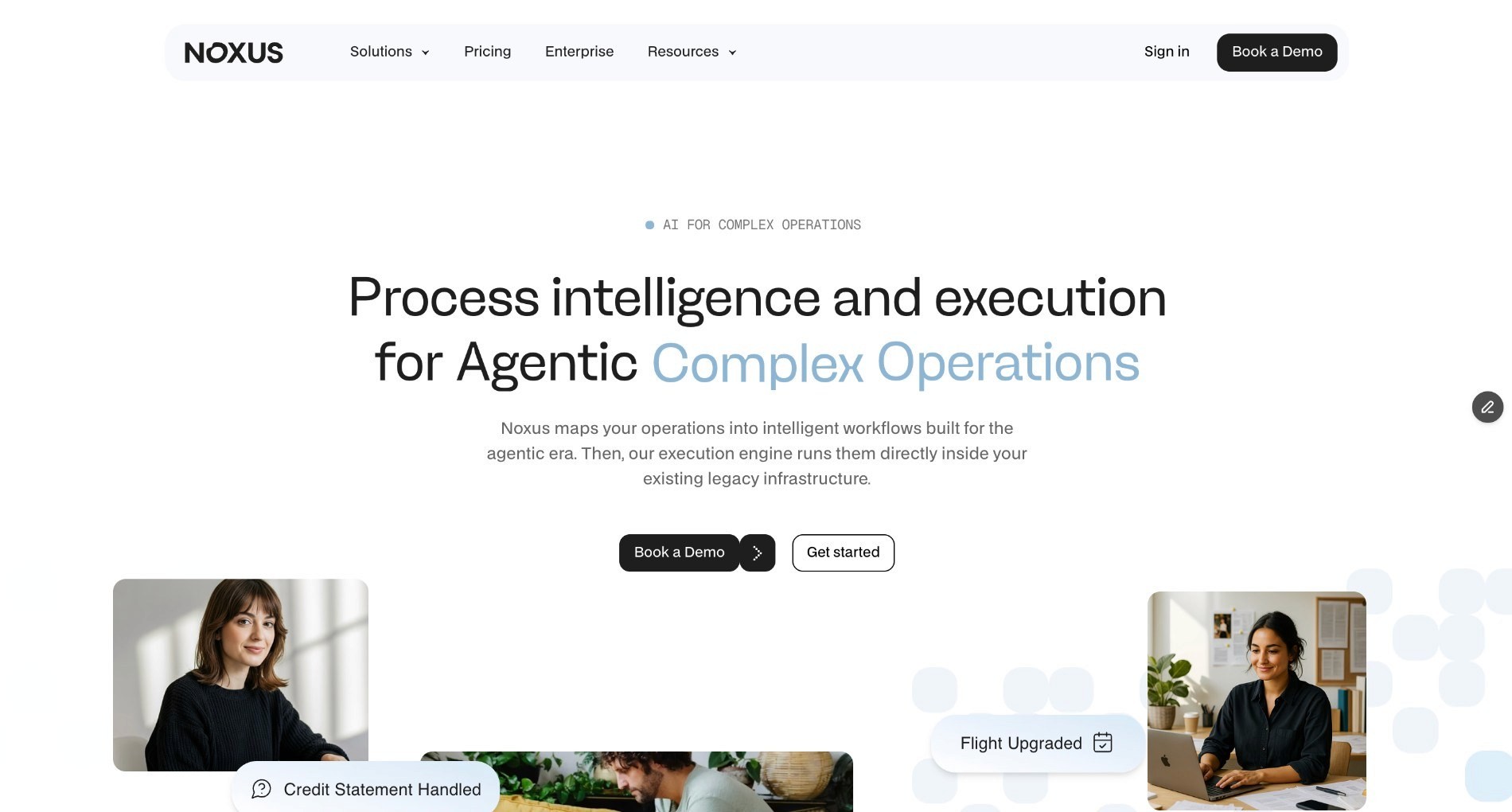
Noxus is an AI operations platform built to execute complex, multi-system enterprise tasks end-to-end, not just draft suggestions. Unlike most AI agent tools built for modern, API-first stacks, we connect natively into legacy environments like SAP, Guidewire, and COBOL-era cores that other platforms won't touch.
Our rules execute the decision while AI interprets messy inputs like emails and scanned documents, and every action gets logged for a full audit trail.
We're built for regulated European enterprises running high-volume operations like claims, billing disputes, and account changes across fragmented legacy systems, without requiring migration or re-platforming first.
Ideal For
Operations leaders at regulated enterprises managing high-volume claims, billing, or account-change processes across legacy systems
IT and architecture teams that need a platform with SOC 2, ISO 27001, and GDPR Article 28 certification before it clears procurement
Mid-market operations owners who need production results within 90 days without a large internal engineering team
Top Features
Native integration with legacy systems like SAP ECC, Guidewire, and COBOL-era cores, without requiring an API layer or middleware project
Confidence-based human escalation, so cases only reach a person when the AI's certainty drops below a defined threshold
Full audit trail with complete replayability of every decision, action, and output, so compliance teams can trace exactly what happened and why
Three deployment options: fully managed SaaS, self-managed VPC, or air-gapped on-premises, depending on data sensitivity
Why We Stand Out?
We separate AI interpretation from business decision-making, meaning governed rules, not an AI model's judgement, decide what happens on regulated processes like claim approvals or refunds.
Deployments have reported 45 to 80 days to production and 90 to 96% AI precision on live operational data across banking, healthcare, and retail.
This process is materially faster than the 12-plus months it typically takes an internal team to build this kind of infrastructure from scratch.
Pros
Handles unstructured input like scanned documents and free-text emails, not just structured API calls
Deployment options include on-premises and air-gapped setups for the most regulated industries
No rip-and-replace: connects to existing systems instead of demanding a modernised stack first
Usage-based pricing means costs scale with actual AI operations completed, not seat count
Cons
Built for complex, multi-system enterprise processes rather than simple, single-app automations
Full-scale deployment typically involves an initial engineering phase rather than an instant self-serve setup
Less suited to consumer-facing chat widgets than to back-office operational workflows
Pricing
Noxus operates on a monthly platform license with consumption-based pricing that scales with operational volume and deployment complexity. There is no per-seat pricing, no per-task billing, and no token-based pricing.
Costs are predictable and scale with usage rather than headcount. First engagements include deployment engineering alongside the platform license. Subsequent use cases deploy at significantly lower incremental cost because the infrastructure is already running.
Custom quotes are provided following a scoping conversation.
Final Verdict
If you're comparing the best AI agents for regulated, legacy-heavy enterprise operations, Noxus is built specifically for the systems and compliance requirements other platforms avoid, which is exactly why we lead this list.
2. N8n
Overview
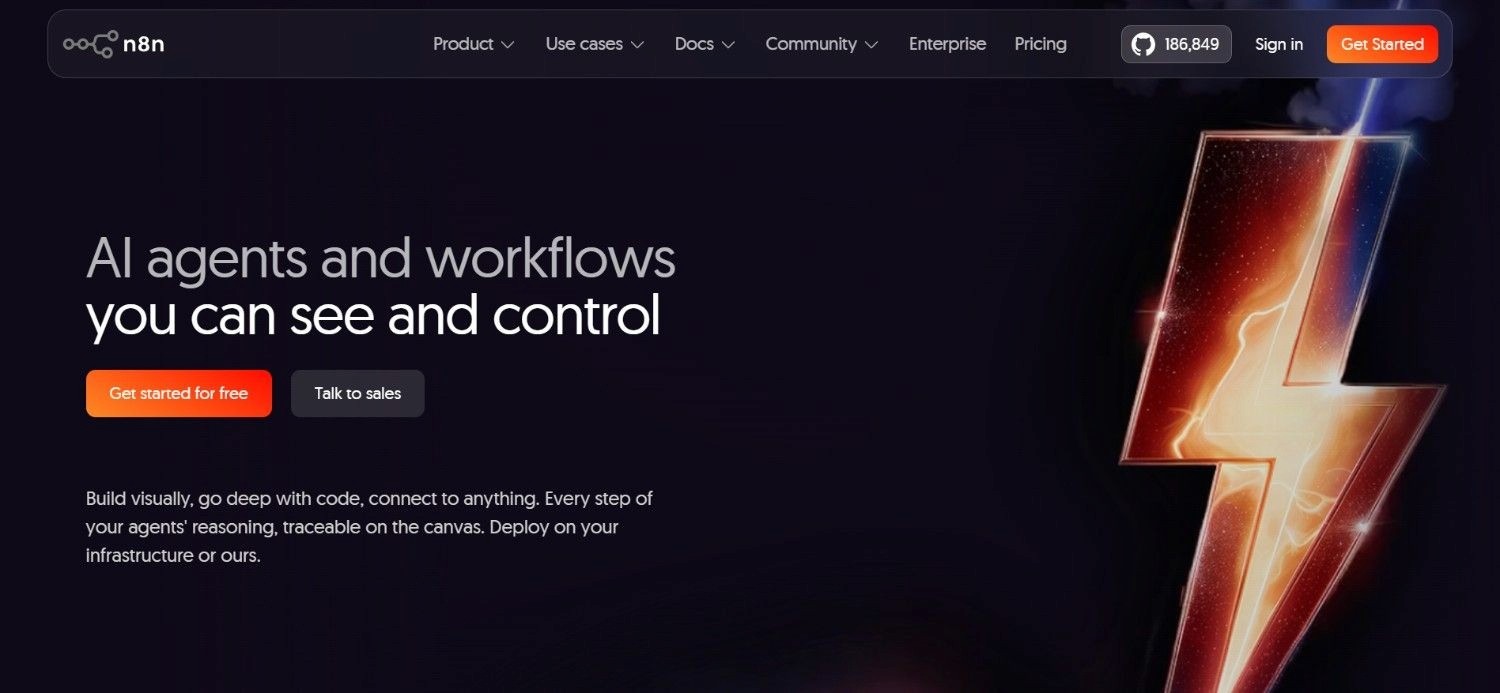
n8n is an open-source workflow automation platform that has expanded into AI agent building, letting teams connect apps, APIs, and language models into automated workflows using a visual, node-based canvas. The tool is extremely popular with technical teams and developers who want detailed control over logic, since workflows can include custom code steps alongside pre-built nodes.
n8n supports self-hosting, which appeals to teams with strict data control requirements, alongside a hosted cloud version for faster setup.
It sits closer to a general-purpose automation and integration tool than a dedicated enterprise AI agent platform, though AI agent nodes have been added to let workflows reason over data and take multi-step actions.
Ideal For
Developers and technical teams comfortable building workflows visually with occasional custom code
Startups and small teams wanting a self-hosted, free automation option to control costs early on
Teams already running varied SaaS tools that need one platform to connect them all
Top Features
Visual, node-based workflow builder supporting both AI agent logic and traditional automation steps
Self-hosting option for teams that want full control over where data and workflows run
Large library of pre-built integrations and the ability to write custom JavaScript or Python steps
Community templates that speed up building common automation patterns
Why They Stand Out?
n8n's open-source model and self-hosting option make it one of the more flexible choices for technical teams that want to own their automation infrastructure rather than depend entirely on a vendor's cloud.
Its node-based canvas gives builders fine control over branching logic, which suits complex, custom workflows.
Pros
Free, self-hosted option available for teams comfortable managing their own infrastructure
Strong flexibility for building custom logic alongside pre-built integrations
Active open-source community producing shared workflow templates
Works well for both simple automations and more advanced AI agent workflows
Cons
Self-hosting requires technical resources to maintain and secure
Less suited to non-technical business users who want a fully managed, no-code experience
Enterprise-grade governance and audit features are less developed than platforms built specifically for regulated industries
Pricing
The self-hosted Community Edition is free. Cloud starts at €20 a month for Starter on annual billing (€24 monthly), with Pro at €50 a month on annual billing. Business is €667 a month billed annually; Enterprise is quote-based. Both can be hosted by n8n or self-hosted. There is no longer a free cloud tier. Billing is per workflow execution rather than per step, so a fifty-node workflow and a two-node workflow cost the same to run.
Final Verdict
n8n is one of the strongest choices for developers who want a flexible, self-hosted automation and AI agent platform, though teams without in-house technical capacity may find the setup more hands-on than a fully managed alternative.
3. Dify
Overview
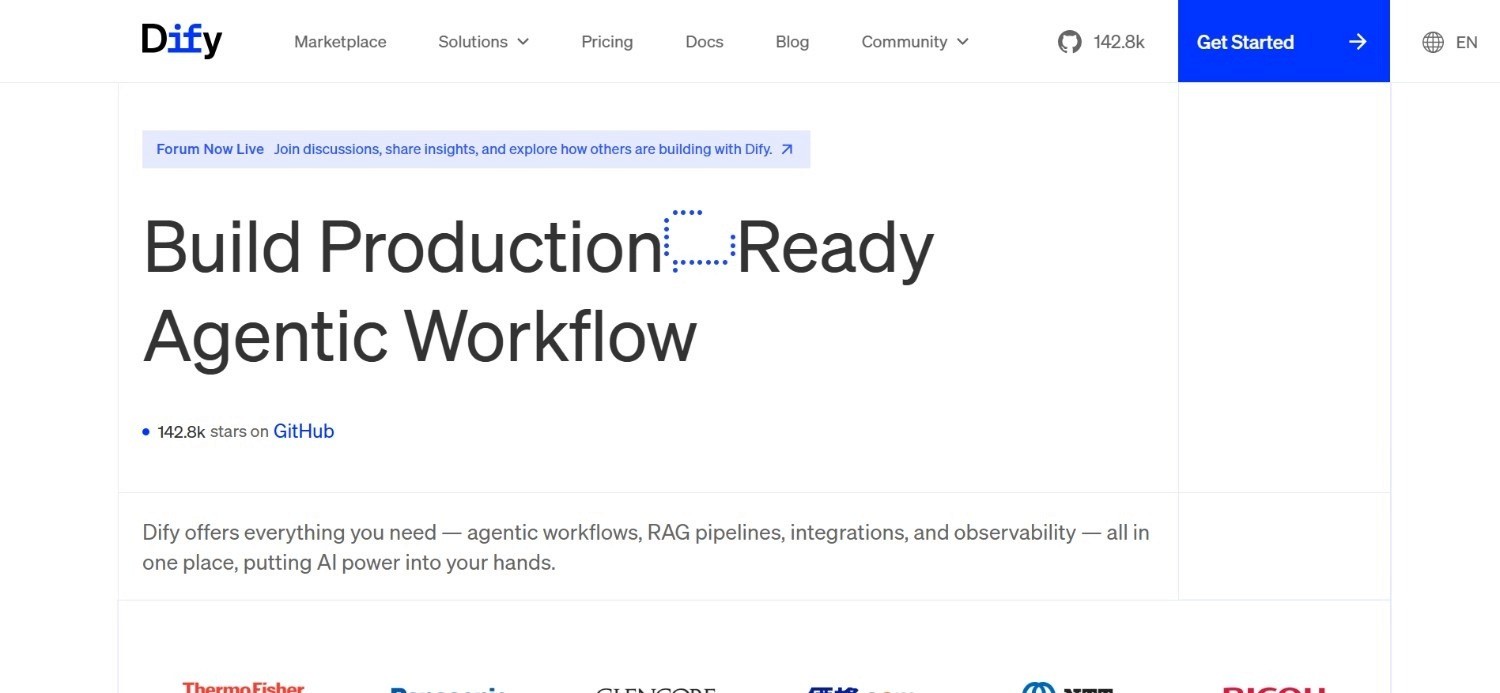
Dify is an open-source LLM application development platform that lets teams build AI agents, chatbots, and workflow-driven applications on top of large language models.
It provides a visual interface for designing prompts, connecting knowledge bases, and orchestrating multi-step agent logic, alongside the option to self-host the entire platform for full data control.
Dify supports a wide range of model providers, so teams aren't locked into a single AI vendor.
The platform is reasonably popular with product and engineering teams building custom AI-powered applications rather than teams looking for a pre-packaged, industry-specific solution.
Ideal For
Product and engineering teams building custom LLM-powered applications rather than buying an off-the-shelf tool
Startups wanting a free, self-hosted option to experiment with AI agents before committing budget
Teams that want flexibility across multiple AI model providers rather than a single vendor lock-in
Top Features
Visual workflow builder for designing multi-step agent logic and prompt chains
Built-in knowledge base and retrieval-augmented generation support for grounding agent responses in company data
Support for multiple LLM providers, so teams can switch models without rebuilding workflows
Self-hosting option alongside a managed cloud version
Why They Stand Out?
Dify's open-source core and broad model support make it a strong option for teams that want to experiment with different AI providers without being locked into one vendor's ecosystem.
Its combination of a visual builder with the option to self-host suits teams that want both speed and control over their data.
Pros
Free to self-host, with no ongoing licence cost for the open-source version
Broad compatibility across multiple large language model providers
Visual interface makes agent and workflow building accessible to non-specialist developers
Active open-source community contributing plugins and templates
Cons
Cloud plans are priced per workspace rather than per seat, so team size is capped by tier; enterprise costs require contacting Dify directly
Self-hosting still requires technical setup and maintenance
Less focused on deep, native integration with legacy enterprise systems compared with platforms built specifically for that purpose
Pricing
Dify's open-source version is free to self-host.
Dify Cloud publishes per-workspace annual pricing: a free Sandbox tier with 200 message credits, Professional at $590 per workspace per year with 5,000 message credits a month, and Team at $1,590 per workspace per year with 10,000. Enterprise is quote-based, and the self-hosted Community Edition is free.
Final Verdict
Dify is a solid pick for engineering-led teams building custom AI agent applications, though it demands more hands-on configuration than a platform designed for a specific business process out of the box.
4. Lindy

Overview
Lindy is an AI agent platform aimed at helping individuals and small teams automate tasks like email management, scheduling, and customer support through a no-code builder. The platform positions itself around benefits like ease of use, letting non-technical users set up AI agents that connect to inboxes, calendars, and common business tools.
Lindy leans toward personal productivity and small-team workflows rather than complex, multi-system enterprise operations, with templates designed to get a new user running an agent within minutes.
Its credit-based pricing structure ties cost directly to how much an agent is used.
Ideal For
Solo founders and small teams wanting to automate email, scheduling, or basic customer support quickly
Non-technical users who want a no-code way to set up an AI agent without engineering support
Startups testing AI agent automation on a 7-day free trial before scaling usage
Top Features
No-code agent builder with templates for common tasks like inbox triage and meeting scheduling
Direct integrations with email, calendar, and common productivity and CRM tools
Credit-based usage system that ties cost to actual task complexity and model used
Enterprise tier adding compliance features like SSO, SCIM, and audit logs
Why They Stand Out?
Lindy's focus on speed and simplicity makes it one of the more approachable AI agent platforms for individuals and small teams who don't have engineering resources to spare.
Its template library shortens the path from signing up to having a working agent handling real tasks.
Pros
Fast setup with templates for common personal and small-business tasks
No-code builder accessible to non-technical users
7-day free trial available to test the platform before paying
Enterprise tier adds SSO, SCIM, and audit logs for larger teams
Cons
Credit-based pricing can become expensive as usage and task complexity scale up
Less suited to complex, multi-system enterprise operations spanning legacy platforms
Higher-tier features aimed at larger teams add cost quickly compared with the entry plans
Pricing
Lindy has no permanent free plan; new users get a 7-day free trial. Paid plans are per user per month: Plus at $29.99 with 3,000 credits, Pro at $99.99 with 15,000 credits, and Max at $199.99 with 35,000 credits.
Enterprise pricing is by contact, with higher tiers increasing usage and connected inbox limits.
Final Verdict
Lindy suits individuals and small teams wanting quick, no-code AI agents for everyday tasks, though larger organisations with complex, regulated processes will likely need a platform built for that scale instead.
5. Microsoft Copilot Studio
Overview
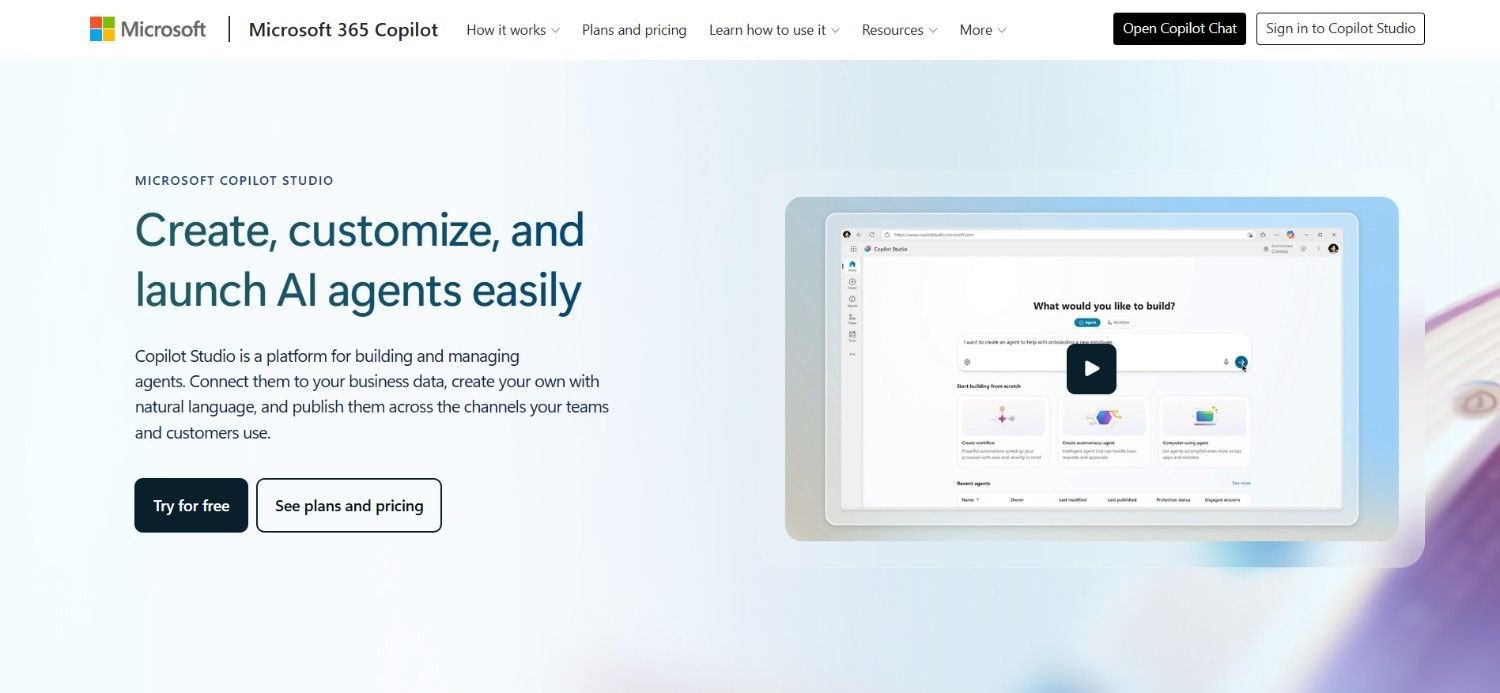
Microsoft Copilot Studio is Microsoft's platform for building custom copilots and AI agents that plug into the Microsoft 365 and Power Platform ecosystem.
It's designed for organisations already standardised on Microsoft's tools, letting teams build conversational agents and automations using low-code tools alongside Microsoft's underlying AI models.
Copilot Studio is strongest for simple to moderately complex conversational interfaces and internal automations, and connects naturally with Teams, SharePoint, and other Microsoft services.
The platform is typically deployed by IT teams already managing a Microsoft-centric technology stack.
Ideal For
Organisations already invested in Microsoft 365, Teams, and the Power Platform ecosystem
IT teams wanting to build internal conversational agents without adopting an entirely new vendor stack
Businesses needing basic to moderate automation rather than complex, multi-system process execution
Top Features
Low-code builder for designing conversational agents and simple automations
Native integration with Microsoft 365, Teams, SharePoint, and the wider Power Platform
Built-in AI model access without needing a separate AI vendor relationship
Governance and security tooling aligned with existing Microsoft enterprise agreements
Why They Stand Out?
Copilot Studio's biggest advantage is how naturally it fits into an existing Microsoft environment, letting IT teams build and govern agents using tools and permissions they already manage.
For organisations standardised on Microsoft, that reduces the friction of adopting a separate platform.
Pros
Deep integration with Microsoft 365, Teams, and Power Platform
Governance and security align with existing Microsoft enterprise agreements
Flexible pricing between a pre-purchase licence and pay-as-you-go usage
Familiar interface for IT teams already working in the Microsoft stack
Cons
Best suited to organisations already committed to the Microsoft stack rather than a vendor-neutral choice
Handles complex, high-volume, multi-system processes with legacy platforms less naturally than specialised alternatives
Can require significant configuration to move beyond simple conversational use cases
Pricing
Microsoft Copilot Studio is billed on consumption rather than per seat, in a unit Microsoft renamed from messages to Copilot Credits in September 2025. Microsoft lists three routes: a $200 a month standalone licence, a pre-purchase plan of prepaid Copilot Credit Commit Units that saves up to 20% on an upfront commitment, and a pay-as-you-go meter with no commitment. The last two require an Azure subscription. Maker licences are free. Different agent actions draw different credit amounts, so the agent design determines the bill more than the plan does.
Final Verdict
Copilot Studio is a strong choice for Microsoft-centric organisations building internal copilots and simple automations, though it's not designed for the complex, cross-system operational work that legacy-heavy enterprises often need to automate.
6. Relevance AI
Overview
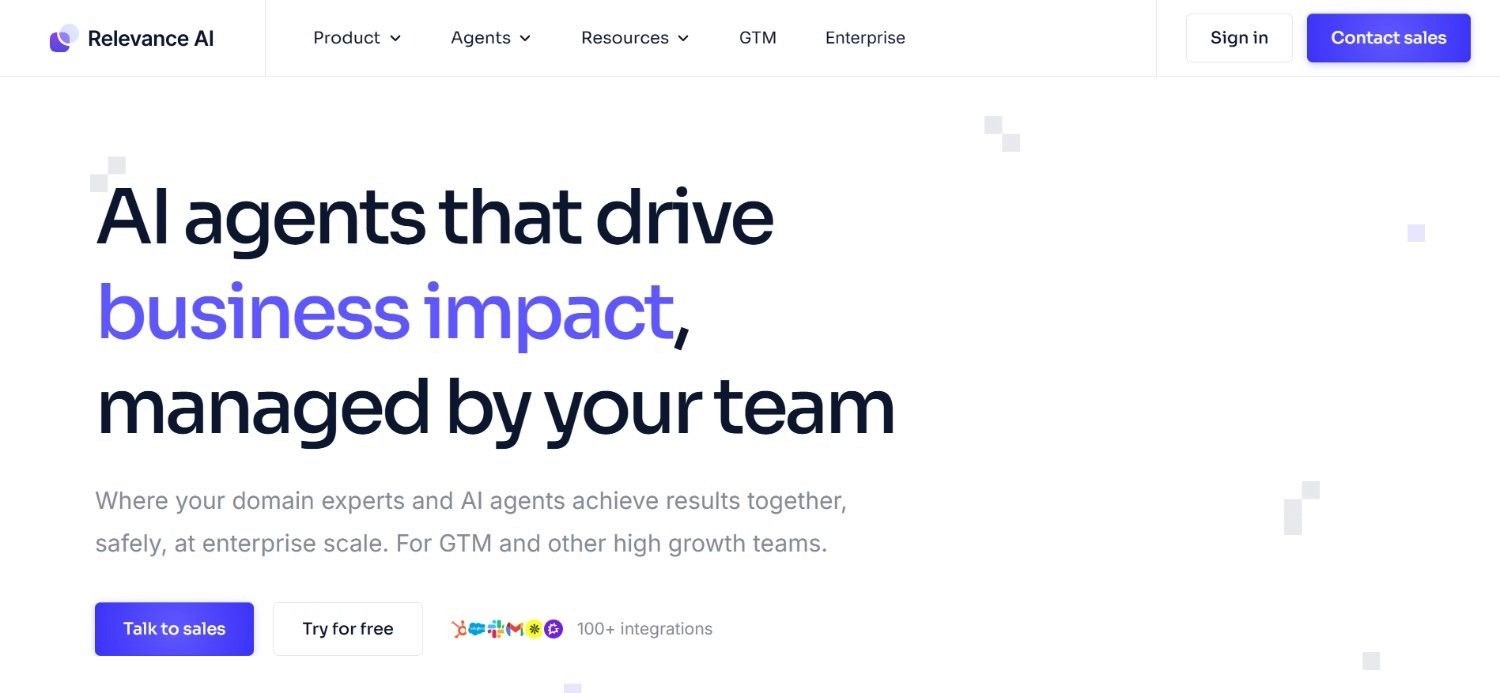
Relevance AI is a platform for building and deploying AI agents and multi-agent teams designed to handle business tasks like research, outreach, and data processing.
It provides a visual builder for creating individual agents and chaining them together into "workforces" that collaborate on a broader task, alongside a library of templates for common use cases.
Relevance AI targets teams wanting to build custom AI-driven workflows without deep engineering investment, on usage-based billing quoted through sales rather than a public rate card.
The platform leans toward general business automation rather than deep integration with legacy enterprise infrastructure.
Ideal For
Growth and operations teams wanting to build multi-agent workflows for research, outreach, or data enrichment
Startups and mid-market teams wanting a flexible, usage-based AI agent platform
Teams comfortable building and iterating on agent logic without extensive engineering support
Top Features
Visual builder for creating individual AI agents and coordinating them into multi-agent "workforces"
Template library covering common use cases like lead research and data enrichment
Usage-based cost structure split between actions and AI model credits
Integrations with common business tools and data sources
Why They Stand Out?
Relevance AI's multi-agent "workforce" concept lets teams coordinate several specialised agents on one broader task rather than building a single monolithic agent.
This suits workflows that naturally break into distinct steps handled by different specialists.
Pros
Freemium model lets teams test the platform before committing budget
Multi-agent coordination suits workflows with several distinct steps or specialisms
Flexible usage-based pricing that scales with actual activity
Template library shortens time to a working first agent
Cons
Enterprise-tier pricing requires a custom quote rather than transparent published rates
Less focused on native integration with legacy, on-premises enterprise systems
Cost can become harder to predict as both Actions and Vendor Credits scale with usage
Pricing
Relevance AI does not publish a public rate card. Billing is usage-based and split between Actions, which track workflow activity, and Vendor Credits, which track AI model consumption, so the bill moves with both how often agents run and which models they call. Plans and enterprise terms are quoted through sales.
Final Verdict
Relevance AI is one of the more flexible options for teams wanting to build multi-agent workflows for research and outreach tasks, though it isn't built for deep integration with legacy back-office systems.
7. Devin AI
Overview
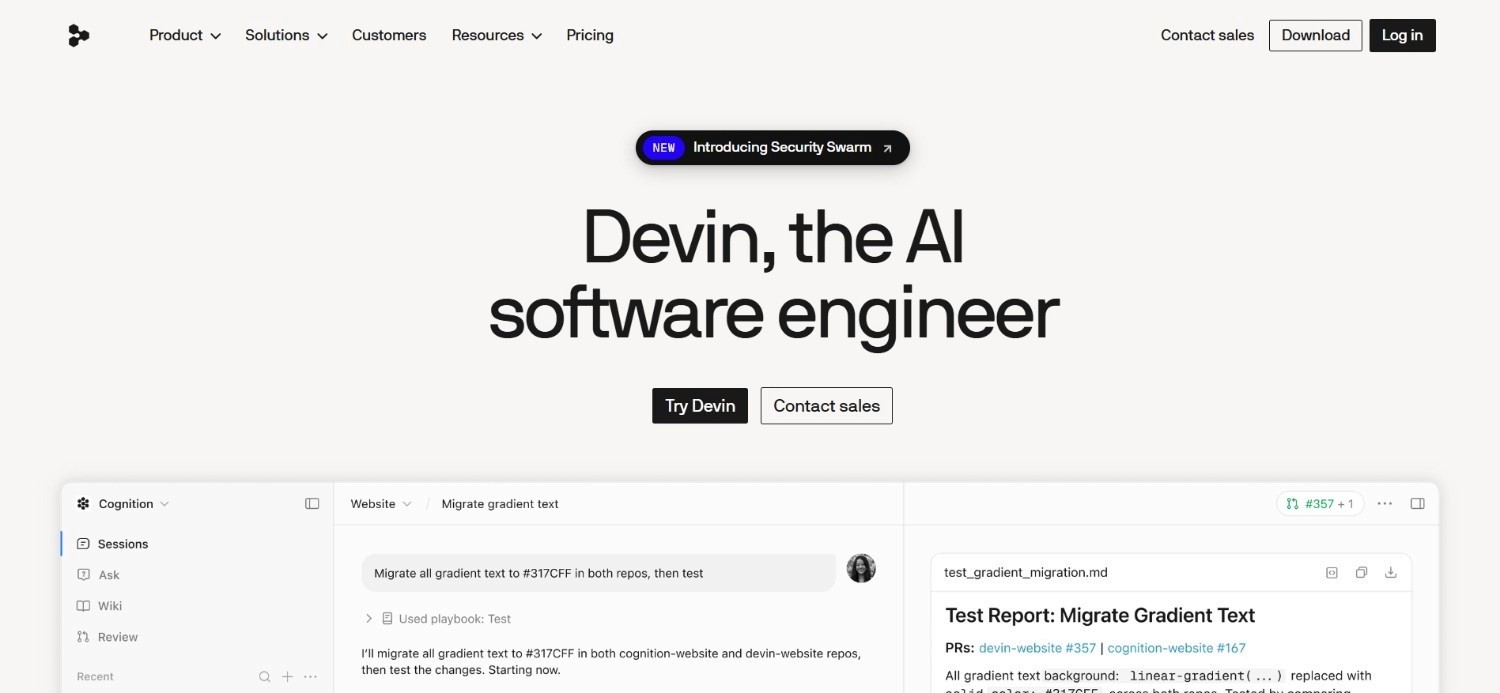
Devin AI is an AI agent platform built specifically for software engineering tasks, positioned as an autonomous developer that can plan, write, test, and debug code with reduced human intervention.
The tool is designed to work alongside engineering teams on tasks like fixing bugs, building features, and handling pull requests, rather than general business process automation. Devin operates within a sandboxed development environment, giving it access to a shell, code editor, and browser to complete coding tasks independently.
This focus makes it a specialised tool for engineering teams rather than a general-purpose AI agent platform for business operations.
Ideal For
Engineering teams wanting to offload well-defined coding tasks like bug fixes and small feature builds
Startups with lean engineering teams needing extra developer capacity without new hires
Teams already using structured ticketing and code review workflows Devin can plug into
Top Features
Autonomous coding agent capable of planning, writing, testing, and debugging code
Sandboxed environment giving Devin its own shell, editor, and browser access
Integration with existing developer workflows like ticketing systems and pull requests
Ability to work through multi-step coding tasks with limited human check-ins
Why They Stand Out?
Devin AI's narrow focus on software engineering means it's built and tuned specifically for coding tasks, rather than trying to be a general business automation tool.
That specialisation lets it handle multi-step development work with more independence than a general-purpose coding assistant.
Pros
Purpose-built for autonomous software engineering tasks rather than general automation
Can work through multi-step coding tasks with reduced manual oversight
Fits into existing developer tools and workflows
Free and Pro tiers make it accessible for smaller engineering teams to trial
Cons
Narrow focus on coding means it isn't suited to non-technical business process automation
Costs can rise quickly for teams running high volumes of Automated Compute Units
Enterprise pricing requires a custom conversation rather than a transparent published rate
Pricing
Devin has a free tier, Pro at $20 a month and Max at $200 a month, all single-member plans. Teams is $80 a month for the team plan plus $40 per full developer seat, with unlimited flex seats. Enterprise is quoted per organisation. Each paid plan carries a usage allowance that refreshes daily and weekly, and cost per message varies with the model and task complexity.
Final Verdict
Devin AI is a strong, specialised choice for engineering teams wanting an autonomous coding agent, though it isn't designed to replace a general AI agent platform for wider business operations.
8. Beam AI
Overview
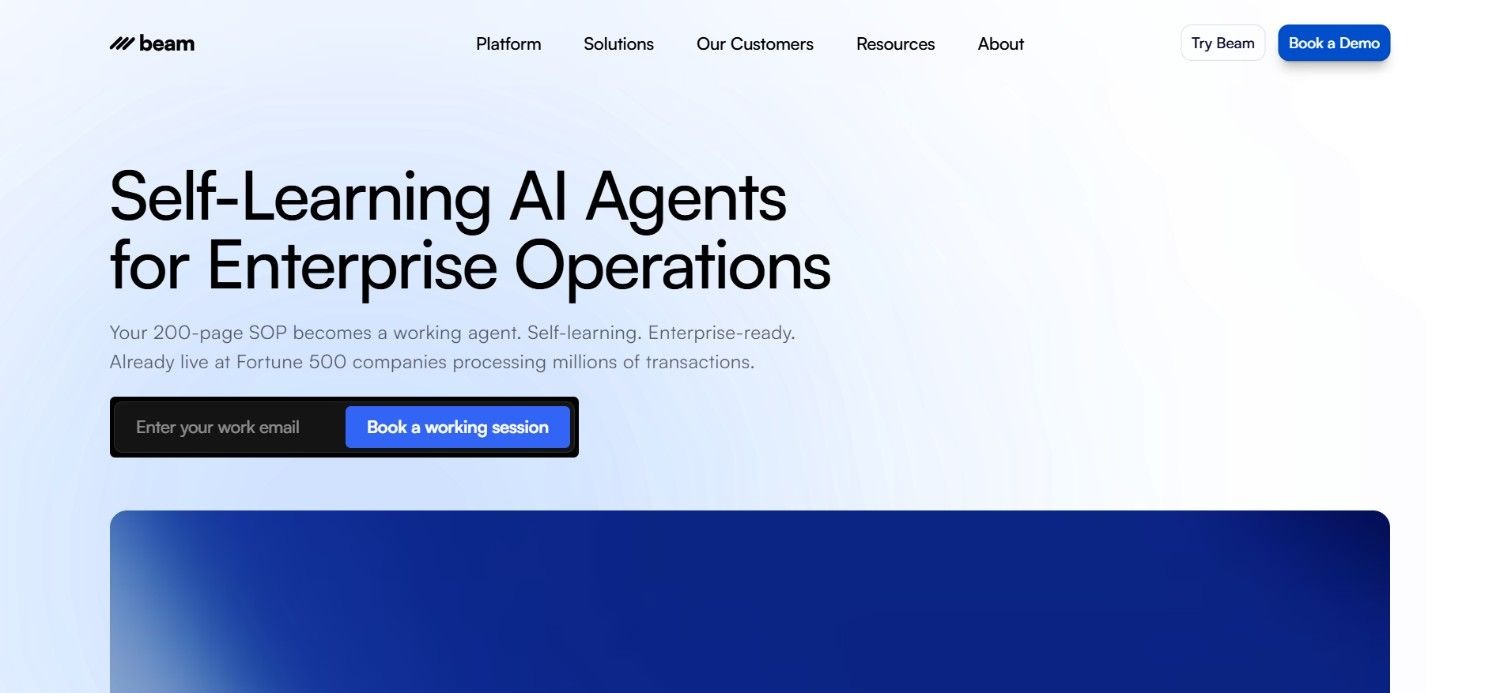
Beam AI is an AI agent platform focused on automating operational business processes, positioning itself around deploying agents that can execute tasks across common enterprise workflows.
It targets operations and business teams looking to automate repetitive, rules-based work without building the underlying AI infrastructure themselves. Beam AI's deployment is typically tailored to the client's specific processes and systems, with custom onboarding rather than a fully self-serve setup.
The tool's positioning sits closer to a managed automation service than a self-service, build-it-yourself platform.
Ideal For
Operations teams wanting a managed AI agent deployment rather than building workflows themselves
Mid-market and enterprise businesses with defined, repetitive processes ready for automation
Teams that prefer a guided setup and demo-led sales process over self-serve sign-up
Top Features
Pre-configured AI agents built around common operational use cases
Custom deployment tailored to a client's specific processes and systems
Support through onboarding rather than a fully self-serve setup
Focus on measurable operational outcomes rather than open-ended experimentation
Why They Stand Out?
Beam AI's guided, deployment-led approach suits teams that want operational automation handled largely by the vendor rather than building and maintaining agent logic themselves.
This can shorten time to a working deployment for teams without spare engineering capacity.
Pros
Deployment support reduces the internal engineering effort needed to get agents running
Suited to teams that want a managed rather than self-serve automation approach
Focus on defined operational processes rather than broad, general-purpose tooling
Custom-tailored setup can match specific process requirements closely
Cons
Custom, quote-based pricing means costs aren't transparent upfront
Requires booking a demo rather than allowing self-serve sign-up or trial
Less suited to teams wanting to build and iterate on their own agent logic directly
Pricing
Beam AI's pricing is custom-tailored, based on the number of users, deployment options, and other similar factors.
Getting a quote requires booking a demo on their website.
Final Verdict
Beam AI suits operations teams wanting a managed, deployment-led AI agent rollout, though the lack of transparent pricing and self-serve access makes it a bigger commitment upfront than platforms with published plans.
9. Glean
Overview
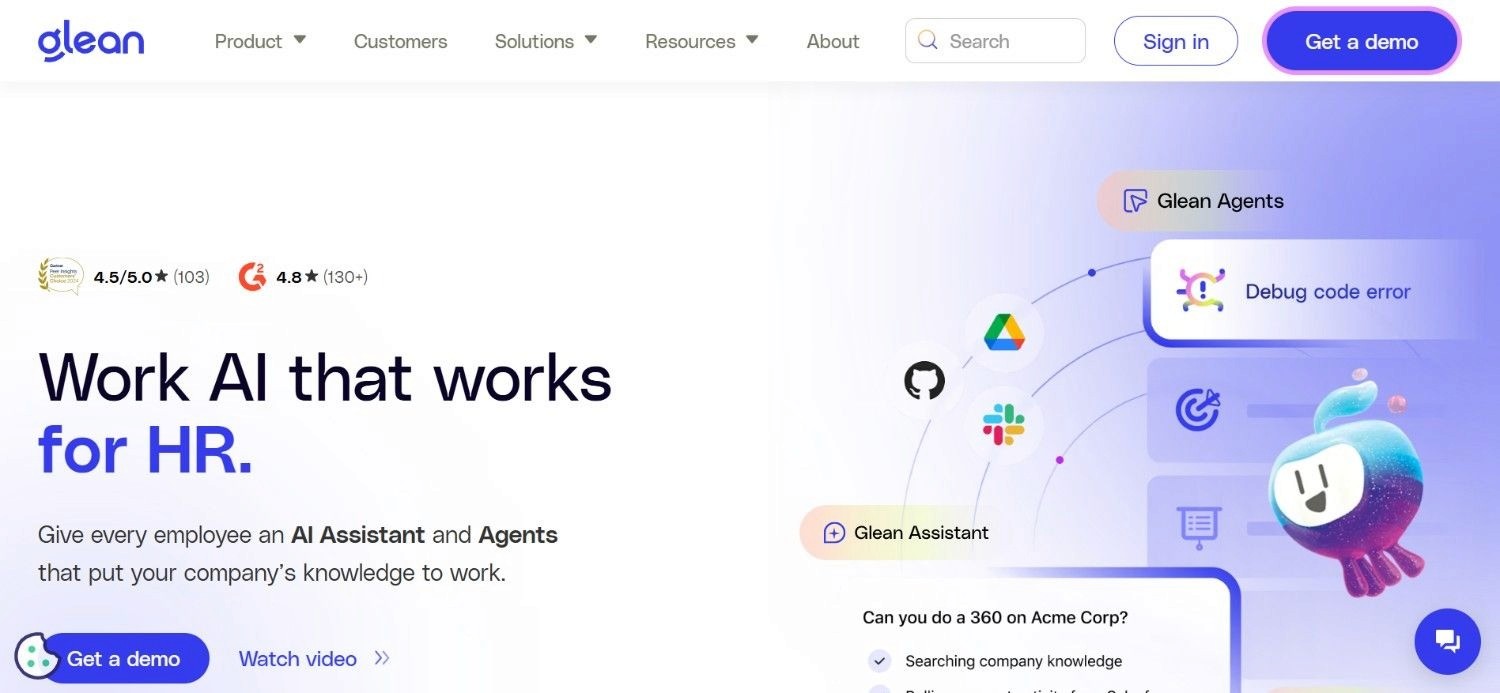
Glean is an enterprise search and AI assistant platform that connects across a company's internal tools and documents to help employees find information and get answers grounded in company knowledge.
The platform has also expanded into agent-building capabilities, letting teams create AI agents that can retrieve and act on internal knowledge across connected systems.
Glean is typically adopted by IT and knowledge management teams focused on internal productivity and information retrieval rather than external customer operations. Its core strength remains enterprise search, with agent features building on top of that knowledge layer.
Ideal For
IT and knowledge management teams wanting better internal search across scattered company tools
Large organisations with information spread across many disconnected systems and document stores
Teams prioritising internal employee productivity over external customer-facing automation
Top Features
Enterprise search connecting across a wide range of internal tools and document repositories
AI agent building on top of Glean's existing knowledge and permissions layer
Permission-aware retrieval, so search results respect existing document access controls
Broad set of connectors to common workplace and productivity tools
Why They Stand Out?
Glean's foundation in enterprise search gives its agents a strong starting point for grounding answers in a company's actual internal knowledge.
This suits large organisations more focused on internal information retrieval than external operational execution.
Pros
Strong enterprise search foundation grounds agent answers in real company data
Permission-aware retrieval respects existing access controls automatically
Wide range of connectors across common workplace tools
Useful for large organisations with fragmented internal knowledge
Cons
Pricing isn't published and requires contacting sales for a tailored quote
Oriented more toward internal knowledge retrieval than external, customer-facing operations
Less suited to executing complex, multi-system operational processes like claims or billing
Pricing
Glean's pricing varies based on the number of users, deployment options, and language model choice.
Businesses need to contact Glean sales for a tailored quote.
Final Verdict
Glean is a strong option for large organisations wanting better internal search and knowledge-grounded agents, though it isn't built for executing external, multi-system operational workflows.
10. Make
Overview
Make.com is a visual automation platform that connects apps and services through a drag-and-drop workflow builder, with deeper branching and data-mapping capabilities than many simpler automation tools.
It has added AI agent-style modules that let workflows call language models and make decisions mid-scenario, extending the workflow automation software's usage beyond simple, linear automations.
Make is popular with marketing, operations, and small technical teams building custom integrations between SaaS tools without writing code.
Their credit-based pricing model ties cost to how many operations a workflow actually runs each month.
Ideal For
Marketing and operations teams wanting to connect SaaS tools without engineering support
Startups and small businesses starting on a free plan before scaling automation usage
Teams needing visual, branching automation logic rather than simple, linear workflows
Top Features
Visual, drag-and-drop scenario builder supporting complex, branching logic
AI modules that let workflows call language models and make decisions mid-scenario
Broad library of app integrations across popular SaaS tools
Detailed execution history for debugging exactly what happened in each run
Why They Stand Out?
Make.com's visual builder supports more complex branching and data transformation than many simpler automation tools.
This suits teams that need workflows more sophisticated than a basic trigger-and-action chain but don't want to write custom code.
Pros
Free plan with 1,000 credits a month to start automating at no cost
Visual builder supports complex branching logic without code
Detailed execution logs make debugging workflows straightforward
Broad integration library across popular SaaS tools
Cons
Credit-based pricing can be difficult to estimate accurately for complex, high-volume workflows
AI agent capabilities are an extension of a broader automation tool rather than a purpose-built agent platform
Less suited to deep, native integration with legacy or on-premises enterprise systems
Pricing
Make uses a credit-based pricing model. The Free plan includes 1,000 credits a month. Paid tiers at the 10,000-credit level are Core at $9 a month, Pro at $16, Teams at $29, and custom Enterprise pricing.
Every price moves with the credit volume you select, so the headline figure only holds at the tier you size for. Annual billing saves 15% or more.
Final Verdict
Make.com is a strong choice for teams wanting flexible, visual automation with some AI decision-making built in, though it's better suited to connecting SaaS tools than executing complex, regulated enterprise operations.
How to Choose the Best AI Agent Platforms?
With so many AI agent tools on the market, narrowing down the right one comes down to a handful of practical decision factors.
Here's a 6-step framework to help you choose the best AI agent platforms:
1. Match the platform to your actual system complexity
A platform built for connecting modern SaaS tools handles a different job to one built for legacy systems like SAP or COBOL-era cores.
Be honest about which category your business actually falls into before comparing feature lists, since a mismatch here causes more failed deployments than any single missing feature.
2. Confirm whether it drafts or actually executes work
Ask any vendor to show a case being resolved end to end, with the outcome written back into the source system automatically, not a demo that stops at a drafted recommendation.
This single question separates the best AI agents built to complete work from tools that only assist a person who still has to finish the job.
3. Check security certifications and deployment options
For regulated industries, confirm whether a platform offers SOC 2, ISO 27001, or GDPR-aligned certifications, and whether it supports deployment options beyond a shared, multi-tenant cloud.
This question alone can determine whether a platform clears procurement at all.
4. Understand the pricing model before you commit
Credit-based and per-seat pricing can look affordable at a small scale and become unpredictable as usage grows.
Usage-based models that scale with actual work completed, rather than headcount, tend to be easier to forecast for board-level budget approval.
5. Look for proof from a comparable business, not just a feature list
Ask for named client results with real timelines and precision figures rather than aspirational claims.
A vendor confident in its own track record should be able to share specific numbers rather than a generic promise of efficiency gains.
6. Weigh self-serve speed against long-term depth
Tools like Lindy and Make.com get you a working agent within minutes, while platforms built for complex enterprise operations typically involve an initial deployment phase.
Neither approach is wrong; it depends on whether you're automating a personal task or a regulated business process.
If you're specifically comparing platforms for enterprise AI use cases, it's worth weighing legacy system depth and audit requirements more heavily than ease of setup, since those two factors tend to determine whether a deployment actually survives contact with real operational volume.
Everything You Need to Know About the Best AI Agents
Platform | Pros | Cons | Ease of Use | Integrations | Support | Affordability |
Noxus | Legacy system depth, full audit trail, consumption-based pricing | Not for simple, single-app tasks; involves a deployment phase | ⭐⭐⭐ | ⭐⭐⭐⭐⭐ | ⭐⭐⭐⭐⭐ | ⭐⭐⭐⭐ |
n8n | Free self-hosting, flexible logic, active community | Requires technical upkeep, lighter enterprise governance | ⭐⭐⭐ | ⭐⭐⭐⭐ | ⭐⭐⭐ | ⭐⭐⭐⭐⭐ |
Dify | Free to self-host, multi-model support, visual builder | Cloud pricing unclear, needs technical setup | ⭐⭐⭐⭐ | ⭐⭐⭐⭐ | ⭐⭐⭐ | ⭐⭐⭐⭐ |
Lindy | Fast setup, no-code, free plan | Costs scale with usage, not for enterprise complexity | ⭐⭐⭐⭐⭐ | ⭐⭐⭐ | ⭐⭐⭐⭐ | ⭐⭐⭐ |
Microsoft Copilot Studio | Deep Microsoft integration, familiar governance | Best only within Microsoft stack | ⭐⭐⭐⭐ | ⭐⭐⭐⭐ | ⭐⭐⭐⭐ | ⭐⭐⭐ |
Relevance AI | Freemium entry, multi-agent workflows, templates | Enterprise pricing unclear, costs harder to predict | ⭐⭐⭐⭐ | ⭐⭐⭐⭐ | ⭐⭐⭐ | ⭐⭐⭐⭐ |
Devin AI | Purpose-built for coding, reduced oversight needed | Narrow focus, cost rises with compute use | ⭐⭐⭐⭐ | ⭐⭐⭐ | ⭐⭐⭐ | ⭐⭐⭐ |
Beam AI | Managed deployment, defined process focus | No transparent pricing, demo required | ⭐⭐⭐ | ⭐⭐⭐ | ⭐⭐⭐⭐ | ⭐⭐ |
Glean | Strong enterprise search, permission-aware | Pricing unclear, not built for operations execution | ⭐⭐⭐⭐ | ⭐⭐⭐⭐ | ⭐⭐⭐ | ⭐⭐ |
Make.com | Free plan, visual branching, detailed logs | Credit costs unpredictable, not for legacy systems | ⭐⭐⭐⭐⭐ | ⭐⭐⭐⭐ | ⭐⭐⭐ | ⭐⭐⭐⭐ |
Automate Your Operations with Noxus
Noxus was built around the two problems most AI agent tools ignore: enterprise processes usually need redesigning before AI can run them reliably, and those processes almost always span several disconnected systems.
Instead of asking you to modernise your stack first, we connect directly into SAP, Guidewire, ServiceNow, and COBOL-era cores, then execute the actual work under a full audit trail rather than just drafting a recommendation.
Every action is logged and every decision is governed - with production deployments usually going live in 45-80 days from the date of contract signature, compared to the 12-plus months an internal build typically takes.
We've produced 3-5x ROI for clients like Santander and Jerónimo Martins with 96% precision in results at CUF/José de Mello.
If your team is running AI agents for enterprise operations and still stuck comparing pilots instead of production results, book a call with our team to see what a working deployment looks like on your own processes and systems.
FAQs About the Best AI Agent Tools
What is the best AI agent platform in 2026?
For regulated, legacy-heavy enterprises, Noxus is the strongest choice on this list. We're an AI operations platform, not an AI agent tool - built to execute work end to end inside the exact legacy systems an enterprise already runs, with 90-96% AI precision and deployment that takes 45-80 days for implementation. We've already produced 3-5x ROI for clients like Santander, Jerónimo Martins and CUF/José de Mello.
What should I consider when choosing the right AI agent tool for me?
When choosing the right AI agent tool, start with how complex and regulated your actual processes are, since that determines whether you need a legacy-system specialist or a lightweight, no-code builder. Check the platform's security certifications, deployment options, and whether it genuinely executes work rather than only drafting suggestions. Pricing structure matters too: usage-based models tend to be easier to forecast than credit or per-seat pricing as volume grows.
How does Noxus differ from similar alternatives?
Noxus differs from similar alternatives by executing real operational work end to end inside the exact legacy systems an enterprise already runs, rather than requiring modernisation first or stopping at a drafted suggestion. Our rules execute governed decisions while AI interprets messy, unstructured input, with every action logged for a full audit trail. Most AI agent tools built for modern, API-first stacks can't operate inside systems like SAP ECC or COBOL-era cores the way Noxus does.
How do I get started with Noxus?
Getting started with Noxus begins with a discovery call to understand your actual workflow, the systems involved, and your success criteria for a first use case. From there, our team builds a proof of concept using your own real processes and data, typically reaching first production in 45 to 80 days depending on complexity. A custom quote follows this scoping conversation, based on operational volume and deployment complexity.
How easy is it to switch to Noxus?
Switching to Noxus is designed to avoid the rip-and-replace projects that other platforms require, since we connect to your existing PLM, ERP, CRM, and legacy systems through their current interfaces rather than demanding new APIs first. Our open-core guarantee also means you retain your code and binaries if the relationship ever ends. Most first deployments run alongside your existing tools rather than replacing them outright.
Isn't building an AI agent internally cheaper than paying for a platform?
Building an AI agent platform internally typically costs €500,000 to €1M or more in engineering investment before a single process is automated, and most internal attempts never finish. Noxus deploys what often takes internal teams 12 or more months to build in around 6 weeks, already proven in production rather than still being tested. For most businesses, the consumption-based cost of a working platform is lower than the sunk cost of an unfinished internal build.
What's the difference between an AI agent and an AI assistant?
An AI agent completes a task itself, such as resolving a billing dispute and writing the outcome back into a system, while an AI assistant typically drafts a response or recommendation and leaves a person to decide and act. This distinction matters when comparing the best AI agents, since many tools marketed as agents actually stop at the assistant stage. If a platform's demo ends with a suggestion rather than a completed, logged action, it's functioning as an assistant rather than a full AI agent.






