









Every invoice triggers manual extraction, matching, and validation before payment
Today
Finance team
Invoices arrive across email, portal, EDI, and logged manually
Invoice data extracted and keyed manually
PO gap identified and targeted supplier request sent automatically
Three-way match against PO and goods receipt run by hand
Unit prices checked against the supplier contract manually
With Noxus
Co-worker
Every channel feeds a single governed invoice processing workflow
Invoice data extracted automatically regardless of format or source
Missing PO identified and supplier request sent automatically
Three-way match run automatically with variances flagged for review
Contracted rate validated against every invoice line automatically
How Noxus Works
Three layers powering the invoice processing workflow
Noxus connects to your ERP, procurement system, and supplier contract repository, and runs every step from invoice receipt through extraction, validation, gap resolution, approval routing, and ERP posting.
01
Invoice Intelligence
Receives invoices from any channel and format, extracts invoice data, matches to the supplier record and purchase order, and identifies gaps before validation runs.
RECEIVE
→
EXTRACT
→
MATCH
02
Autonomous Execution
Validates against the three-way match and contracted terms, sends targeted supplier requests where gaps are identified, applies approval rules by invoice type and amount, and posts approved invoices to the ERP.
VALIDATE
→
REQUEST
→
APPROVE
03
Governance and Audit
Every step from receipt to ERP posting is logged: extraction result, match outcome, contract validation, gap request and response, approval decision and approver identity, and posting timestamp producing a complete audit trail at invoice level.
LOG
→
REPLAY
→
REVIEW
Capabilities
What happens across each layer of the invoice processing workflow
EDI files, supplier PDFs, portal submissions, and scanned invoices are extracted regardless of layout: invoice number, supplier reference, line items, unit prices, quantities, payment terms, and PO reference. Duplicates with the same supplier, amount, and invoice number are detected before processing runs.


Three-way match runs against PO and goods receipt, lines validated against contracted rate. Gaps trigger a targeted supplier request; invoice resumes on response. Invoices within threshold post straight through. Exceptions reach approver with matched file: invoice, PO, goods receipt, contract rate, and exception reason.
Every step is logged and replayable: extraction result, match outcome, contract validation, gap request and response, approval decision and approver identity, ERP posting timestamp. Available for finance audit, procurement review, and supplier dispute. No invoice posts without complete validation and approval record.

agentic operations
Extracting an invoice is not the same as processing it
Processing an invoice correctly requires matching it against the PO and goods receipt, validating every line against the contracted rate, requesting missing information directly from the supplier, routing exceptions with the complete matched file, and posting approved invoices to payment.
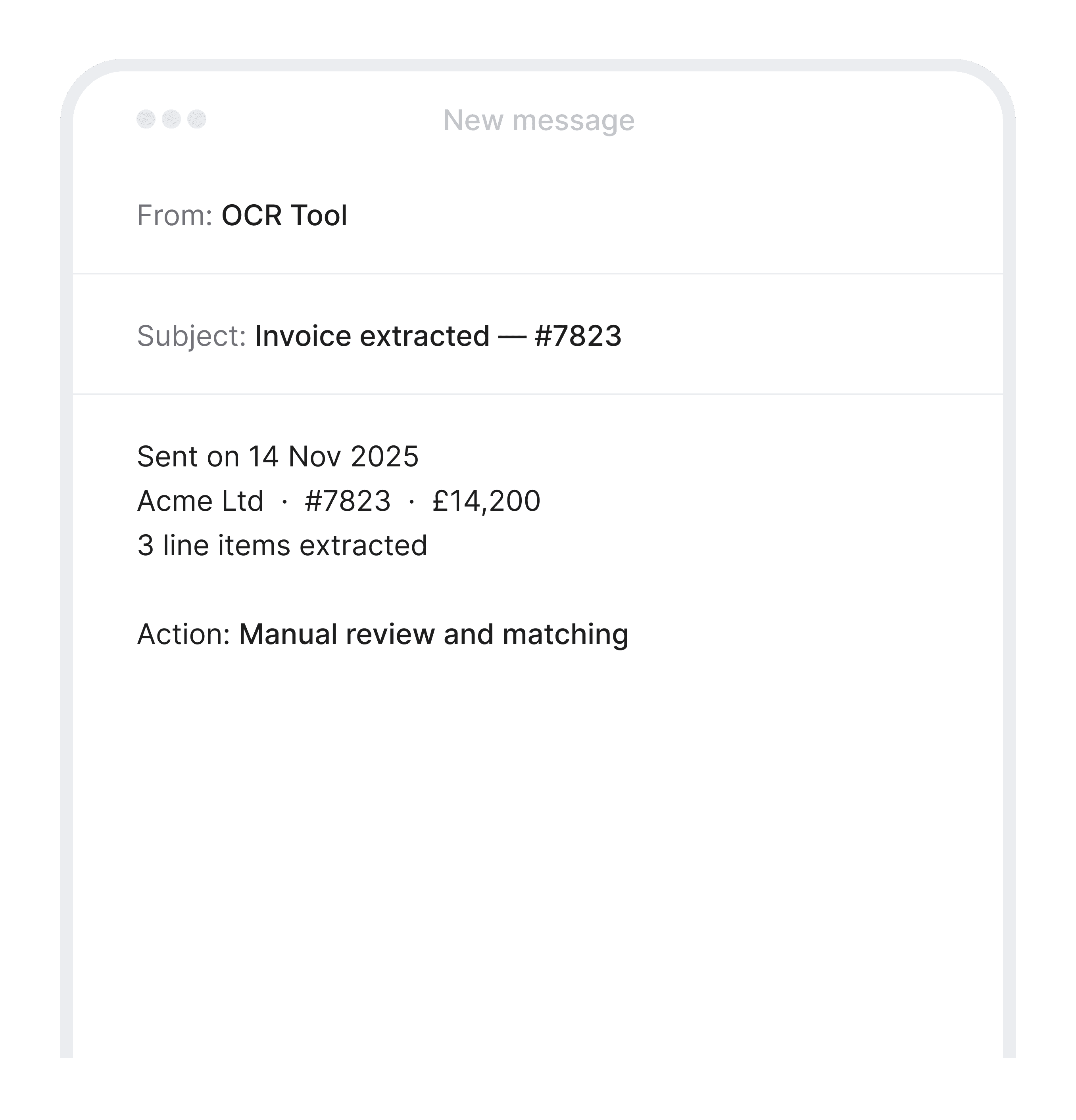
Extracts, matches, validates, and posts. Gaps resolved automatically. Exceptions routed with the full matched file.

Built for Every Team
Noxus works across every role in the invoice processing workflow

Accounts Payable
Matched invoices within threshold process without AP involvement. The team focuses on disputes, discrepancies, and exceptions, each arriving with the full matched file.

Procurement & Finance
Contract compliance on every invoice: unit prices validated, payment terms confirmed, new suppliers flagged. Off-contract spend identified structurally, not manually.

IT & Architecture
Deploys on your existing ERP stack without API prerequisites or middleware. Connects to SAP, Oracle, and Microsoft Dynamics natively, alongside procurement systems and contract repositories.
Measured results
Numbers that move the business
Measured outcomes from invoice processing automation deployments on existing ERP stacks.
What Customers Say
Trusted by teams running the operations






Frequently Asked
Questions about Invoice Processing and AI in Finance Operations
How quickly can invoice processing automation be live?
6-8 weeks from contract to production on live invoice data. ERP connectivity, supplier master integration, and approval rule configuration occupy the first phase, followed by parallel testing on live invoice volume before handover.
What systems does invoice processing software connect to?
Your ERP for invoice posting and AP ledger write-back; your procurement system for PO matching and goods receipt confirmation; your supplier contract repository for contracted rate validation; and your document management environment for invoice storage. Specific connectors confirmed during scoping.
What happens when the PO reference is missing?
A targeted request is sent directly to the supplier identifying the specific gap and what they need to provide. The invoice is held in a pending state and resumes automatically when the supplier responds. No manual task is created for the AP team.
What other gaps trigger an automatic supplier request?
Missing PO reference; invoice unit price exceeding the contracted rate; invoice referencing a service with no goods receipt to match against; and invoices where the supplier entity does not match the contracted entity. Each request identifies the exact gap and what the supplier needs to provide.
What invoices route to a human approver?
Invoices above the authority threshold; invoices with unresolved discrepancies after the supplier has responded; first-time invoices from new suppliers; and invoices where the three-way match fails within tolerance. All reach the approver with the complete matched file - invoice, PO, goods receipt, contract rate comparison, and the specific exception reason.
What does an approver receive on an exception invoice?
The extracted invoice data, the PO match result, the goods receipt confirmation, the contract rate comparison showing where the price diverges, the supplier's response to any information request, and the exception reason. The approver approves or rejects - the validation work is already complete.
Can invoice automation handle invoices in different currencies or languages?
Yes. Currency conversion, multi-currency tolerance thresholds, and invoice extraction across common European and international languages are supported. Confirmed during scoping against the specific supplier base.
How are duplicate invoices handled?
Duplicates - same supplier, same invoice number, same amount submitted more than once - are detected at the extraction step before any validation runs. The duplicate is flagged and held; the original invoice record is referenced. No duplicate posts to the ERP.
Why do finance teams need dedicated invoice processing software?
RPA tools extract invoice data and route for approval but break when formats change and cannot retrieve contracted rates or send targeted gap requests to suppliers. OCR platforms extract data but do not run three-way matching, contract validation, or approval routing. Invoice processing software purpose-built for this workflow runs the full chain - extraction through contract validation, gap resolution, approval routing, and ERP posting - without requiring AP teams to bridge the steps manually. Automated invoice processing removes the manual matching loop and the supplier chase cycle that consumes AP capacity at volume.
How does Noxus compare to other invoice processing automation solutions?
RPA tools and OCR platforms cover one part of the workflow and leave the finance team to manage the handoffs. Invoice processing automation that handles only capture still requires manual matching. Workflow tools that route for approval still require structured input. Noxus executes the full processing chain - from extraction through contract validation, gap resolution, approval routing, and ERP posting - natively across the existing finance stack, on the systems already running in the environment.
Ready to automate invoice processing on your existing ERP stack?
Live in 6–8 weeks. No API prerequisites. No migration project.